

One-time jobs
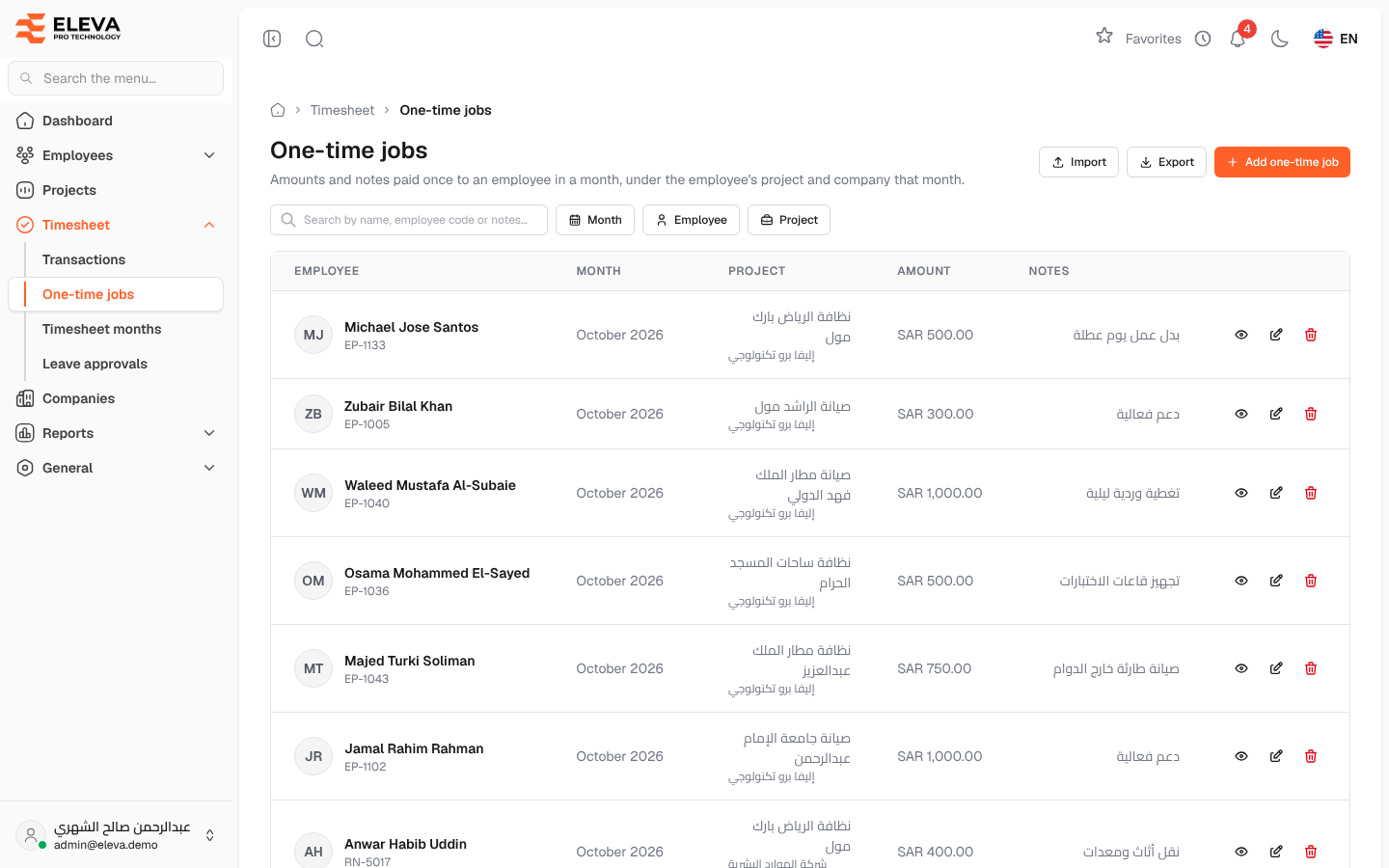
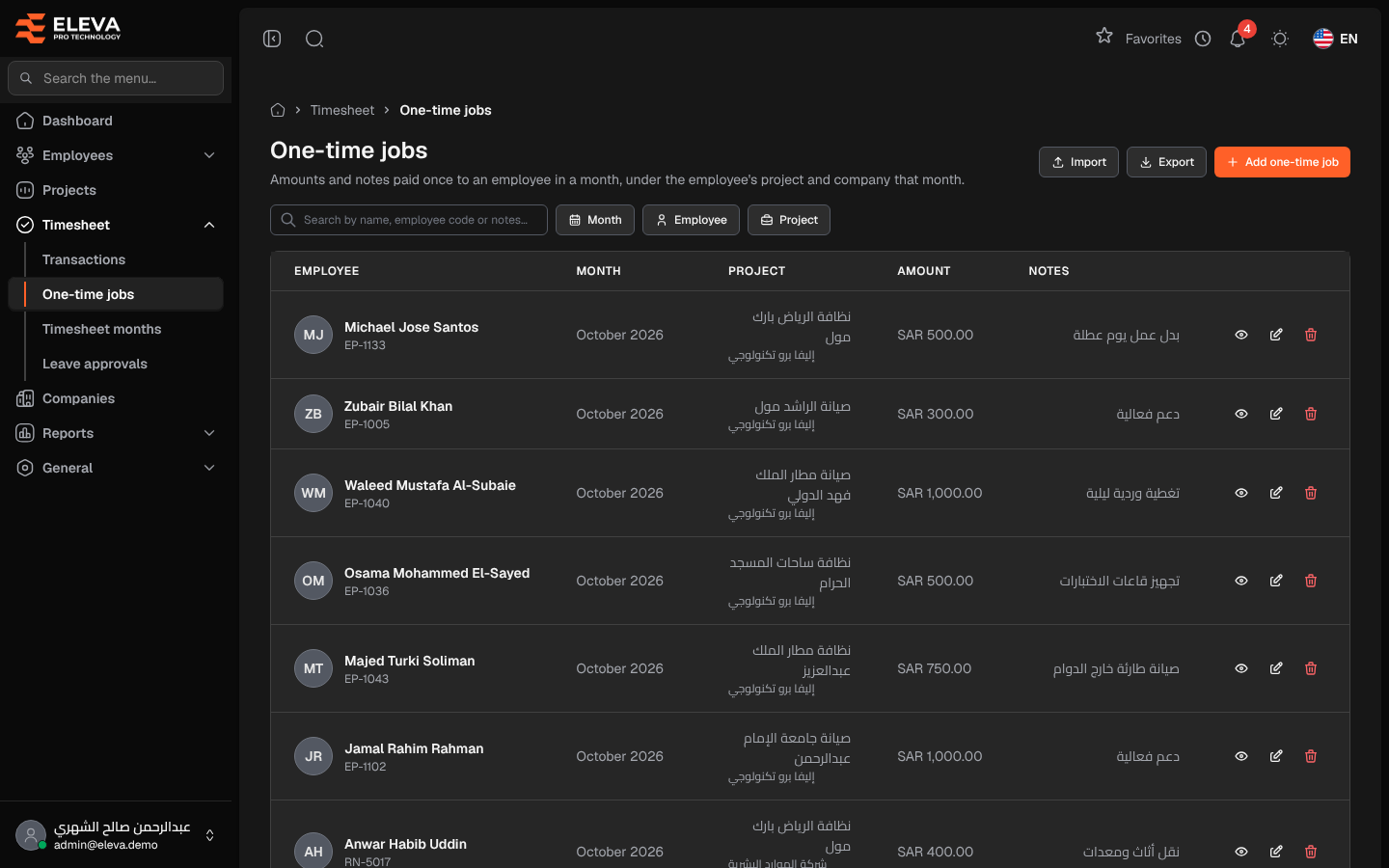
A one-time job is an amount paid once to an employee in a month, such as overtime or a bonus, with a note that justifies it. Each job is recorded under the project and company the employee had in that month, and it appears in the One-time job column of the month’s timesheet and in its files.
From the side menu, open Timesheet › One-time jobs.
What’s on this screen
Section titled “What’s on this screen”- Import — uploads an Excel file of one-time jobs for an open month.
- Export — downloads the jobs matching the current filters as an Excel file.
- Add one-time job — opens the form to add a job.
- Search by name, employee code or notes… — free-text search.
- The jobs table, newest first.
Filters
Section titled “Filters”- Month — the jobs of one timesheet month.
- Employee — one employee’s jobs.
- Project — the jobs of one project.
The filters stay in the page address, so a filtered list can be bookmarked or shared.
Columns
Section titled “Columns”- Employee — name and employee code.
- Month — the timesheet month. A lock icon means the month is locked.
- Project — the project, with the company underneath.
- Amount — the amount paid.
- Notes — the justification.
- Action icons — View, Edit and Delete. Edit and delete are hidden for jobs in a locked month.
How to import jobs
Section titled “How to import jobs”- Click Import.
- Choose the Month. Only open months are listed.
- Click Download template to get the file layout, and fill in one row per employee with the employee code, the amount and optional notes.
- Drop the file in the box or click to choose it (xlsx or csv, up to 10 MB), then click Upload file.
Required permissions
Section titled “Required permissions”- One-time jobs — View to open the screen, and Create, Edit, Delete, Import or Export for the matching buttons.
- A supervisor sees, exports and imports only their own employees’ jobs.