

Residence renewals
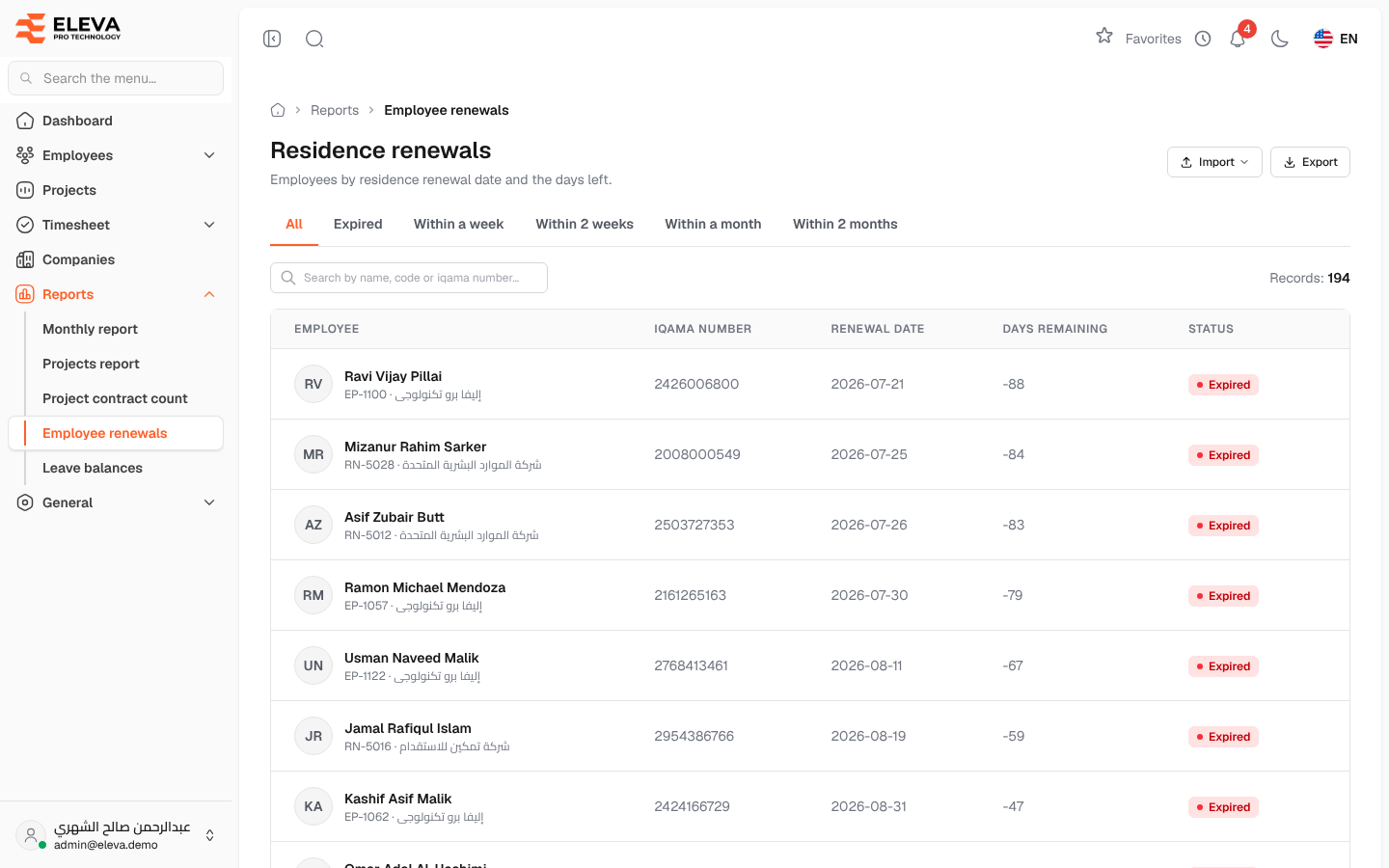
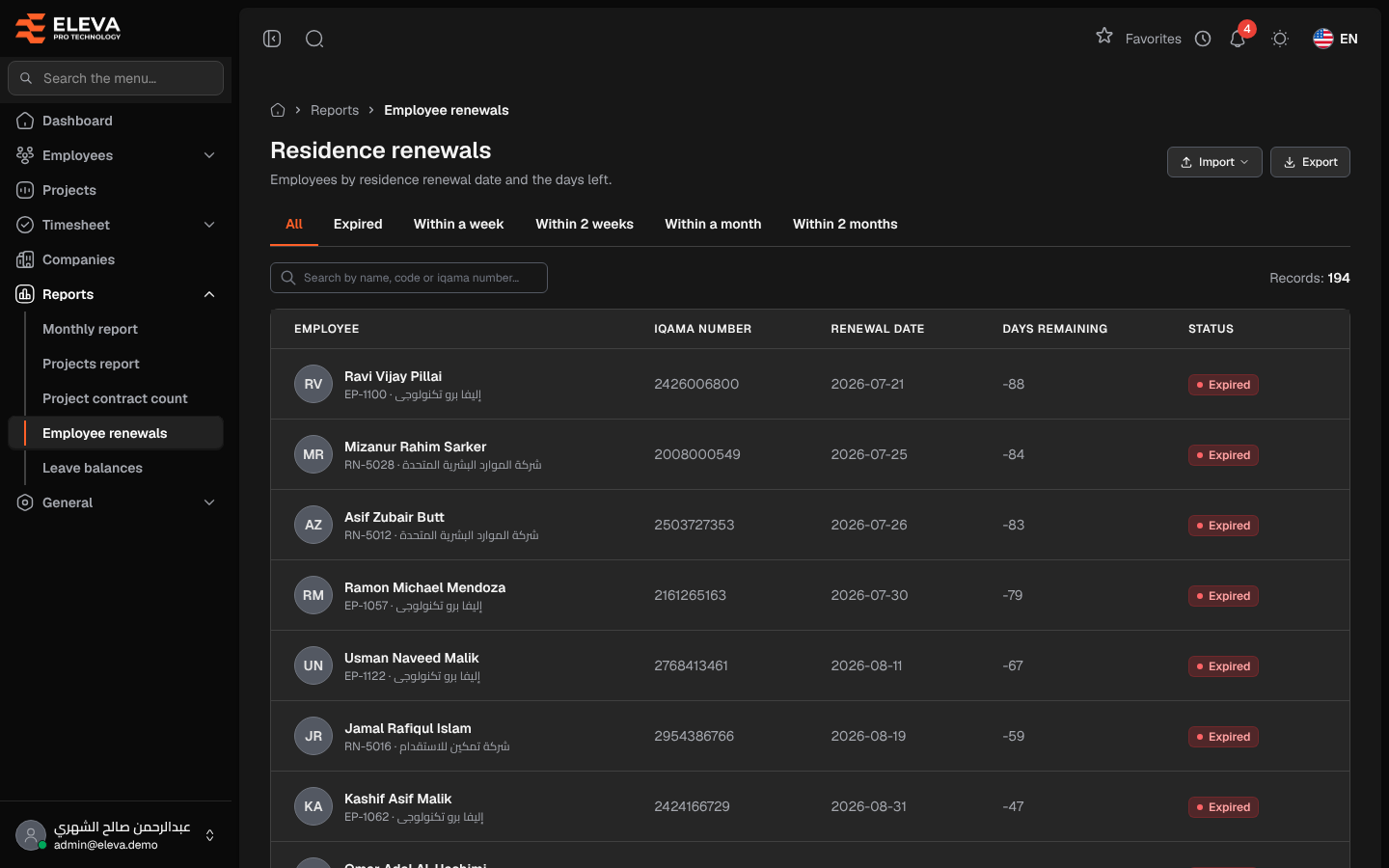
The Residence renewals screen lists employees by the date their residence (iqama) must be renewed, with the number of days left. Use it to follow up renewals before they expire, and to update renewal dates in bulk from a spreadsheet.
From the side menu, open Reports › Employee renewals.
What’s on this screen
Section titled “What’s on this screen”- Import — a menu with Update dates by employee code and Update dates by iqama number.
- Export — downloads the list as an Excel file, with the current tab and search.
- Tabs — All, Expired, Within a week, Within 2 weeks, Within a month and Within 2 months.
- Search by name, code or iqama number… and the Records: count.
- The employees table, soonest renewal first, 25 per page. Only employees with a renewal date are listed.
Columns
Section titled “Columns”- Employee — name, with the employee code and company underneath.
- Iqama number
- Renewal date
- Days remaining — calendar days from today; negative when the date has passed.
- Status — Expired (date passed), Expiring soon (30 days or fewer) or Valid.
How to update renewal dates from a file
Section titled “How to update renewal dates from a file”- Click Import and choose one of the two options.
- Prepare a file (xlsx, xls or csv, up to 10 MB) with a header row and the columns shown in the window:
- By employee code — columns
codeandresidence_renewal_date, with dates as day/month/year. - By iqama number — columns
iqama_noandresidence_renewal_date, with dates as YYYY-MM-DD or an Excel date.
- By employee code — columns
- Drop the file in the box or click to choose it, then click Upload file.
A message confirms how many dates were updated. Rows that could not be used are listed in the Import errors window; the other rows are still updated, so fix only the listed rows and upload them again.
Required permissions
Section titled “Required permissions”- Employee Renewals — View to open the screen, Export to download, Import to update dates from a file.
A supervisor sees and updates only their own employees.