

Employees
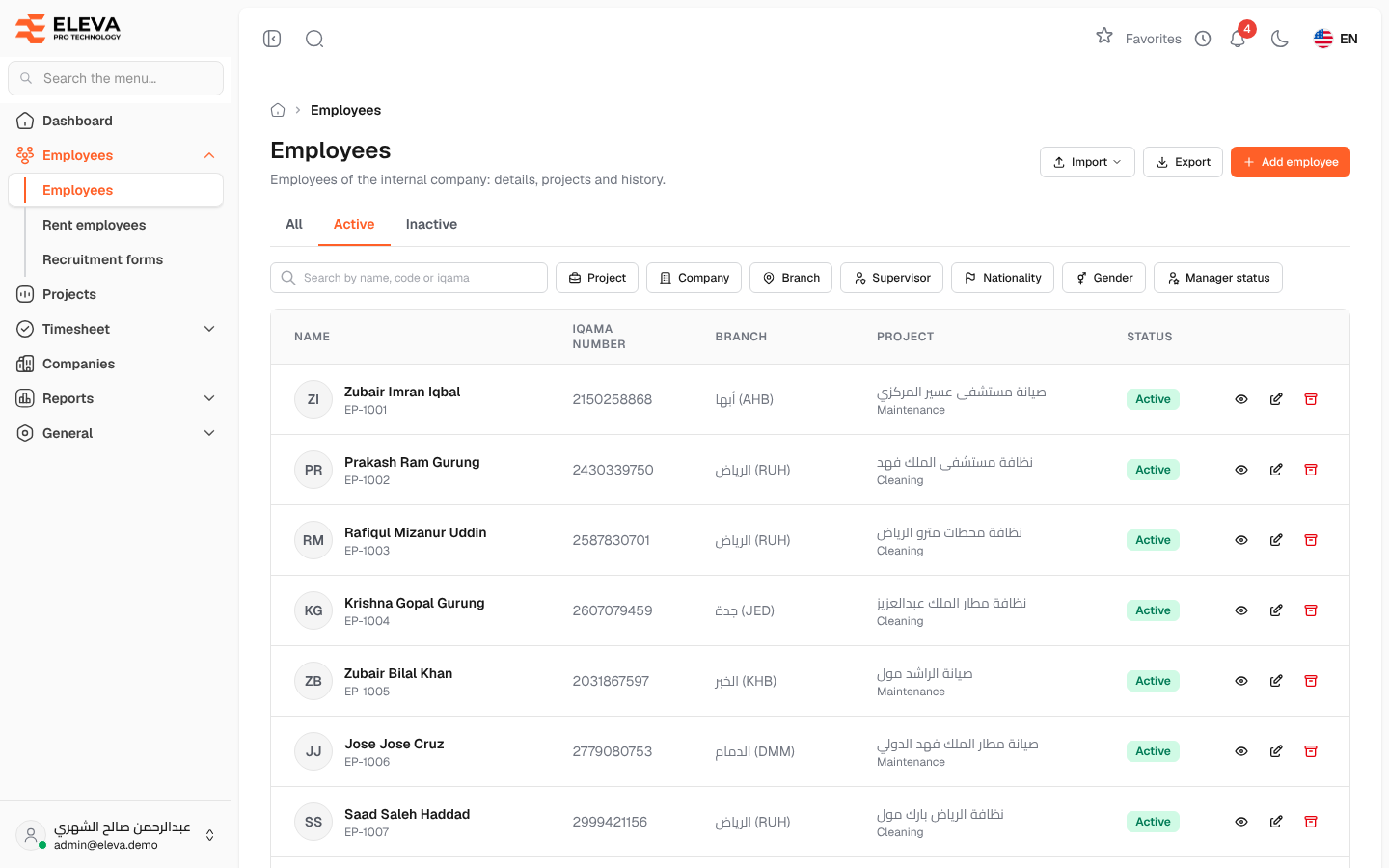
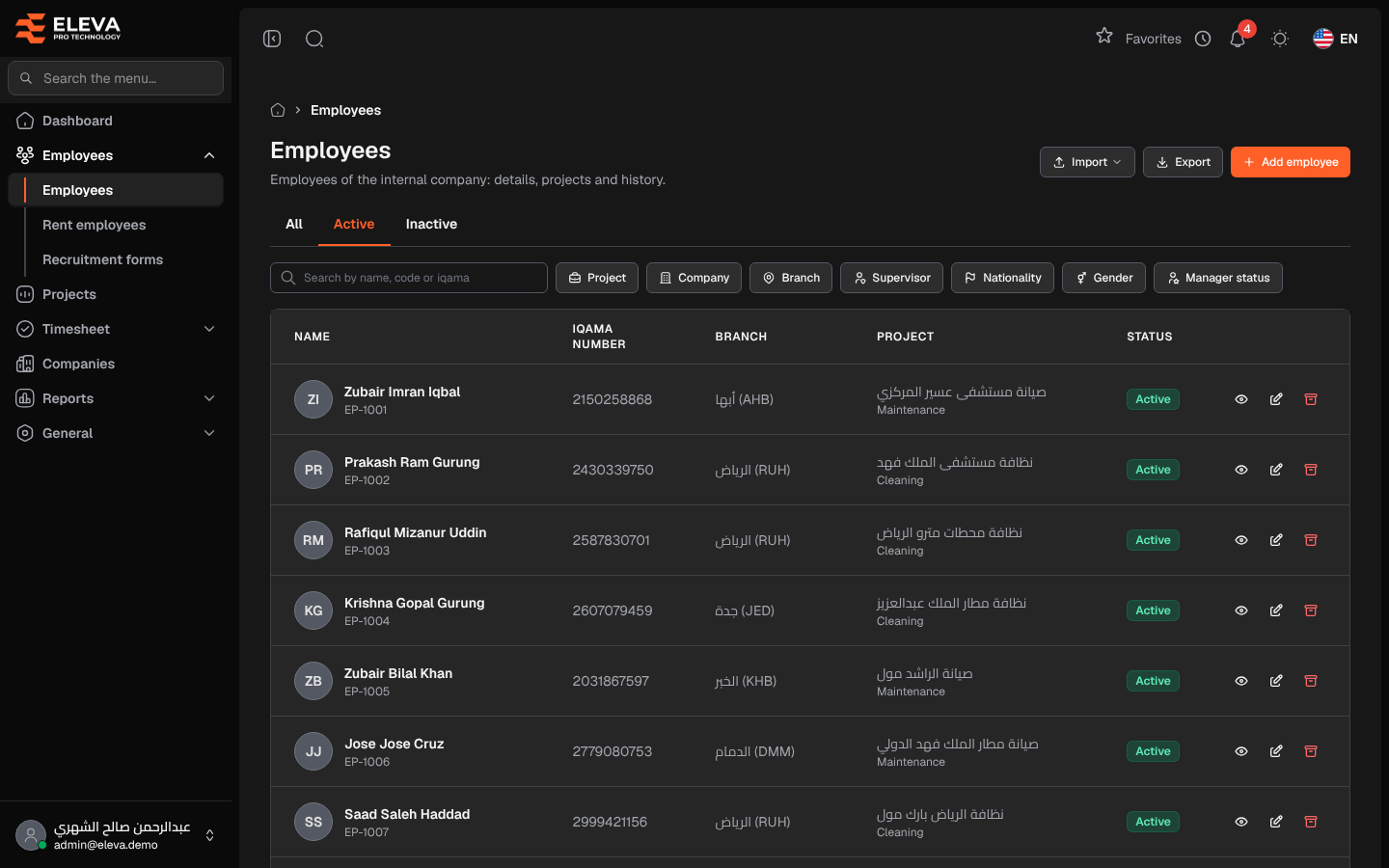
The Employees screen lists the employees of the company itself, with their branch, current project and status. Use it to find an employee, open their record, add a new employee, export the list or run a file import. Employees of rental companies are kept on a separate screen, Rent employees.
From the side menu, open Employees › Employees.
What’s on this screen
Section titled “What’s on this screen”- All, Active and Inactive: tabs that filter by status. The list opens on Active.
- Search by name, code or iqama: finds an employee by Arabic or English name, employee code or Iqama number.
- Filters: Project, Company, Branch, Supervisor (administrators only), Nationality, Gender and Manager status (Manager or Not a manager).
- Import: a menu of file imports. See Import employees from a file.
- Export: downloads an Excel file of the list as shown: the same tab, filters, search and sort.
- Add employee: opens the new employee form.
Columns
Section titled “Columns”- Name: the employee’s name (in the language you are using) with the employee code below it.
- Iqama number
- Branch
- Project: the current project, with its type (Maintenance, Cleaning or No type) below it.
- Status: Active or Inactive.
- Actions: View, Edit and Archive.
How to find an employee
Section titled “How to find an employee”- From the side menu, open Employees › Employees.
- Pick the Active, Inactive or All tab.
- Type a name, code or Iqama number in the search box, or choose one or more filters.
- Click the row, or View, to open the employee’s record.
The tab, search and filters are kept in the page address, so you can bookmark or share a filtered list.
How to archive an employee
Section titled “How to archive an employee”- Click Archive in the employee’s row.
- Confirm with Archive.
The employee leaves the list but their history is kept.
Required permissions
Section titled “Required permissions”- Employees › View to open the screen.
- Employees › Create, Edit and Delete for Add employee, Edit and Archive.
- Employees › Export for Export.
- Employees › Import, Deactivate or Edit for the import menu; each import appears only with its own permission.