

Monthly report
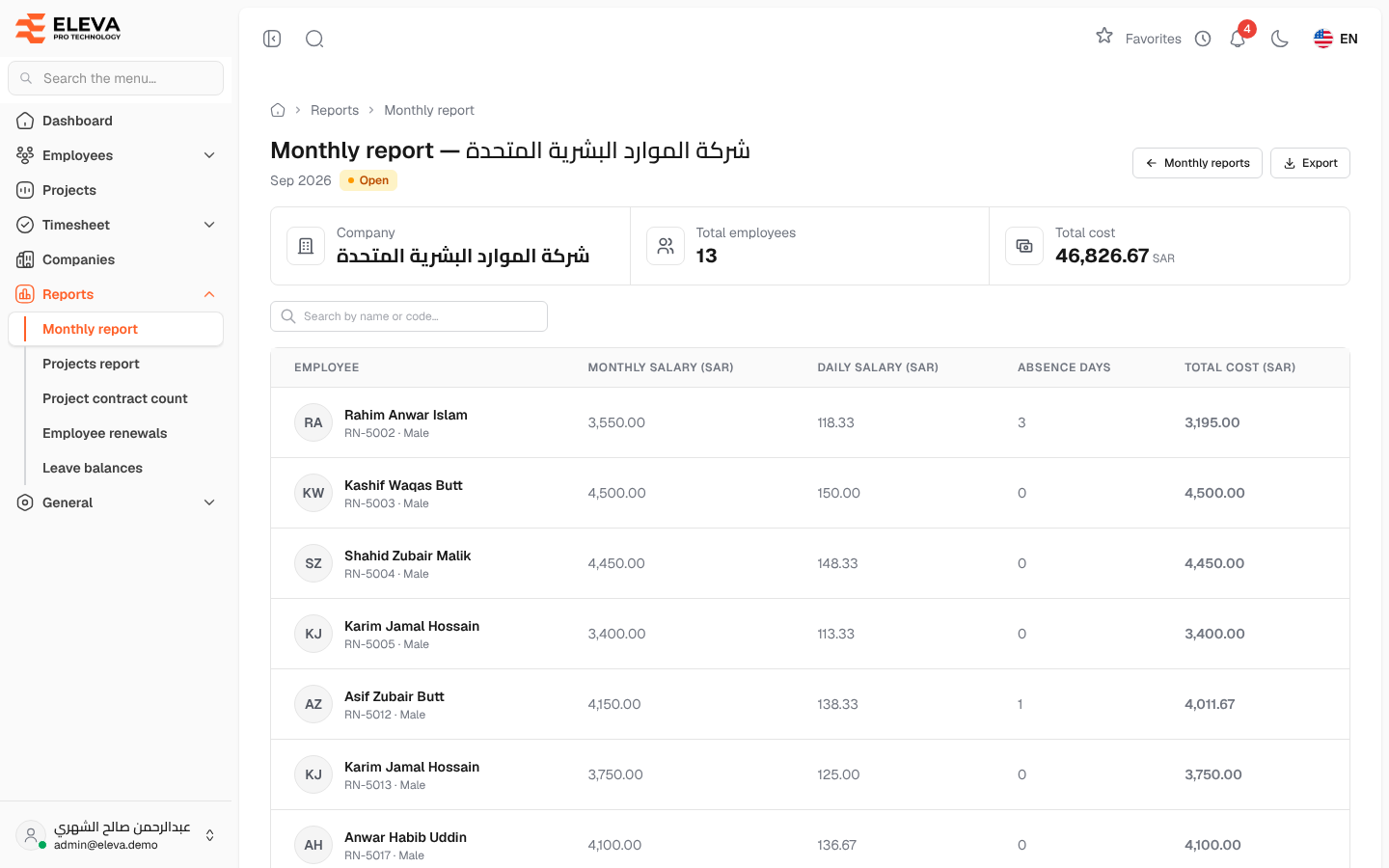
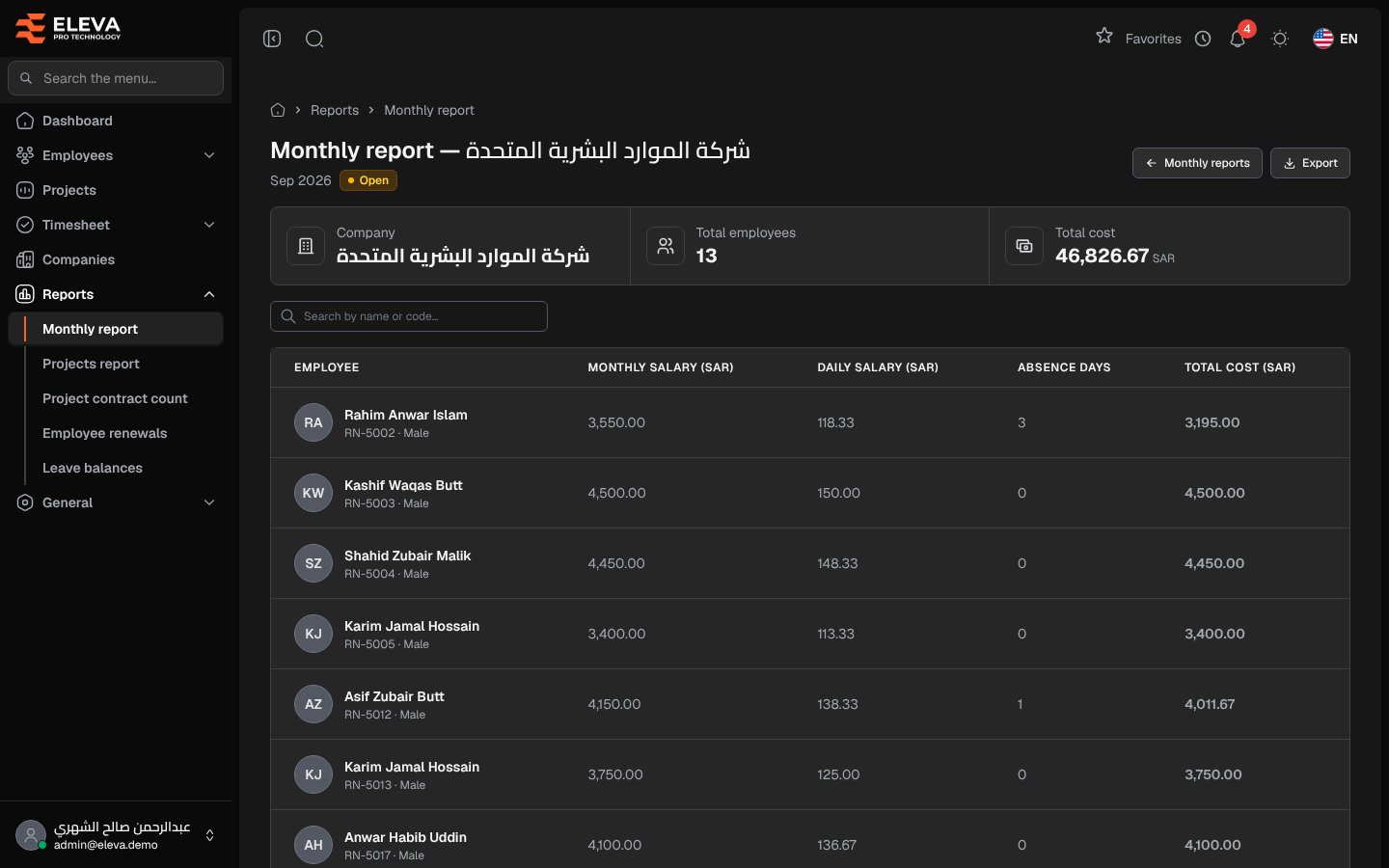
A monthly report shows one external company’s cost for one month, employee by employee: their monthly and daily salary, their absence days and what they cost after absences. Use it to check the company’s bill line by line or to send it as a spreadsheet.
From the side menu, open Reports › Monthly report, choose the month, then click the company’s row.
What’s on this screen
Section titled “What’s on this screen”- Header — Monthly report — with the company name, the month and the report status (Open or Locked).
- Monthly reports — returns to the list for the same month.
- Export — downloads the lines as an Excel file.
- Summary cards — Company, Total employees and Total cost.
- Search by name or code… — finds an employee’s line.
- The lines table, with page controls at the bottom.
Columns
Section titled “Columns”- Employee — name, with the employee code and gender underneath.
- Monthly salary (SAR) — the employee’s monthly rate.
- Daily salary (SAR) — the monthly rate divided by the number of days in the month.
- Absence days — days covered by approved transactions on which the employee was billed.
- Total cost (SAR) — the monthly rate less the days not billed and the absence days, at the daily rate.
How to export the report
Section titled “How to export the report”- Open the report.
- Click Export. The file contains the same lines you see on the page.
Required permission
Section titled “Required permission”You need Monthly report — View.