

Companies
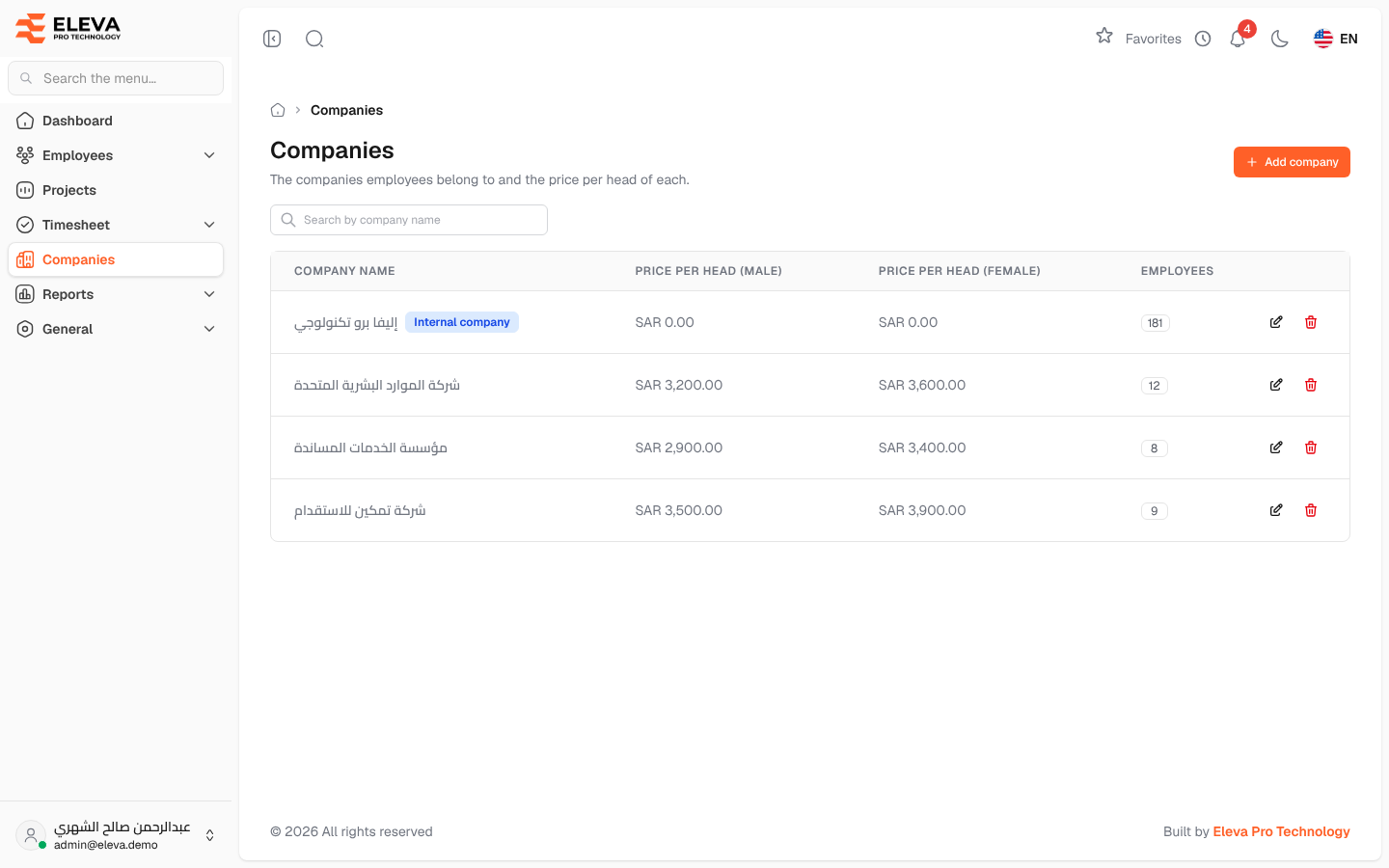
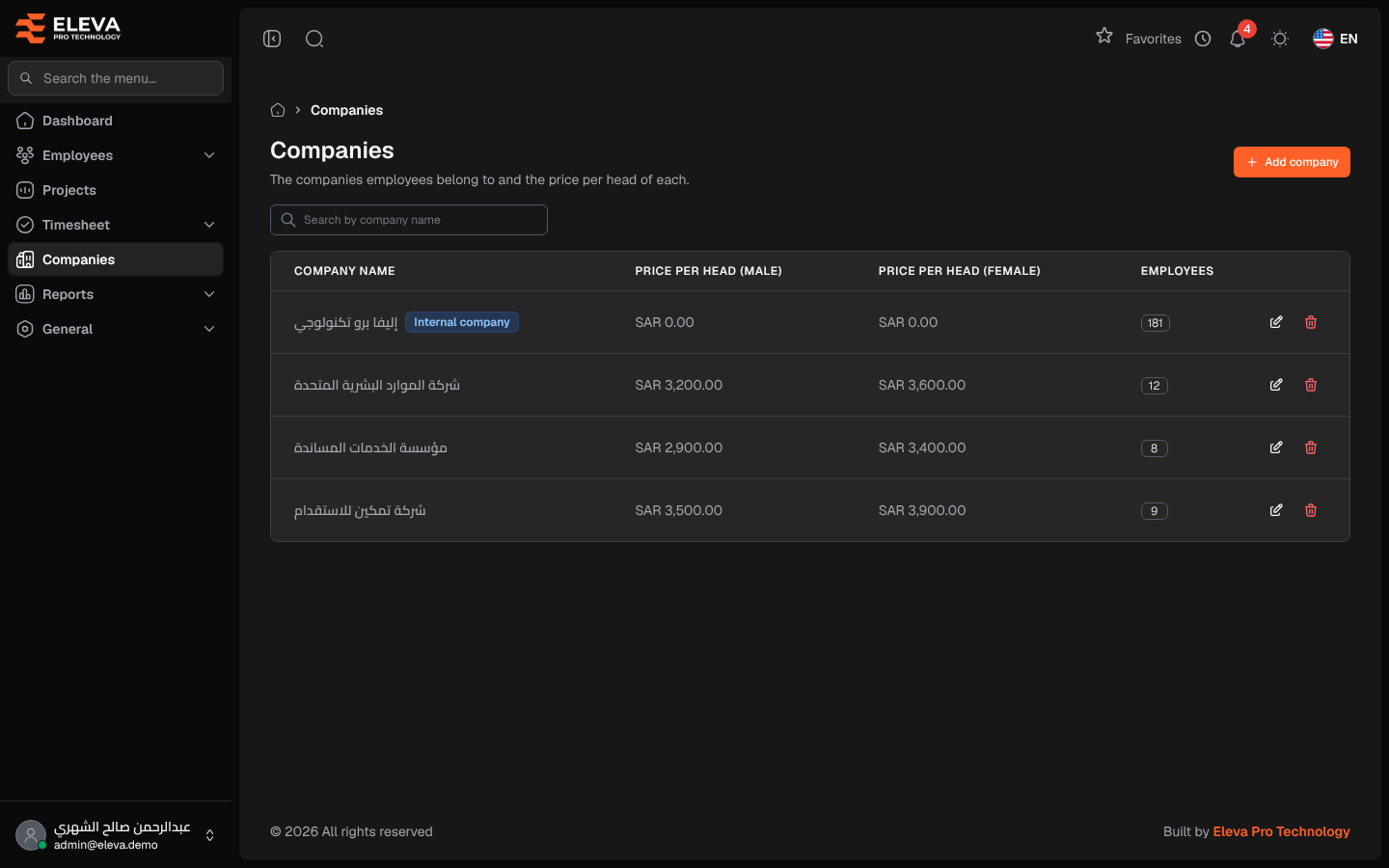
Companies are the employers your employees belong to. Each company has a price per head for male and female employees, which the system uses when an employee is added to the company and for billing.
From the side menu, open Companies.
What’s on this screen
Section titled “What’s on this screen”- Search by company name — find a company quickly.
- Add company — create a new company.
- A table of companies; click a row to edit it.
Columns
Section titled “Columns”- Company name — with an Internal company tag on your own organisation.
- Price per head (male) and Price per head (female) — in SAR.
- Employees — how many employees belong to the company.
- Actions — Edit (pencil icon) and Delete (trash icon).
Fields
Section titled “Fields”- Company name — required.
- Price per head (male) — required, 0 or more.
- Price per head (female) — required, 0 or more.
How to add a company
Section titled “How to add a company”- Click Add company.
- Fill in the Company name and the two prices per head.
- Click Save company.
How to edit or delete a company
Section titled “How to edit or delete a company”- Click the company’s row, or the pencil icon, change the details and click Save changes.
- To delete, click the trash icon and confirm.
Required permission
Section titled “Required permission”Companies › View. Adding, editing and deleting need Companies › Create, Companies › Edit and Companies › Delete.