

Activations
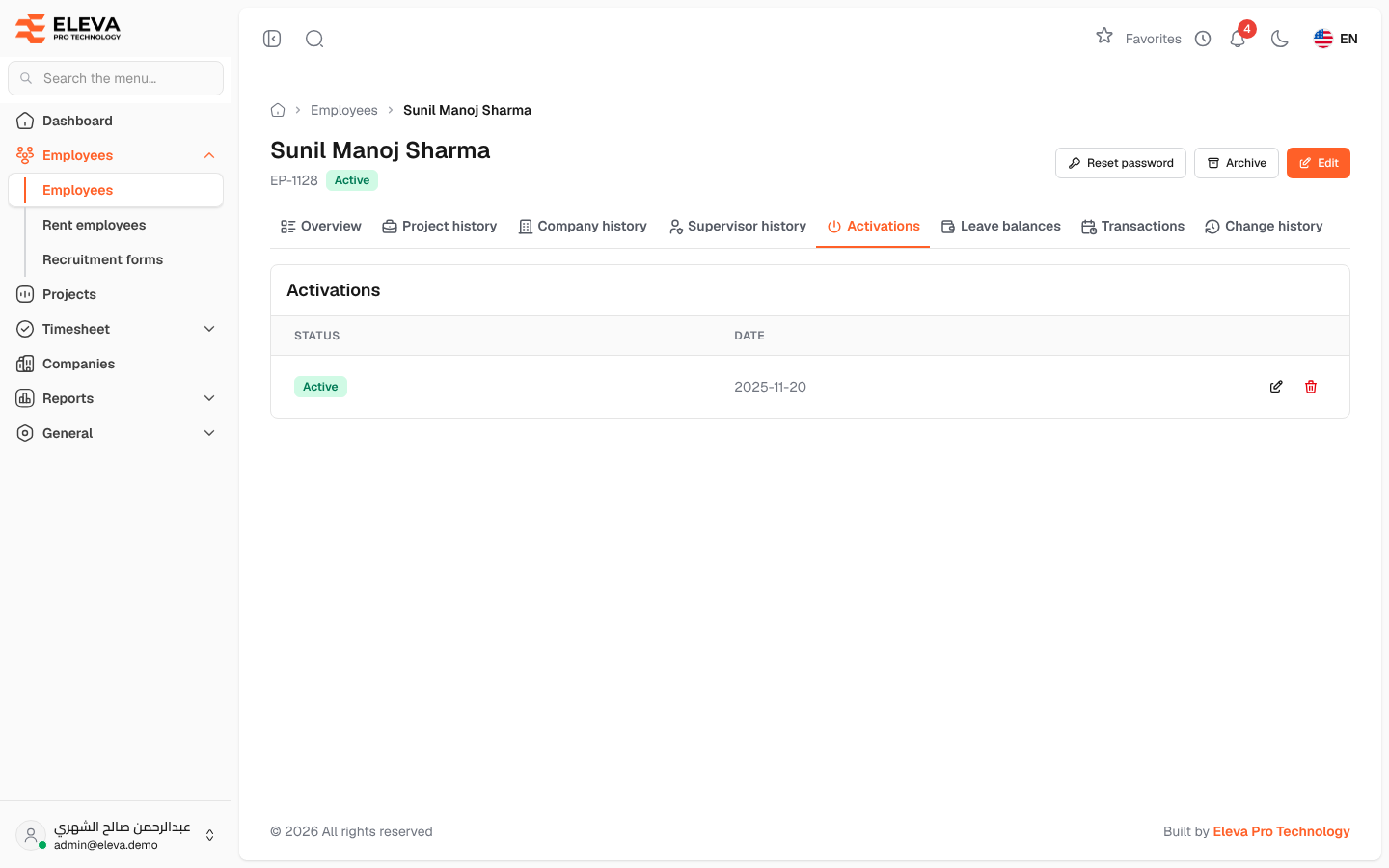
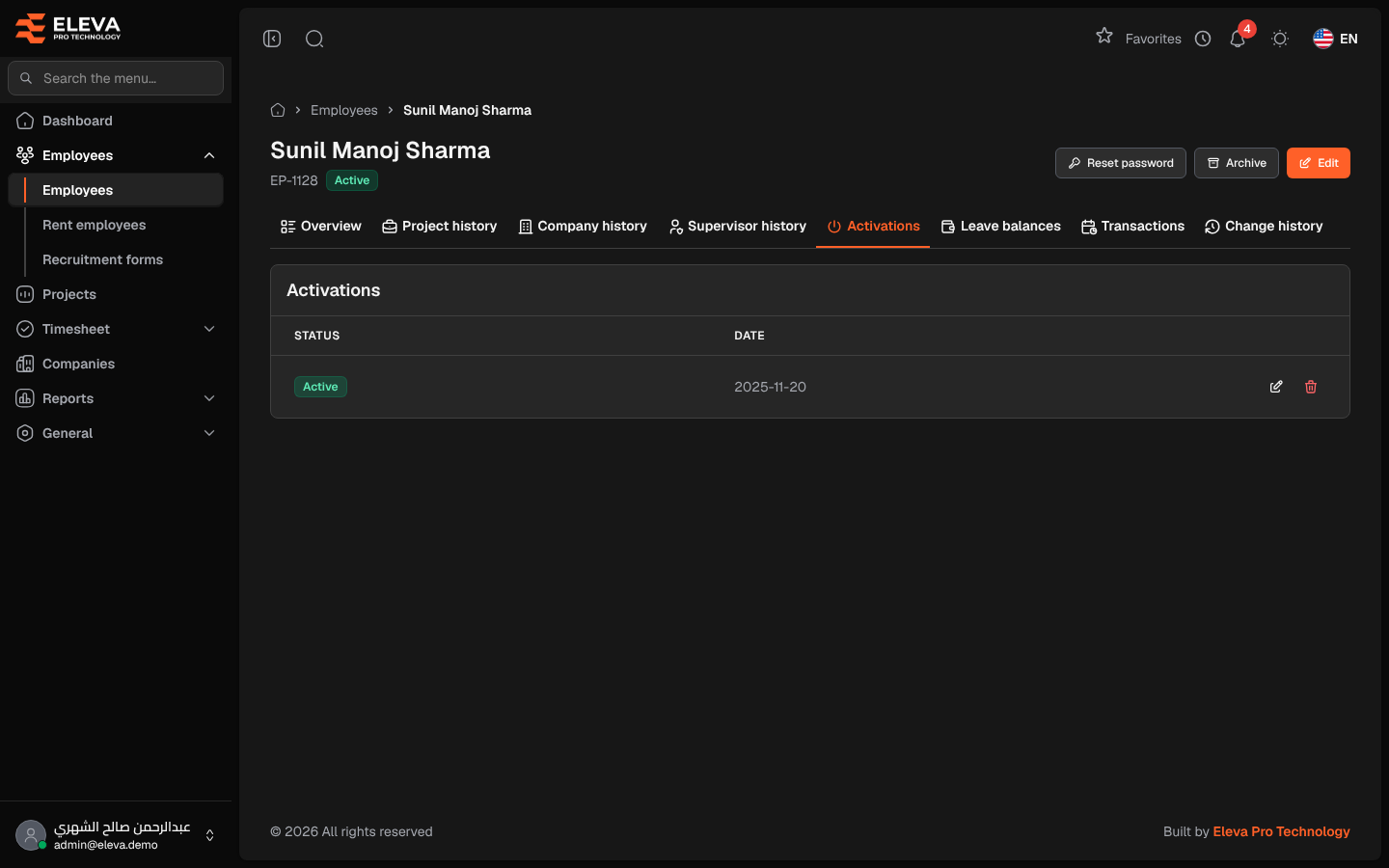
The Activations tab of an employee’s record lists every time the employee was activated or deactivated, with the date. The employee’s current status follows the latest row, and billing, leave accrual and the timesheet month grid use these dates to know when the employee was working.
From the side menu, open Employees › Employees, click the employee, then the Activations tab.
Columns
Section titled “Columns”- Status: Active or Inactive.
- Date: the date the change took effect.
- Actions: Edit and Delete.
The rows appear oldest first, 10 per page.
Where the rows come from
Section titled “Where the rows come from”- When the employee is created, a first row is recorded on the join date.
- When you edit the employee and change Status, a row is added on the Status change date.
- The Deactivate employees import adds an Inactive row dated the day of the import.
How to correct a row
Section titled “How to correct a row”- Click Edit in the row.
- Change the Status or the Date.
- Click Save row.
How to delete a row
Section titled “How to delete a row”- Click Delete in the row.
- Confirm with Delete.
After a change, the employee’s status is updated to match the latest row.
Required permissions
Section titled “Required permissions”- Employees › View to see the tab.
- Employee Activations › Edit and Employee Activations › Delete to edit or delete a row.