

Recruitment
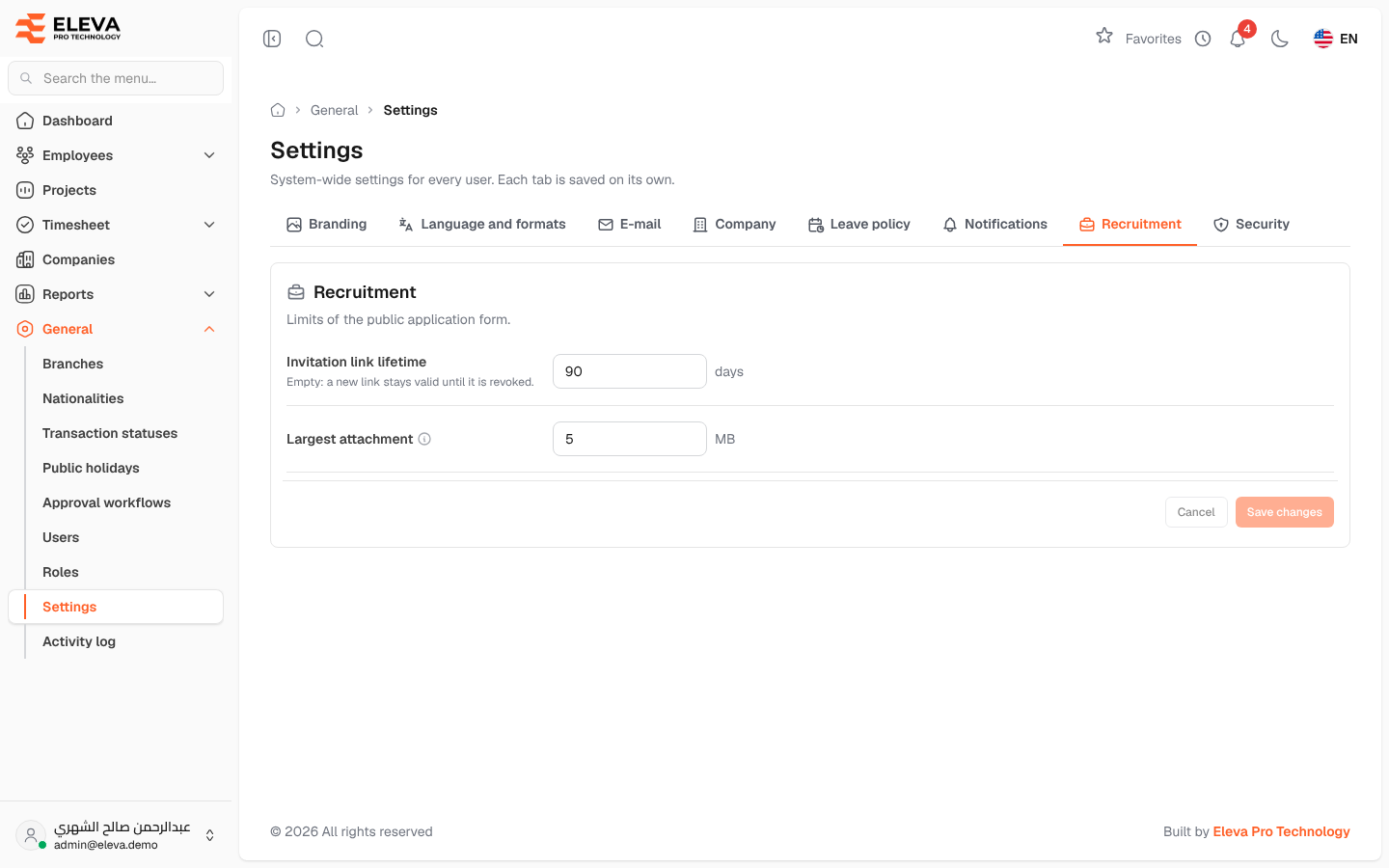
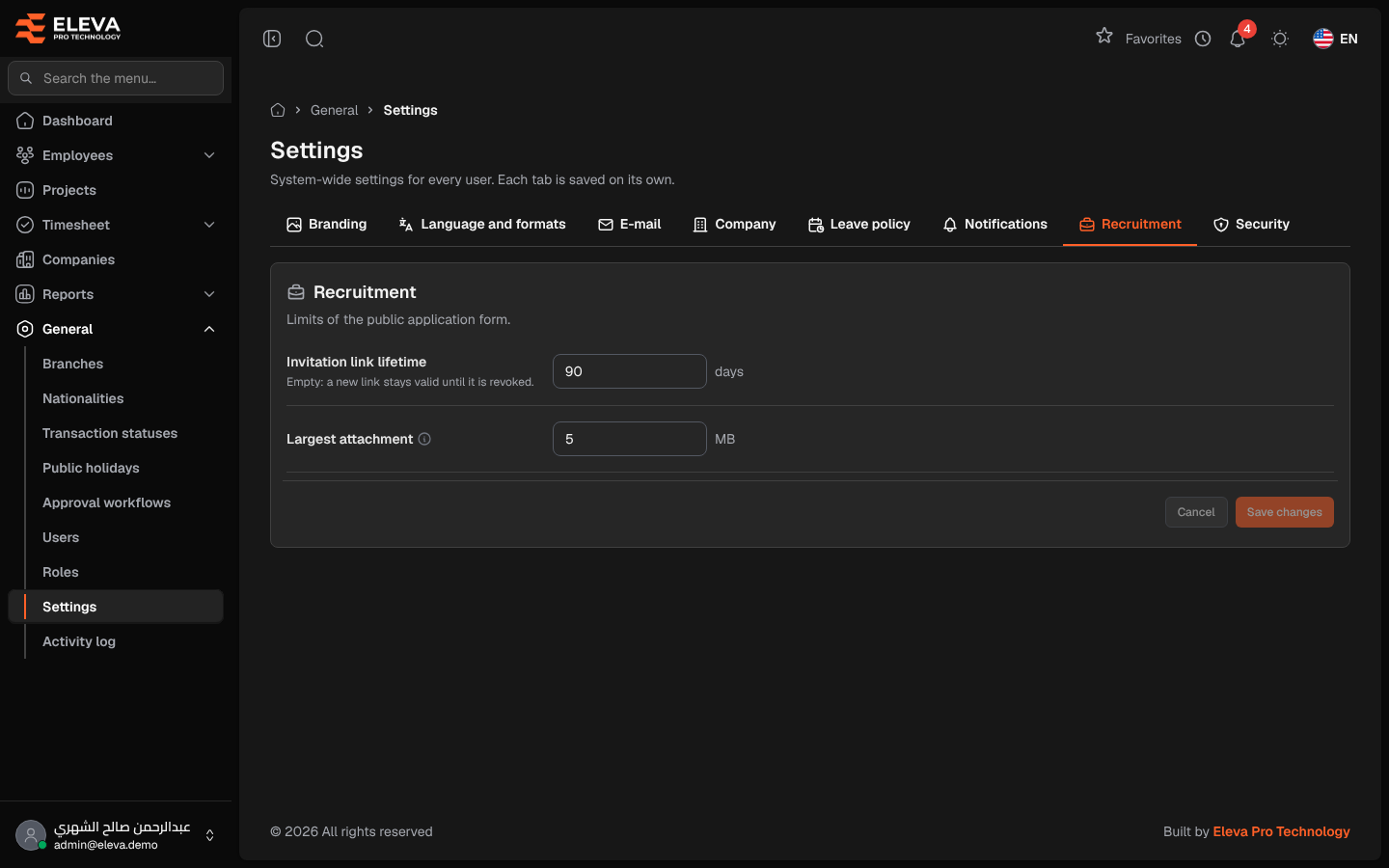
The Recruitment tab sets the limits of the online recruitment application form: how long invitation links stay valid and how large each attached file can be.
From the side menu, open General › Settings, then click the Recruitment tab.
Fields
Section titled “Fields”- Invitation link lifetime — the number of days a new invitation link stays valid (1 to 3650). Leave it empty (Never expires) to keep new links valid until they are revoked.
- Largest attachment — the maximum size, in MB, of each file a candidate uploads (1 to 50). The form tells candidates this limit.
How to change the recruitment settings
Section titled “How to change the recruitment settings”- Enter the Invitation link lifetime, or leave it empty.
- Enter the Largest attachment size.
- Click Save changes. To discard your edits, click Cancel.
Required permission
Section titled “Required permission”Settings › Manage, on an Admin account.