

Employee transactions
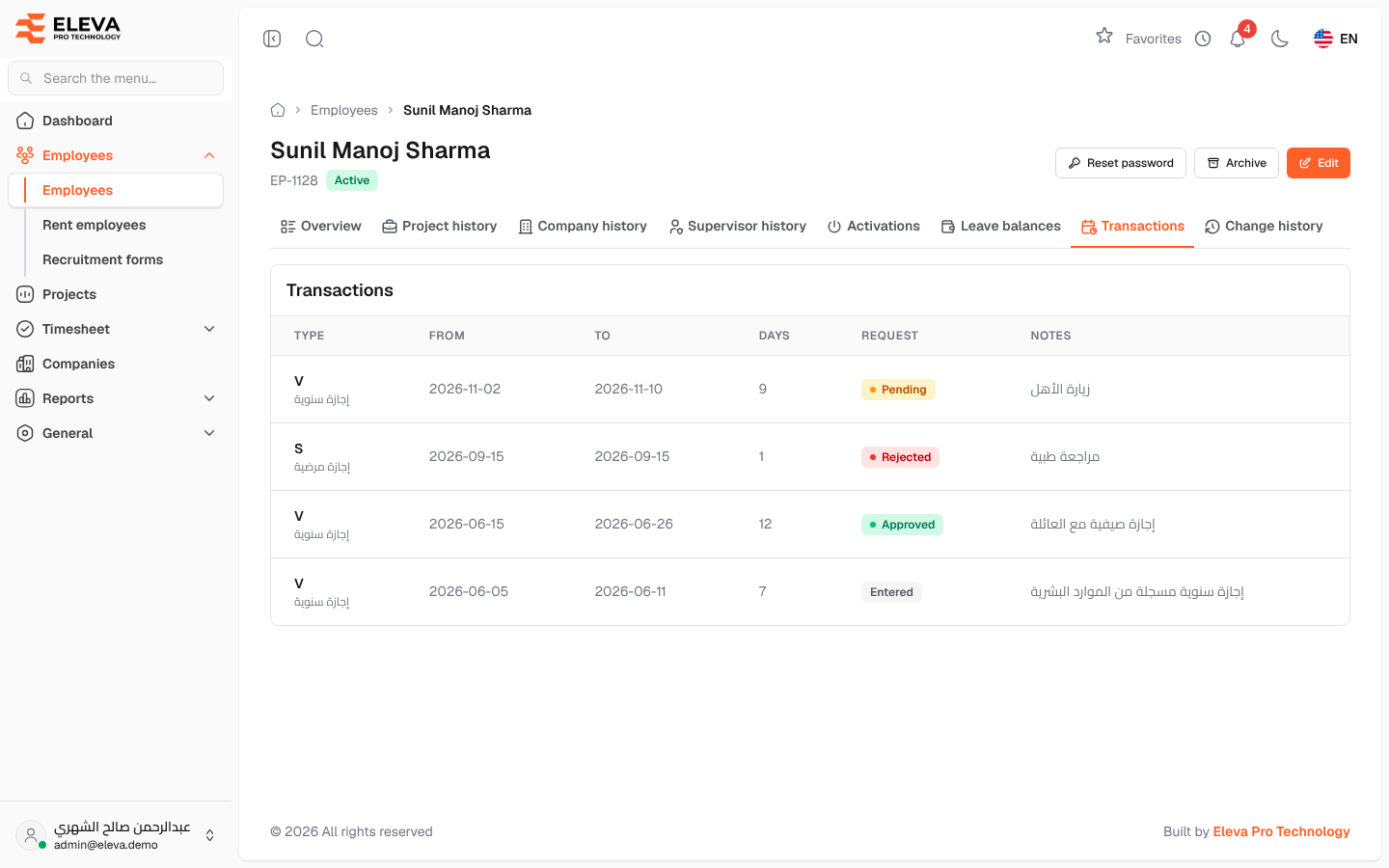
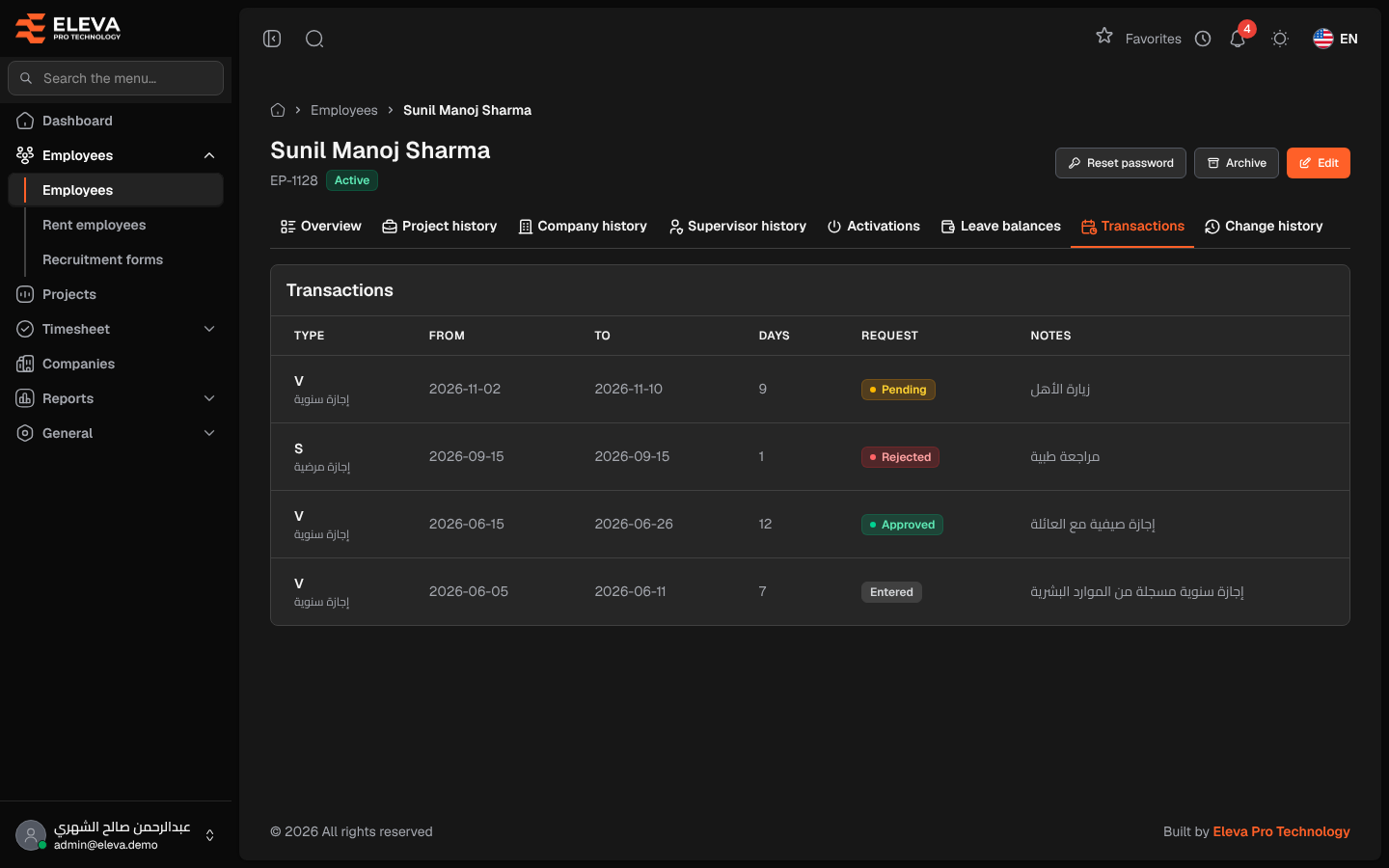
The Transactions tab of an employee’s record lists the employee’s latest transactions: leave, absence and the other entries recorded for them, whether the employee requested them from the portal or they were entered in the back office. Use it to see at a glance what has been recorded for an employee and the state of their requests.
From the side menu, open Employees › Employees, click the employee, then the Transactions tab. Rent employees have the same tab on their record.
Columns
Section titled “Columns”- Type: the transaction status code with its description below it, for example annual leave.
- From and To: the first and last day of the transaction.
- Days: the number of days.
- Request: for a request made by the employee, its state: Pending, Approved or Rejected. An entry made in the back office shows Entered.
- Notes
The tab shows the 50 most recent transactions, newest first. When there are none, it shows No transactions for this employee.
How to open a transaction
Section titled “How to open a transaction”Click a row to open the transaction’s page, where you can see its full details and, for a request, its approval history.
Required permissions
Section titled “Required permissions”- Employees › View to open the employee’s record.
- Transactions › View to see this tab.