

Approval workflows
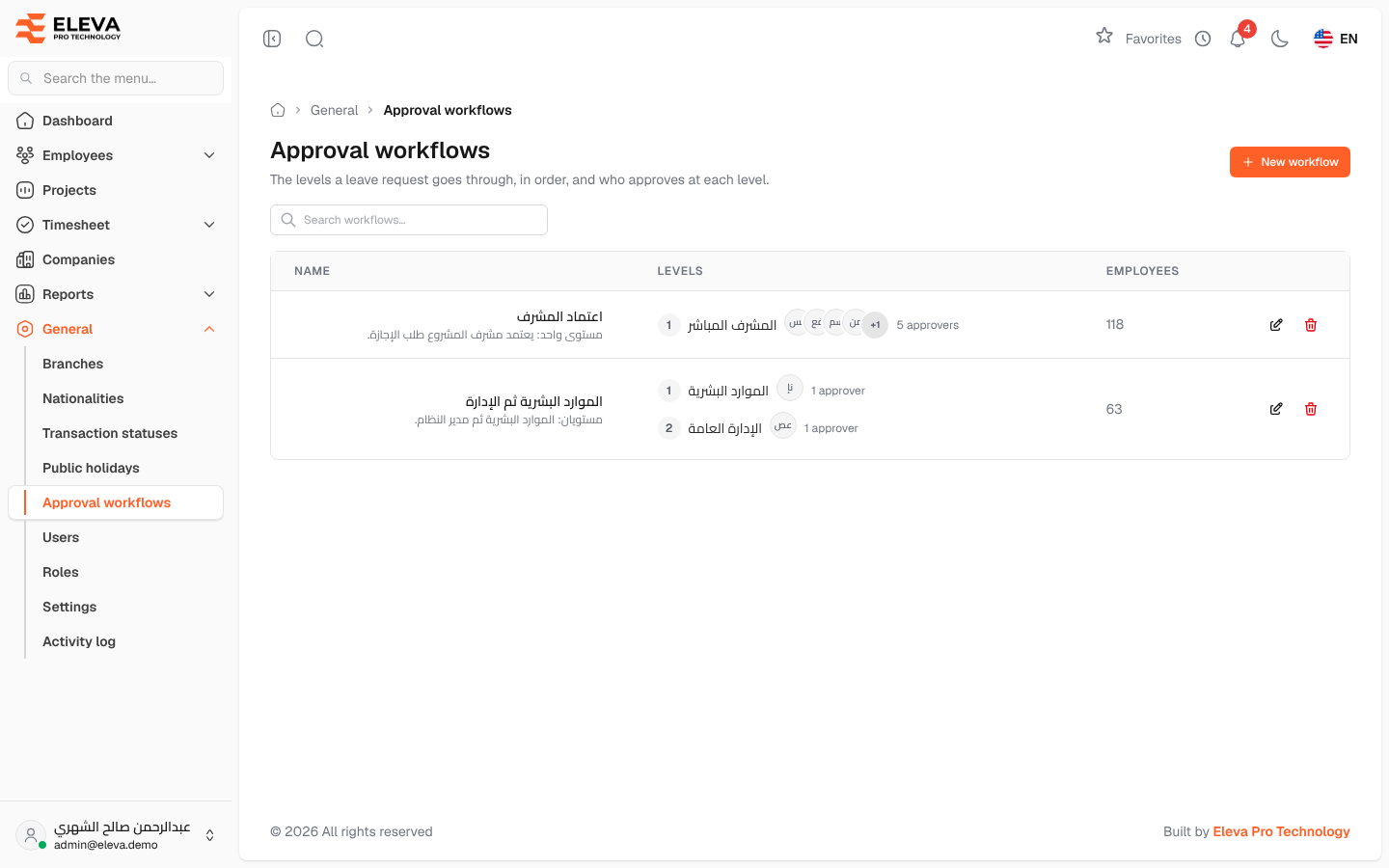
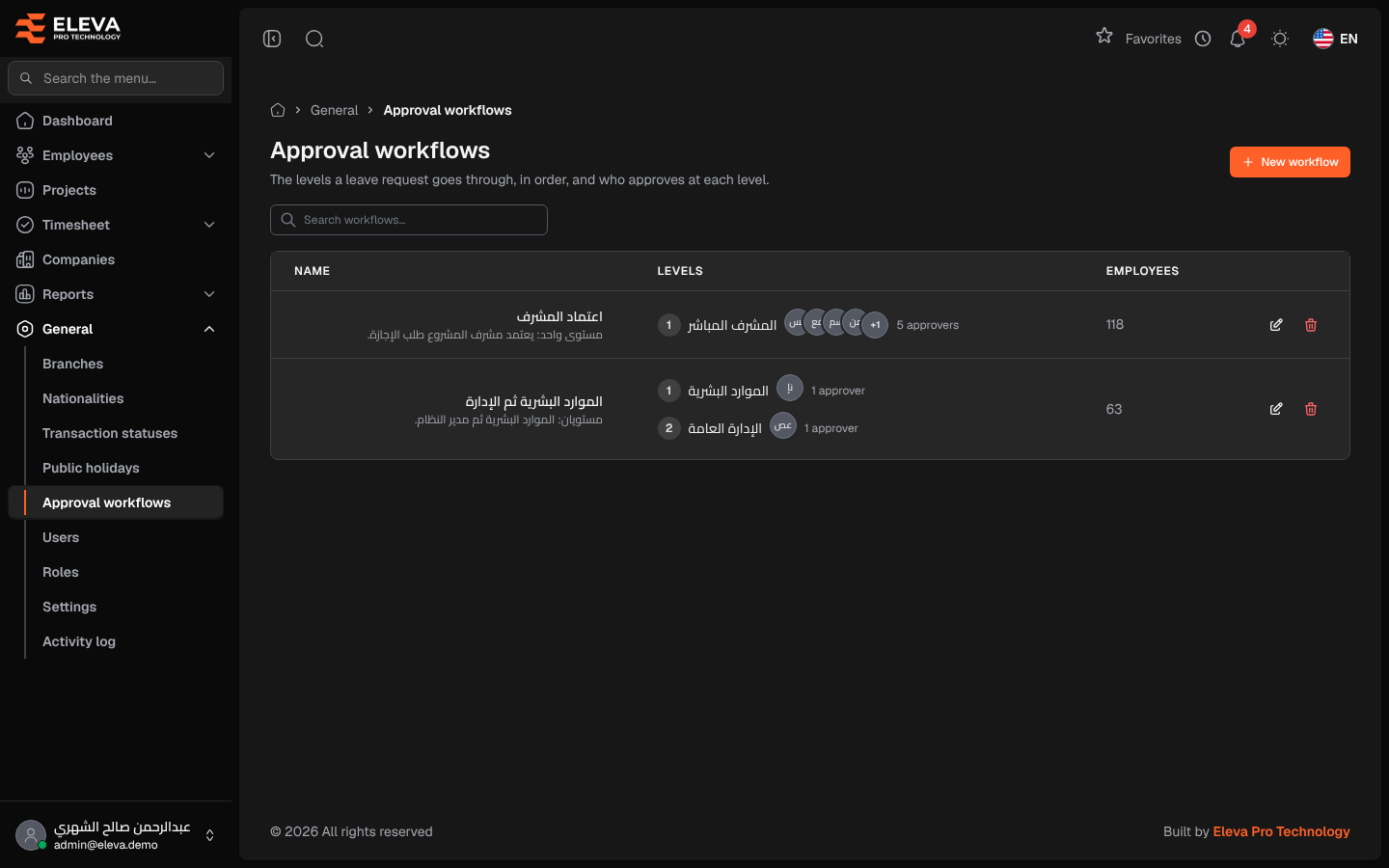
An approval workflow sets the levels a leave request goes through, in order, and who approves at each level. Each employee is given a workflow on the employee form, and their leave requests follow it on the Leave approvals screen.
From the side menu, open General › Approval workflows.
What’s on this screen
Section titled “What’s on this screen”- Search workflows… — find a workflow by name.
- New workflow — create a workflow.
- A table of workflows; click a row to edit it.
Columns
Section titled “Columns”- Name — the workflow’s name, with its description underneath.
- Levels — each level in order, with its number, name, the approvers’ initials and how many approvers it has.
- Employees — how many employees use the workflow.
- Actions — Edit (pencil icon) and Delete (trash icon).
How to edit a workflow
Section titled “How to edit a workflow”Click the workflow’s row or the pencil icon. The workflow form opens; see Edit approval workflow.
How to delete a workflow
Section titled “How to delete a workflow”- Click the trash icon on the workflow’s row.
- Confirm in the Delete workflow window.
Required permission
Section titled “Required permission”Approval workflows › View. Adding, editing and deleting need Approval workflows › Create, Approval workflows › Edit and Approval workflows › Delete. Supervisor accounts cannot open this screen.