

Import employees from a file
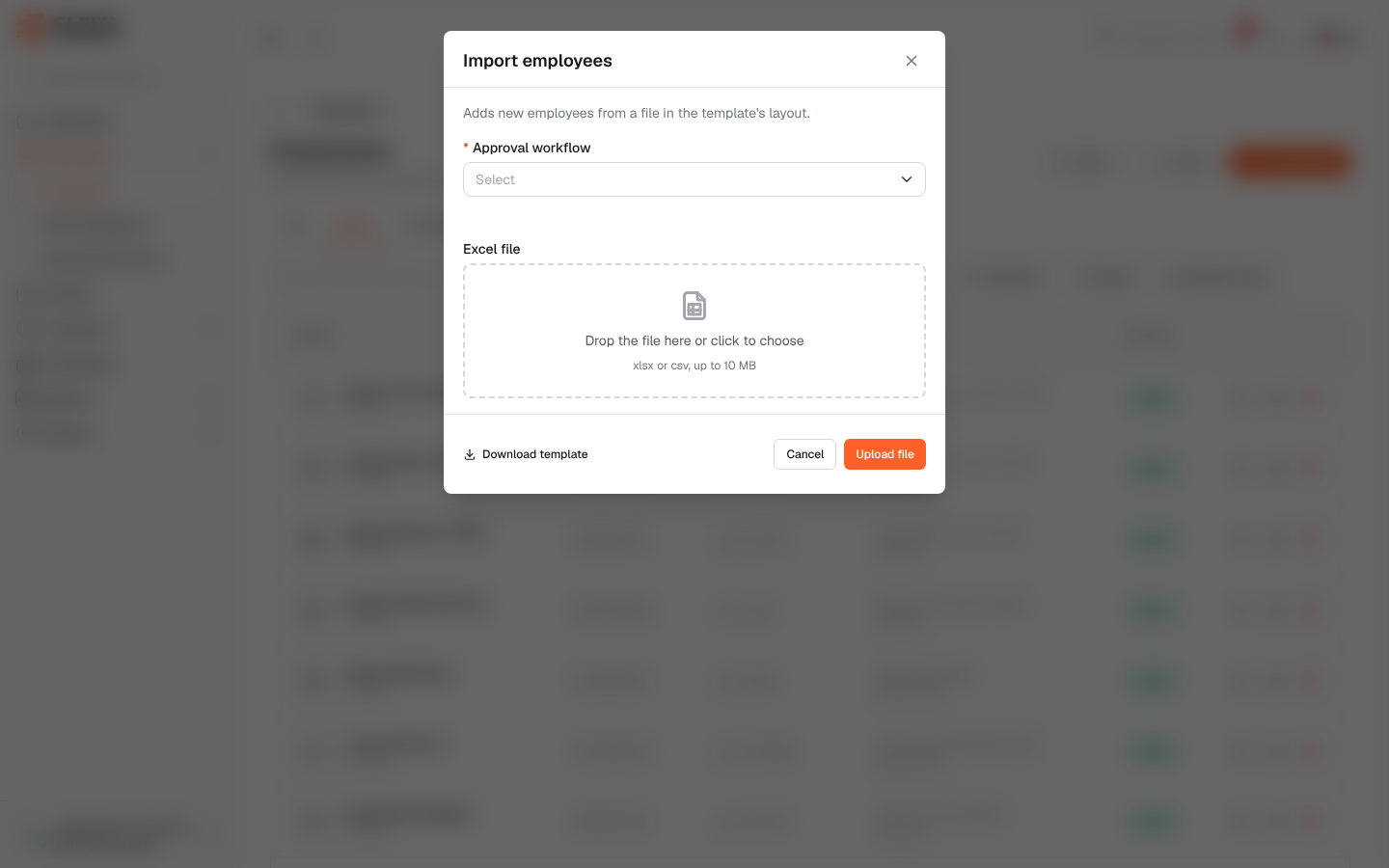
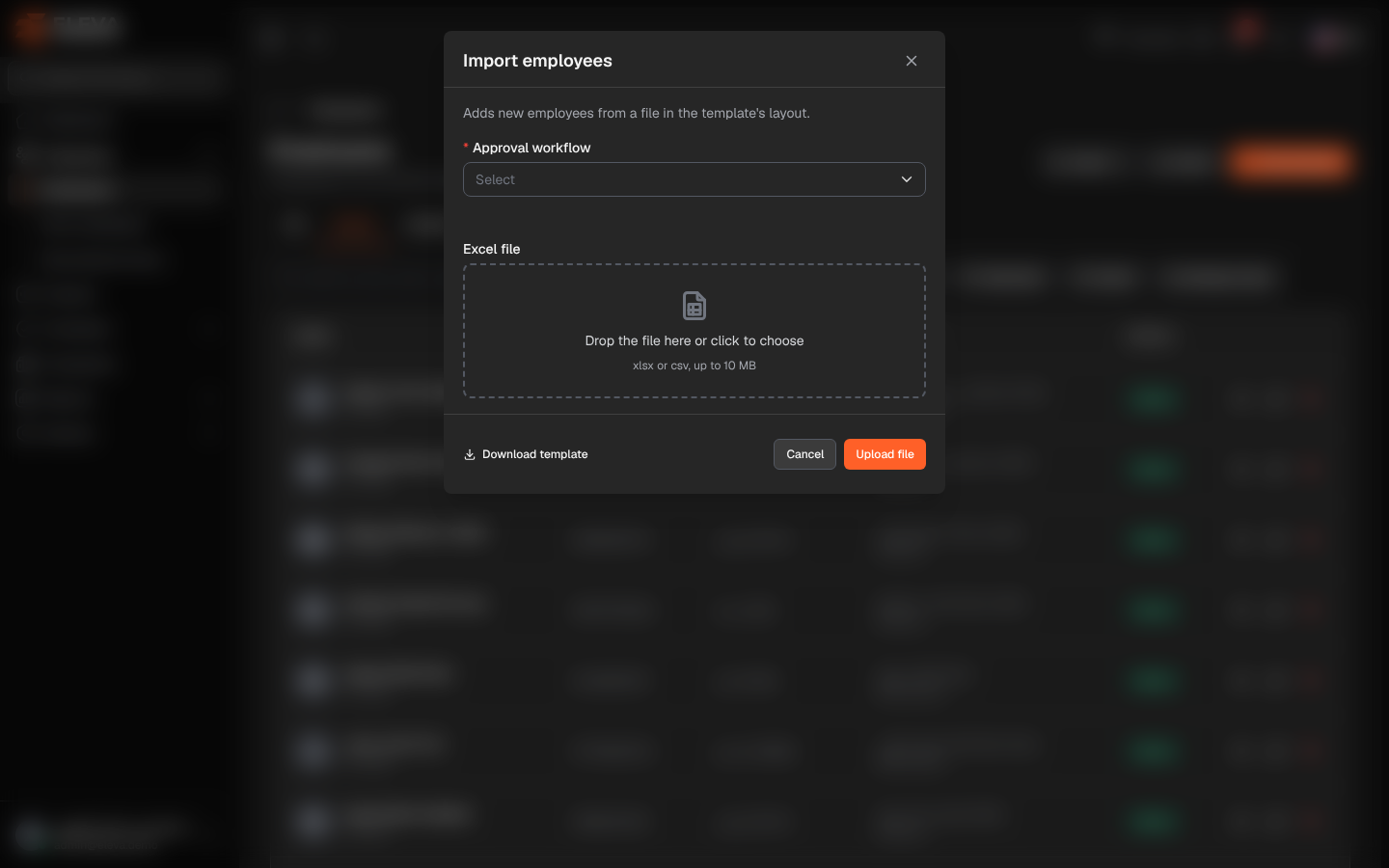
The Import menu on the employees list lets you change many employees at once from an Excel file instead of one by one: add new employees, deactivate employees, move employees to new projects, or update join dates and leave balances.
From the side menu, open Employees › Employees, click Import and choose the import you need. The menu shows only the imports your role allows.
The imports
Section titled “The imports”- Import employees: adds new employees. Columns: employee code, English and Arabic names, Iqama number (ten digits, not already used), branch (name exactly as saved), project code and project name, supervisor (the supervisor’s user number) and join date. A project code that does not exist yet creates the project. The window asks for the Approval workflow given to every employee in the file, and each employee gets their join date and zero leave balances, as on the add form.
- Deactivate employees: deactivates the employees whose codes are listed, as of the day of the import.
- Update projects: moves each listed employee (by code) to the project named in the file, exactly as saved and not archived. The current assignment ends yesterday and the new one starts today.
- Import transactions: for each employee (by Iqama number), updates the join date (day/month/year), and optionally the nationality, the manager status (leave type 30 marks a manager) and the annual leave opening balance.
How to import a file
Section titled “How to import a file”- Click Import and choose the import.
- In the window, click Download template and open it in Excel. For Import employees, also choose the Approval workflow.
- Fill in one row per employee. Keep the first row of headings as it is.
- Save the file as .xlsx or .csv (up to 10 MB).
- Drop the file on Excel file, or click it to choose the file.
- Click Upload file.
When the file is accepted, the list reloads with a confirmation.
If the file has errors
Section titled “If the file has errors”The Import errors window lists each problem with its Row, Field and Error, for example a missing value, an Iqama number that is already used, or a branch or project that does not match what is saved.
Required permissions
Section titled “Required permissions”- Import employees and Import transactions: Employees › Import.
- Deactivate employees: Employees › Deactivate.
- Update projects: Employees › Edit.