

My leave requests
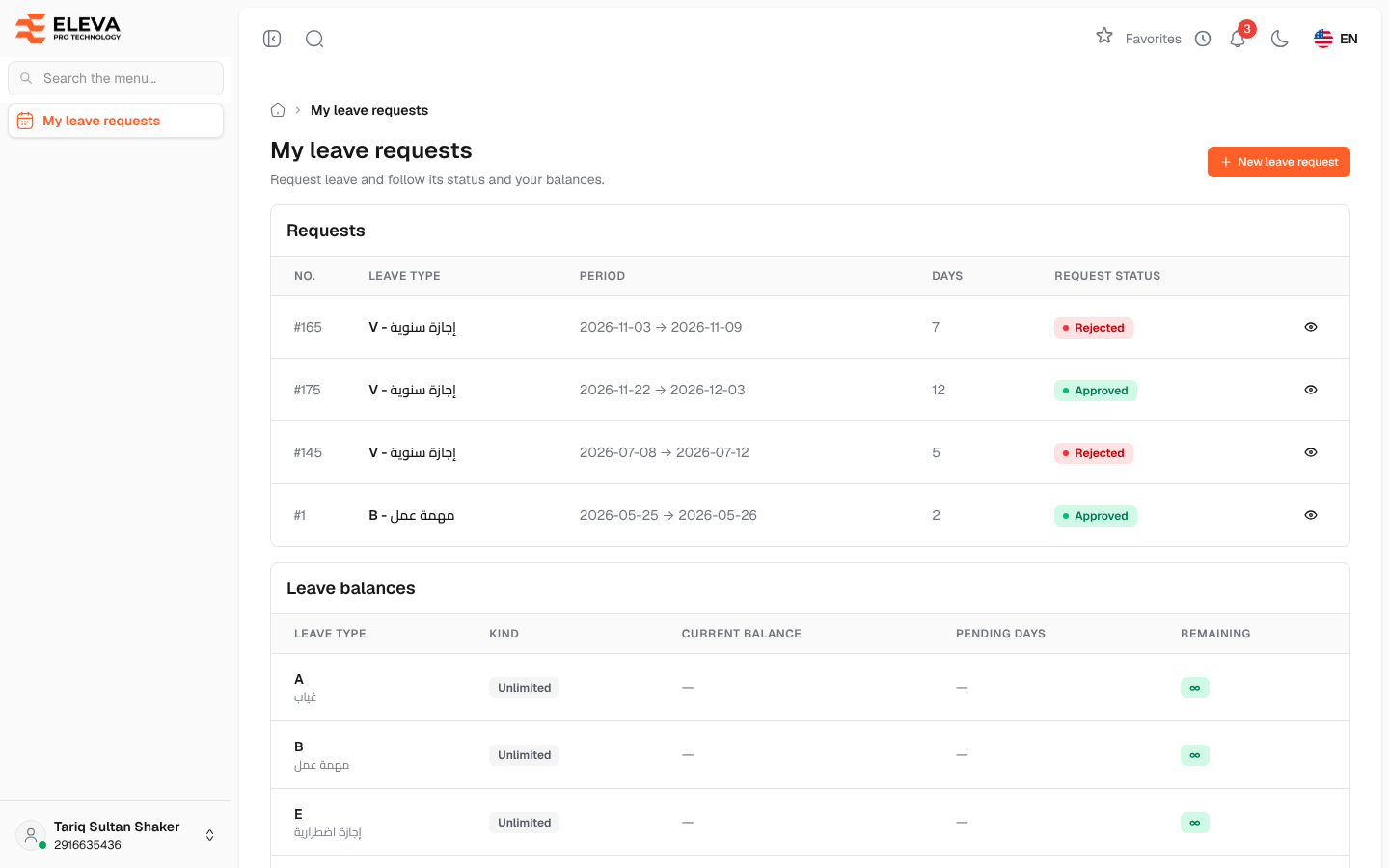
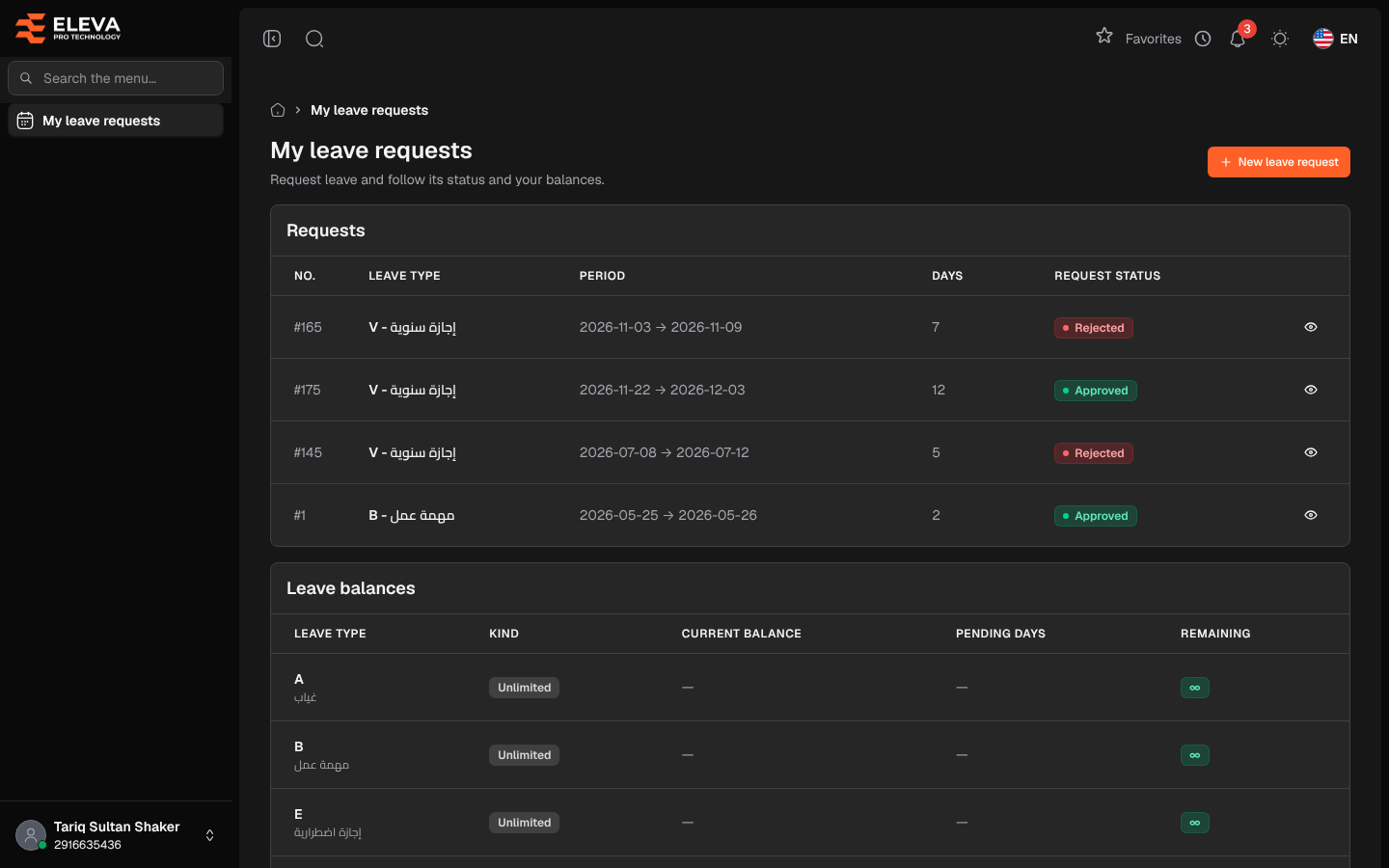
The My leave requests screen is the employee portal’s home. Here an employee sends a leave request, follows its status through the approval levels, and checks how many leave days they have left.
Sign in with your iqama number and password, then open My leave requests from the side menu.
What’s on this screen
Section titled “What’s on this screen”- New leave request — opens the leave request form.
- Requests — your leave requests, newest first, 15 per page. If you have none yet, the table shows You have not requested any leave yet.
- Leave balances — your balance for every leave type.
Requests columns
Section titled “Requests columns”- No. — the request number.
- Leave type — the type code and description.
- Period — start and end dates.
- Days — the number of days.
- Request status — Pending while waiting for approval, then Approved or Rejected.
- Eye icon — View.
Leave balances columns
Section titled “Leave balances columns”- Leave type
- Kind — Limited for types with a balance, Unlimited for types without a limit.
- Current balance — your balance after approved leave has been deducted.
- Pending days — days in requests that are still waiting for a decision.
- Remaining — the current balance less the pending days: what you can still request. It turns amber at 5 days or fewer and red at 2 days or fewer.
How to follow a request
Section titled “How to follow a request”- Click a row or the eye icon to open Leave request #.
- The page shows Request details, the Balance of this type and the Approval history with each approver’s decision and notes.
- Once the request is Approved, click Print to open a printable leave form.
- Click Back to return to the list.
Who can use this screen
Section titled “Who can use this screen”Every active employee who can sign in to the employee portal. Each employee sees only their own requests.