

Leave policy
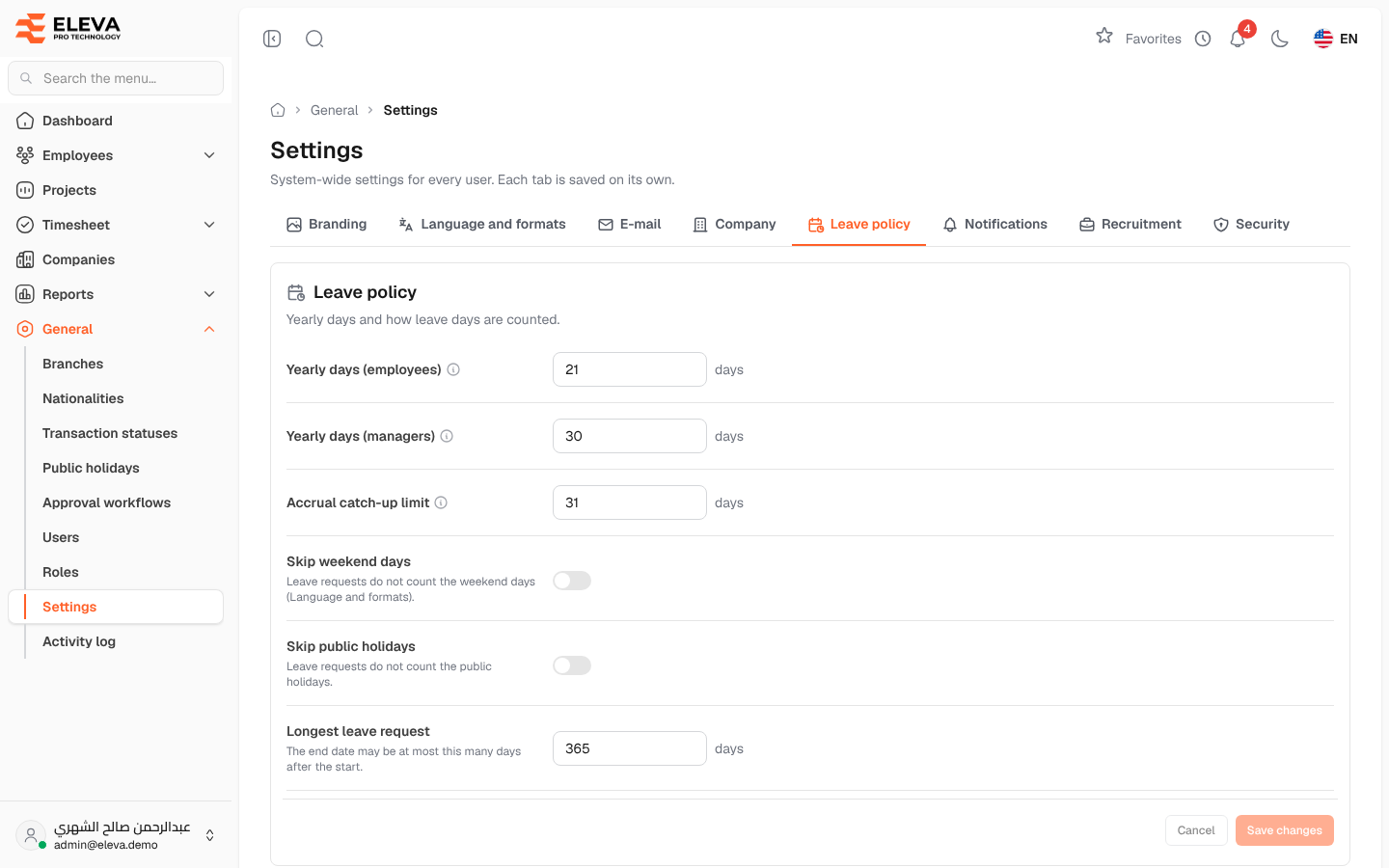
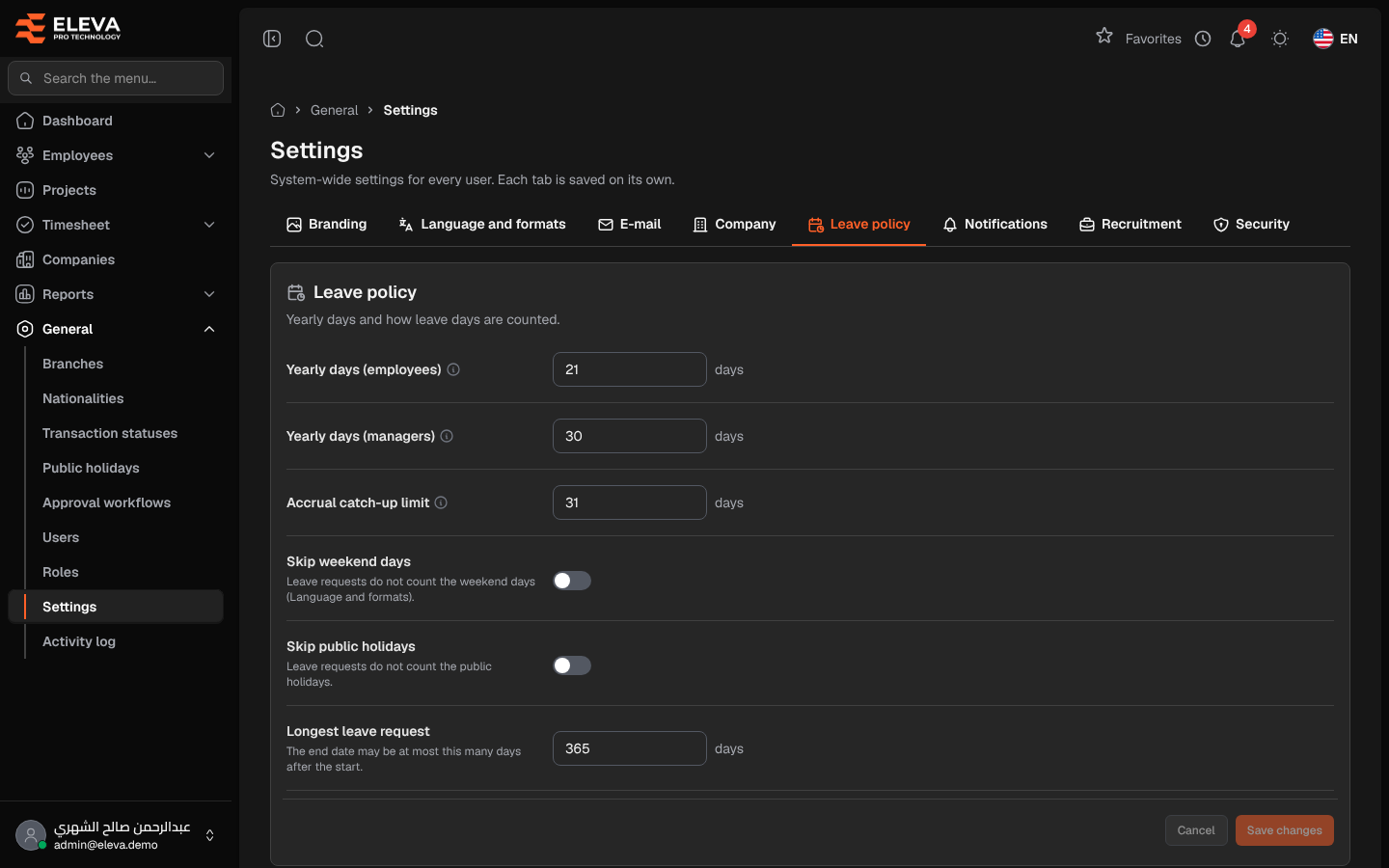
The Leave policy tab sets the yearly leave days and how the days of a leave request are counted.
From the side menu, open General › Settings, then click the Leave policy tab.
Fields
Section titled “Fields”- Yearly days (employees) — the yearly leave days of an employee, from 0 to 366.
- Yearly days (managers) — the yearly leave days of a manager, from 0 to 366.
- Accrual catch-up limit — the most missed days one accrual run adds to balances, for example after the server was down (1 to 366).
- Skip weekend days — when on, leave requests do not count the weekend days set in Language and formats.
- Skip public holidays — when on, leave requests do not count the days listed in Public holidays.
- Longest leave request — the end date of a request may be at most this many days after its start (1 to 3650).
How to change the leave policy
Section titled “How to change the leave policy”- Change the fields you need.
- Click Save changes. To discard your edits, click Cancel.
Required permission
Section titled “Required permission”Settings › Manage, on an Admin account.