

Leave balances report
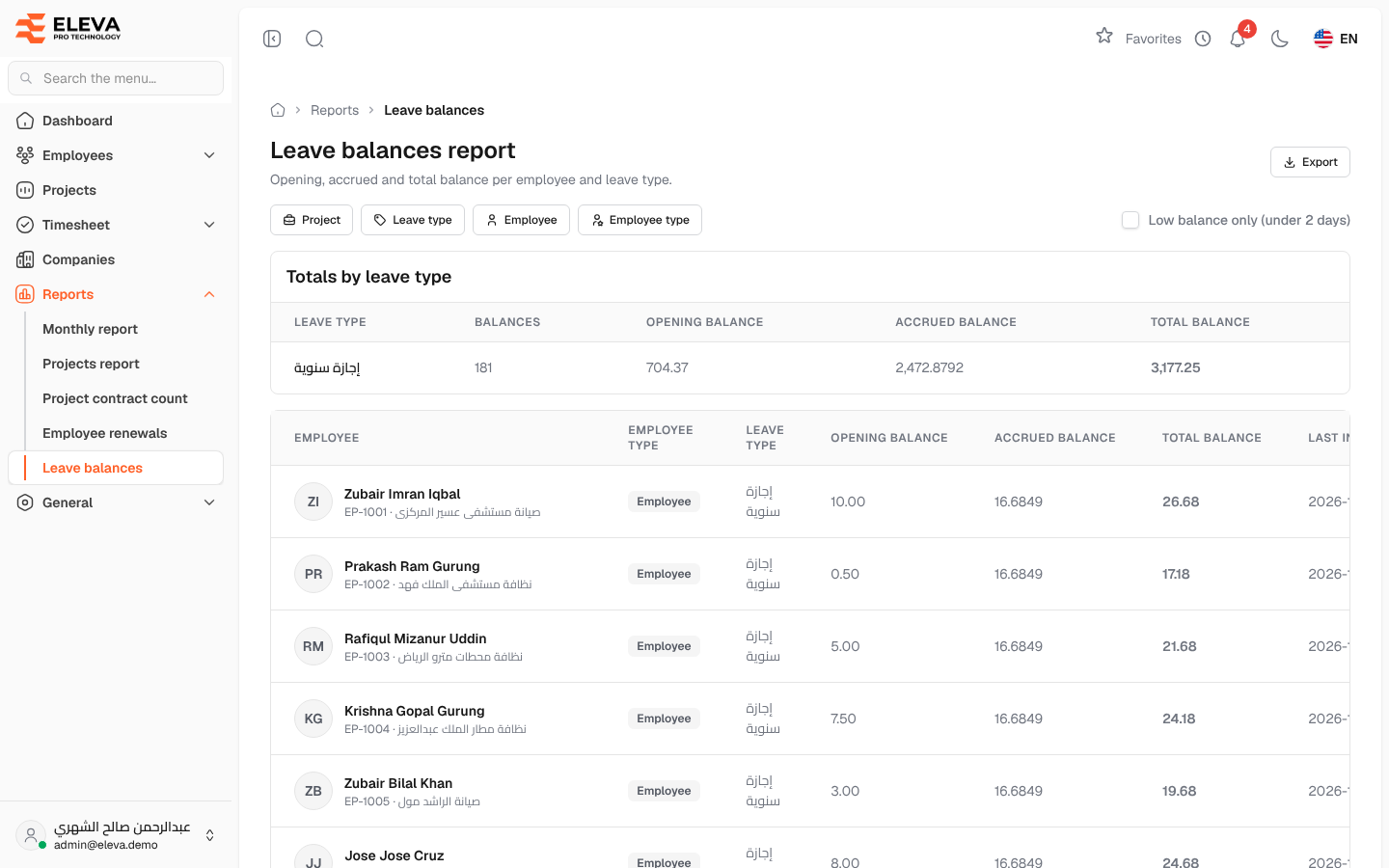
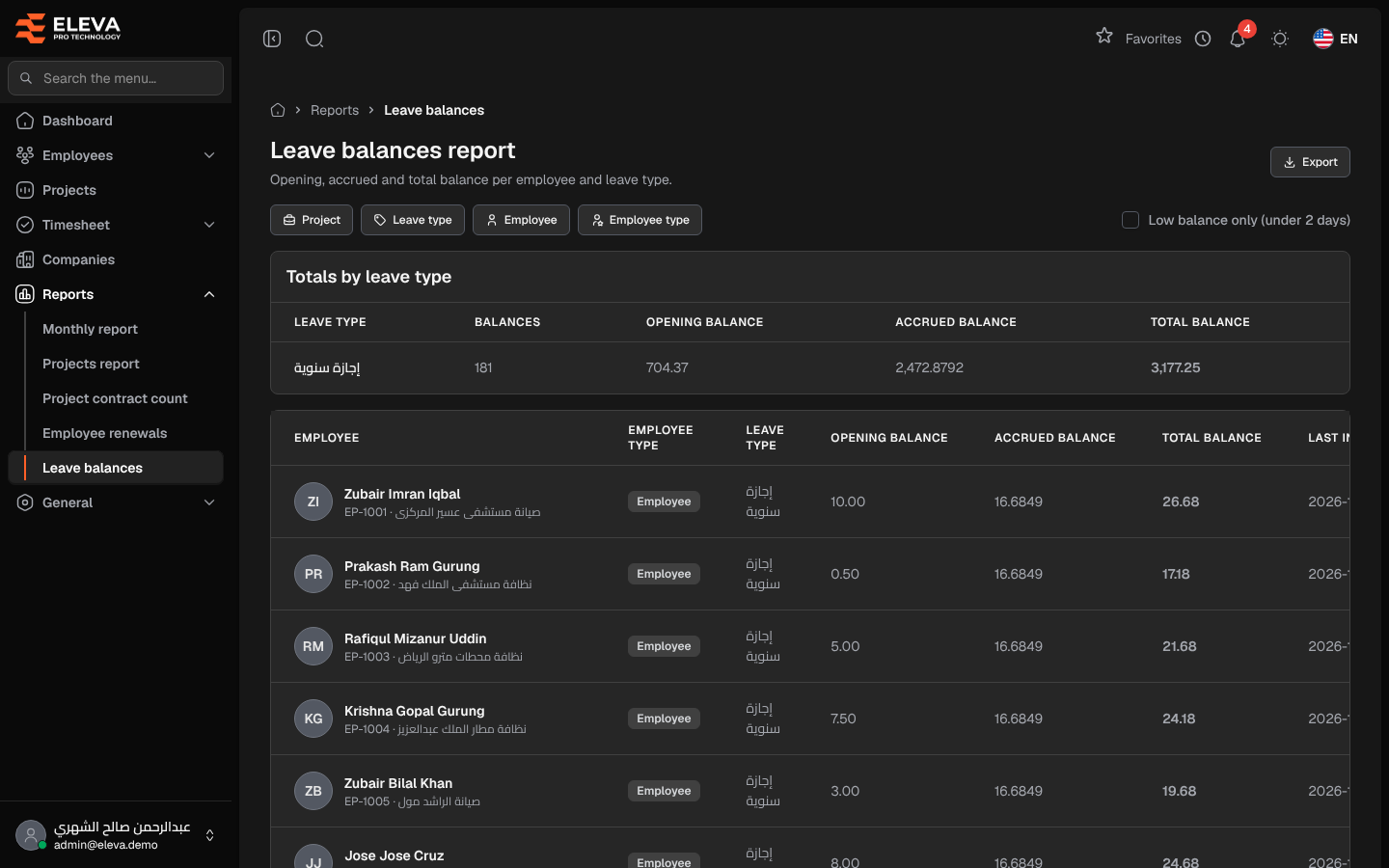
The Leave balances report lists the current leave balance of every employee for each leave type that has a balance: the opening balance, the balance accrued since, and the total. Use it to check entitlements, find employees who are running low, or hand the figures to payroll as a spreadsheet.
From the side menu, open Reports › Leave balances.
Filters
Section titled “Filters”- Project — employees currently on one project.
- Leave type — one leave type. Only types that have a balance are listed.
- Employee — one employee.
- Employee type — Manager or Employee.
- Low balance only (under 2 days) — only balances with a total below 2 days.
The filters stay in the page address, so the same view can be reopened or shared.
Totals by leave type
Section titled “Totals by leave type”Above the list, the Totals by leave type table adds up the filtered rows per type:
- Leave type
- Balances — the number of balance rows.
- Opening balance, Accrued balance and Total balance — the sums.
Columns
Section titled “Columns”- Employee — name, with the employee code and current project underneath.
- Employee type — Manager or Employee.
- Leave type
- Opening balance — the balance the employee started with.
- Accrued balance — the days earned since, shown with four decimals.
- Total balance — opening plus accrued.
- Last increase — the last date the balance grew.
The list shows 50 rows per page.
How to run and export
Section titled “How to run and export”- From the side menu, open Reports › Leave balances.
- Choose the filters you need, or tick Low balance only (under 2 days).
- Click Export to download the rows matching the current filters as an Excel file.
Required permissions
Section titled “Required permissions”- Reports — View to open the report, Export to download it.
A supervisor sees only their own employees’ balances.