

Project supervisors
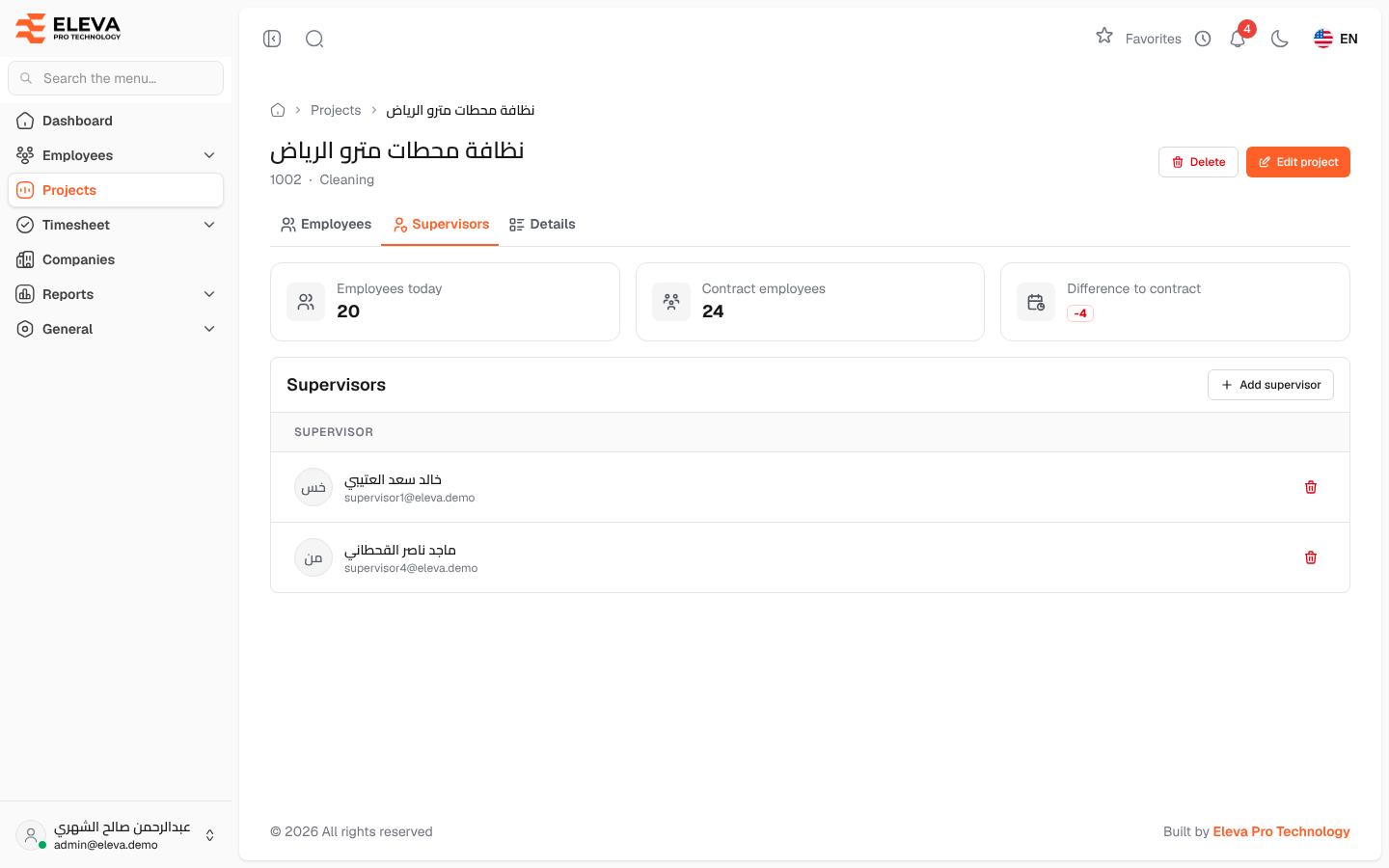
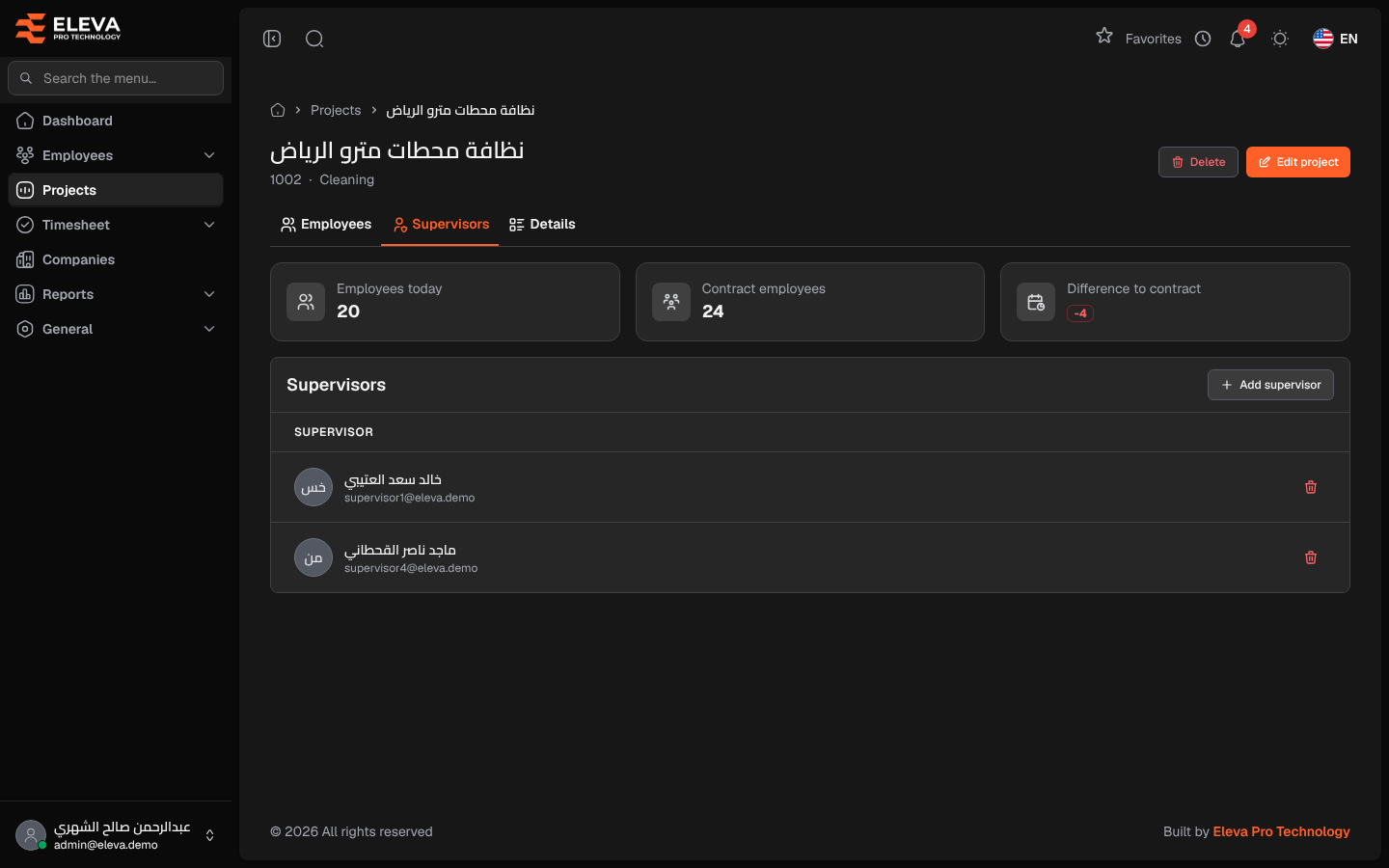
The Supervisors tab of a project page lists the supervisors linked to the project. A supervisor sees and manages only the projects they are linked to, so this is where you give a supervisor access to a project or take it away.
From the side menu, open Projects, click the project, then open the Supervisors tab.
What’s on this screen
Section titled “What’s on this screen”- The project header and summary tiles, as on the other tabs.
- Add supervisor — links another supervisor to the project.
- The supervisors table.
Columns
Section titled “Columns”- Supervisor — the supervisor’s name, with their email address underneath.
- Trash icon — Remove supervisor.
If the project has no supervisors, the table shows No supervisors on the project.
How to add a supervisor
Section titled “How to add a supervisor”- Click Add supervisor.
- Choose the Supervisor. Only active users with the supervisor role who are not yet on the project are listed. If everyone is already linked, the list shows Every supervisor is on the project.
- Click Add supervisor.
How to remove a supervisor
Section titled “How to remove a supervisor”- Click the trash icon on the supervisor’s row.
- Confirm with Remove supervisor. The supervisor is unlinked from the project and no longer sees it.
Required permissions
Section titled “Required permissions”- Projects — View to open the project.
- Project Supervisors — View to see this tab, Create to add supervisors, Delete to remove them.