

Supervisor history
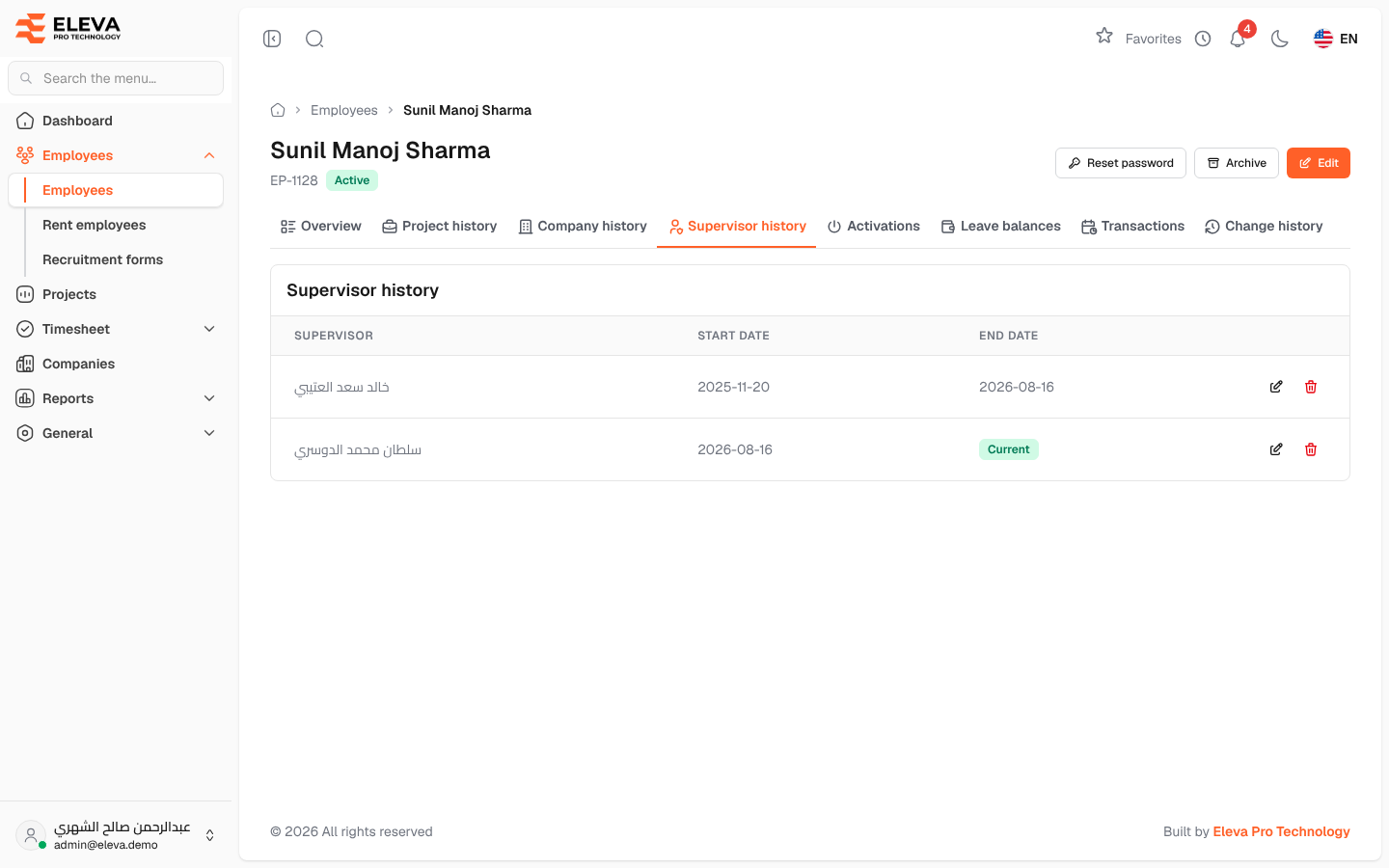
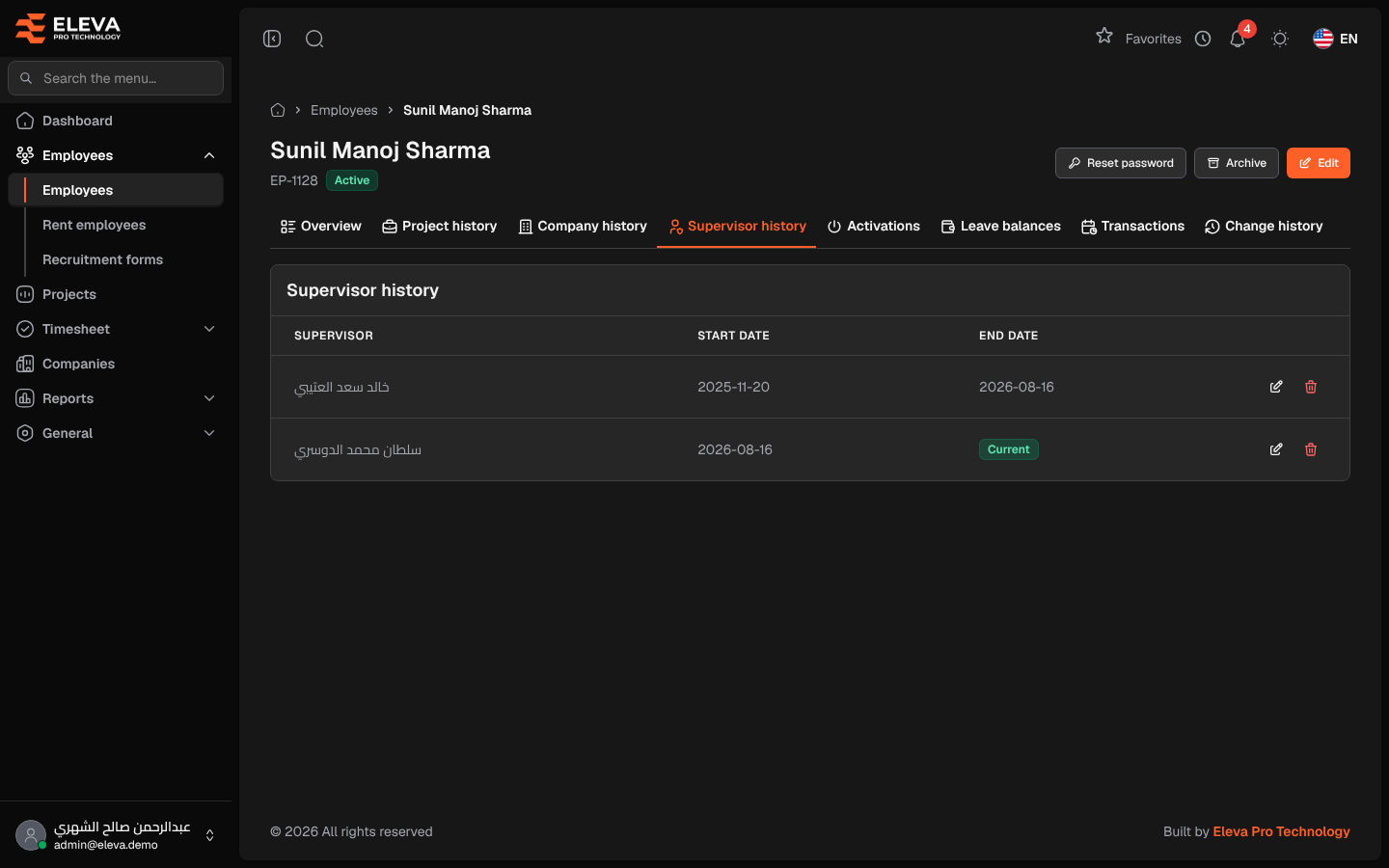
The Supervisor history tab of an employee’s record shows which supervisors the employee has had and for which period. The row without an end date is the current supervisor. Rows are added automatically when the employee is created and whenever their supervisor changes.
From the side menu, open Employees › Employees, click the employee, then the Supervisor history tab.
Columns
Section titled “Columns”- Supervisor: the supervisor’s name.
- Start date
- End date: the date the supervision ended, or Current when it is still open.
- Actions: Edit and Delete.
The rows appear in the order they were recorded, 10 per page. Rows of supervisors whose user account has been archived are not shown.
How to change an employee’s supervisor
Section titled “How to change an employee’s supervisor”There is no add button on this tab. To give the employee a new supervisor:
- Click Edit at the top of the employee’s page.
- Choose the new Supervisor and click Save changes.
The previous supervisor’s row is closed and a new row is opened.
How to correct the dates of a row
Section titled “How to correct the dates of a row”- Click Edit in the row.
- Change the Start date or the End date (optional).
- Click Save row.
The change is refused if the new dates overlap another row of this history.
How to delete a row
Section titled “How to delete a row”- Click Delete in the row.
- Confirm with Delete.
Required permissions
Section titled “Required permissions”- Employees › View to see the tab.
- Employee Supervisors › Edit and Employee Supervisors › Delete to edit or delete a row.