

Notifications
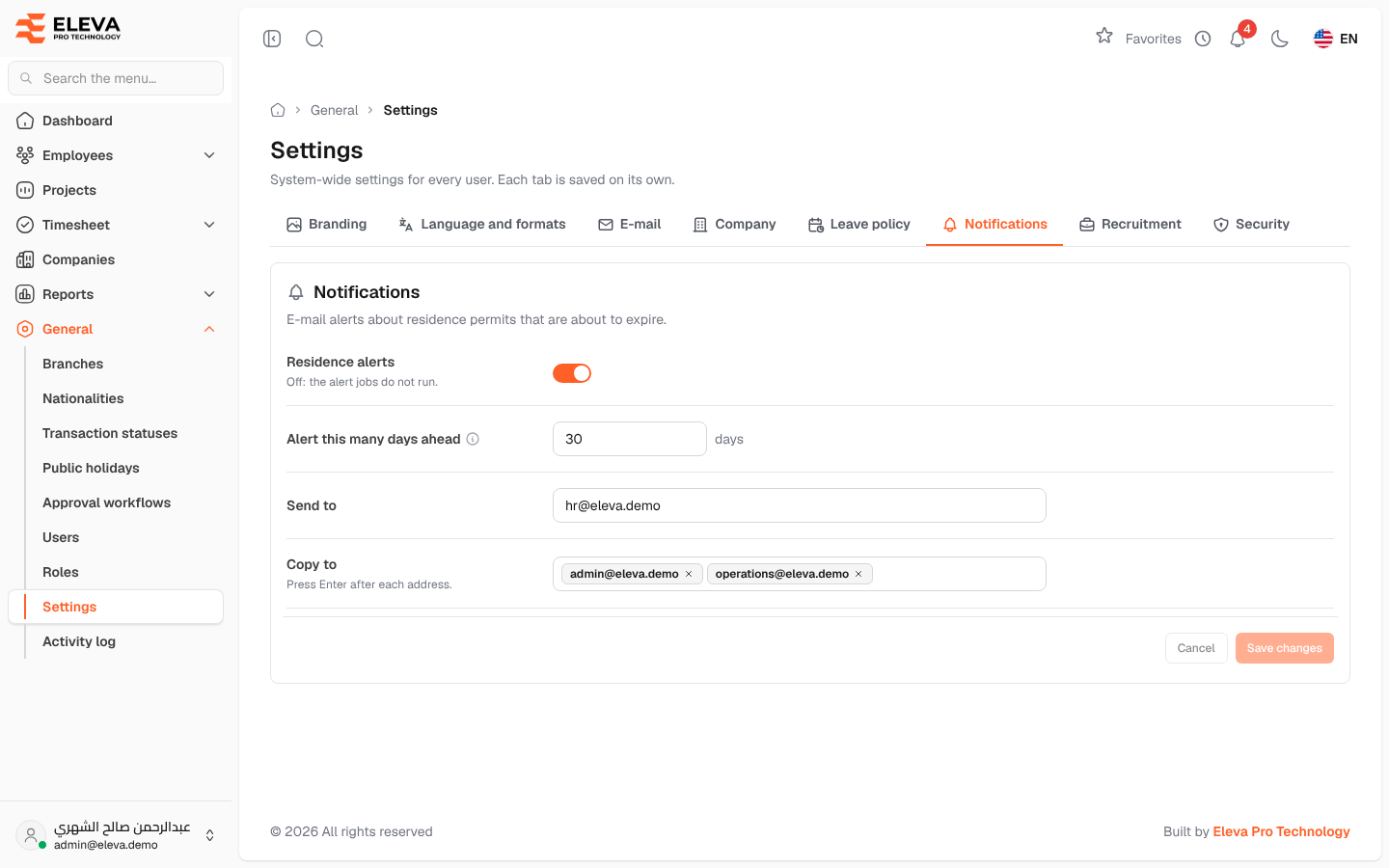
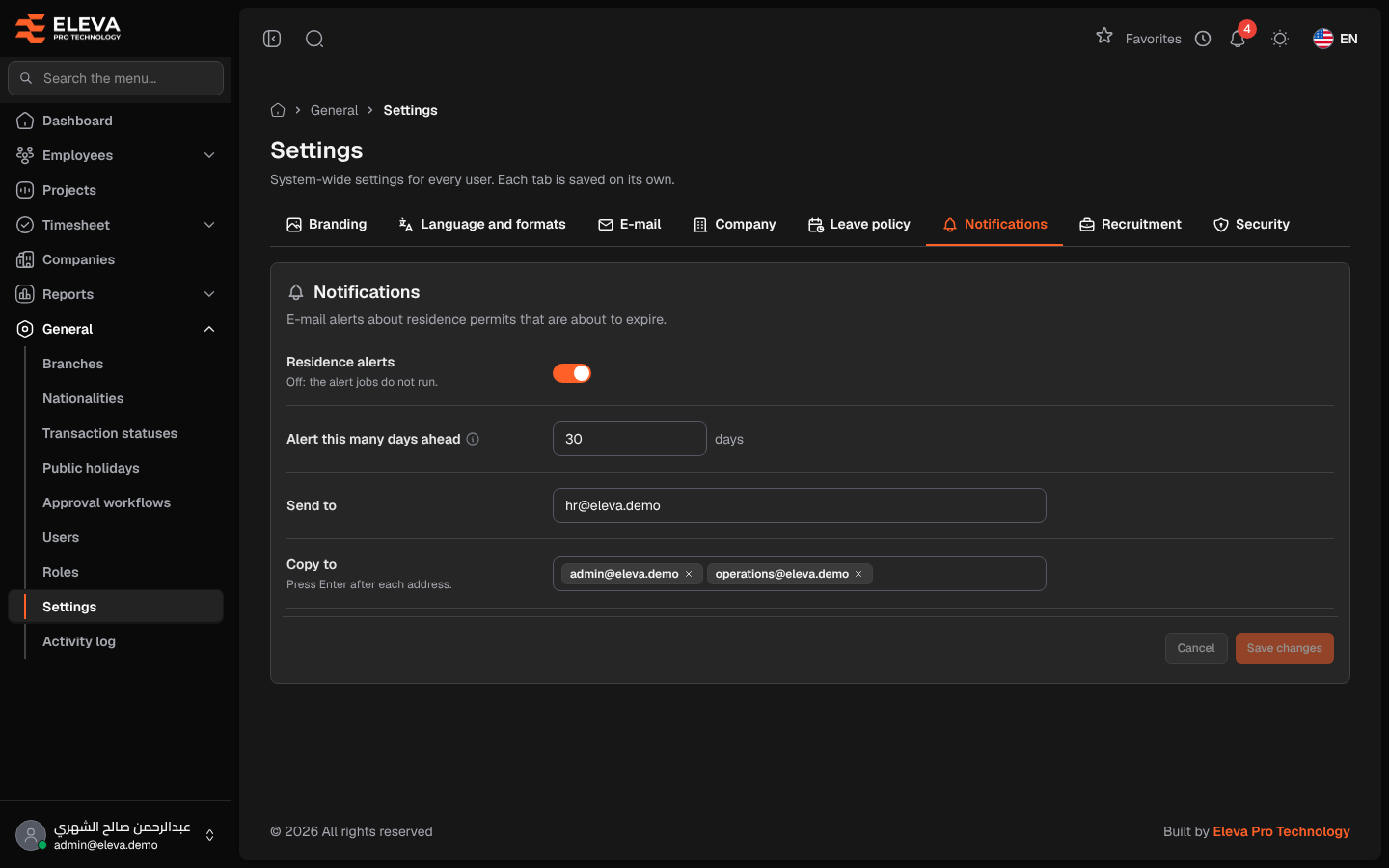
The Notifications tab sets the e-mail alerts about employees’ residence permits (iqamas) that are about to expire, so they can be renewed in time.
From the side menu, open General › Settings, then click the Notifications tab.
Fields
Section titled “Fields”- Residence alerts — switches the alerts on or off. When off, no residence alerts are sent.
- Alert this many days ahead — an alert is sent for residences that expire exactly this many days from today (1 to 365).
- Send to — the main address that receives the alerts. When empty, the default shown under the field is used.
- Copy to — more addresses that receive a copy, up to 20. Type an address and press Enter after each one.
How to set up residence alerts
Section titled “How to set up residence alerts”- Switch on Residence alerts.
- Enter the number of days in Alert this many days ahead, for example 30.
- Enter the Send to address, and any Copy to addresses.
- Click Save changes. To discard your edits, click Cancel.
Required permission
Section titled “Required permission”Settings › Manage, on an Admin account.