

Security
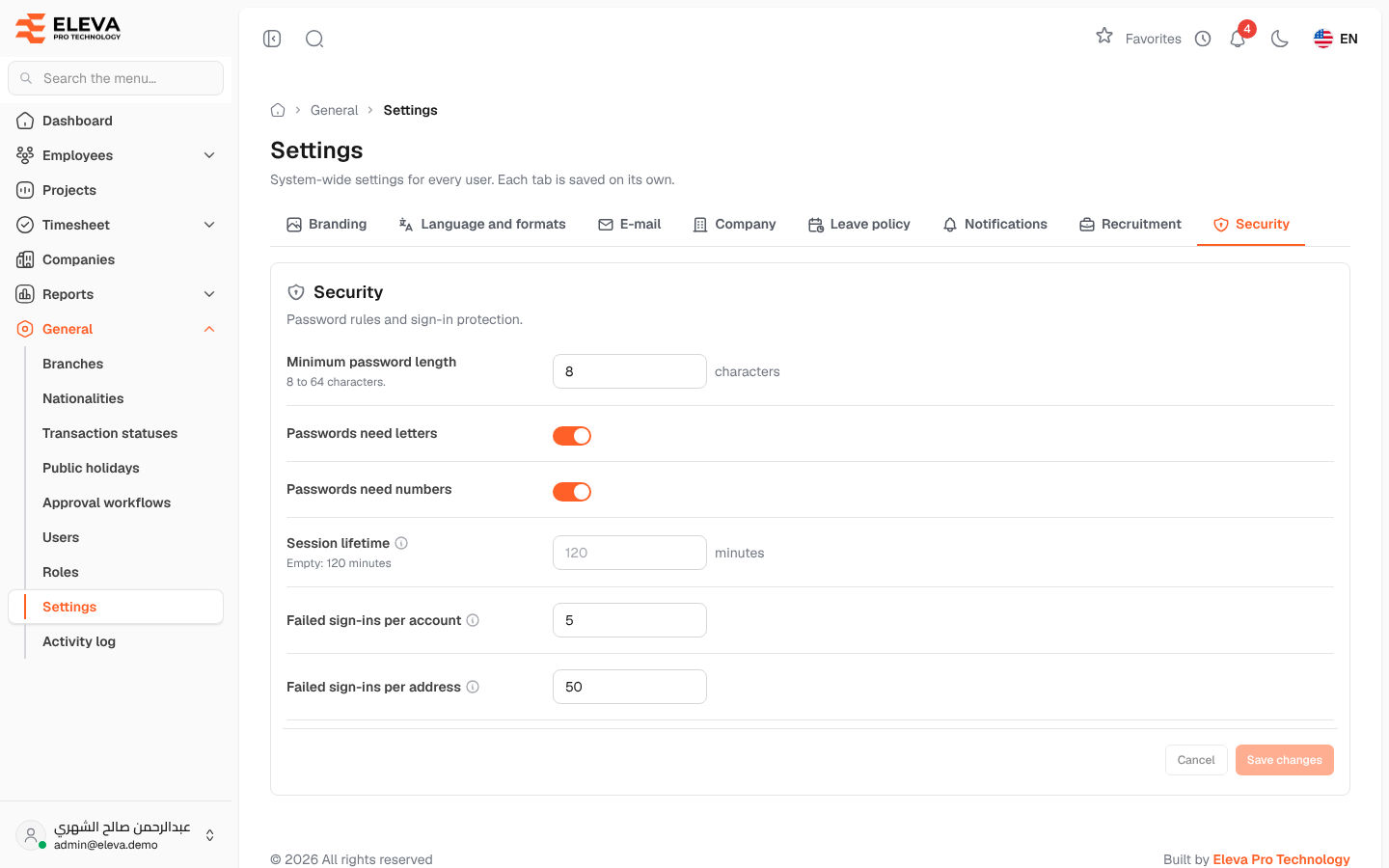
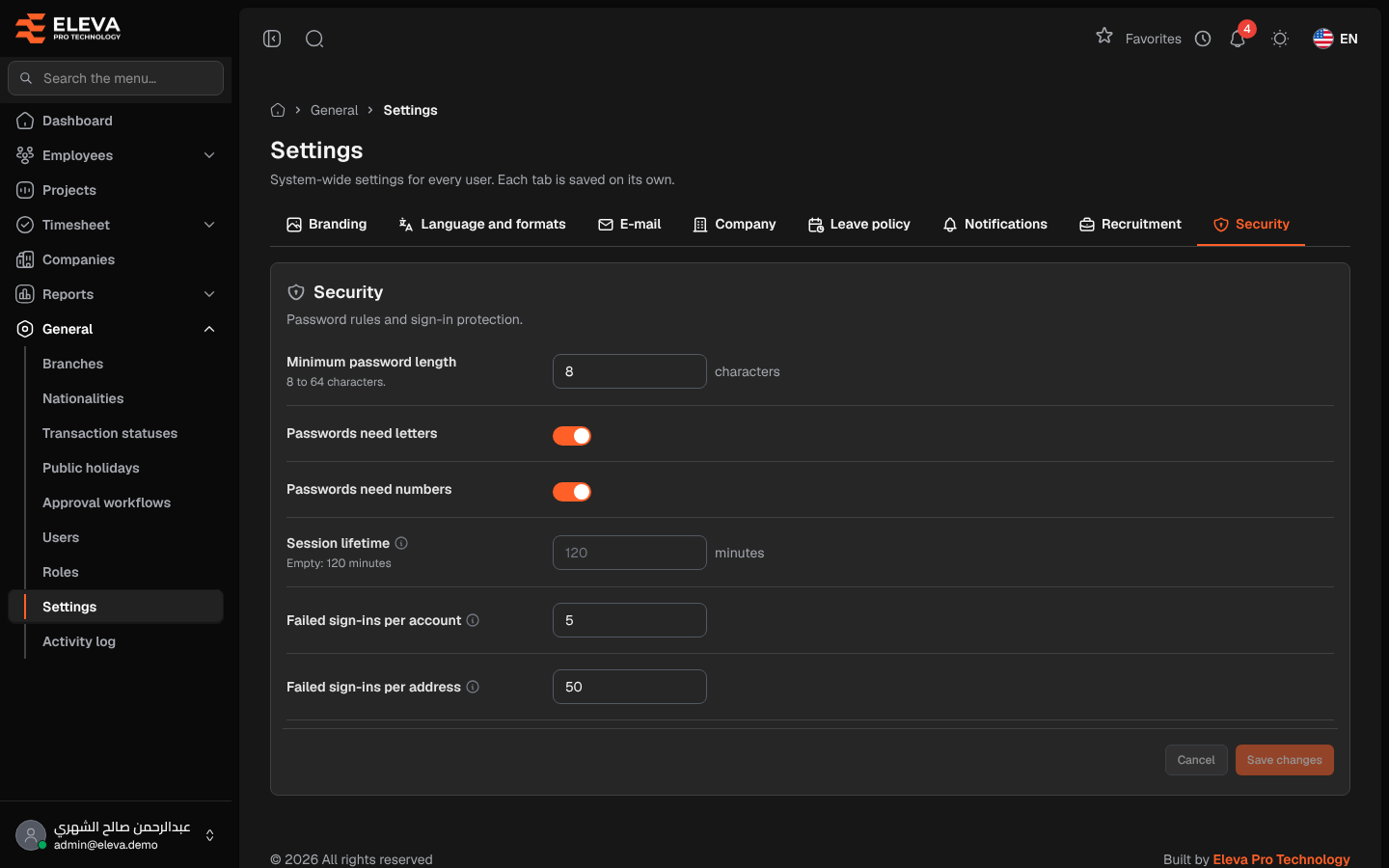
The Security tab sets the password rules and the protection against repeated failed sign-ins.
From the side menu, open General › Settings, then click the Security tab.
Fields
Section titled “Fields”- Minimum password length — from 8 to 64 characters.
- Passwords need letters — when on, a password must contain letters.
- Passwords need numbers — when on, a password must contain numbers.
- Session lifetime — the minutes without activity before a user is signed out (5 to 43200). When empty, the default shown under the field is used.
- Failed sign-ins per account — failed attempts for one account from one address before it is locked for a while (at least 3).
- Failed sign-ins per address — failed attempts from one network address, for any account, before it is locked for a while (at least 20, since an office often shares one address).
How to change the security settings
Section titled “How to change the security settings”- Change the fields you need.
- Click Save changes. To discard your edits, click Cancel.
Required permission
Section titled “Required permission”Settings › Manage, on an Admin account.