

Add employee
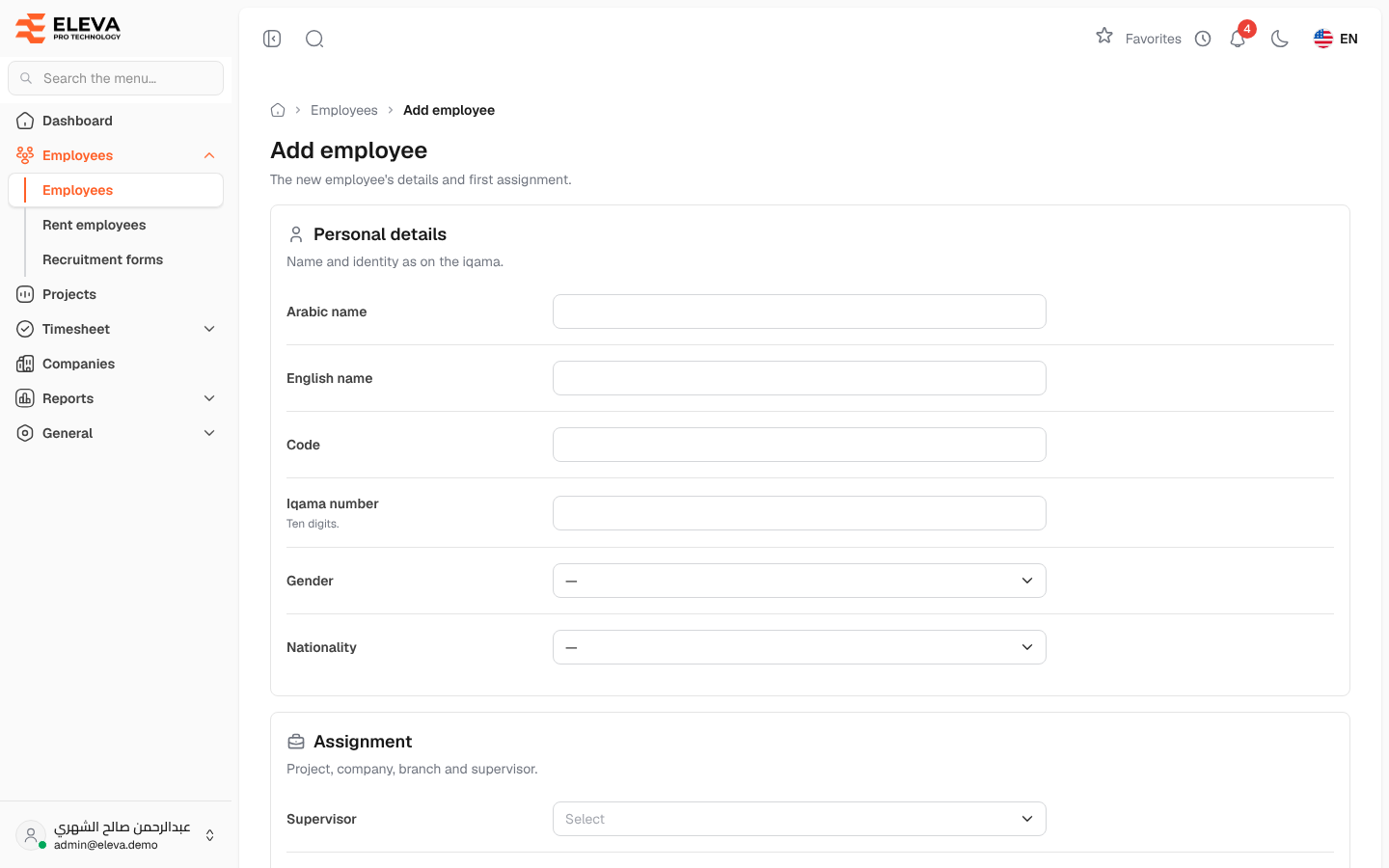
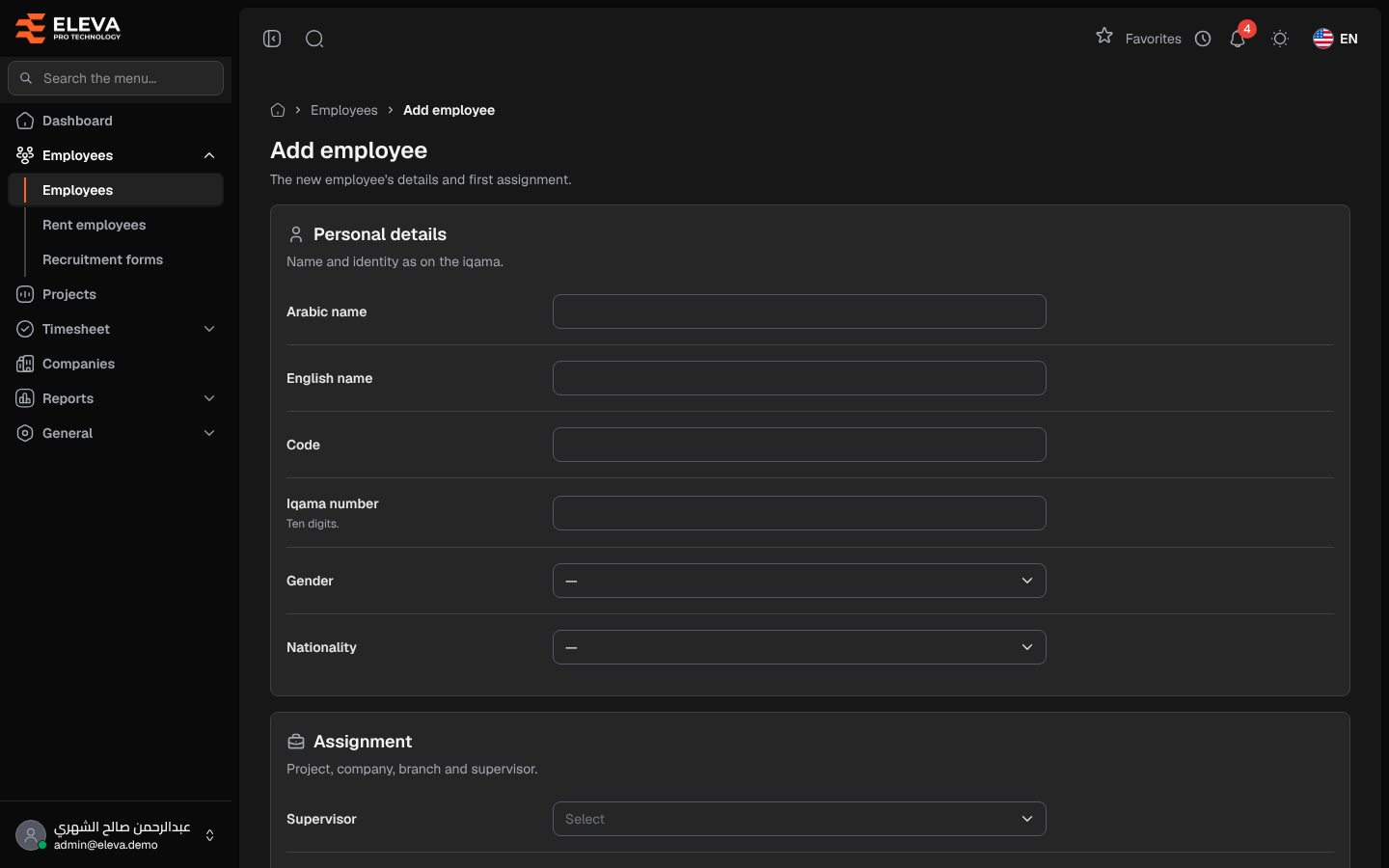
Add an employee when someone joins the company. The form records the employee’s personal details and first assignment; the system then starts their project, supervisor and activation history and creates their leave balances at zero. New employees always belong to the company itself; employees of rental companies are added from Rent employees.
From the side menu, open Employees › Employees and click Add employee.
Fields
Section titled “Fields”Personal details
- Arabic name and English name (required): as on the iqama.
- Code (required): the employee code. It must be unique, including archived employees.
- Iqama number (required): exactly ten digits, unique.
- Gender and Nationality: optional.
Assignment
- Supervisor (required): the supervisor responsible for the employee. The field is not shown to supervisors: when a supervisor adds an employee, they become the supervisor automatically.
- Project (required): the project the employee starts on. Supervisors can choose only the projects they supervise.
- Branch (required).
- Approval workflow (required): the approval steps the employee’s leave requests go through.
- Manager status: Yes or No.
Status and dates
- Status: Active (default) or Inactive.
- Join date (required): the history starts on this date.
- Residence renewal date: used by the dashboard and the Employee renewals report to warn before the residence expires.
How to add an employee
Section titled “How to add an employee”- From the side menu, open Employees › Employees.
- Click Add employee.
- Fill in the fields, section by section.
- Click Save employee, or Cancel to leave without saving.
- The list opens with a confirmation. If a field needs attention, the message appears under it.
Editing an employee
Section titled “Editing an employee”Click Edit on the employee’s page or in the list. The form is the same, with these additions:
- Company: moving the employee to a rental company also asks for Price per head (used for billing), and the employee then appears under Rent employees.
- Project change date, Company change date and Status change date appear when you change the project, company or status: the new history row starts on that date (today by default).
- Renew the residence for: pick 3, 6, 9 or 12 months to move the Residence renewal date forward from its current value.
Click Save changes to save.
Required permission
Section titled “Required permission”Employees › Create to add; Employees › Edit to edit.