

Rent employees
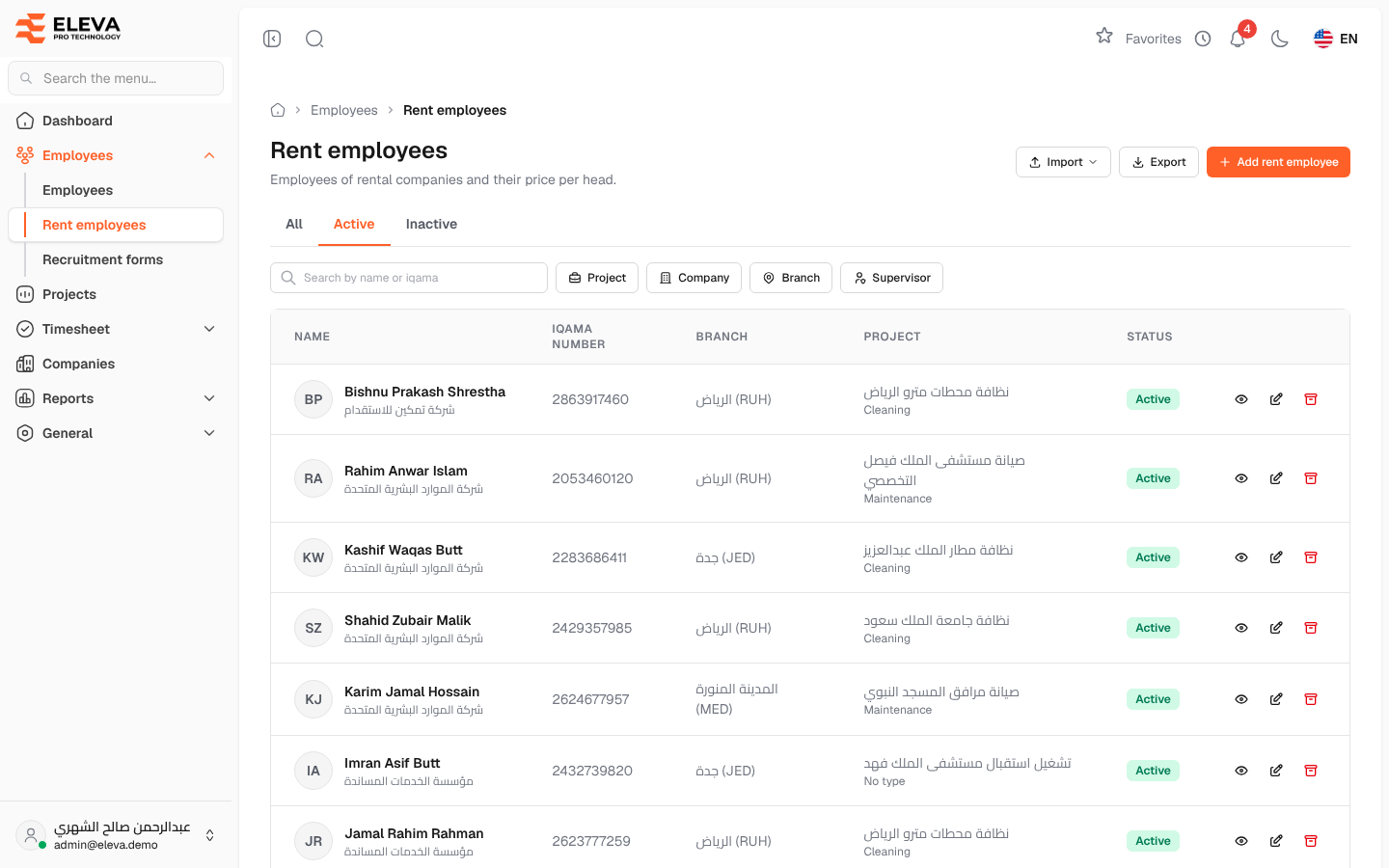
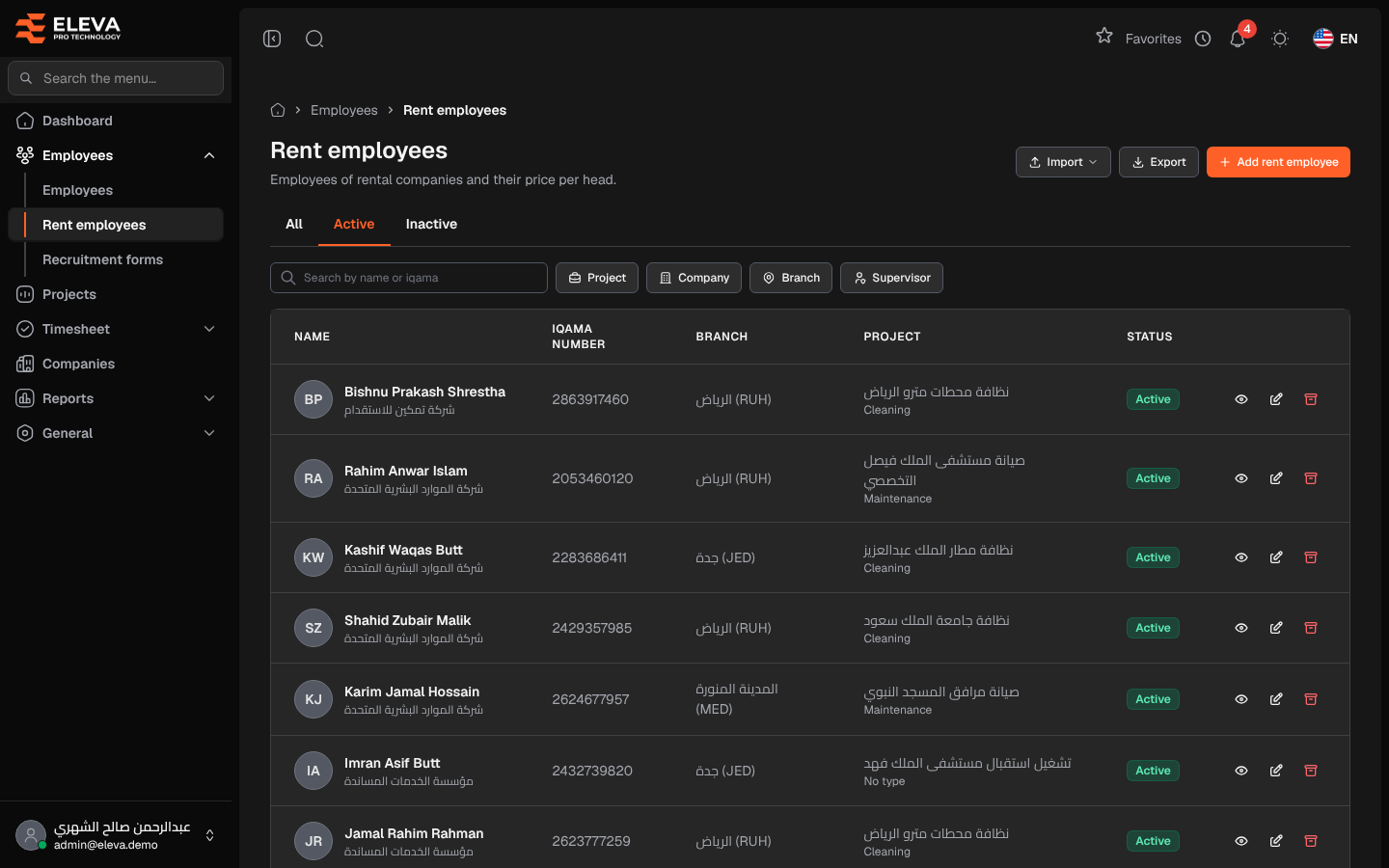
The Rent employees screen lists the employees supplied by rental companies, with their company, branch, project and status. Their price per head is used for billing. Use this screen to find a rent employee, add a new one, export the list or import rent employees from a file. Employees of the company itself are on the Employees screen.
From the side menu, open Employees › Rent employees.
What’s on this screen
Section titled “What’s on this screen”- All, Active and Inactive: tabs that filter by status. The list opens on Active.
- Search by name or iqama: finds a rent employee by name or Iqama number.
- Filters: Project, Company (rental companies only), Branch and Supervisor (administrators only).
- Import: opens Import rent employees.
- Export: downloads an Excel file of the list as shown: the same tab, filters, search and sort.
- Add rent employee: opens the new rent employee form.
Columns
Section titled “Columns”- Name: the employee’s name with their rental company below it.
- Iqama number
- Branch
- Project: the current project, with its type below it.
- Status: Active or Inactive.
- Actions: View, Edit and Archive.
How to find a rent employee
Section titled “How to find a rent employee”- From the side menu, open Employees › Rent employees.
- Pick a status tab, type a name or Iqama number, or choose filters.
- Click the row, or View, to open the record.
How to import rent employees
Section titled “How to import rent employees”- Click Import and choose Import rent employees.
- Click Download template and fill in one row per employee: supplier (company) name, employee name, Iqama number, price per head, gender (Male or Female), city (branch name as saved), project code, supervisor and join date.
- Drop the file on Excel file (.xlsx or .csv, up to 10 MB) and click Upload file.
If the file has errors, the Import errors window lists them by Row, Field and Error, and nothing is saved. For administrators, a supplier name that does not exist yet creates the company; supervisors must use an existing company.
How to archive a rent employee
Section titled “How to archive a rent employee”Click Archive in the row and confirm with Archive. A rent employee with transactions or reports cannot be archived.
Required permissions
Section titled “Required permissions”- Rent employees › View to open the screen.
- Rent employees › Create, Edit and Delete for Add rent employee, Edit and Archive.
- Rent employees › Export and Rent employees › Import for Export and Import.