

Dashboard
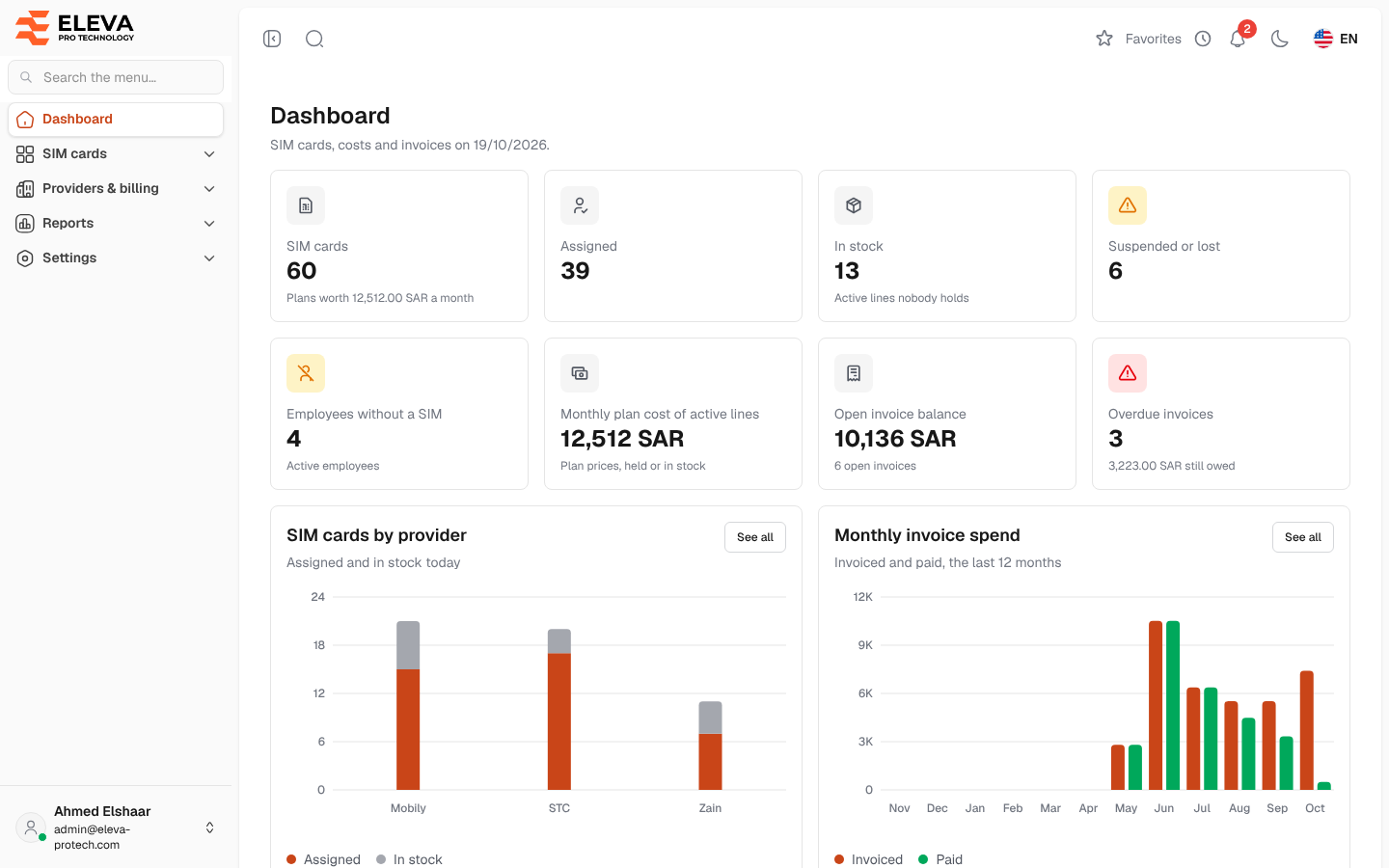
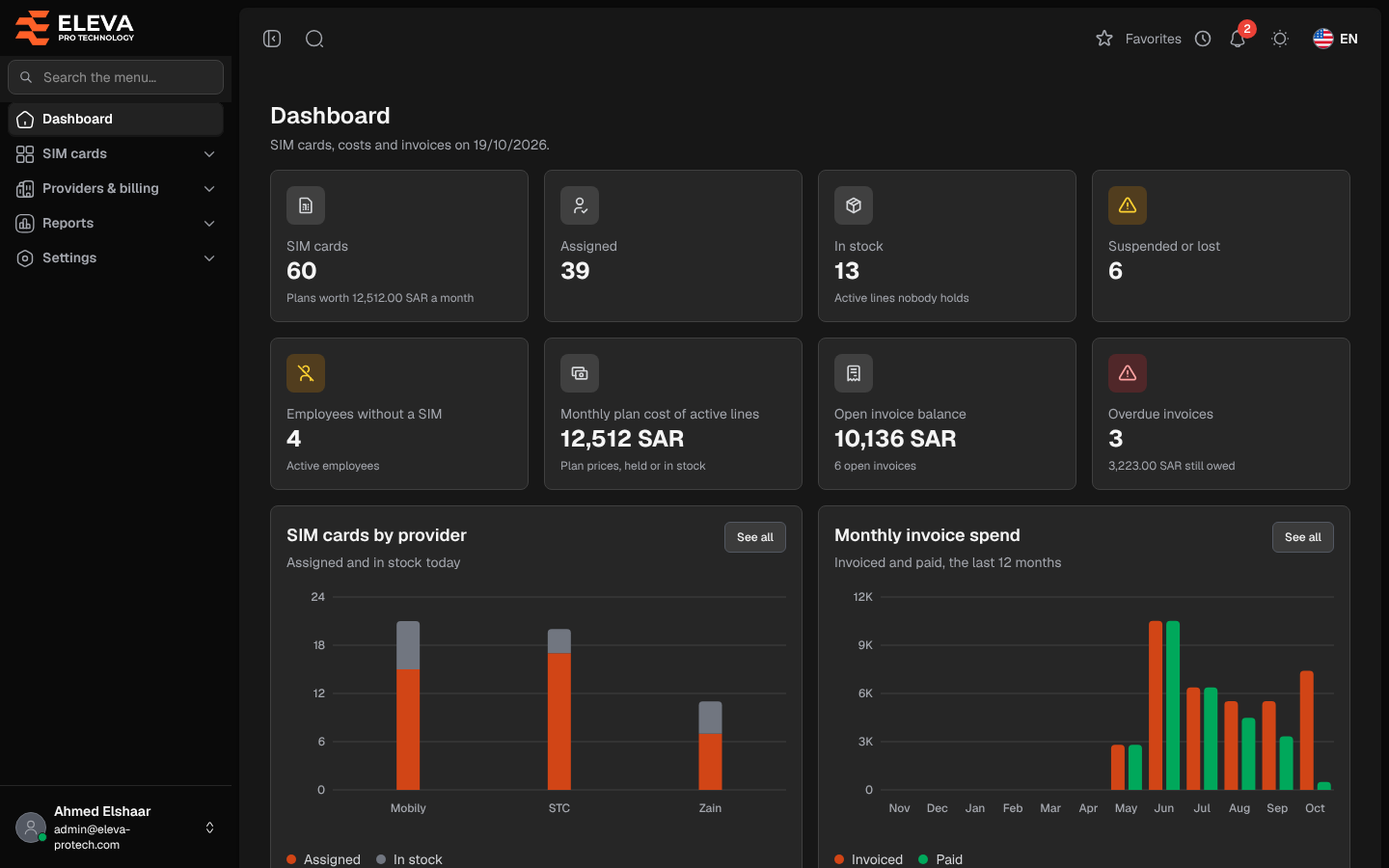
The dashboard is the home screen after you sign in. It shows the SIM cards, their monthly cost and the provider invoices on today’s date, and lists what needs follow-up: plans renewing soon, overdue invoices and the latest assignments. To return to it, click Dashboard at the top of the side menu.
Each group of figures appears only if you may open the screen behind it, so two users can see different dashboards (see Required permissions below).
What’s on this screen
Section titled “What’s on this screen”The first rows are key figures. Each card opens the related screen or report when clicked:
- SIM cards: all SIM cards in the system, whatever their status, with Plans worth … a month underneath. Opens SIM cards.
- Assigned: SIM cards that an employee holds today. Opens the Active assignments report.
- In stock: Active lines nobody holds, ready to hand out. Opens the SIM inventory report filtered on them.
- Suspended or lost: SIM cards with the status Suspended or Lost. Opens the SIM inventory report filtered on them.
- Employees without a SIM: Active employees who hold no SIM card today. Opens the Employees without a SIM report.
- Monthly plan cost of active lines: the plan prices of every Active SIM card, Plan prices, held or in stock. Opens the SIM inventory report of active lines.
- Open invoice balance: what is still owed on the invoices that are not fully paid, with the number of open invoices underneath. Opens the Invoice aging report.
- Overdue invoices: the number of open invoices past their due date, with the amount still owed underneath. Opens the Invoice aging report.
The cards that link to a report open it only for users who can view reports; otherwise the invoice cards open Invoices and the other cards do not open anything.
Below them:
- SIM cards by provider: Assigned and in stock today, one bar per provider.
- Monthly invoice spend: Invoiced and paid, the last 12 months, by invoice date. See all opens the Spend by provider report.
- Assignments: Started and returned, the last 6 months. When nothing moved in that time, the card says so and how many SIM cards are with employees today. See all opens Assignments.
- Renewals in the next N days: up to five SIM cards whose plan renews soon, with the plan, the holder (or In stock) and the date. estimated under a date means the SIM card has no activation date, so the cycle is counted from the day it was added. When more SIM cards renew than are shown, a line under the cards gives their number.
- Overdue invoices: up to five overdue invoices, oldest due date first, with the provider, the due date and the balance. Click one to open it.
- Latest assignments: the five most recent assignments, with the employee, the SIM number and the dates.
Point at a bar to see its exact figure. Cards with a See all link open the matching screen or report.
How the figures are calculated
Section titled “How the figures are calculated”- Assigned, In stock and Employees without a SIM are counted on today’s date at the office (the time zone set in Settings › General settings).
- An invoice is open while something is still owed on it. It is overdue when it is open and its due date has passed; an invoice without a due date is due on its invoice date. An invoice due today is not overdue yet.
- The renewal window is the number of days set in Settings › General settings › Notifications under Plan renewals (7 by default). The dates follow the same rules as the Upcoming renewals report.
Daily reminders
Section titled “Daily reminders”Once a day, at the Daily digest time set in Settings › General settings › Notifications (08:00 by default), the system sends each active user a digest titled Today’s reminders:
- users who can view SIM cards get the plans renewing within the Plan renewals window;
- users who can view invoices get the open invoices due within the Invoices due window (7 days by default) and every overdue invoice.
The digest appears in the bell and, when email notifications are on and a mail server is set, by email. A user gets at most one digest a day, and nothing when there is nothing to remind. The Extra recipients of the settings receive the whole day’s digest by email.
Required permissions
Section titled “Required permissions”- Dashboard › View to see the figures. The page opens for every signed-in user; without this permission it only shows You do not have access to the dashboard figures.
- Each group also needs the permission of its screen:
- SIM cards › View: SIM cards, Assigned, In stock, Suspended or lost, Monthly plan cost of active lines, SIM cards by provider and the renewals.
- Employees › View: Employees without a SIM.
- Invoices › View: Open invoice balance, Overdue invoices (card and list) and Monthly invoice spend.
- Assignments › View: the Assignments chart and Latest assignments.
- Reports › View for the cards and See all links that open a report.
When none of these groups is allowed, the dashboard shows Nothing to show: the figures belong to screens you cannot open.