

Uninvoiced SIMs
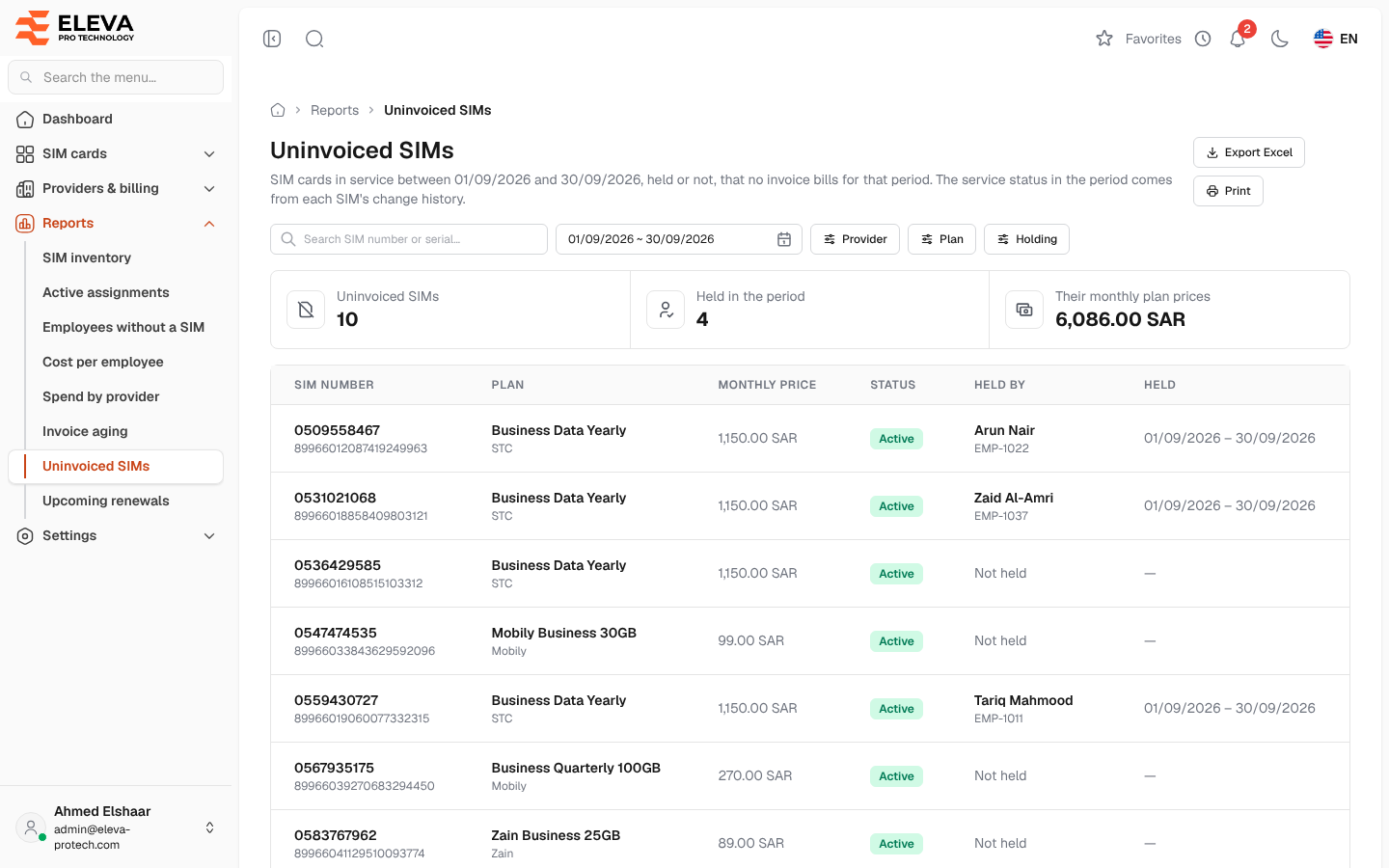
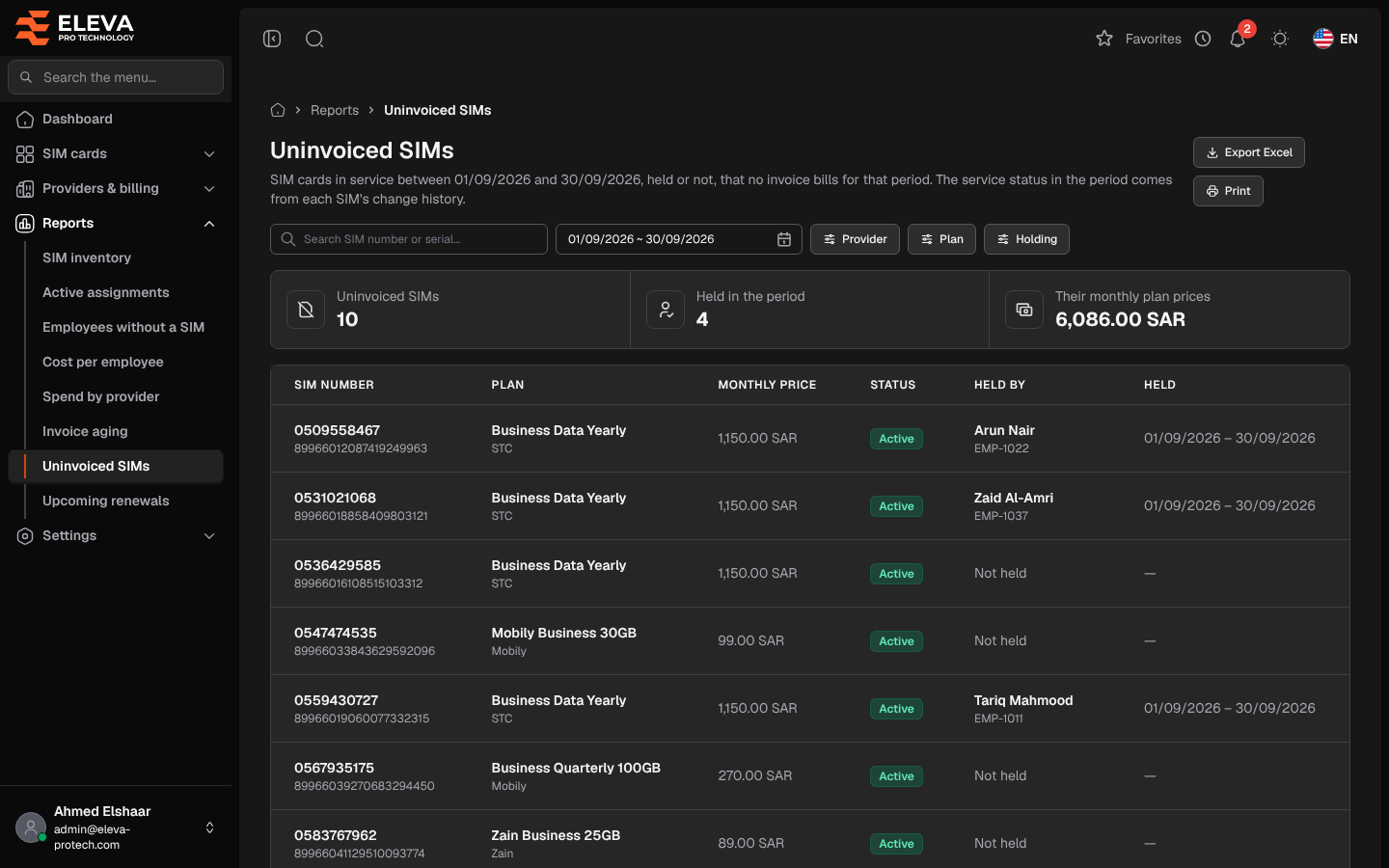
The Uninvoiced SIMs report lists the SIM cards that were in service during a period but are on no invoice for that period. Use it to check a provider’s bills: a line in service should be billed, whether someone held it or not.
From the side menu, open Reports › Uninvoiced SIMs.
What’s on this screen
Section titled “What’s on this screen”- Search SIM number or serial…
- The period (a date range). It opens on the previous month.
- Filters: Provider, Plan and Holding: choose Held only to keep the SIM cards someone held during the period.
- Export Excel and Print.
- Summary cards: Uninvoiced SIMs, Held in the period and Their monthly plan prices.
Columns
Section titled “Columns”- SIM number, with the serial number underneath.
- Plan, with the provider underneath.
- Monthly price
- Status: the SIM card’s status today.
- Held by: the latest holder during the period with their code, or N holders when several employees held it; Not held when nobody did.
- Held: from the first to the last day it was held during the period.
A Total row adds up the monthly prices. Click a row to open the SIM card. When every SIM card is billed, the list shows Every SIM in service in this period is on an invoice.
Which SIM cards are listed
Section titled “Which SIM cards are listed”A SIM card is in service during the period when either:
- someone held it at some time in the period, whatever its status; or
- it was already recorded by the end of the period (activated, or else added, on or before the last day) and was Active at some time in the period. The status in the period comes from the SIM card’s change history, so a line cancelled after the period still counts for it, and one cancelled long before does not.
It drops out of the list when it is on a line of an invoice that covers the period: an invoice whose billing period overlaps the period, or, for an invoice without a billing period, whose invoice date falls inside it.
Required permissions
Section titled “Required permissions”- Reports › View to open the report.
- Reports › Export for Export Excel.
- SIM cards › View to open a SIM card from a row.