

Upcoming renewals
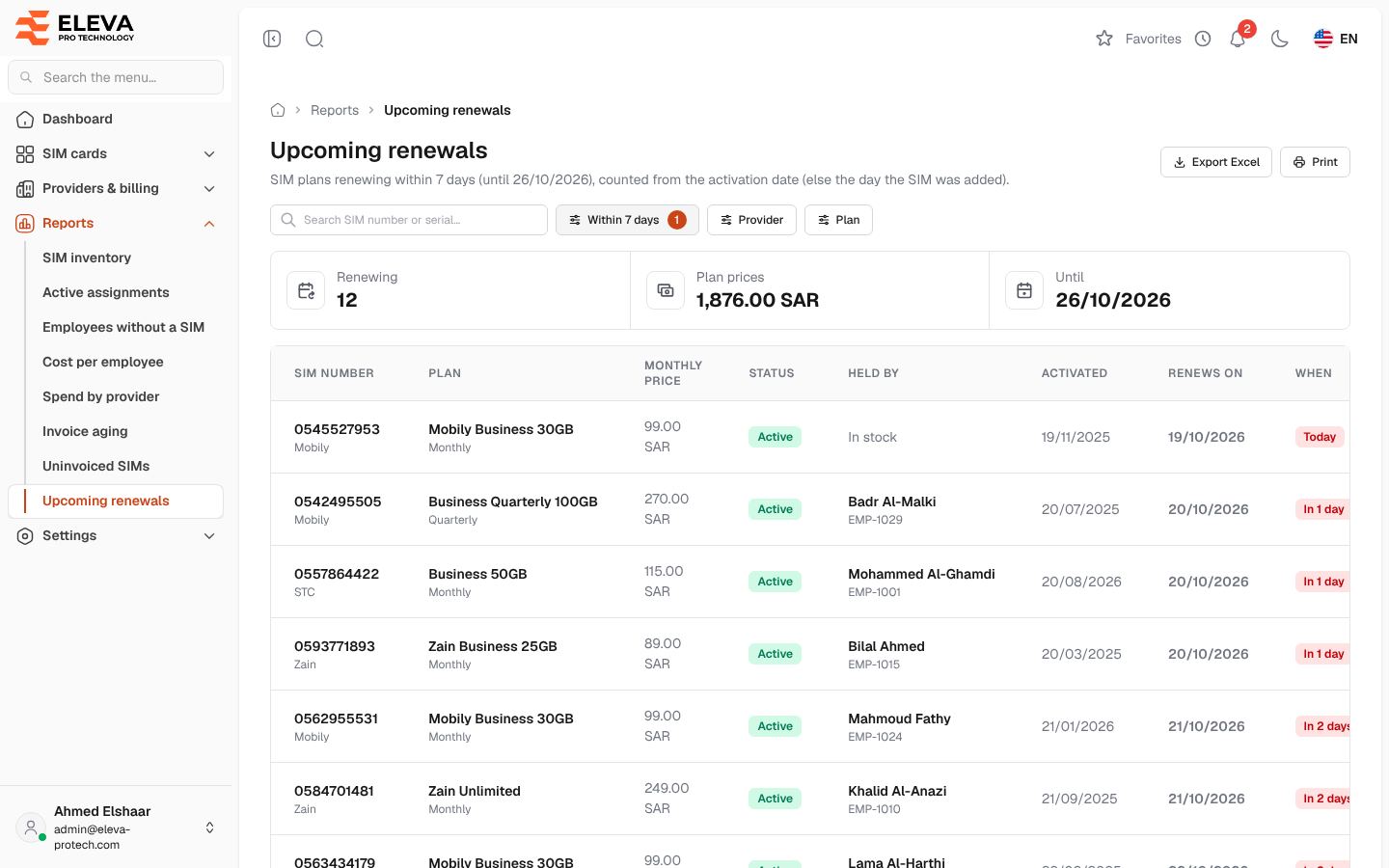
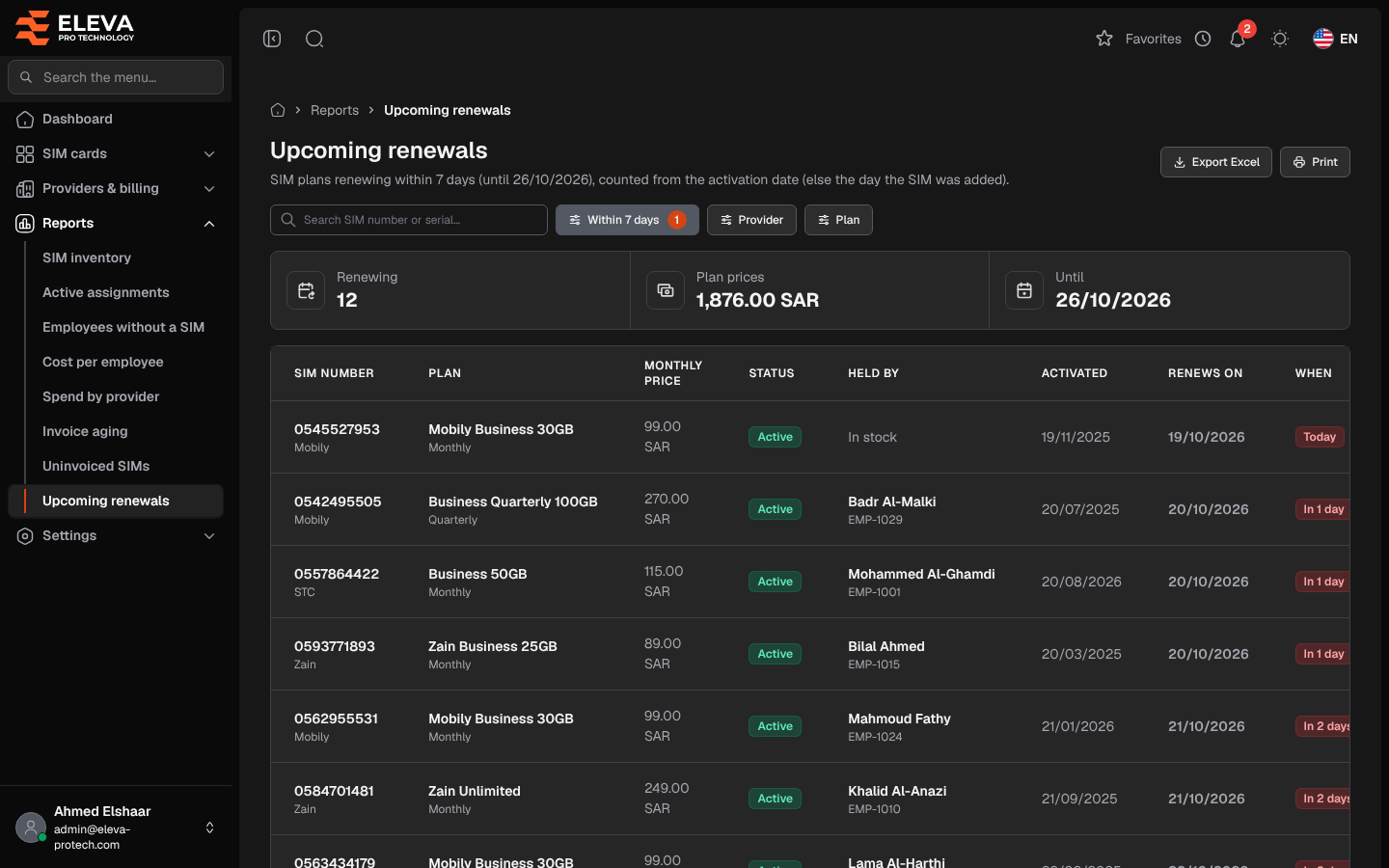
The Upcoming renewals report lists the SIM cards whose plan renews in the next few days, soonest first. Use it to suspend or cancel lines before they renew, or to plan the coming charges.
From the side menu, open Reports › Upcoming renewals.
What’s on this screen
Section titled “What’s on this screen”- Search SIM number or serial…
- Within N days: 7, 14, 30, 60 or 90 days, plus the default of Settings › General settings › Notifications › Plan renewals, marked (settings) (7 days unless changed). Today is included.
- Provider and Plan.
- Export Excel and Print.
- Summary cards: Renewing, Plan prices (the sum of their monthly prices) and Until (the last day of the window).
Columns
Section titled “Columns”- SIM number, with the provider underneath.
- Plan, with its renewal cycle underneath.
- Monthly price
- Status
- Held by: the holder today, or In stock.
- Activated
- Renews on: the next renewal date. estimated underneath means the SIM card has no activation date, so the cycle is counted from the day it was added.
- When: Today or In N days, in red within 3 days and in amber within 7.
A Total row adds up the monthly prices. Click a row to open the SIM card.
How the renewal date is worked out
Section titled “How the renewal date is worked out”- Cancelled SIM cards are not listed.
- The cycle is counted from the activation date, or else from the day the SIM card was added. Assigning, handing over or returning a SIM card never moves it.
- A plan whose cycle is a multiple of 30 days (30 monthly, 90 quarterly…) renews on the same day of the month, moved to the month end when the month is shorter: a SIM card activated on 31 January renews on 28 (or 29) February, then 31 March, 30 April…
- A cycle of 360 to 366 days is yearly: the same day each year.
- Any other cycle counts plain days.
The dashboard’s renewals list and the daily reminders use the same dates.
Required permissions
Section titled “Required permissions”- Reports › View to open the report.
- Reports › Export for Export Excel.
- SIM cards › View to open a SIM card from a row.