

Employee details
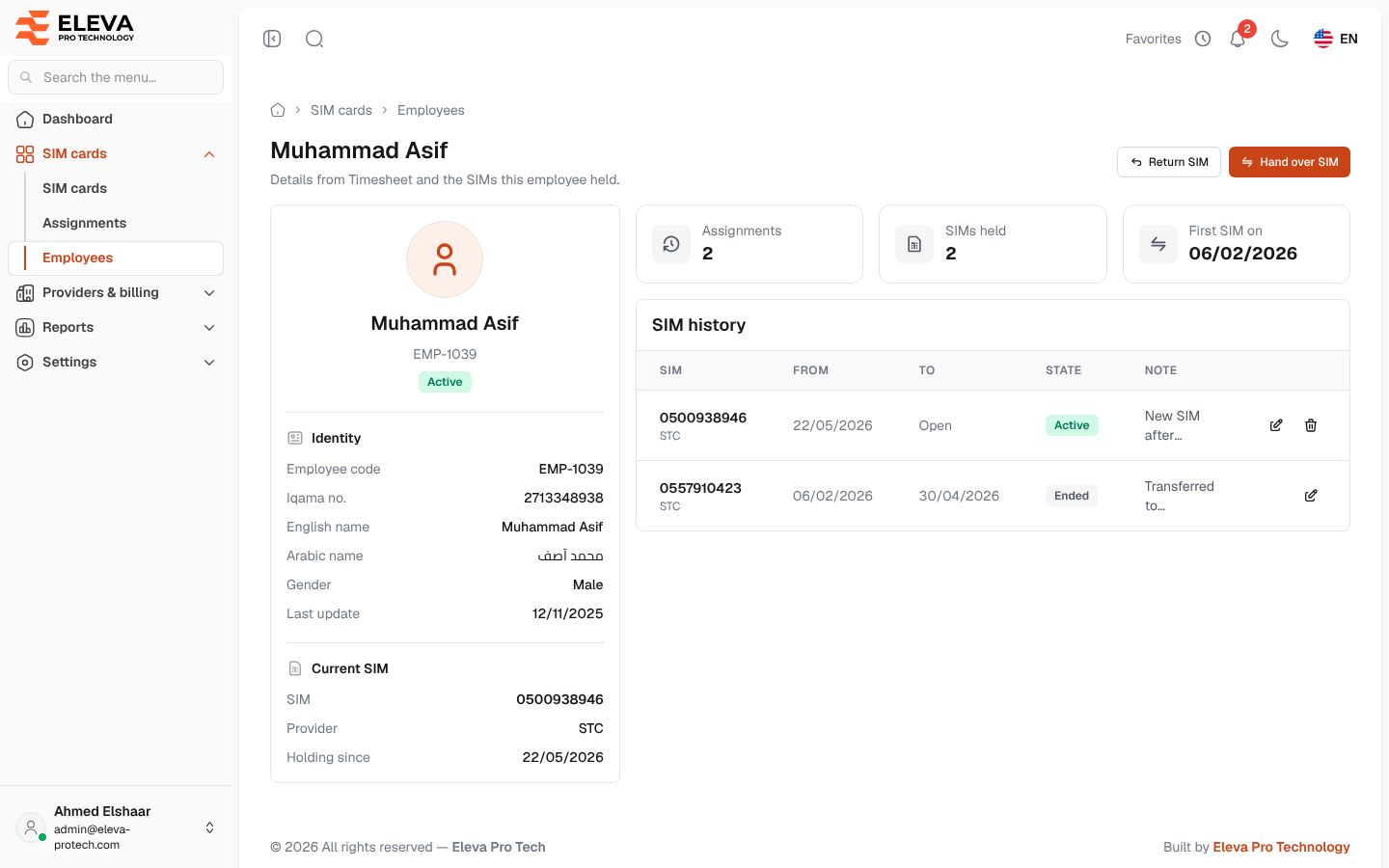
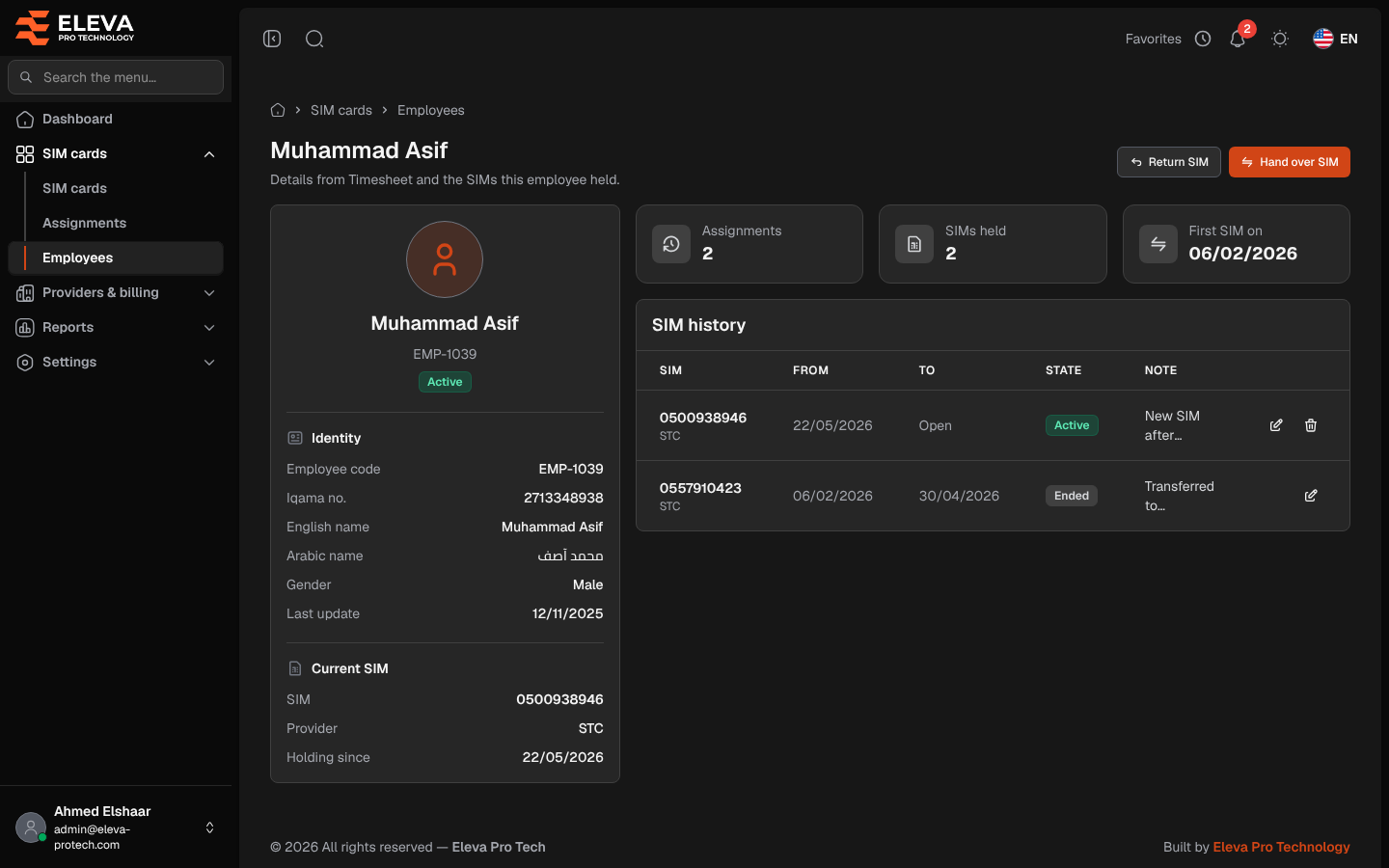
The employee page shows one employee’s details from Timesheet, the SIM they hold today and every SIM they held. From here you can assign them a SIM, return it, or hand it over to another employee.
From the side menu, open SIM cards › Employees and click the employee.
What’s on this screen
Section titled “What’s on this screen”At the top: the employee’s name and, depending on the employee, Return SIM, Hand over SIM or Assign SIM.
- A card with the name, code and status, then Identity (Employee code, Iqama no., English name, Arabic name, Gender, Last update) and Current SIM (SIM, a link to the SIM, Provider, Holding since and, when the period has an end, Until), or No SIM.
- Tiles: Assignments (the number of periods), SIMs held and First SIM on.
- SIM history: SIM (with the provider, and Deleted SIM when it was deleted since), From, To (Open when it has no end), State (Active, Upcoming or Ended) and Note, with Edit and Delete on each row. Without history, the table shows This employee never held a SIM.
Which button appears
Section titled “Which button appears”- Assign SIM: the employee is active and holds no SIM today. The employee is filled in; choose the SIM.
- Hand over SIM: the employee holds a SIM. The SIM is filled in; choose the employee who takes it. This employee’s period ends the day before the new one starts.
- Return SIM: the employee holds a SIM and the period has not ended.
See Assign or hand over a SIM and Return a SIM.
Correcting the history
Section titled “Correcting the history”- Click Edit in a row to correct its dates or note. See Correct an assignment.
- Click Delete on a period recorded by mistake and confirm. Only the SIM’s latest period can be deleted; when it was a hand-over, the previous holder gets the SIM back. See Assignments.
Required permissions
Section titled “Required permissions”- Employees › View to open the page.
- Assignments › Add for Assign SIM and Hand over SIM.
- Assignments › Edit for Return SIM and Edit, and Assignments › Delete for Delete.
- SIM cards › View to open a SIM from the page.