

Cost per employee
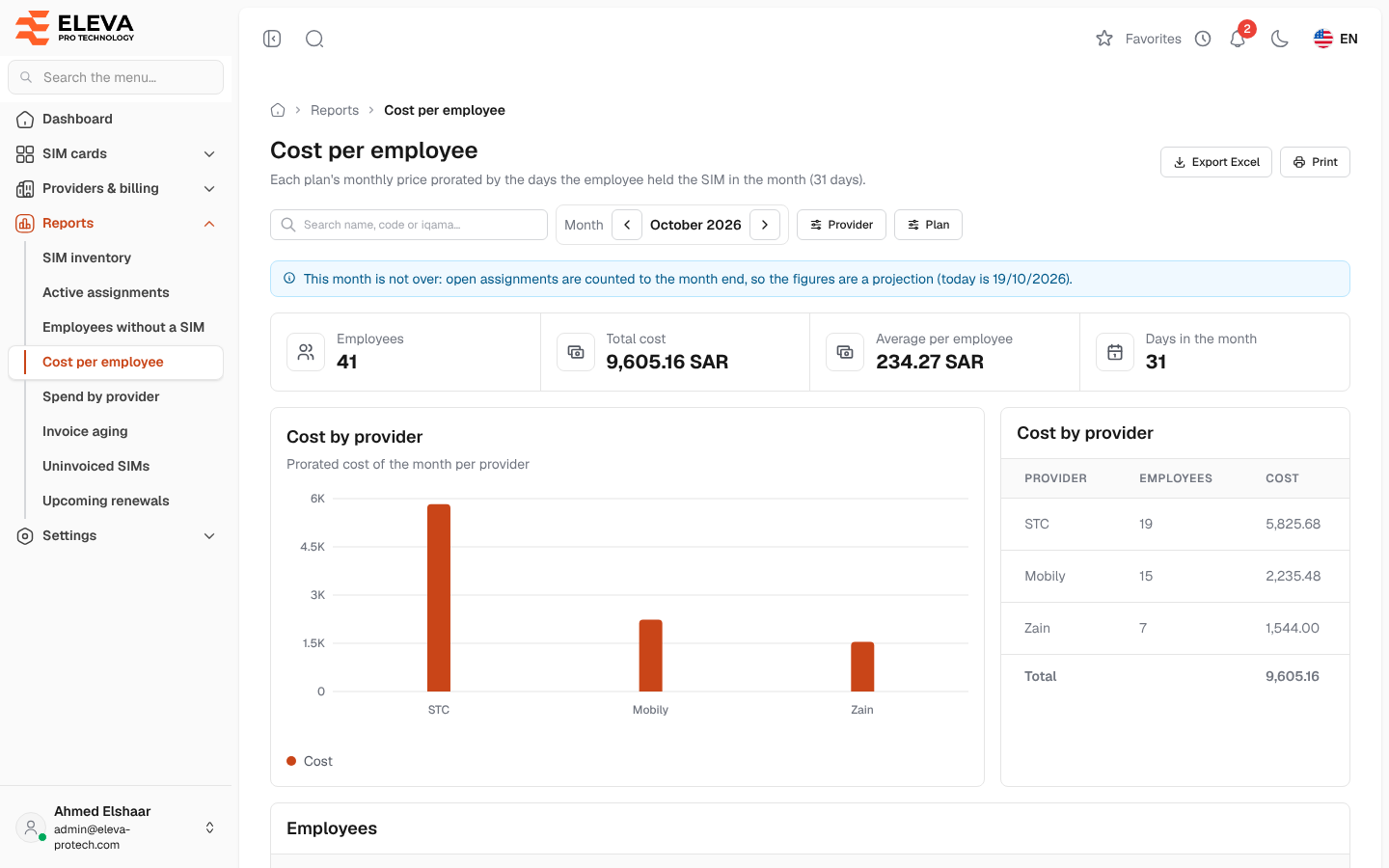
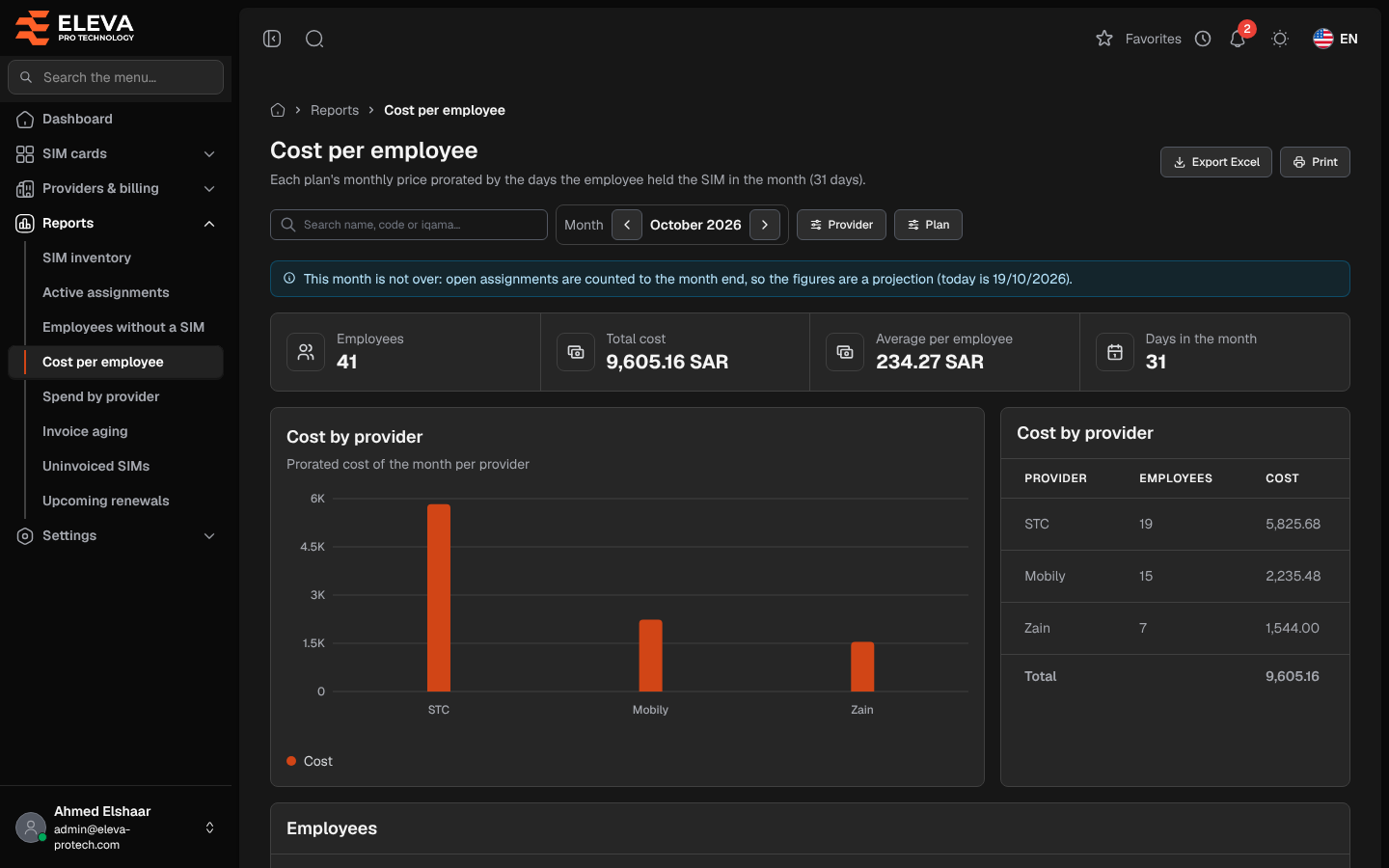
The Cost per employee report shows what each employee’s SIM cards cost in a month. Each plan’s monthly price is shared out by the days the employee held the SIM card in that month, so a SIM card handed over mid-month is split between its holders.
From the side menu, open Reports › Cost per employee.
What’s on this screen
Section titled “What’s on this screen”- Search name, code or iqama…
- Month: the arrows move to the previous or next month. The report opens on the current month.
- Provider and Plan.
- Export Excel and Print.
- Summary cards: Employees, Total cost, Average per employee and Days in the month.
- Cost by provider: a chart and a table of the month’s cost per provider, with the number of employees, highest cost first.
- Employees: one row per employee.
Columns
Section titled “Columns”- Employee, with their code underneath.
- SIMs: the SIM cards the employee held during the month.
- Days held: the days held in the month, out of the days in the month (for example 15 / 30).
- Cost
The highest cost comes first, and a Total row adds up the costs. Click a row to open the employee.
How the cost is calculated
Section titled “How the cost is calculated”For each assignment that overlaps the month:
cost = plan’s monthly price × days held in the month ÷ days in the month
- Both the first and the last day count: a SIM card held from the 1st to the 15th of a 30-day month counts 15 days, half its price.
- An assignment still open counts to the end of the month.
- An employee’s cost is the sum over all their assignments in the month.
Required permissions
Section titled “Required permissions”- Reports › View to open the report.
- Reports › Export for Export Excel.
- Employees › View to open an employee from a row.