

Notifications
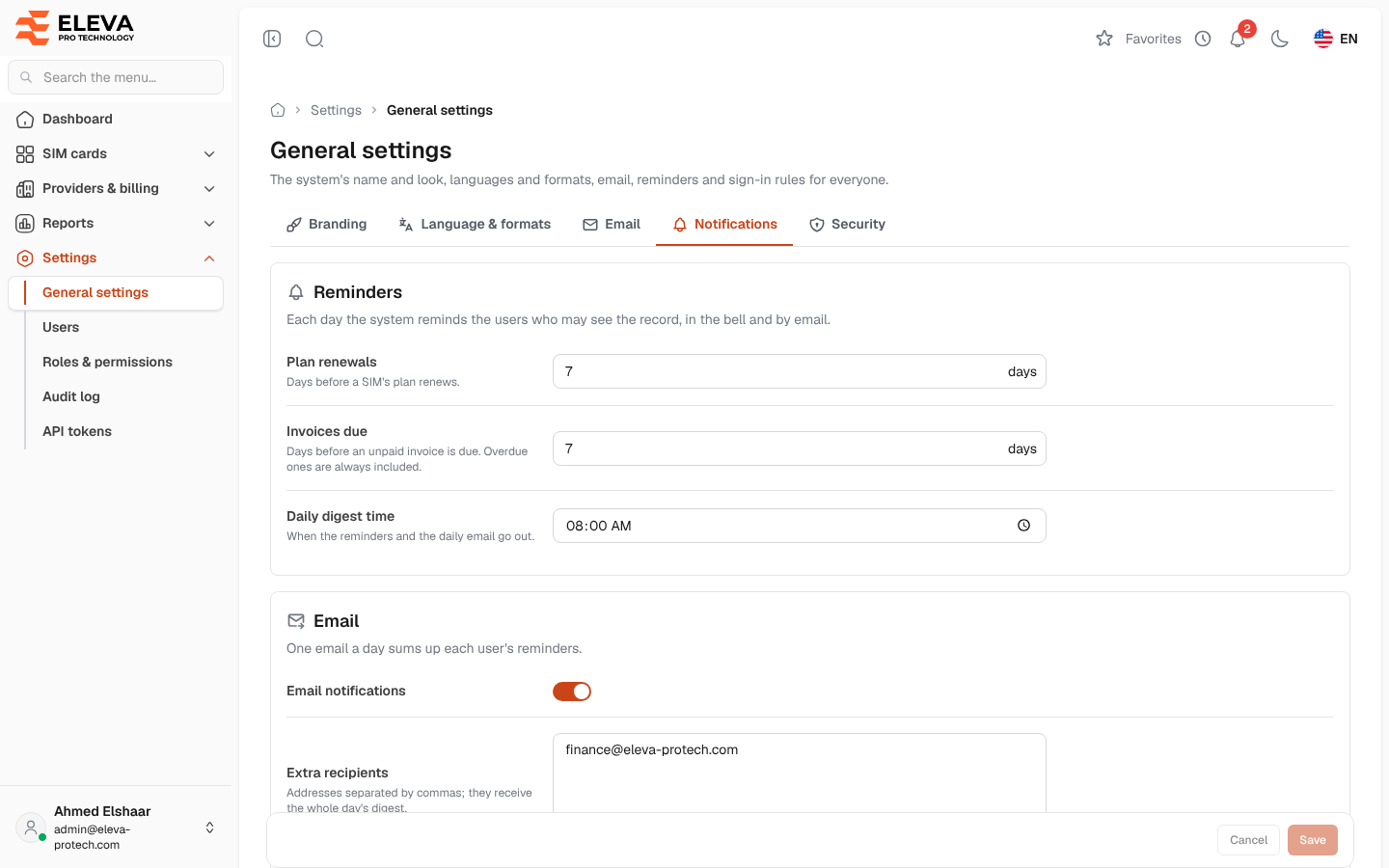
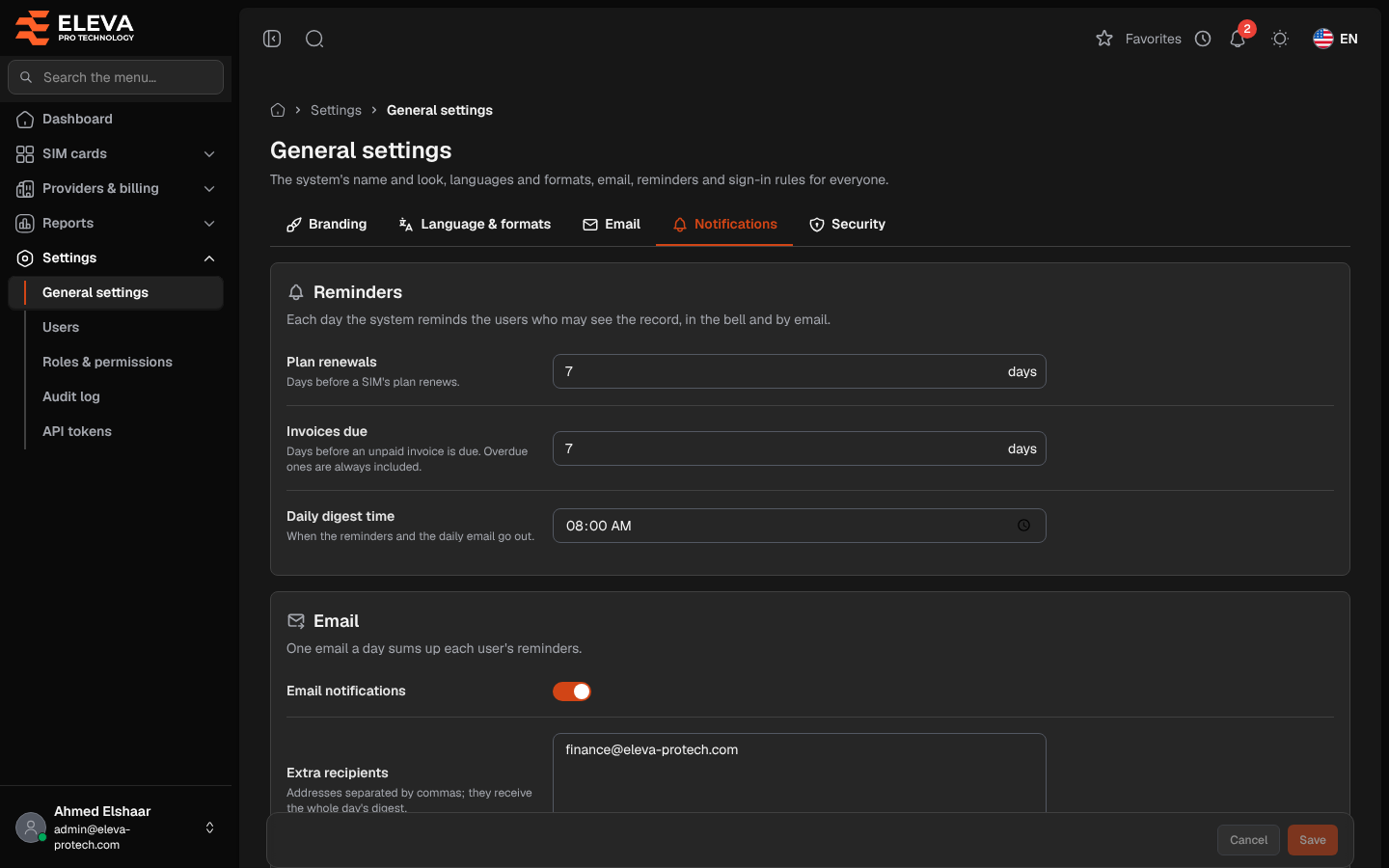
The Notifications tab sets the daily reminders. Once a day the system sends each user who may see the records one digest, in the bell and by e-mail: SIM cards whose plan renews soon (to users who can view SIM cards), and unpaid invoices coming due and overdue invoices (to users who can view invoices).
From the side menu, open Settings › General settings and click Notifications.
Reminders
Section titled “Reminders”- Plan renewals: days before a SIM’s plan renews (7 by default).
- Invoices due: days before an unpaid invoice is due (7 by default). Overdue ones are always included.
- Daily digest time: when the reminders and the daily e-mail go out (08:00 by default), in the office time zone of the Language & formats tab.
Each number of days can be from 0 to 365.
- Email notifications: on to also send the digest by e-mail, one e-mail a day for each user. When no mail server is set, the page warns No mail server is set yet (Email tab): reminders stay in the bell only.
- Extra recipients: e-mail addresses separated by commas; they receive the whole day’s digest. Each address must be valid. Only a super admin can change them (others see Only a super admin can change the extra recipients.), and a change asks for the password if it was not typed in the last 15 minutes.
How to change the reminders
Section titled “How to change the reminders”- Change the days, the time or the e-mail options.
- Click Save.
Required permissions
Section titled “Required permissions”General settings › View to open the screen; General settings › Edit to save. The super admin role to change the Extra recipients.