

Language and formats
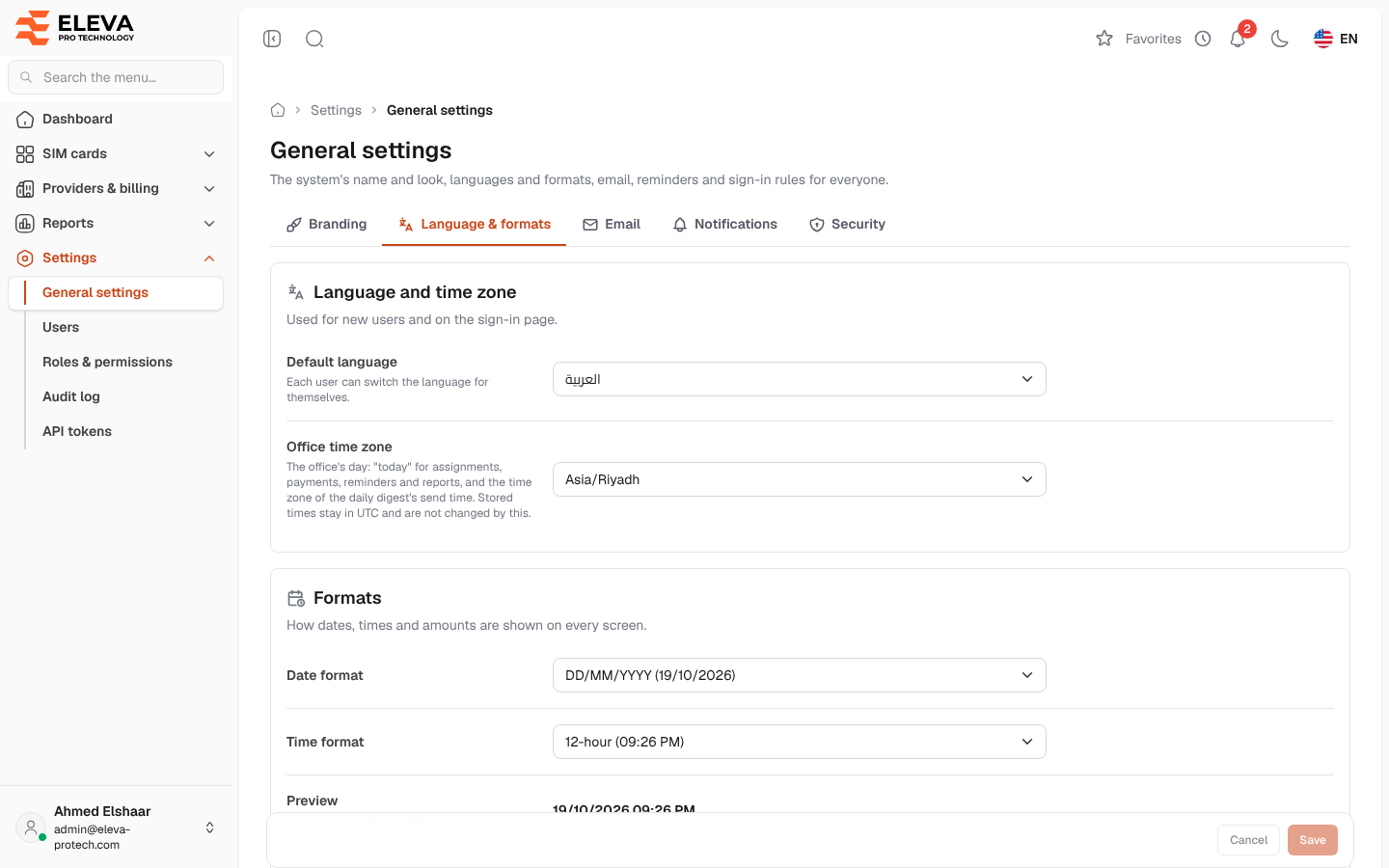
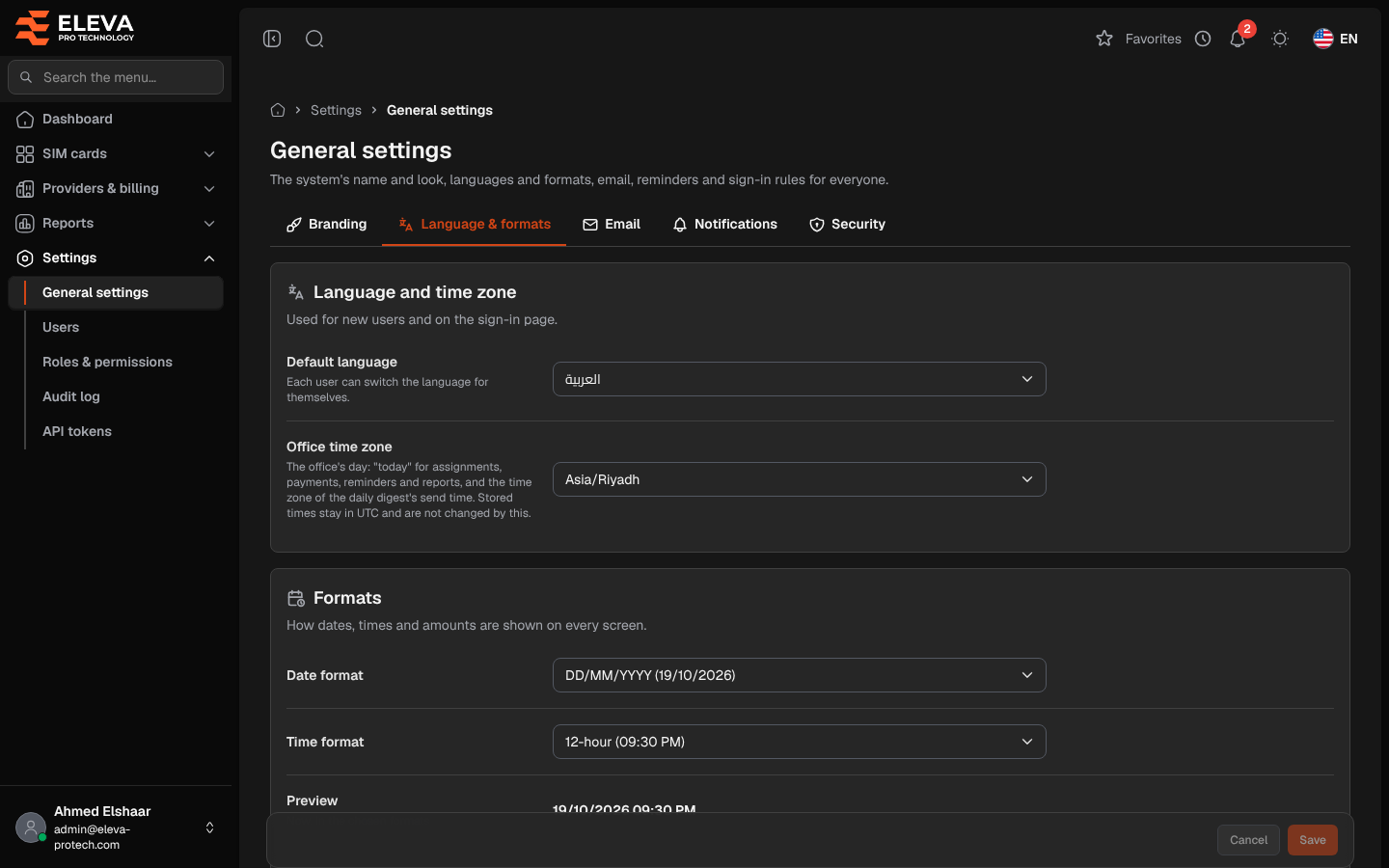
The Language & formats tab sets the default language, the office time zone, how dates, times and amounts are shown on every screen, and how many rows the lists show.
From the side menu, open Settings › General settings and click Language & formats.
Language and time zone
Section titled “Language and time zone”- Default language: العربية or English. Used for new users and on the sign-in page; each user can switch the language for themselves at the top of the screen.
- Office time zone: decides the office’s day. “Today” for assignments, returns, payments, reminders and reports is the date at the office, and the daily digest is sent at its time in this zone. Left empty, the server’s office zone is used (shown in the field, for example Asia/Riyadh (BUSINESS_TIMEZONE)).
Formats
Section titled “Formats”- Date format: DD/MM/YYYY, YYYY-MM-DD, MM/DD/YYYY or DD MMM YYYY.
- Time format: 12-hour or 24-hour, each with an example.
- Preview: the current date and time in the chosen formats.
- First day of the week: Saturday, Sunday or Monday, used by the calendars.
- Currency: a three-letter code in capitals, for example SAR.
- Rows per page: how many rows every list shows at first: 10, 25, 50 or 100 (25 by default). Each user can still change it on a list.
How to change the formats
Section titled “How to change the formats”- Change the fields and check the Preview.
- Click Save, or Cancel to discard your edits.
Required permissions
Section titled “Required permissions”General settings › View to open the screen; General settings › Edit to save.