

Add or edit an invoice
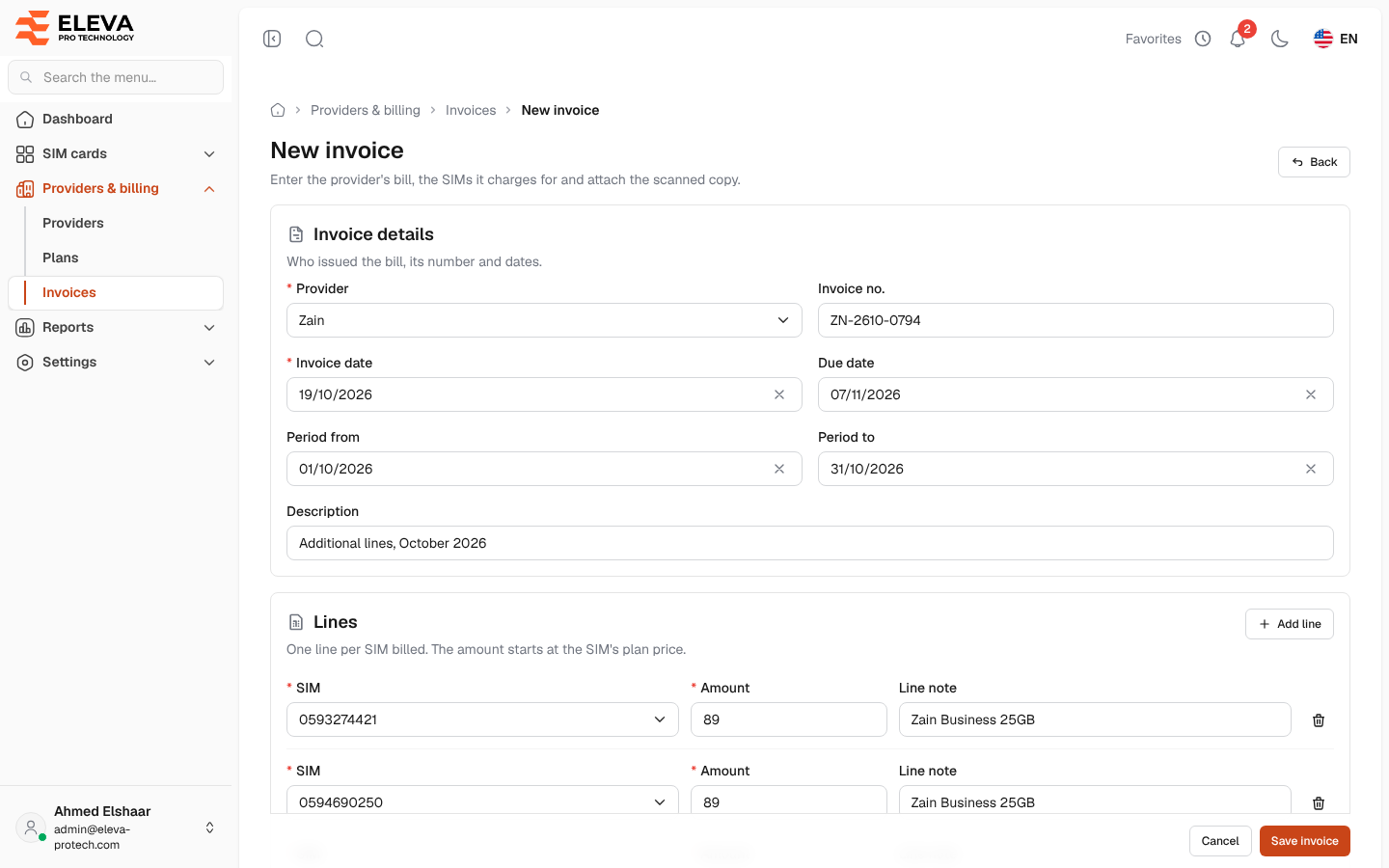
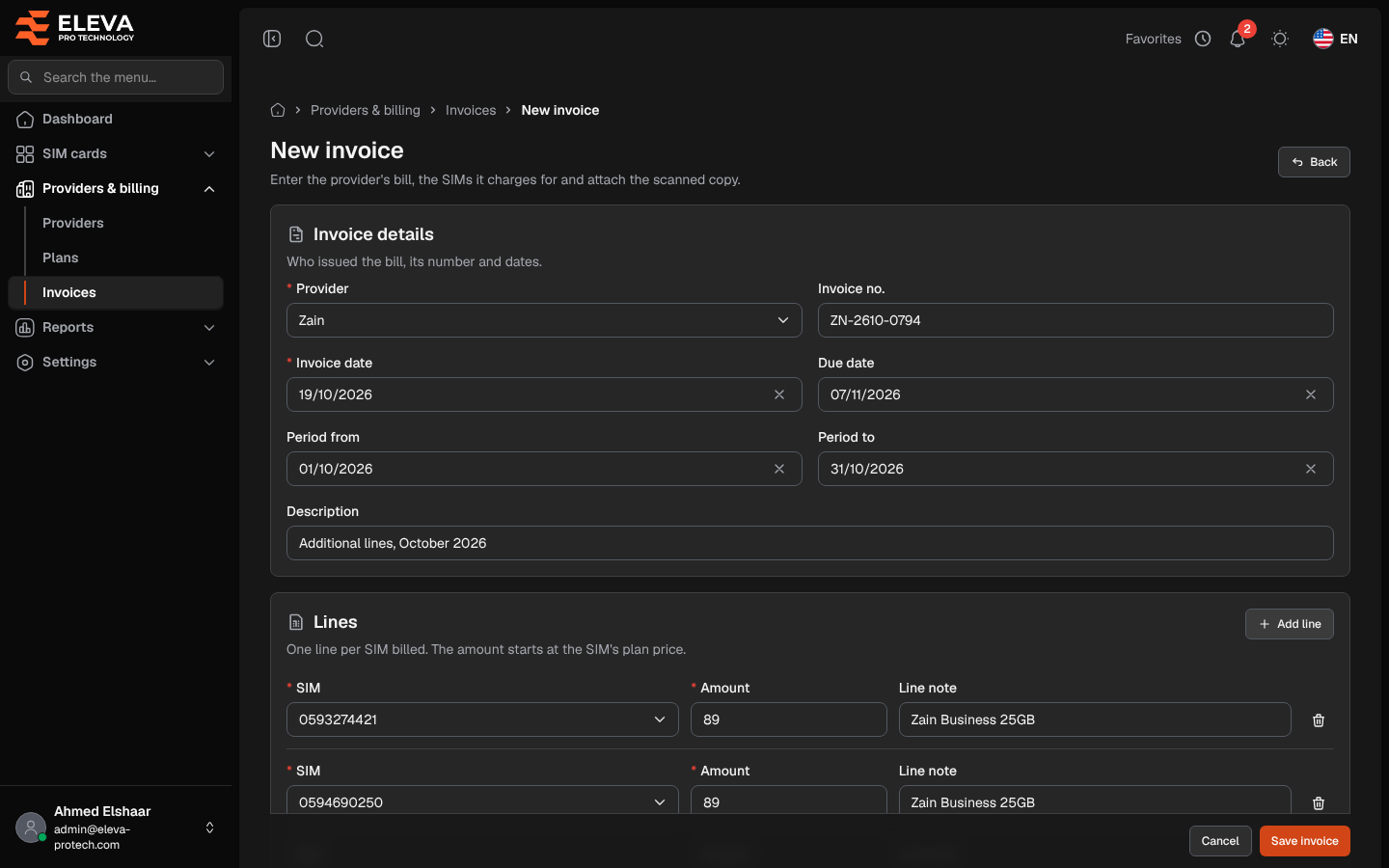
Record an invoice when a provider’s bill arrives: its number and dates, one line for each SIM card it charges for, the total as billed and the scanned copy. Payments are recorded afterwards, on the invoice page.
From the side menu, open Providers & billing › Invoices and click New invoice. To edit an invoice, click its pencil icon in the list, or Edit on the invoice page; the title then reads Edit invoice and its number.
Fields
Section titled “Fields”Invoice details
- Provider (required): the provider that issued the bill.
- Invoice no.: the provider’s number. Two invoices of the same provider cannot have the same number.
- Invoice date (required).
- Due date: on or after the invoice date. Without a due date, the invoice is due on its invoice date.
- Period from and Period to: the billing period. Period to is on or after Period from.
- Description: up to 255 characters.
Lines
One line for each SIM card on the bill:
- SIM (required): type a few digits of the number. Only the SIM cards of the chosen provider are offered, and each SIM card can be on only one line of the invoice.
- Amount (required): when you pick a SIM card, it starts at the monthly price of its plan; change it to the amount on the bill.
- Line note: up to 255 characters.
Under the lines, Lines total adds up their amounts.
Amounts
- Total (required): The amount on the provider’s bill. It can differ from the lines total, e.g. for taxes or fees.
Attachments
- The scanned bill or other files: PDF, JPG or PNG, up to 5 MB each and 10 files per invoice.
How to add an invoice
Section titled “How to add an invoice”- Click New invoice.
- Choose the Provider and enter the Invoice no., Invoice date, Due date and billing period.
- Click Add line for each SIM card on the bill, choose the SIM and check the Amount.
- Enter the Total of the bill.
- Drop the scanned bill onto the attachments area.
- Click Save invoice. The invoice page opens.
Total and lines total
Section titled “Total and lines total”The total you enter is what the invoice is worth: the balance, the reports and the reminders use it. The lines record what each SIM card costs, and the SIM’s page shows them.
When the two differ, the form shows The total differs from the lines total (…). This is only a warning: you can save, for example when the bill adds taxes or fees. To copy the lines total into the total, click Use lines total.
Editing an invoice
Section titled “Editing an invoice”- To remove a line, click its bin icon. To remove a saved file, click its bin icon: Removed files are deleted when you save.
- Once payments are recorded, the Total cannot be less than what was already paid, and the Invoice date cannot be after the first payment.
- A deleted SIM card stays on the lines it was already on, but cannot be added to a new line.
The status is not set on this form: it follows the payments (see Invoice details).
Required permissions
Section titled “Required permissions”Invoices › Add to add; Invoices › Edit to edit.