

Add or edit a plan
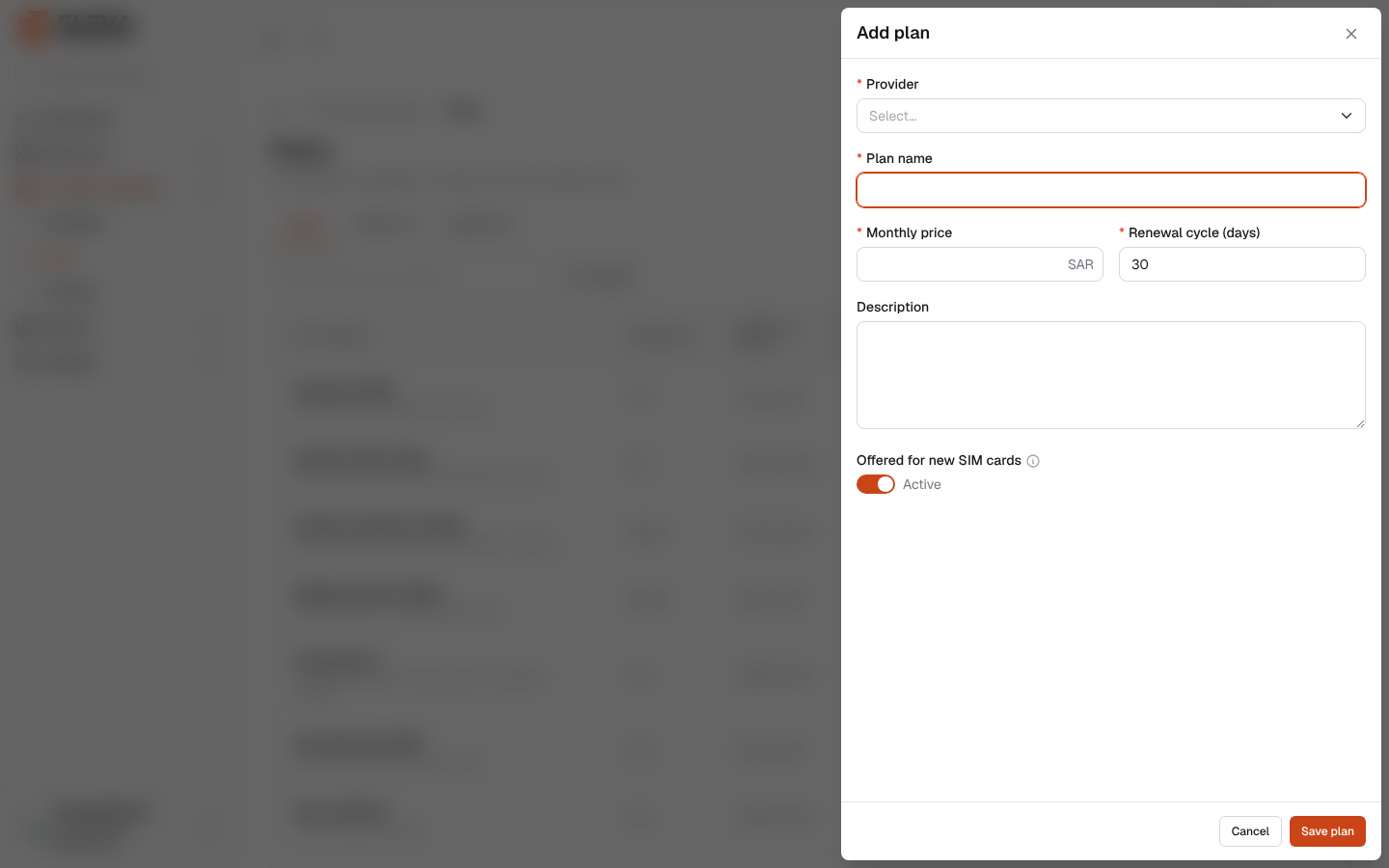
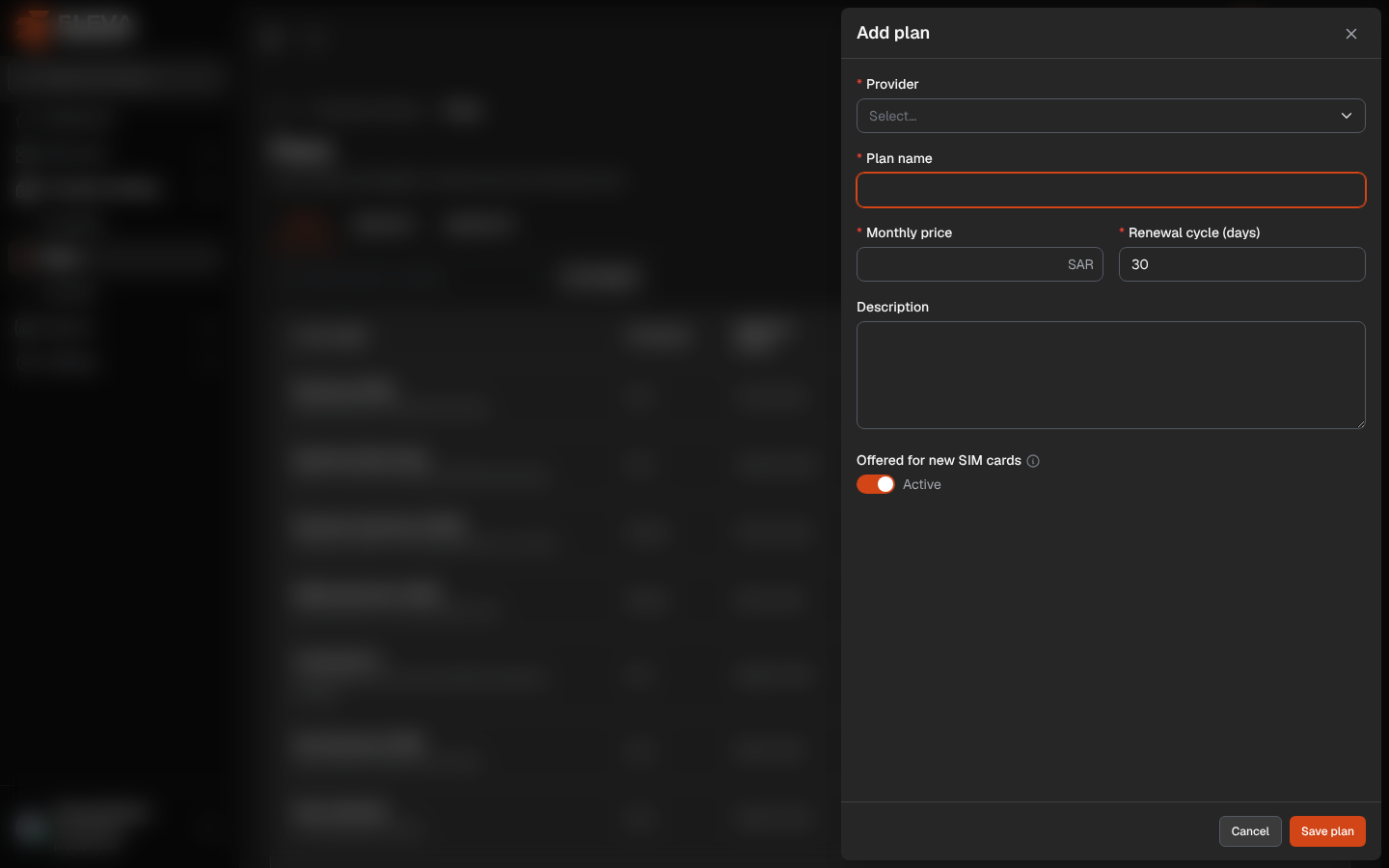
Add a plan for each package you buy from a provider. The plan’s renewal cycle decides when the SIM cards on it renew, which drives the next renewal dates, the renewals report and the reminders.
From the side menu, open Providers & billing › Plans and click Add plan, or click Add plan on the provider page. To edit a plan, click the pencil icon in the list or on the provider page.
Fields
Section titled “Fields”- Provider (required): already set and locked when you add the plan from the provider page. A plan that SIM cards use cannot move to another provider (SIM cards use this plan, so it cannot move to another provider.).
- Plan name (required): must not be used by another plan of the same provider. The SIM import matches plans by this name.
- Monthly price (required): 0 or more, in the system’s currency.
- Renewal cycle (days) (required): from 1 to 3650 days; 30 by default.
- Description
- Offered for new SIM cards: Active or Inactive. An inactive plan keeps its SIM cards but is no longer offered when adding a SIM.
How to add a plan
Section titled “How to add a plan”- Click Add plan.
- Fill in the fields.
- Click Save plan, or Cancel to close without saving. The message Added. confirms it.
How the renewal cycle is counted
Section titled “How the renewal cycle is counted”A SIM’s renewals are counted from its Activation date, or from the date it was added when it has none (the date is then shown as estimated). Assigning or returning a SIM never moves them.
- A multiple of 30 days: the same day of the month, every 1, 2, 3… months. 30 is Monthly and 90 is Quarterly. When a month is shorter, the renewal falls on its last day (a SIM activated on 31 January renews on 28 or 29 February, then 31 March).
- 360 to 366 days (or the same times a number of years): the same day every year (Yearly), so a 365-day plan does not drift in a leap year.
- Any other number: every that many days, for example Every 45 days.
Required permissions
Section titled “Required permissions”Plans › Add to add; Plans › Edit to edit.