

Plans
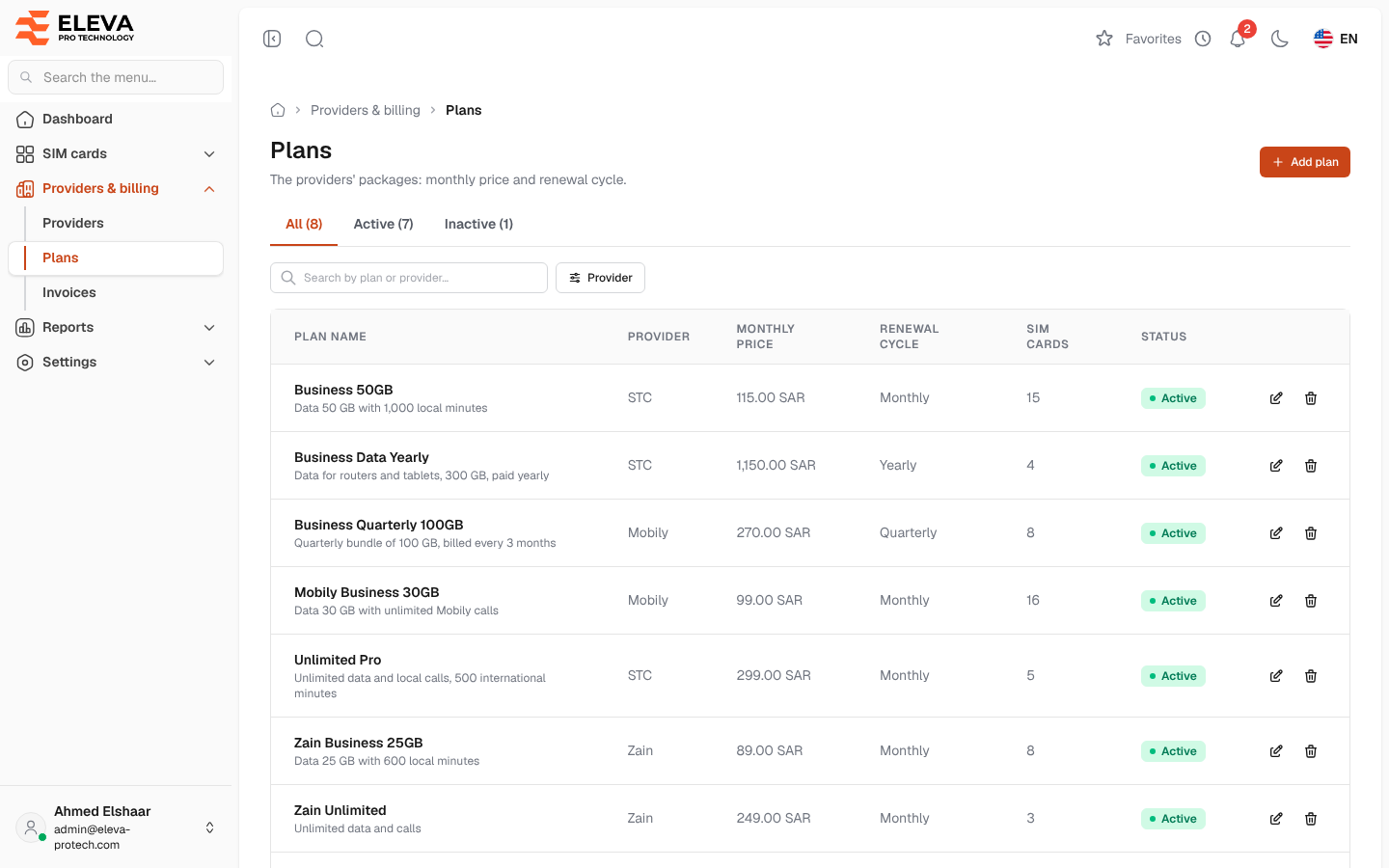
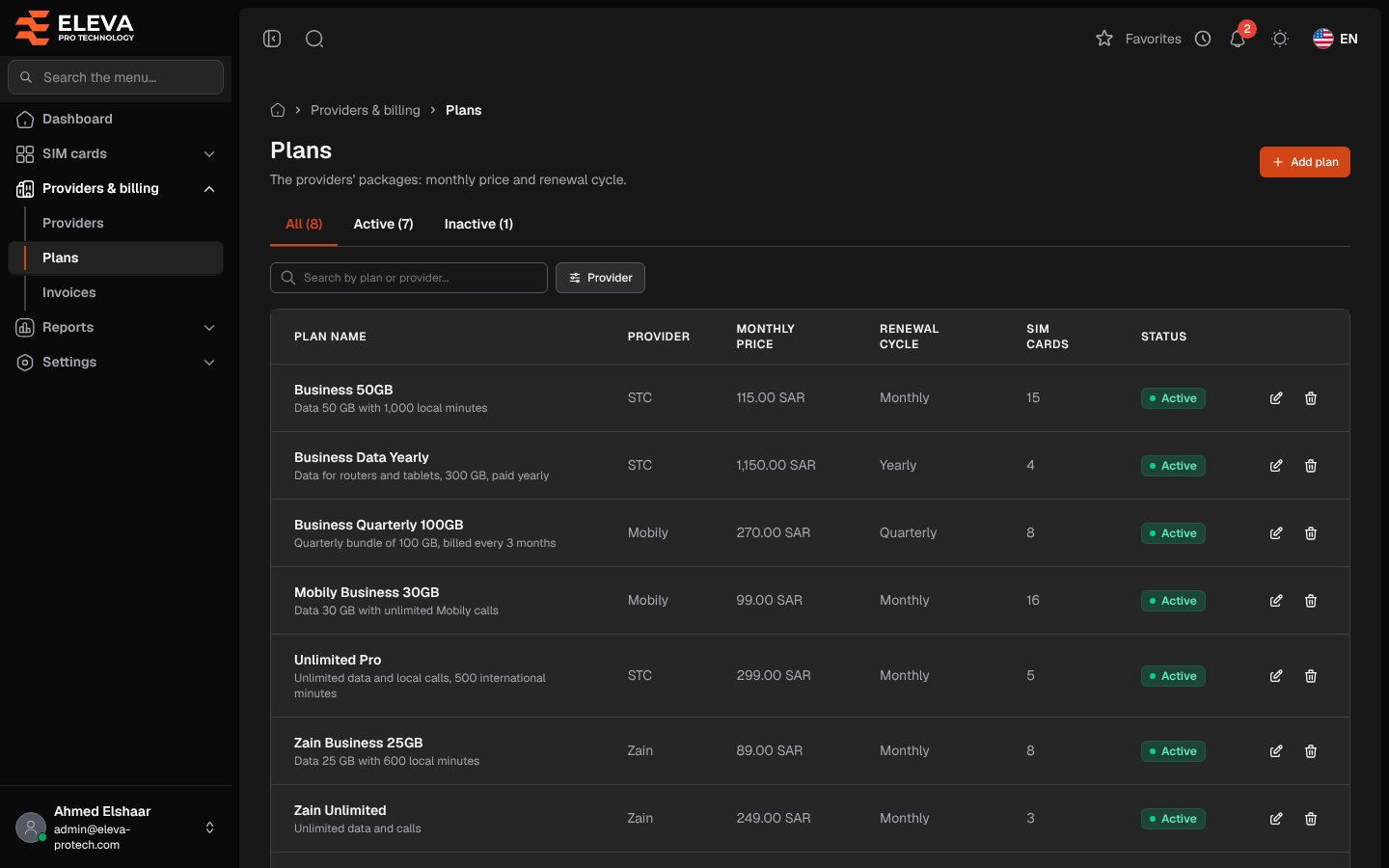
Plans are the providers’ packages: each has a monthly price and a renewal cycle, and every SIM card is on one plan. The Plans screen lists the plans of all providers. Use it to find a plan, see how many SIM cards use it, add a plan or stop offering one.
From the side menu, open Providers & billing › Plans.
What’s on this screen
Section titled “What’s on this screen”- All, Active and Inactive: tabs that filter by status, each with its count.
- Search by plan or provider…
- Filter: Provider.
- Add plan: opens the plan form. See Add or edit a plan.
Columns
Section titled “Columns”- Plan name: with the description underneath.
- Provider
- Monthly price
- Renewal cycle: for example Monthly, Quarterly, Yearly, Every 2 months or Every 45 days.
- SIM cards: how many SIM cards are on the plan.
- Status: Active or Inactive.
- Actions: Edit and Delete.
Click a row to open the plan’s provider. See Provider details.
Active and inactive plans
Section titled “Active and inactive plans”An inactive plan keeps its SIM cards but is no longer offered when adding a SIM. Make a plan inactive when the provider stops selling it, instead of deleting it: its SIM cards and their history stay as they are.
How to delete a plan
Section titled “How to delete a plan”- Click the bin icon in the plan’s row.
- Confirm with Delete in Delete plan.
Required permissions
Section titled “Required permissions”- Plans › View to open the screen.
- Plans › Add, Edit and Delete for Add plan, Edit and Delete.
- Providers › View to open a provider from the list.