

SIM details
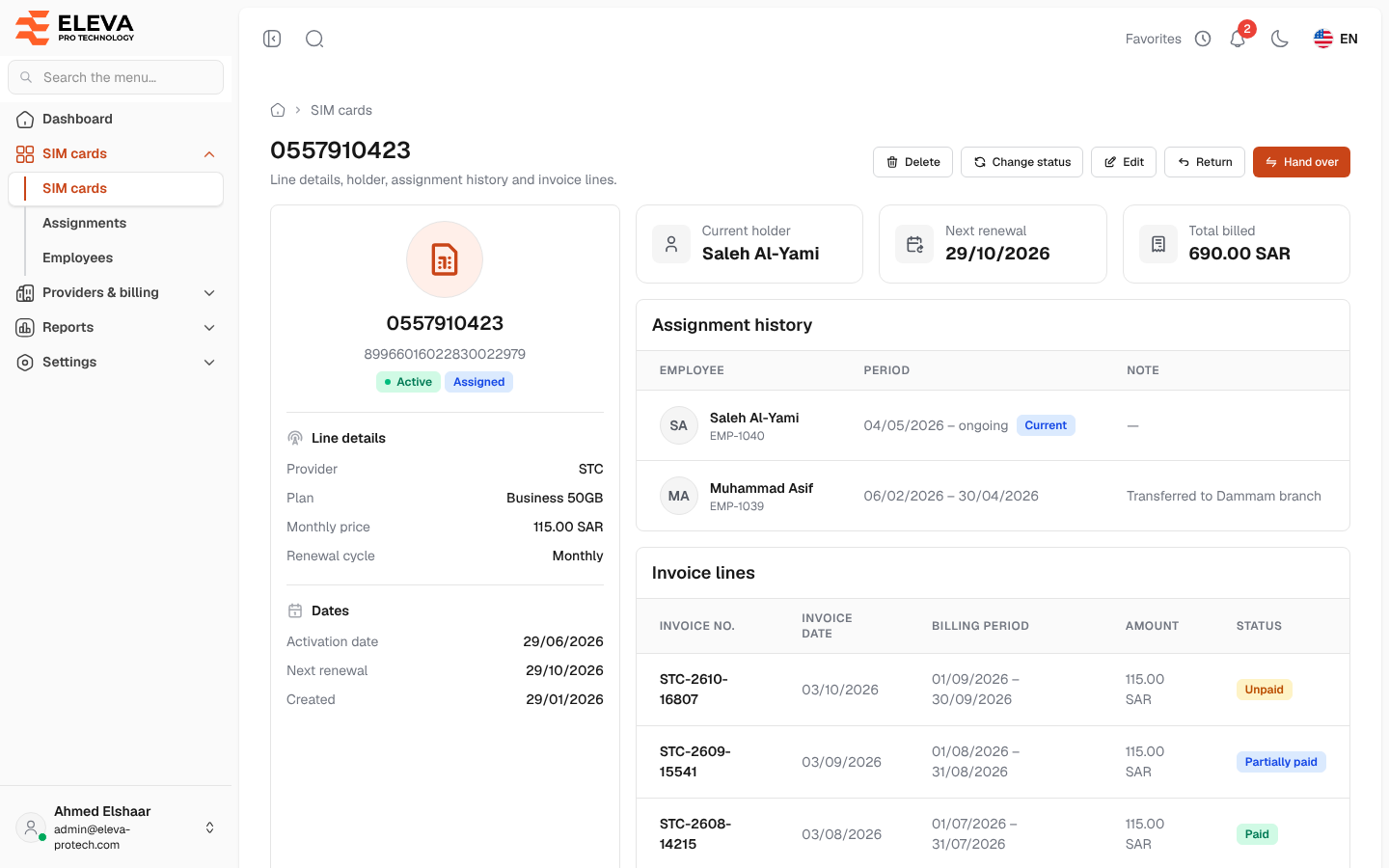
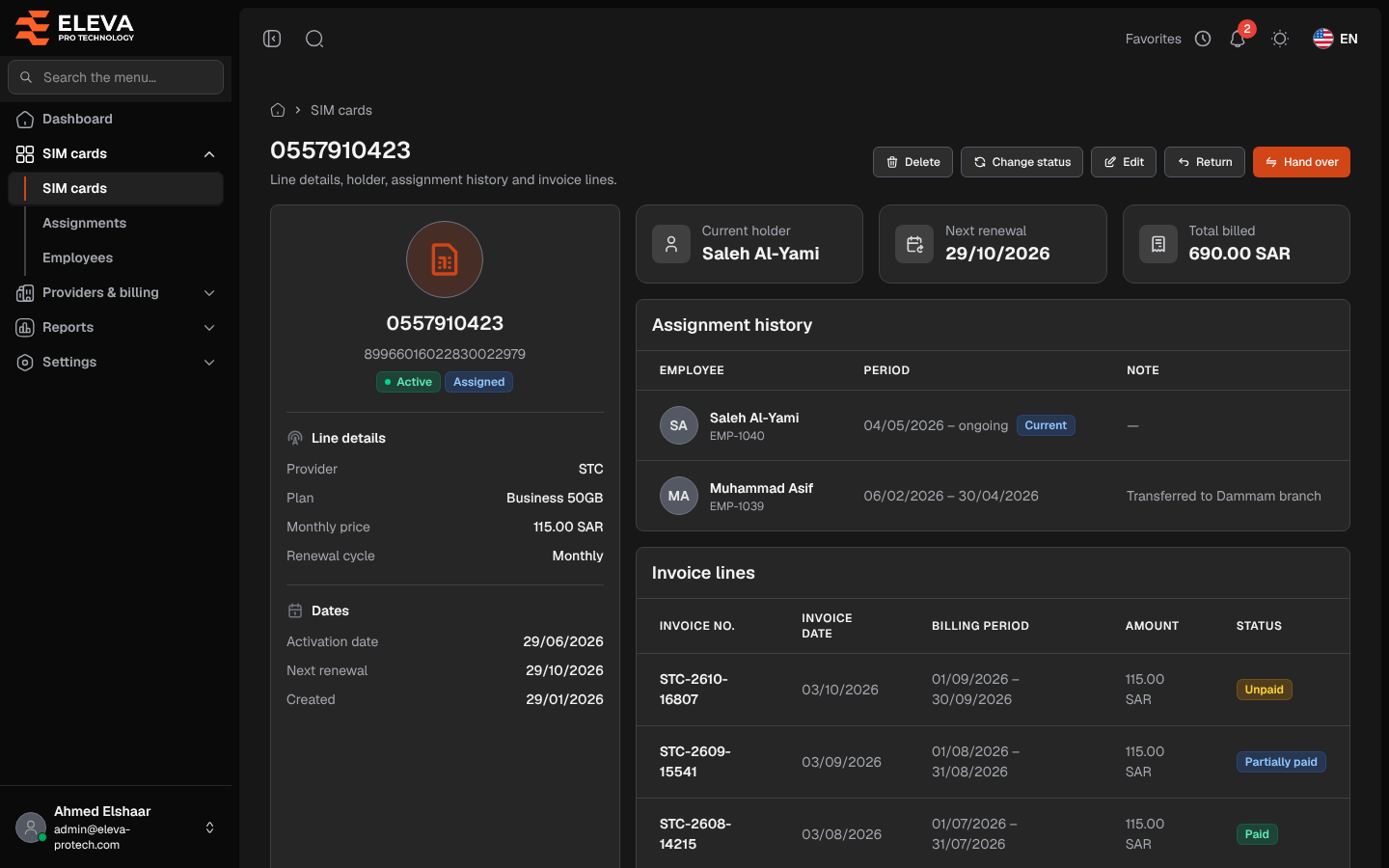
The SIM page shows everything about one line: its provider and plan, who holds it, when its plan renews, every assignment it had and the invoice lines that bill it. You can assign, hand over or return the SIM from here, change its status, edit it or delete it.
From the side menu, open SIM cards › SIM cards and click the SIM.
What’s on this screen
Section titled “What’s on this screen”At the top: the SIM number and the buttons Delete, Change status, Edit, and, depending on the SIM, Return, Hand over or Assign.
- A card with the number and serial, the status and holding tags, then Line details (Provider, Plan, Monthly price, Renewal cycle), Dates (Activation date, Next renewal, Created) and Notes.
- Tiles: Current holder (the employee, or In stock / Out of service), Next renewal and Total billed.
- Assignment history: Employee, Period (ongoing when it has no end; Current marks the period running today) and Note. Click a row to open the employee. Without assignments, the table shows This SIM has never been assigned.
- Invoice lines: Invoice no., Invoice date, Billing period, Amount and Status. Click a row to open the invoice. Without lines, the table shows No invoice bills this SIM yet.
Which button appears
Section titled “Which button appears”- Assign: the SIM is active and free today, or will be free from a later day (for example, it was returned today and is free from tomorrow).
- Hand over: someone holds the SIM with no end date, since before today. The new holder takes it and the current holder’s period ends the day before.
- Return: someone holds the SIM and their period has not ended.
See Assign or hand over a SIM and Return a SIM.
Next renewal
Section titled “Next renewal”The plan renews on a fixed cycle counted from the Activation date; assigning or returning the SIM never moves it.
- A cycle of 30 days (or a multiple of 30) renews on the same day of the month: every month, every 3 months (Quarterly), and so on. When the month is shorter, it renews on its last day.
- A cycle of 360 to 366 days renews on the same day every year (Yearly).
- Any other cycle renews every given number of days.
When the SIM has no activation date, the renewal is counted from the date it was added and is marked estimated (The SIM has no activation date: the renewal is counted from the date it was added.).
Assigning after a return or before a booking
Section titled “Assigning after a return or before a booking”A SIM returned today is still held today, so it can be assigned from tomorrow. Assign then starts the new period on that day: The SIM is free from …: the period can start on that day or later.
When the SIM is already booked for a later period, a new period must end before it: The SIM is booked from …: this period must end by …. The To date is then required and filled in for you.
A deleted SIM
Section titled “A deleted SIM”A deleted SIM’s page stays available from its history, read-only, with the tag Deleted and the banner This SIM was deleted on …. Its history is kept and shown read-only.
Required permissions
Section titled “Required permissions”- SIM cards › View to open the page.
- SIM cards › Edit for Edit and Change status, and SIM cards › Delete for Delete.
- Assignments › Add for Assign and Hand over, and Assignments › Edit for Return.
- Employees › View to open an employee from the history, and Invoices › View to open an invoice.