

Invoice aging
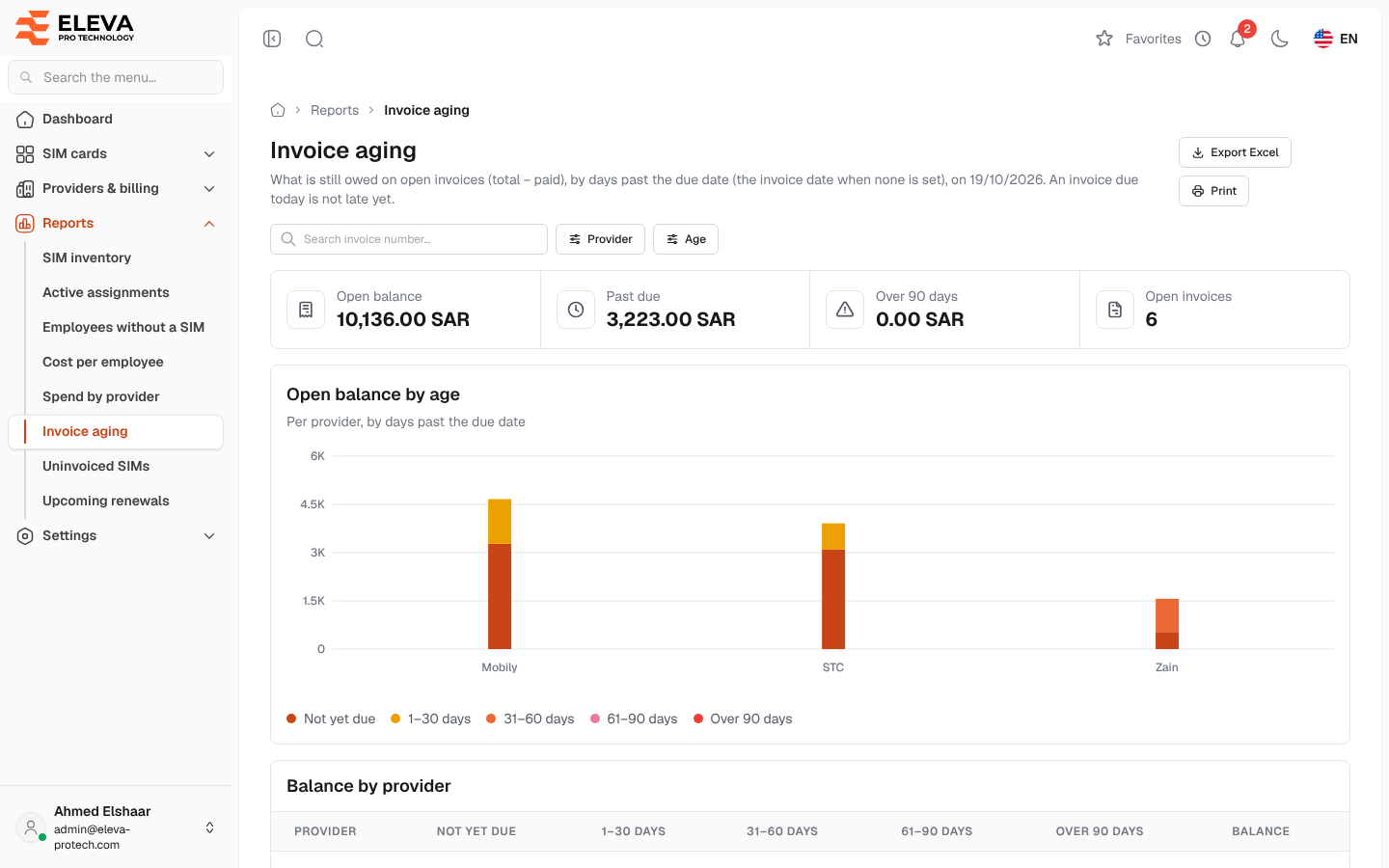
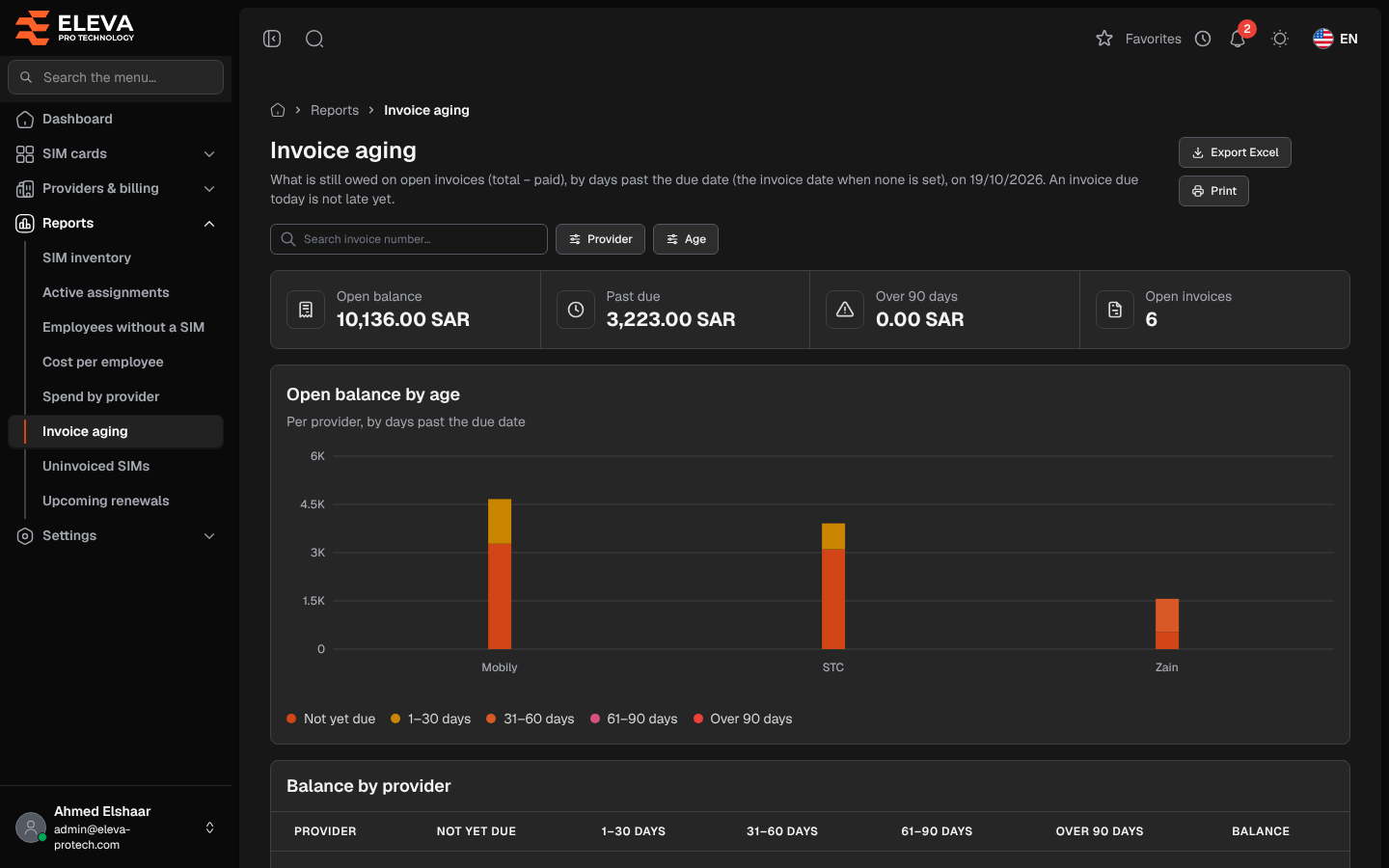
The Invoice aging report shows what is still owed on open invoices, grouped by how many days they are past due. Use it to decide what to pay first and to follow up with each provider.
From the side menu, open Reports › Invoice aging.
What’s on this screen
Section titled “What’s on this screen”- Search invoice number…
- Filters: Provider and Age.
- Export Excel and Print.
- Summary cards: Open balance, Past due (the part of the balance already late), Over 90 days and Open invoices.
- Open balance by age: one bar per provider, split by age.
- Balance by provider: one row per provider with the balance in each age group and its Balance, largest first, and a Total row.
- Open invoices: one row per invoice.
Age groups
Section titled “Age groups”Each open invoice falls in one group, by the days between its due date and today:
- Not yet due: due today or later.
- 1–30 days
- 31–60 days
- 61–90 days
- Over 90 days
An invoice without a due date is due on its invoice date. An invoice due today is not late yet. This is the same rule as Overdue on the invoices list and the dashboard.
Open invoices columns
Section titled “Open invoices columns”- Invoice: the invoice number.
- Provider
- Due: the due date, or the invoice date when there is none.
- Total, Paid and Balance.
- Age: Not yet due, or the number of days late (for example 12 days late).
The invoices due longest ago come first. Click a row to open the invoice.
Required permissions
Section titled “Required permissions”- Reports › View to open the report.
- Reports › Export for Export Excel.
- Invoices › View to open an invoice from a row.