

SIM inventory
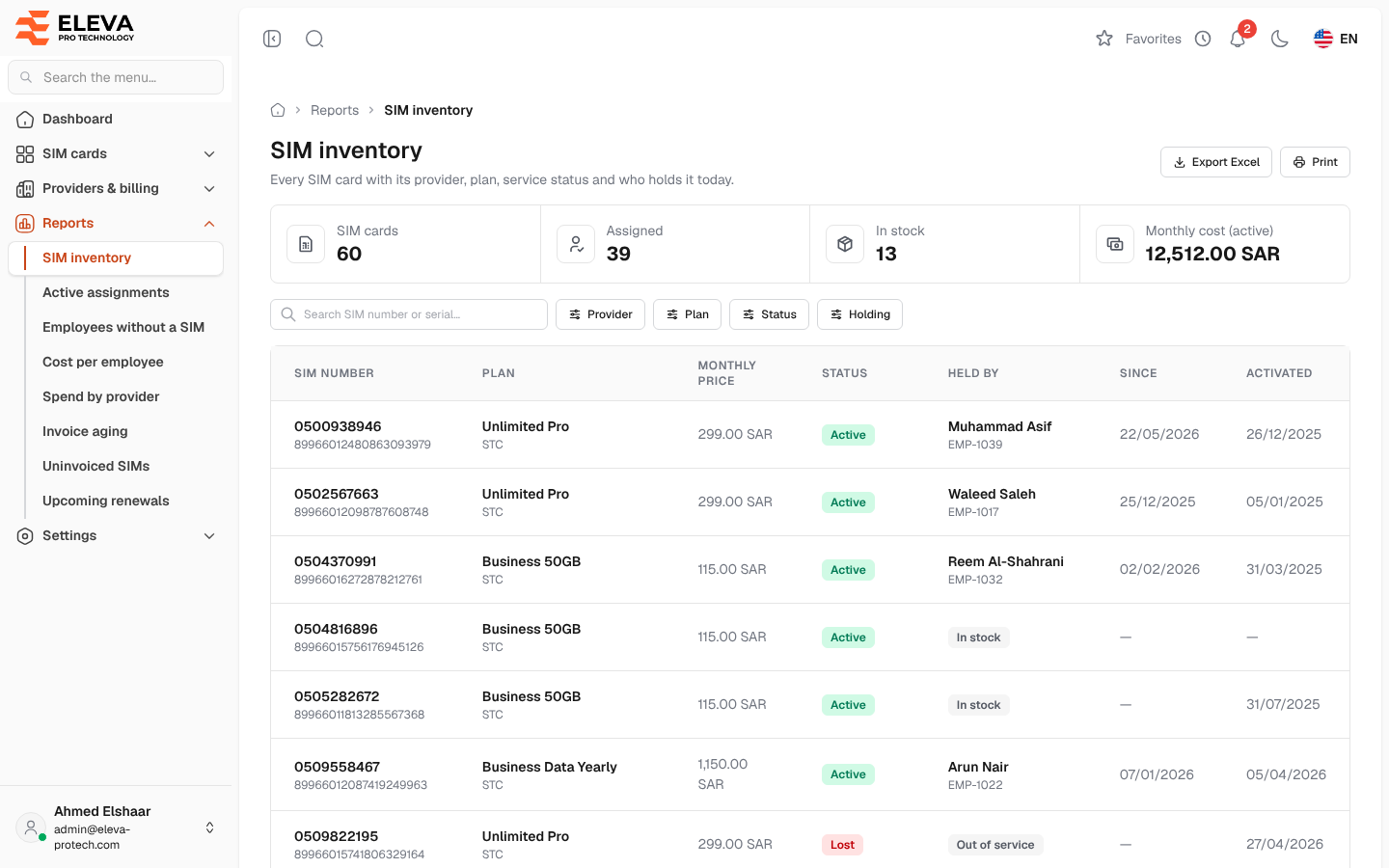
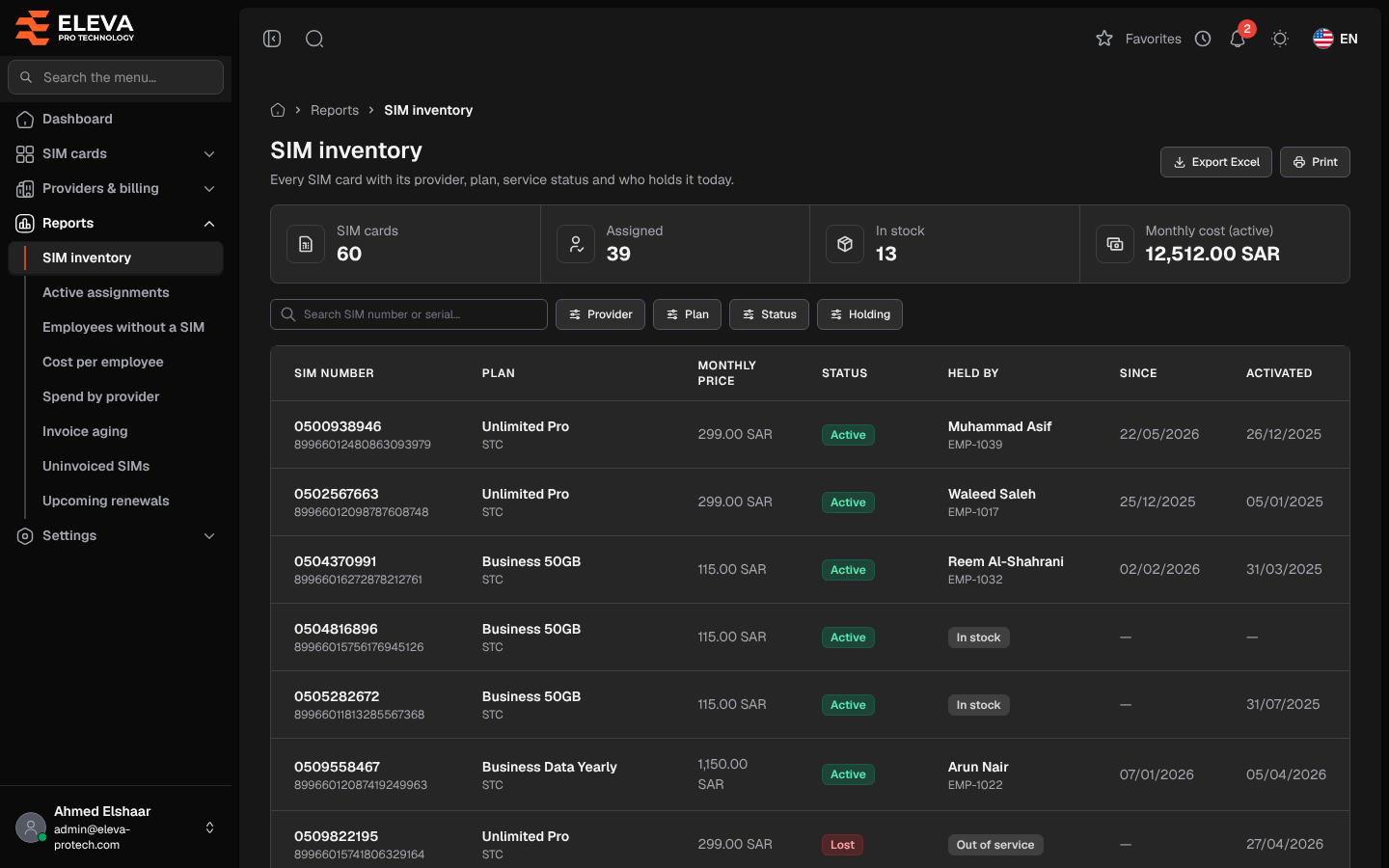
The SIM inventory report lists every SIM card with its provider, plan, service status and who holds it today. Use it to count the SIM cards, see what is free to hand out and what the active lines cost each month, and to export or print the list.
From the side menu, open Reports › SIM inventory.
What’s on this screen
Section titled “What’s on this screen”- Summary cards, counted on the filtered SIM cards: SIM cards, Assigned, In stock and Monthly cost (active), the plan prices of the Active SIM cards only.
- Search SIM number or serial…
- Filters: Provider, Plan (the plans follow the providers chosen), Status (Active, Suspended, Lost or Cancelled) and Holding (Assigned, In stock or Out of service).
- Export Excel and Print.
Columns
Section titled “Columns”- SIM number, with the serial number (ICCID) underneath.
- Plan, with the provider underneath.
- Monthly price: the plan’s price.
- Status
- Held by: the employee who holds the SIM card today, with their code, or a tag: In stock or Out of service.
- Since: the day the current holder received it.
- Activated
Click a row to open the SIM card.
Holding
Section titled “Holding”- Assigned: an employee holds the SIM card today.
- In stock: the SIM card is Active and nobody holds it, so it can be handed out.
- Out of service: the SIM card is Suspended, Lost or Cancelled and nobody holds it.
Deleted SIM cards are not listed.
How to export or print the report
Section titled “How to export or print the report”Set the search and filters, then click Export Excel or Print. The Excel file has the SIM cards as filtered, with SIM number, serial number, Provider, Plan, Monthly price, Status, Holding, holder, holder’s code, Since and Activated. The printout leaves out the buttons and filters and keeps every column.
Required permissions
Section titled “Required permissions”- Reports › View to open the report.
- Reports › Export for Export Excel.
- SIM cards › View to open a SIM card from a row.