

Forgot password
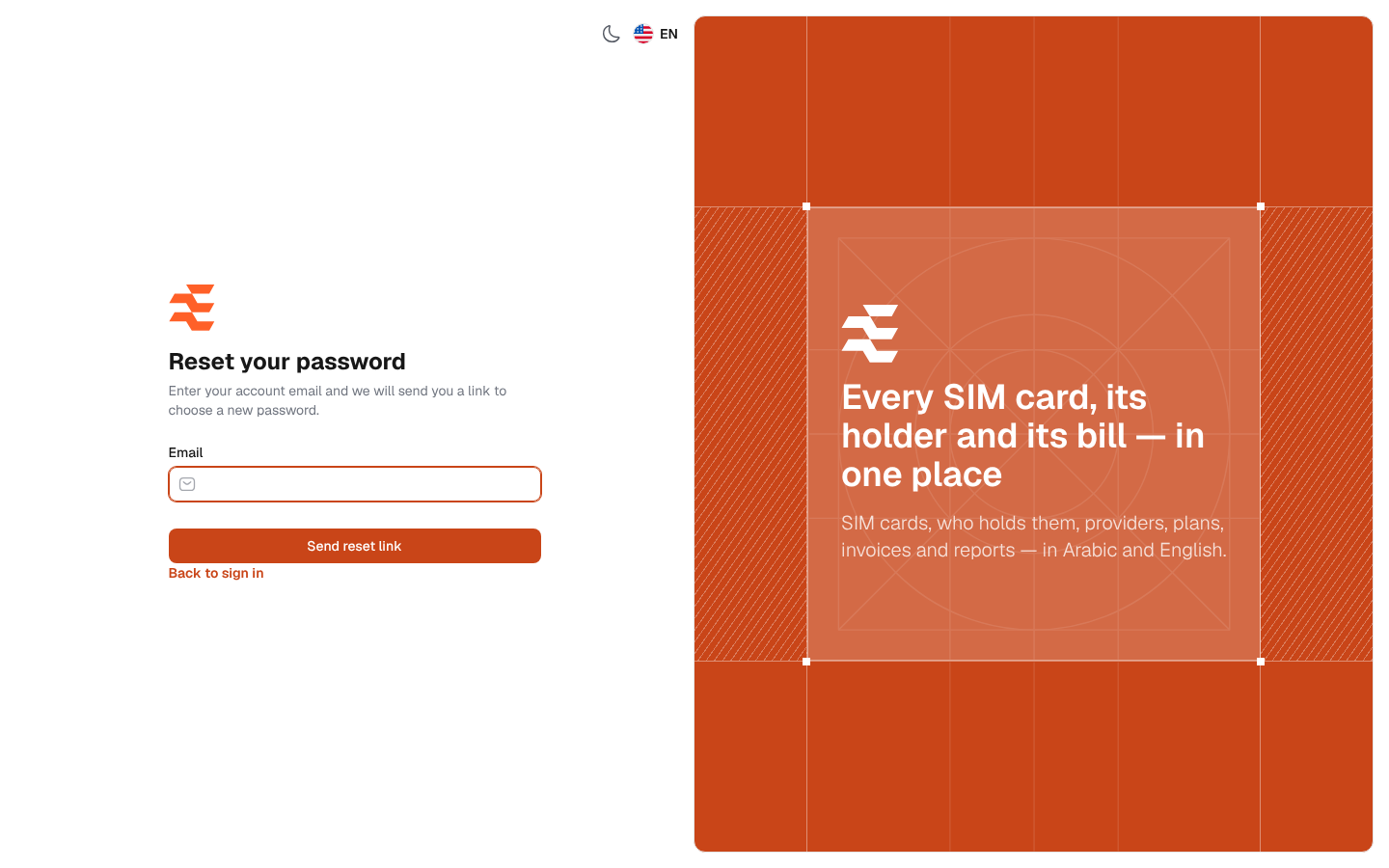
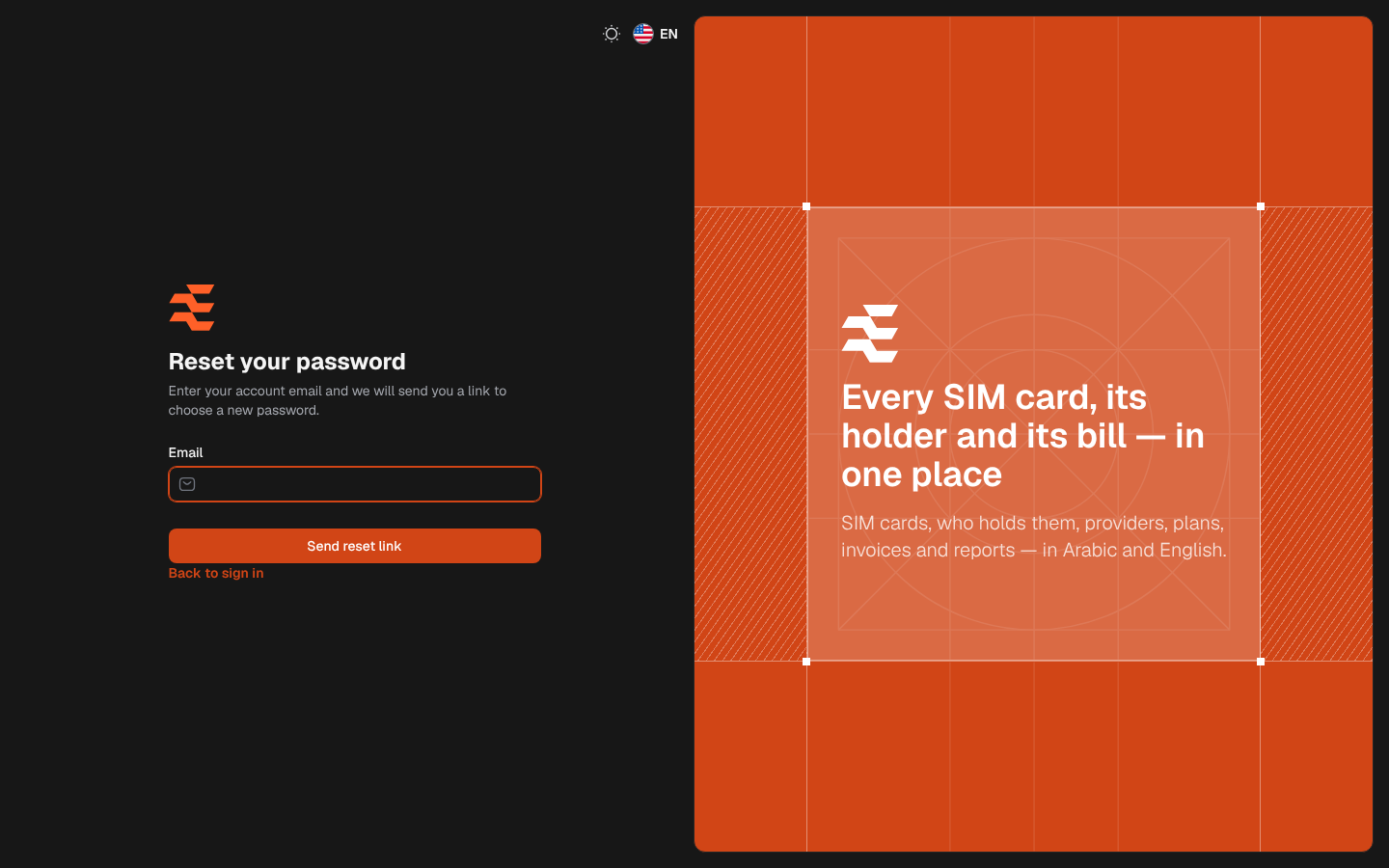
If you forget your password, you can choose a new one yourself through a link sent to your e-mail. The link reaches you only if the system’s mail server is set up in Settings › General settings › Email.
From the sign-in page, click Forgot password?.
What’s on this screen
Section titled “What’s on this screen”- Email: the e-mail address of your account.
- Send reset link: sends the message with the link.
- Back to sign in: returns to the sign-in page.
How to reset your password
Section titled “How to reset your password”- On the sign-in page, click Forgot password?.
- Type your account e-mail in Email and click Send reset link.
- When the page shows We have emailed your password reset link., open your mailbox and click the link in the message. The link works for 60 minutes.
- On the Reset your password page, check Email, type the New password and repeat it in Confirm new password.
- Click Save password. The sign-in page opens with Your password has been reset. and you can sign in with the new password.
When the reset is done, the account receives an e-mail saying that its password was reset, and your other open sessions are signed out.
Password rules
Section titled “Password rules”- At least as long as the minimum set by the administrator in Settings › General settings › Security (8 characters by default).
- At least one letter and one number.
Messages
Section titled “Messages”- We have emailed your password reset link.: shown whether or not an account uses this e-mail, so nobody can find out which addresses have an account. If no message arrives, check the address you typed or ask your administrator.
- This password reset token is invalid.: the link has expired or has already been used, or the e-mail on the reset page is not the one the link was sent to. Ask for a new link.
- Too many attempts: links were asked for too often in a short while. Wait a minute and try again.