

Providers
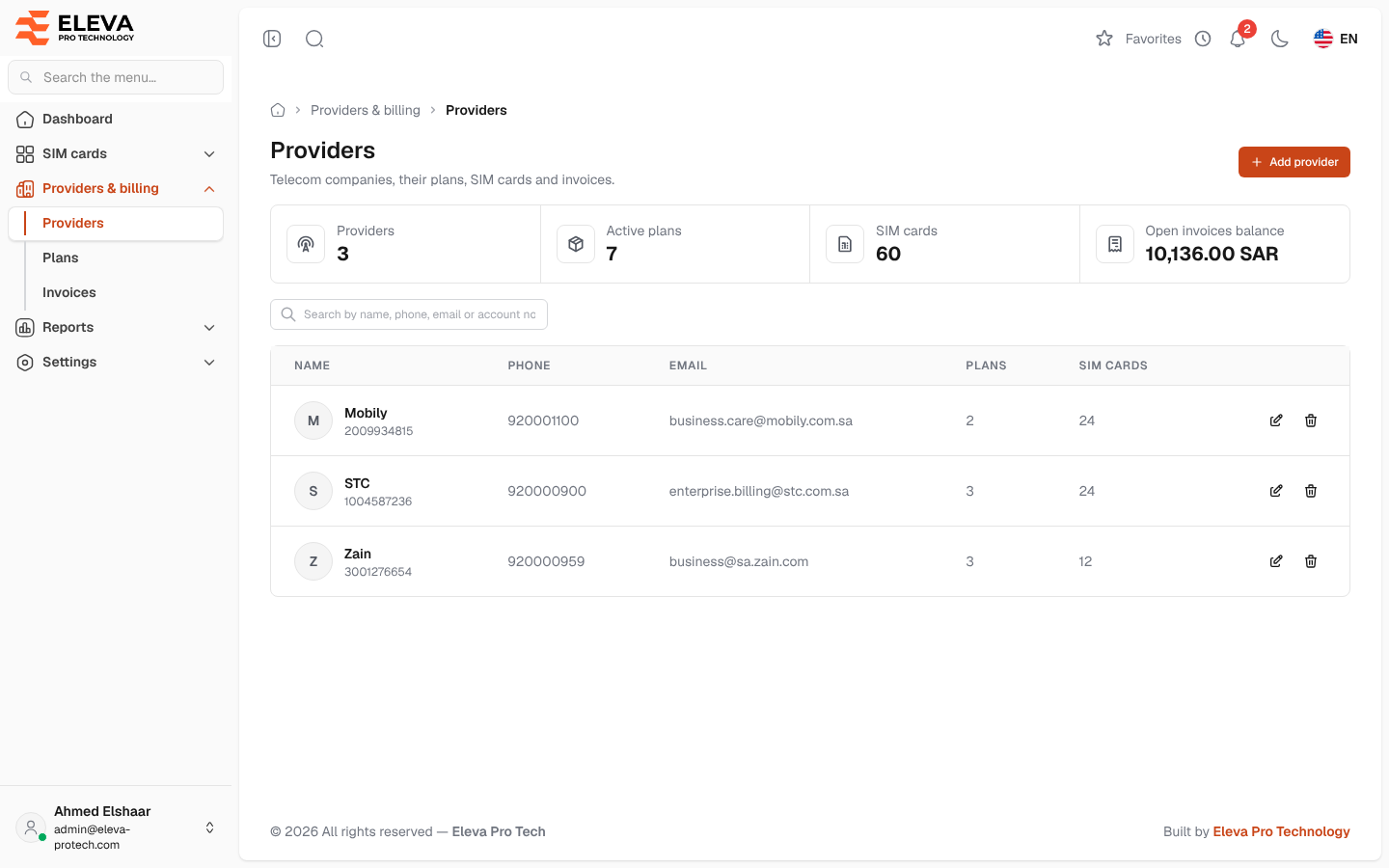
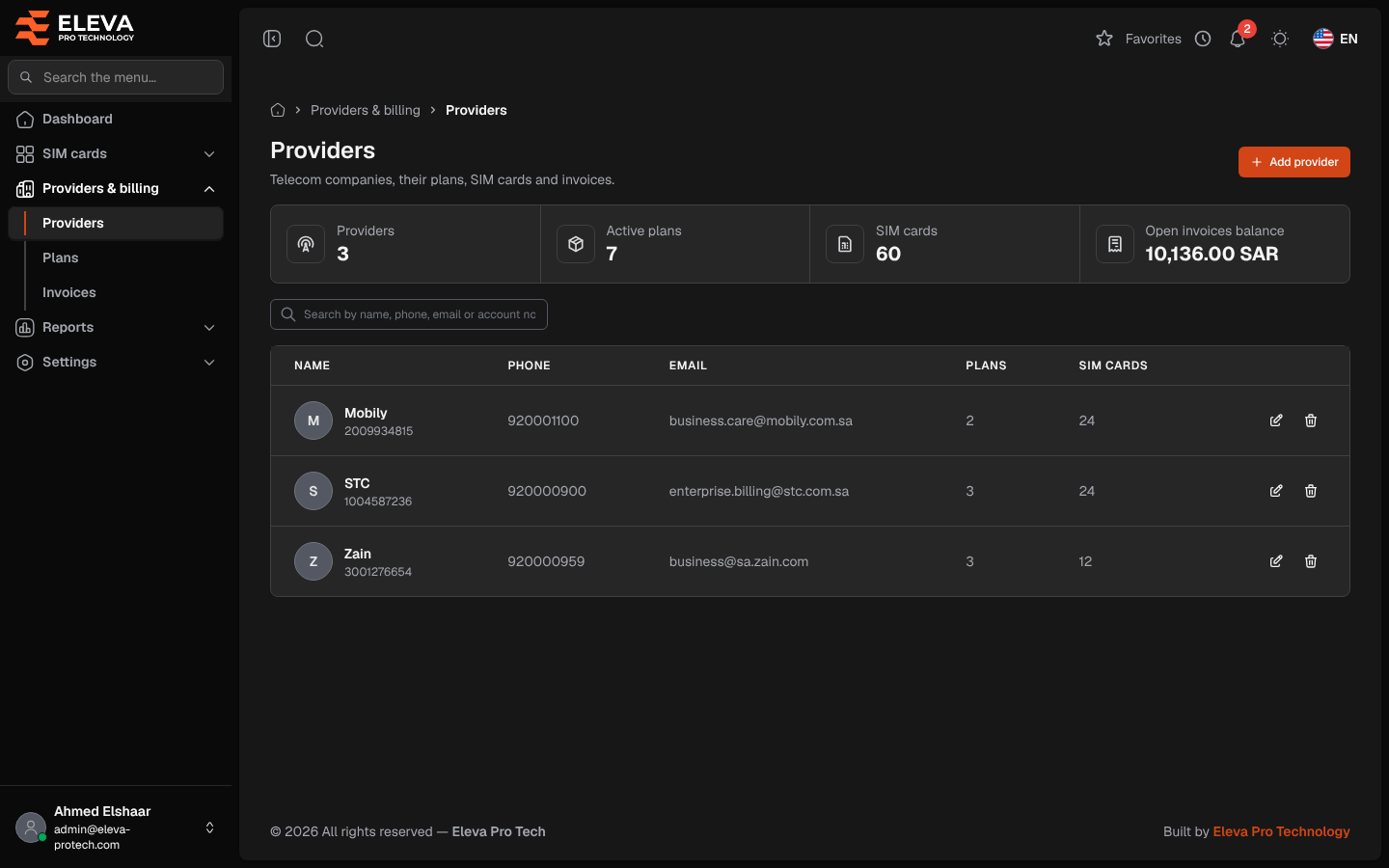
Providers are the telecom companies the SIM cards come from. The Providers screen lists them with their contact details and how many plans and SIM cards each has. Use it to find a provider and open it, or to add one.
From the side menu, open Providers & billing › Providers.
What’s on this screen
Section titled “What’s on this screen”- Summary cards: Providers, Active plans, SIM cards and Open invoices balance.
- Search by name, phone, email or account no.…
- Add provider: opens the provider form. See Add or edit a provider.
Columns
Section titled “Columns”- Name: with the account number underneath.
- Phone
- Plans: the number of the provider’s plans.
- SIM cards: the number of the provider’s SIM cards.
- Actions: Edit and Delete.
Click a row to open the provider. See Provider details.
How to delete a provider
Section titled “How to delete a provider”- Click the bin icon in the provider’s row.
- Confirm with Delete in Delete provider.
Required permissions
Section titled “Required permissions”- Providers › View to open the screen.
- Providers › Add, Edit and Delete for Add provider, Edit and Delete.