

Correct an assignment
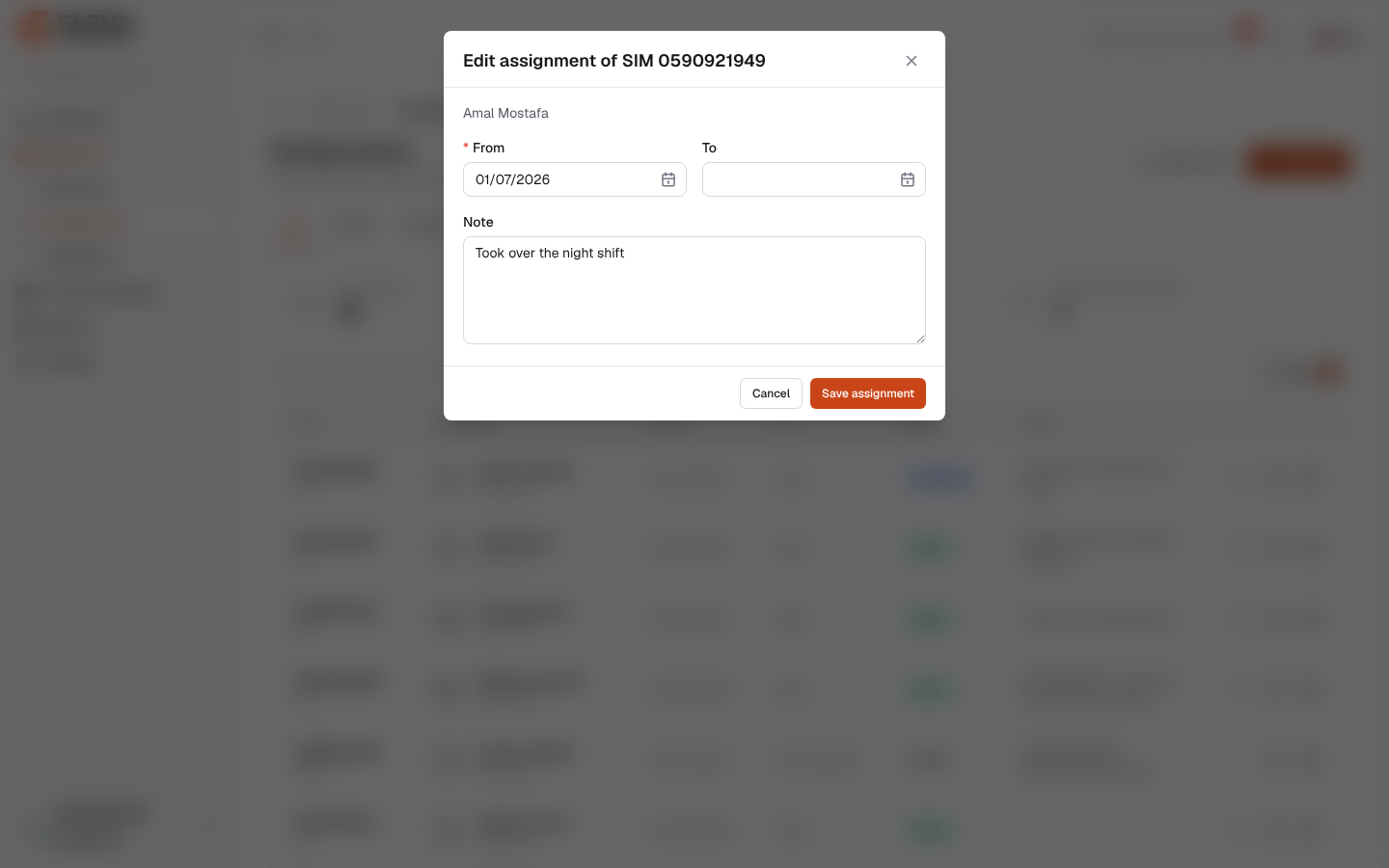
Correct an assignment when its dates or note were recorded wrongly, for example a SIM handed out a few days earlier than entered. The SIM and the employee stay the same; to give the SIM to someone else, hand it over instead.
From the side menu, open SIM cards › Assignments and click the pencil icon in the row. The same action is on the employee page, in SIM history.
Fields
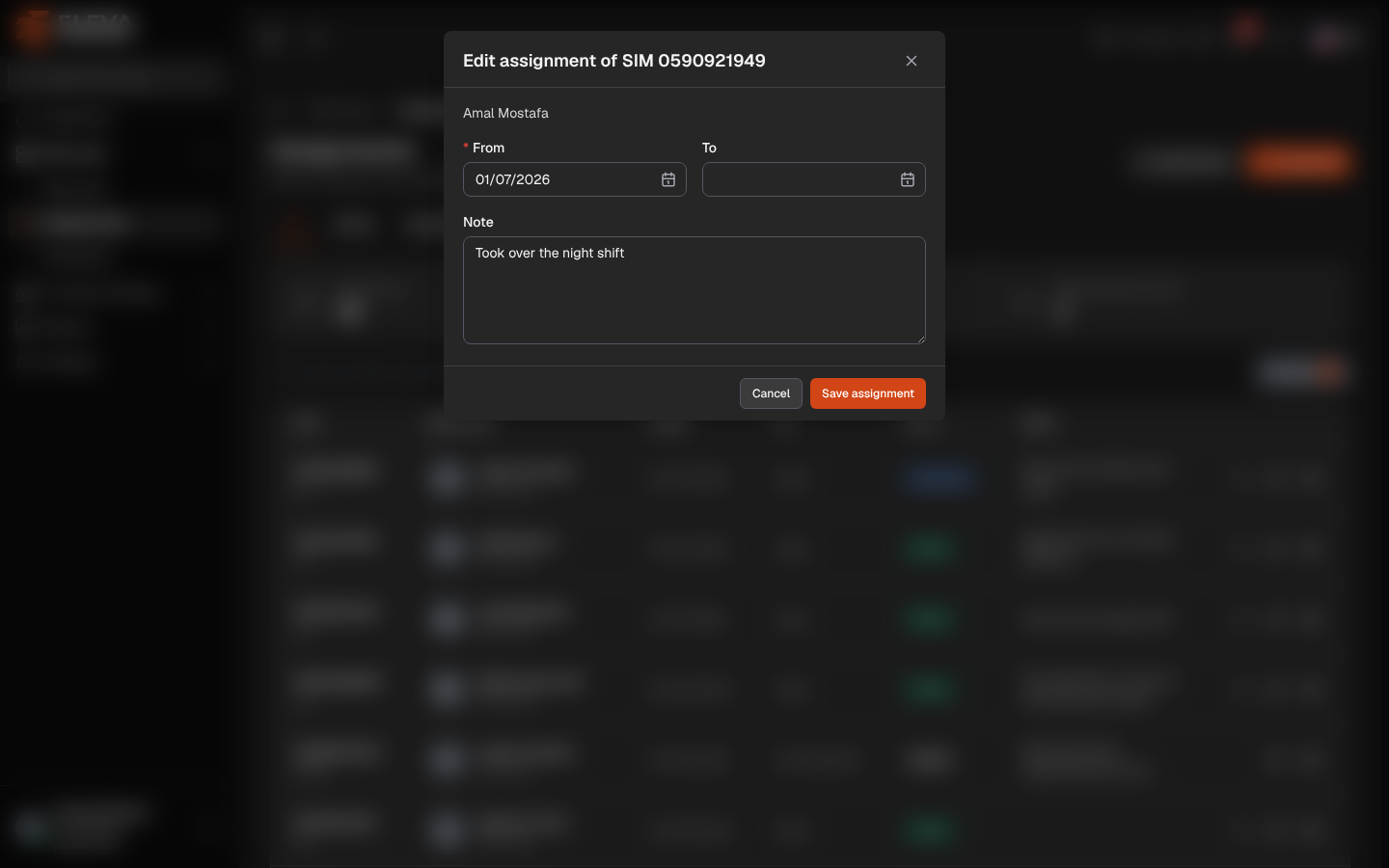
Section titled “Fields”The window is titled Edit assignment of SIM …, with the employee’s name underneath.
- From (required): the first day of the period.
- To: the last day, included. Empty makes the period open-ended.
- Note
How to correct an assignment
Section titled “How to correct an assignment”- Click the pencil icon in the row.
- Change From, To or Note.
- Click Save assignment. The message Saved. confirms it.
- The new dates must not overlap another period of the same SIM or of the same employee: This SIM is already held from … to …. or This employee already holds SIM … from … to ….
- To cannot be before From (The end date cannot be before the start date.).
- Re-opening a period, or moving its end to today or later, needs an active SIM and an active employee: This SIM is lost; only an active SIM can be handed to an employee. or This employee is inactive; only an active employee can receive a SIM.
Required permission
Section titled “Required permission”Assignments › Edit.