

Security
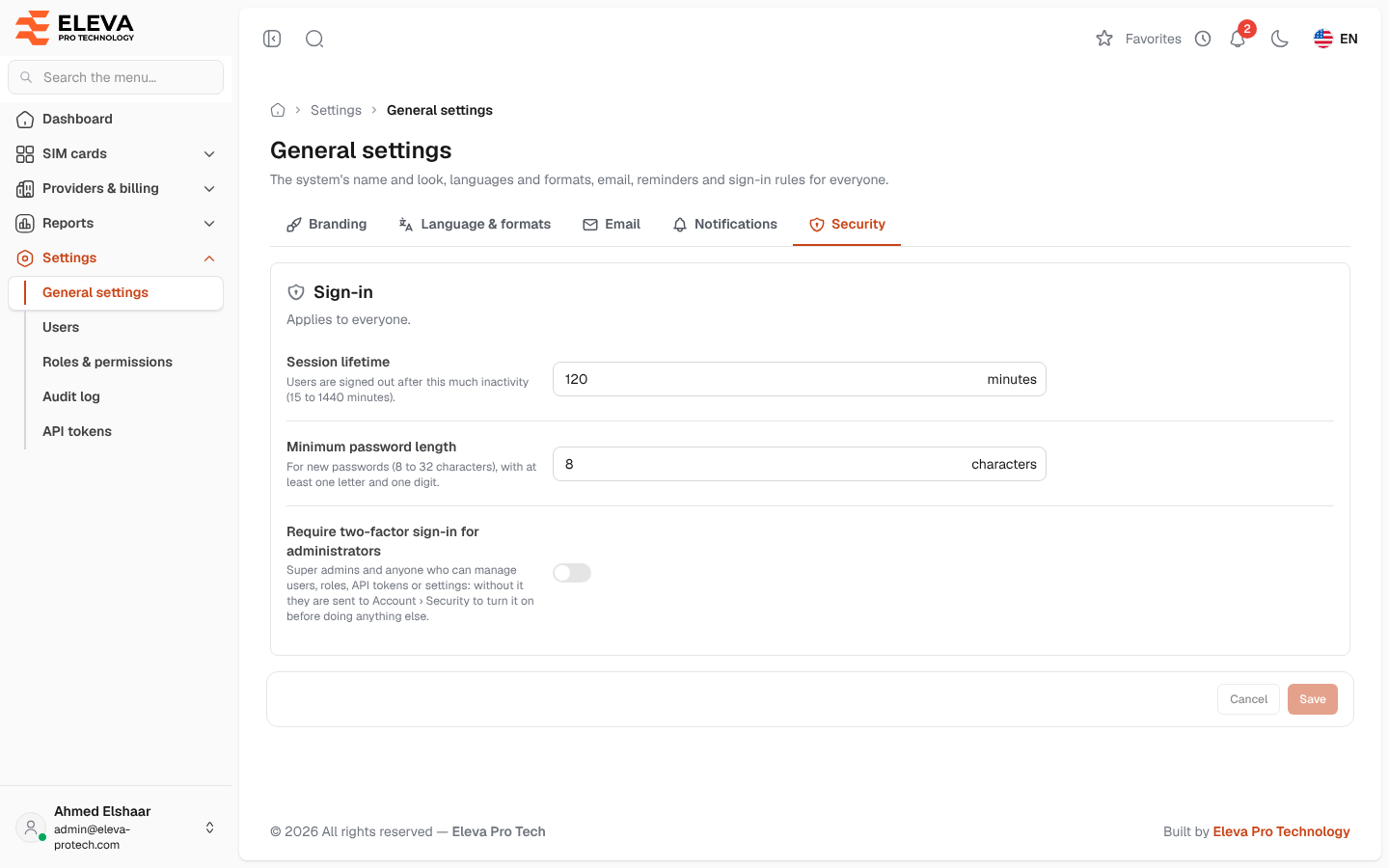
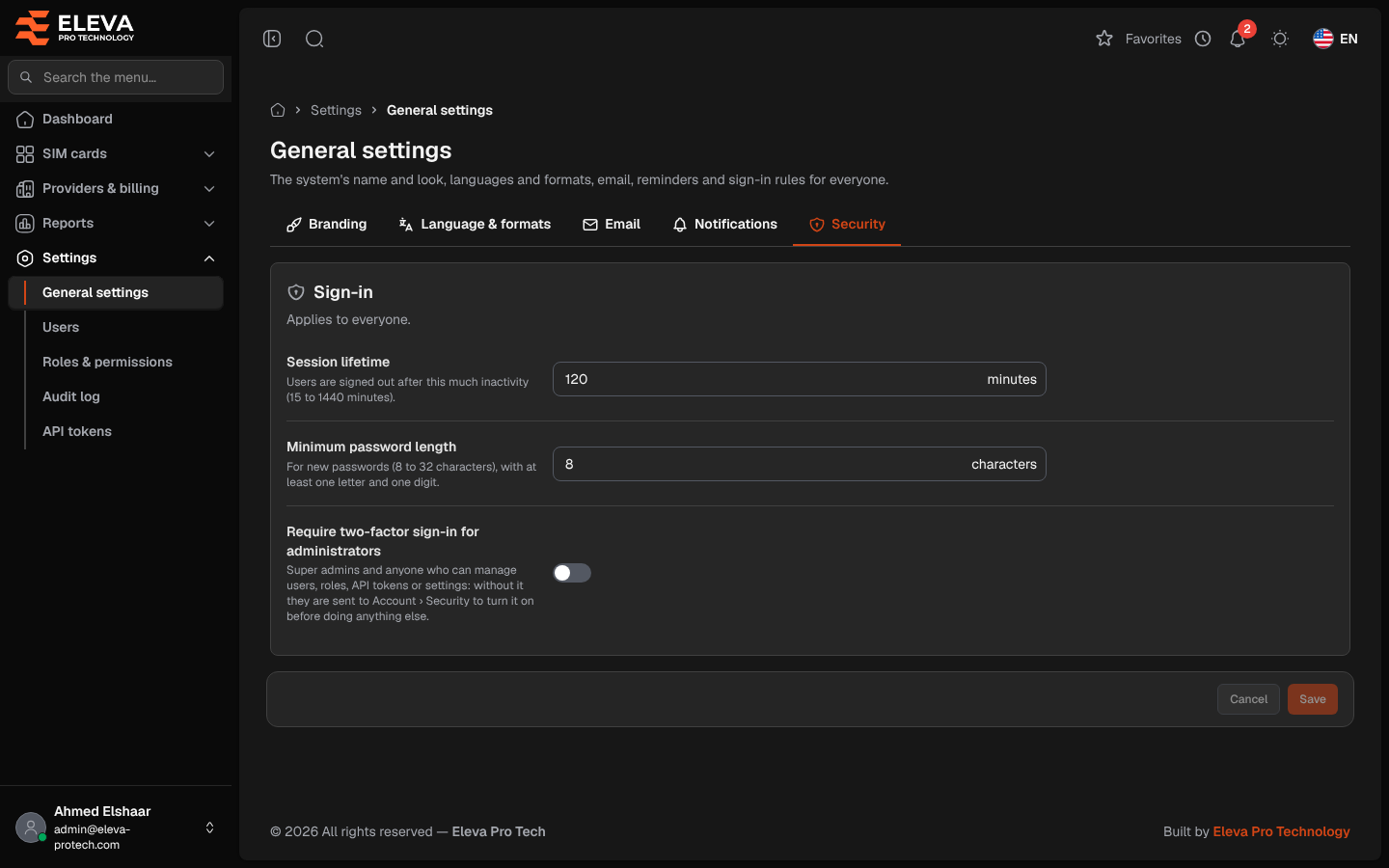
The Security tab sets the sign-in rules for everyone: how long a session lasts without activity, how long passwords must be, and whether administrators must use two-factor sign-in.
From the side menu, open Settings › General settings and click Security. Every user who can open the settings sees the tab, but only a super admin can change it; others see Only a super admin can change these settings.
Sign-in
Section titled “Sign-in”- Session lifetime: users are signed out after this much inactivity, from 15 to 1440 minutes (120 by default).
- Minimum password length: for new passwords, from 8 to 32 characters (8 by default), with at least one letter and one digit. It applies to passwords set by users, by administrators and through password reset; passwords already in use keep working.
- Require two-factor sign-in for administrators: covers super admins and anyone who can manage users, roles, API tokens or settings. When on, such a user without two-factor sign-in is sent to the Password page of their account to turn it on before doing anything else.
How to change the security settings
Section titled “How to change the security settings”- Change the fields.
- Click Save. If you have not typed your password in the last 15 minutes, confirm it first (see Confirm your password).
Built-in protections
Section titled “Built-in protections”These rules do not have a setting; they always apply:
- Sensitive changes ask for the password again when it was not typed in the last 15 minutes (see Confirm your password).
- Sign-in is paused after repeated wrong passwords or codes, and the owner is e-mailed (see Sign in).
- Account owners receive security e-mails about changes to their sign-in details (see Password and two-factor sign-in).
Required permissions
Section titled “Required permissions”General settings › View to open the screen; the super admin role to save.