

Provider details
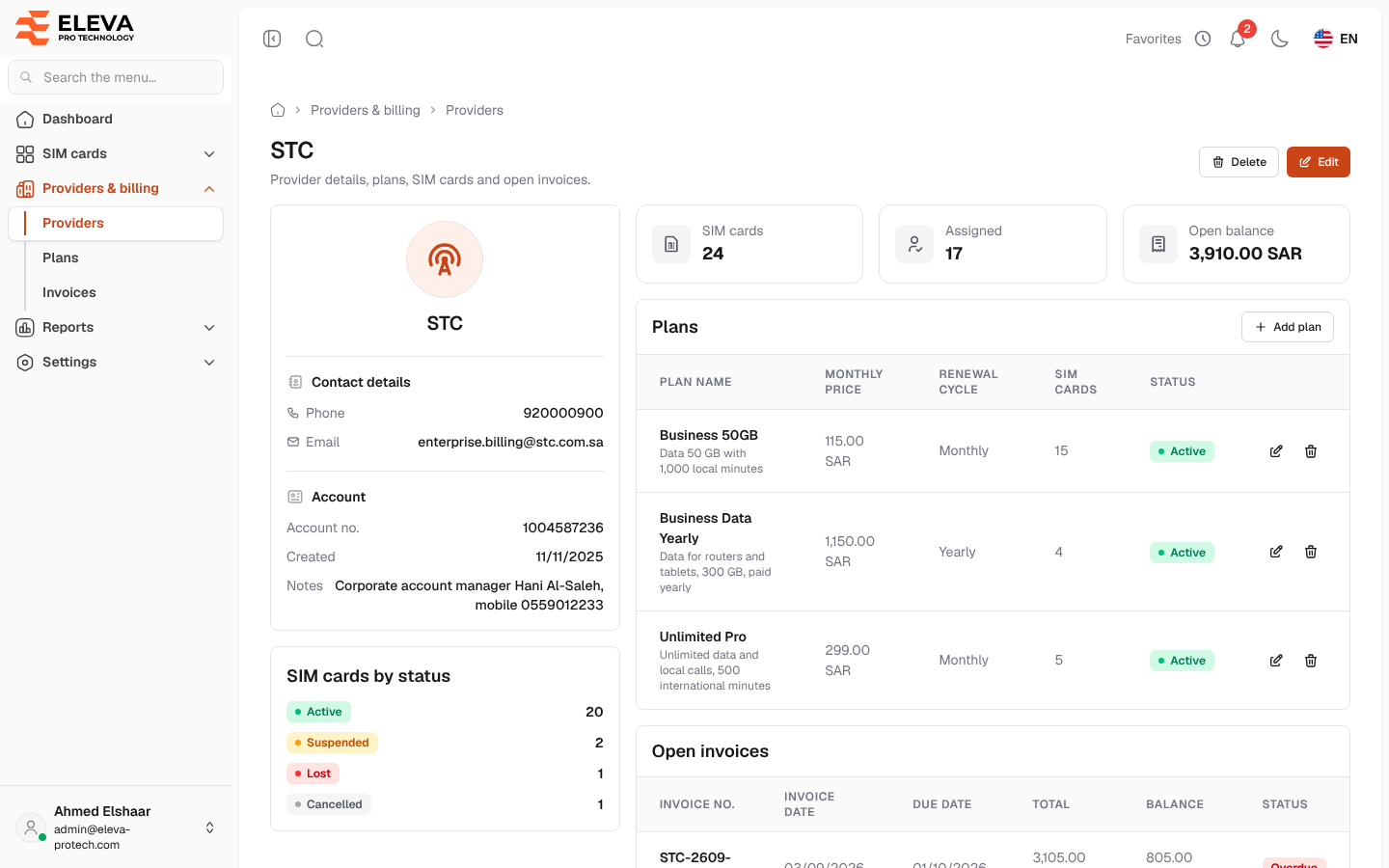
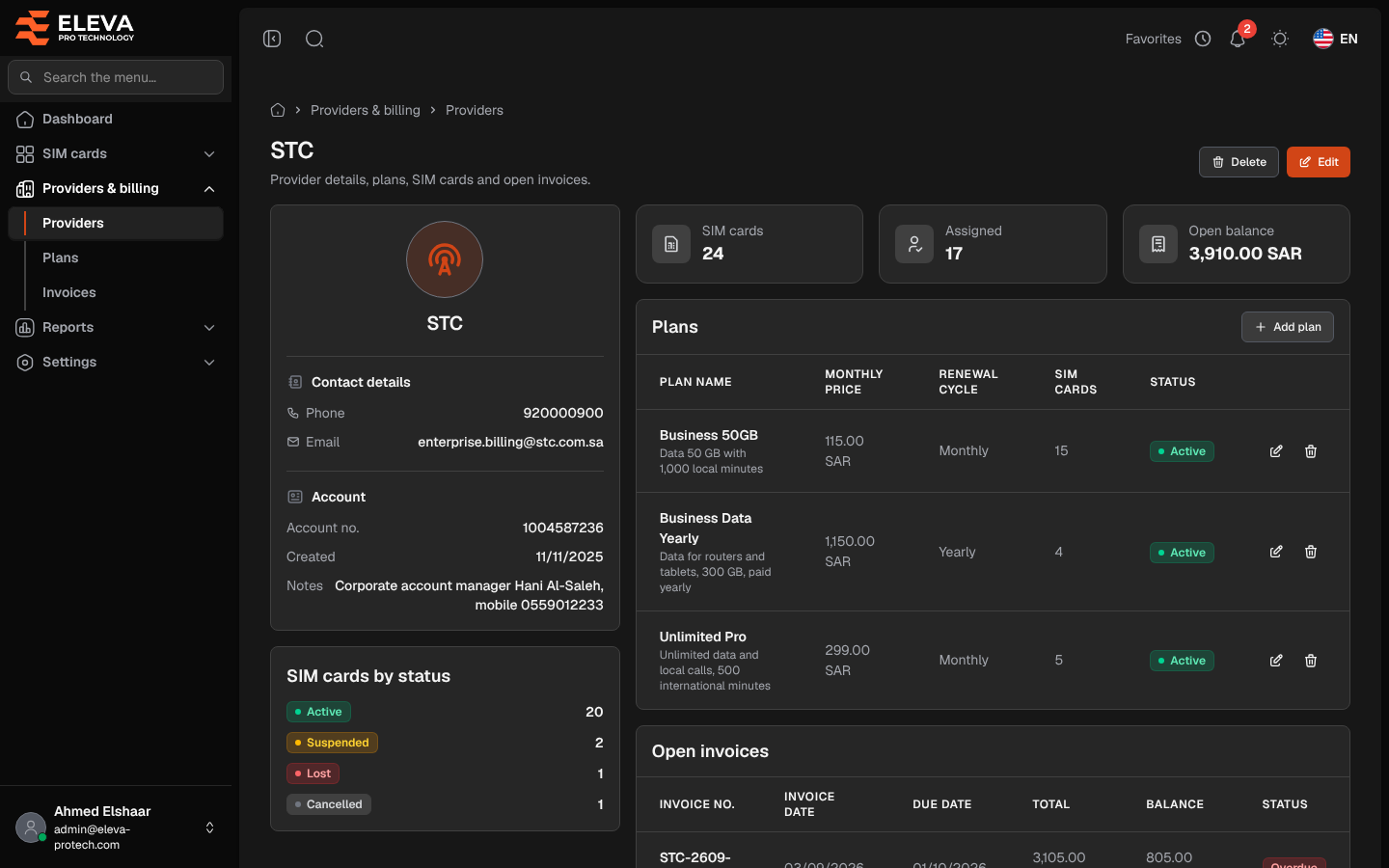
The provider page shows everything about one provider: its contact details, its plans, its SIM cards by status and the invoices still open. Plans can be added and changed here.
From the side menu, open Providers & billing › Providers and click the provider.
What’s on this screen
Section titled “What’s on this screen”At the top: the provider name and the buttons Delete and Edit.
- A card with Contact details (Phone, Email) and Account (Account no., Created, Notes).
- SIM cards by status: how many of its SIM cards are Active, Suspended, Lost and Cancelled.
- Tiles: SIM cards, Assigned and Open balance (what is still due on its open invoices).
- Plans: Plan name (with the description), Monthly price, Renewal cycle, SIM cards, Status (Active or Inactive), with Edit and Delete on each row, and Add plan. Without plans, the table shows This provider has no plans yet.
- Open invoices: Invoice no., Invoice date, Due date, Total, Balance and Status (Unpaid, Partially paid or Overdue), the earliest due first. Click an invoice to open it. When there are more than 20, the table shows The first 20 of N open invoices. and See all opens them in Invoices. Without open invoices, it shows No open invoices.
How to add a plan for this provider
Section titled “How to add a plan for this provider”- Click Add plan above the plans table.
- Fill in the form; the Provider is already set and locked.
- Click Save plan.
See Add or edit a plan.
How to edit or delete the provider
Section titled “How to edit or delete the provider”- Click Edit to change its details. See Add or edit a provider.
- Click Delete and confirm. A provider with plans, SIM cards or invoices cannot be deleted.
Required permissions
Section titled “Required permissions”- Providers › View to open the page.
- Providers › Edit and Delete for Edit and Delete.
- Plans › Add, Edit and Delete for Add plan and the plan actions.
- Invoices › View to open an invoice and for See all.