

Active assignments
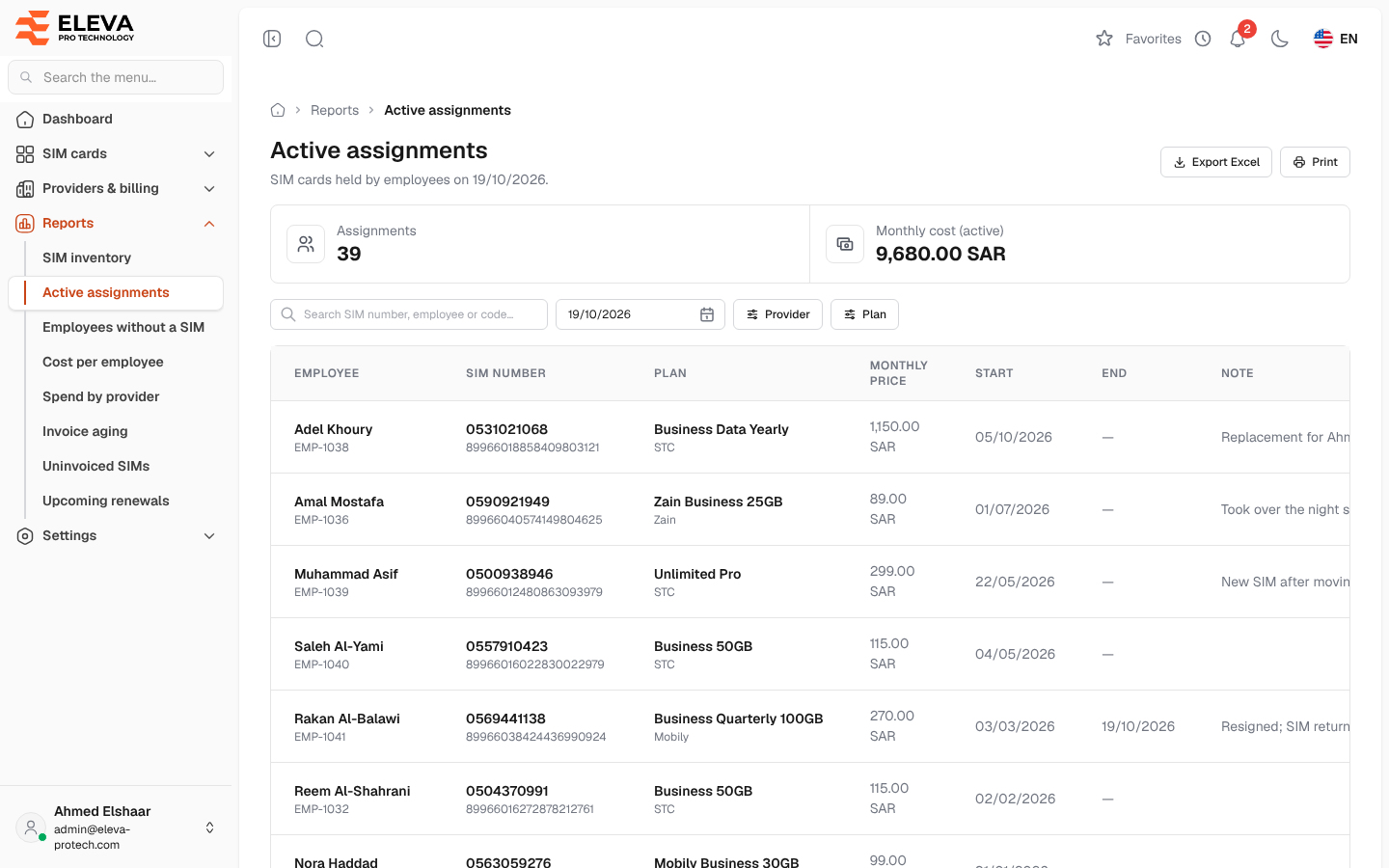
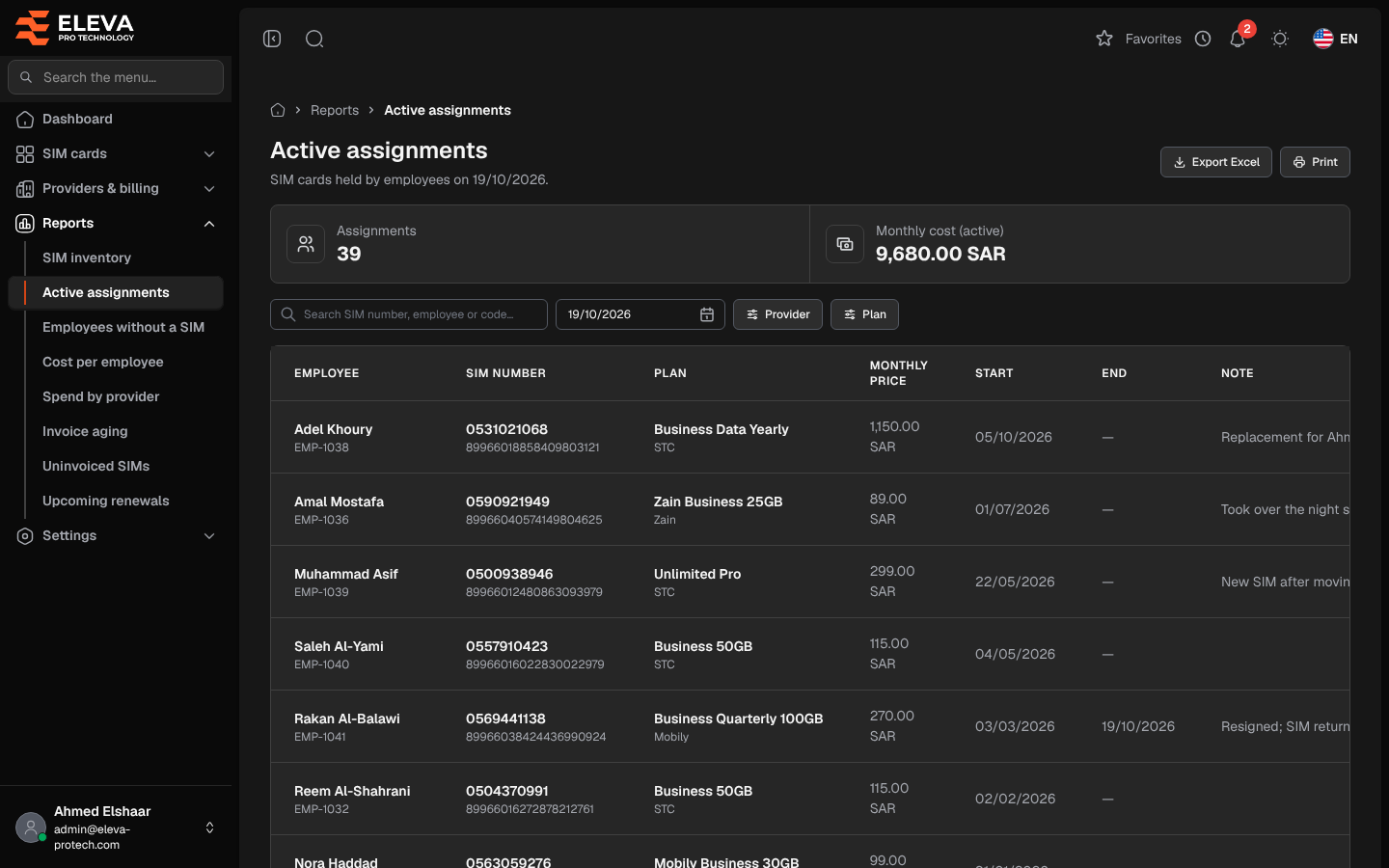
The Active assignments report lists the SIM cards held by employees on a given day: who holds which SIM card, since when, and the monthly price of its plan. It opens on today; pick another day to see who held what then.
From the side menu, open Reports › Active assignments.
What’s on this screen
Section titled “What’s on this screen”- Summary cards: Assignments (the number running on the chosen day) and Monthly cost (active), the sum of their plans’ monthly prices.
- Search SIM number, employee or code…
- The day of the report (today by default), then Provider and Plan.
- Export Excel and Print.
Columns
Section titled “Columns”- Employee, with their code underneath.
- SIM number, with the serial number underneath. Deleted marks a SIM card deleted since.
- Plan, with the provider underneath.
- Monthly price
- Start and End: the assignment’s dates. End is empty while it is open.
- Note
The newest assignments come first, and a Total row adds up the monthly prices. Click a row to open the SIM card.
Required permissions
Section titled “Required permissions”- Reports › View to open the report.
- Reports › Export for Export Excel.
- SIM cards › View to open a SIM card from a row.