

Dashboard
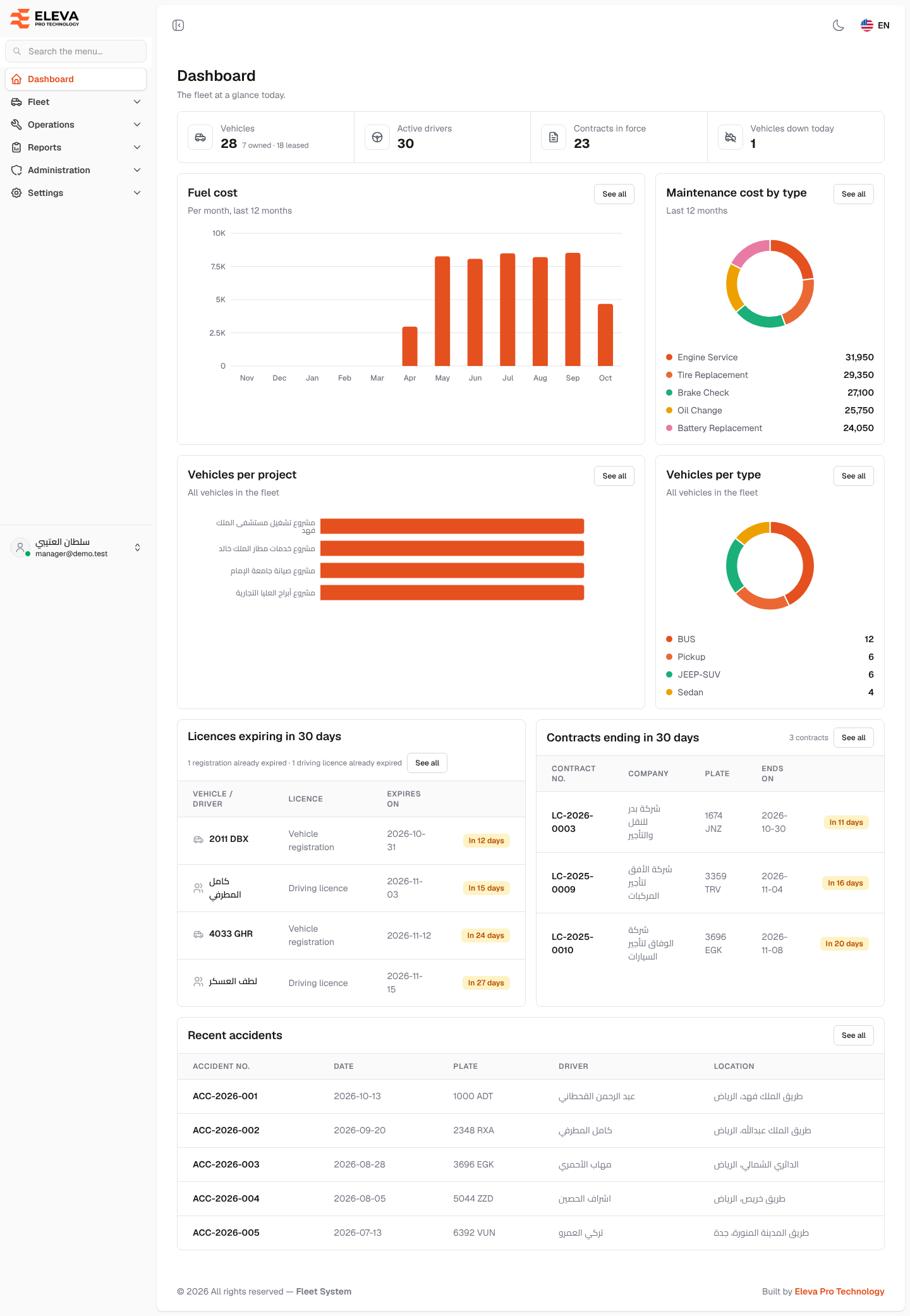
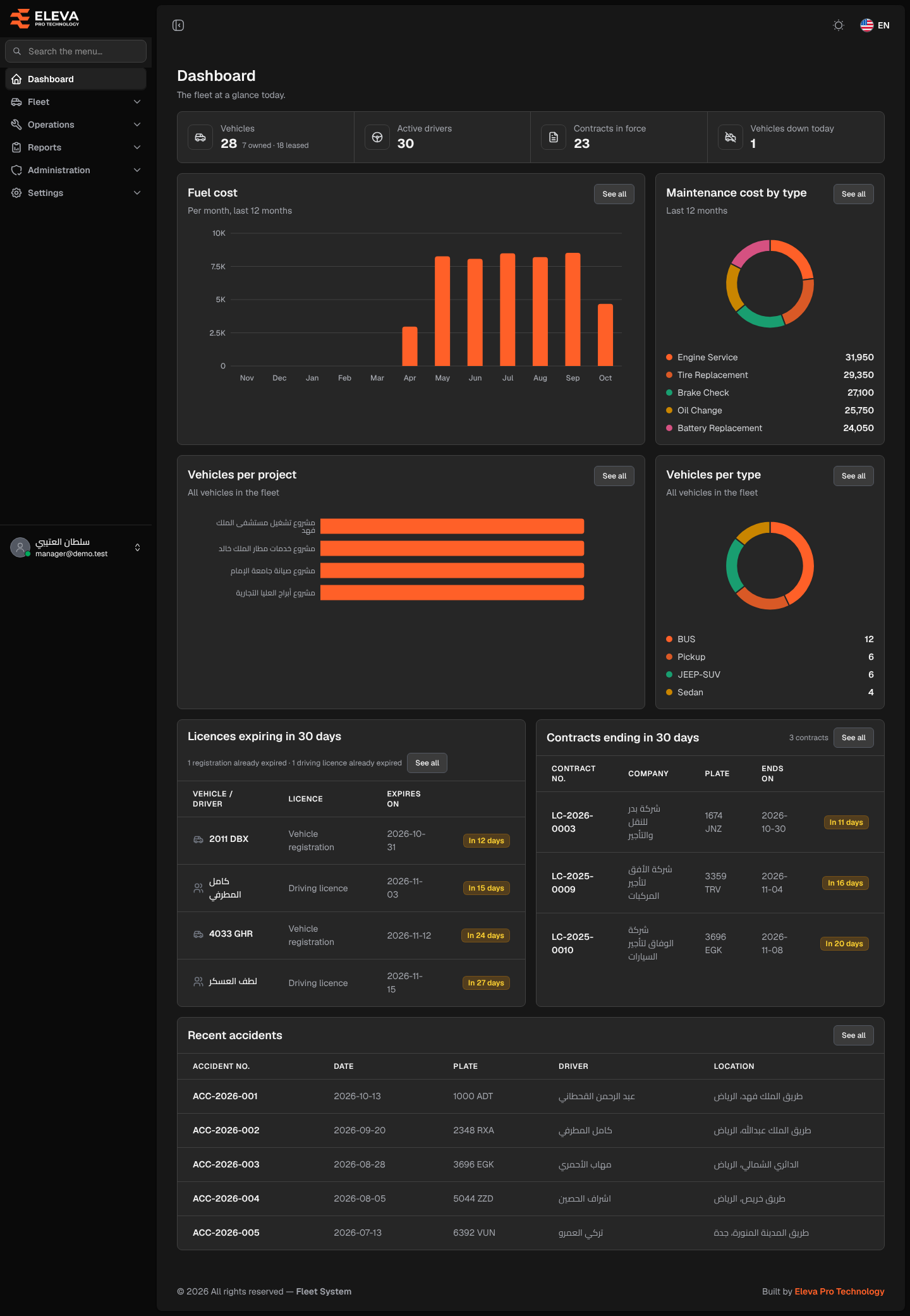
The dashboard is the home screen you see after signing in. It gives you the fleet at a glance today: how many vehicles, drivers and contracts you have, what fuel and maintenance cost, how the vehicles are spread, and what is about to expire. Return to it at any time by clicking Dashboard at the top of the side menu.
What’s on this screen
Section titled “What’s on this screen”Figures at the top
- Vehicles: all vehicles, with the split owned · leased below the number.
- Active drivers: drivers whose status is active.
- Contracts in force: lease contracts that are running today.
- Vehicles down today: vehicles with a downtime that covers today, including a downtime that has no end date yet.
Charts
- Fuel cost: total fuel cost per month for the last 12 months. Months without fuel show as zero. Hover over a bar to see the exact amount.
- Maintenance cost by type: maintenance cost of the last 12 months split by maintenance type, with the amount of each type in the legend.
- Vehicles per project: how many vehicles each project has.
- Vehicles per type: how many vehicles of each vehicle type you have.
The charts show the 8 largest categories; the rest are added together as Other.
Lists further down the page
- Licences expiring in 30 days: vehicle registrations and driving licences that expire in the next 30 days, soonest first, with a tag such as In 5 days (red when 7 days or fewer are left). Next to the title, the number of registrations and driving licences that have already expired.
- Contracts ending in 30 days: contract number, company, plate and end date, with the total number of contracts ending.
- Recent accidents: the last 5 accidents with their number, date, plate, driver and location.
How to go from the dashboard to the details
Section titled “How to go from the dashboard to the details”- Click See all on a card to open the related screen or report, for example the fuel log, the maintenance report, the Vehicle registrations report or the contracts list.
- In Licences expiring in 30 days, click a plate or driver name to open that vehicle or driver.