

Add driver
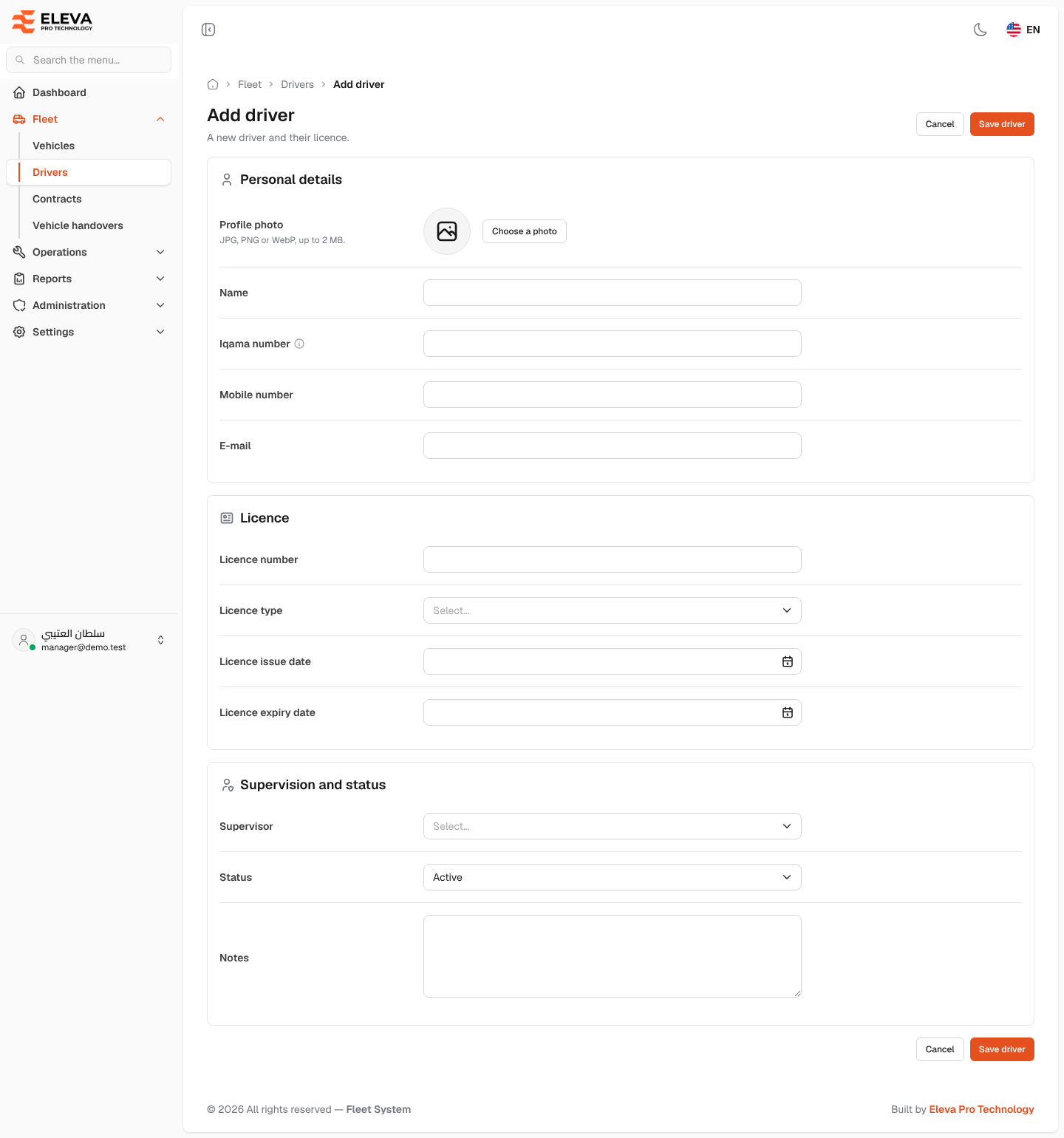
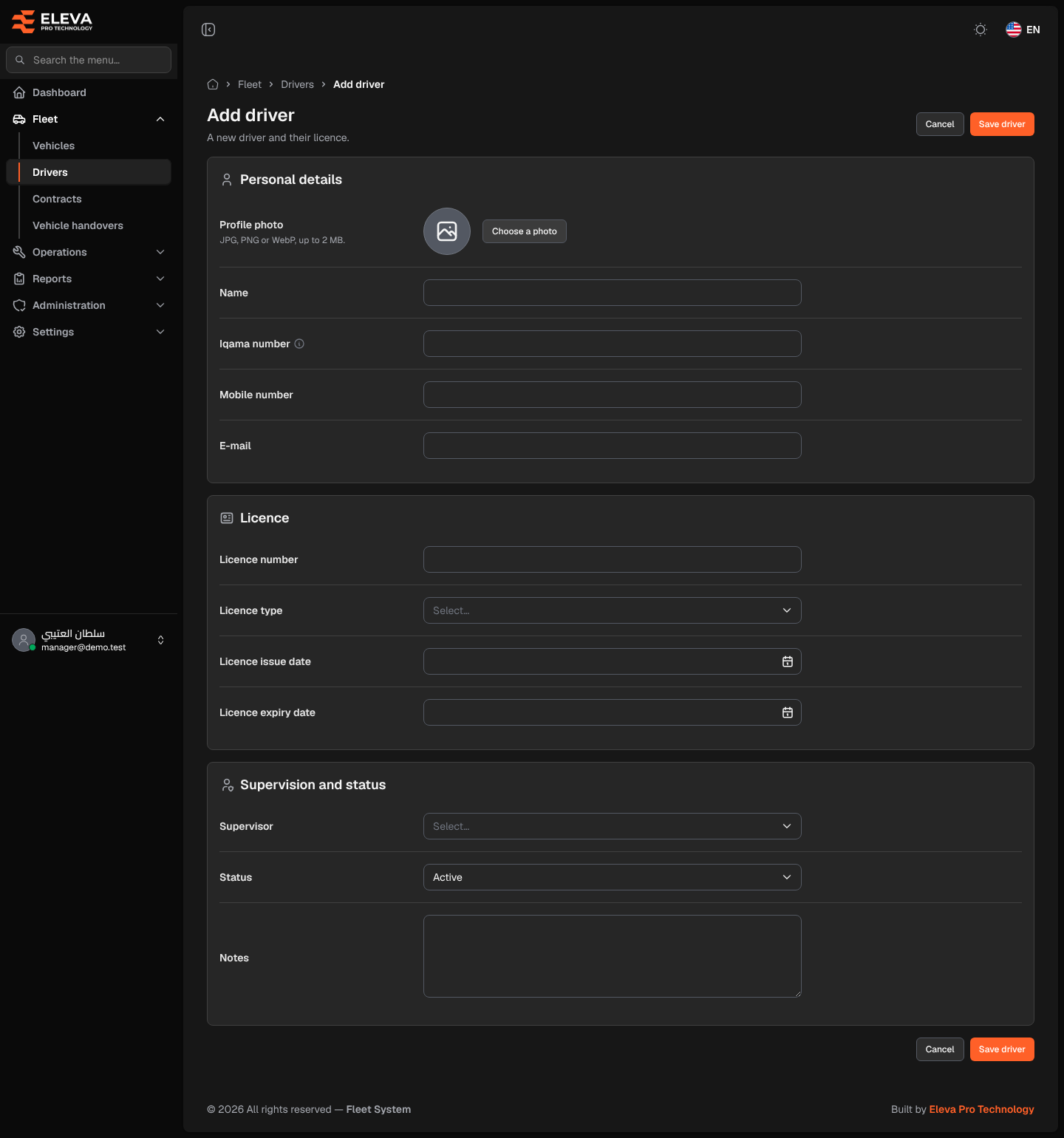
Add a new driver, with their licence and supervisor, before handing them a vehicle: a vehicle can only be handed over to a registered, active driver.
What’s on this screen
Section titled “What’s on this screen”- Personal details section — Profile photo, Name, Iqama number, Mobile number and E-mail.
- Licence section — Licence number, Licence type, Licence issue date and Licence expiry date.
- Supervision and status section — Supervisor, Status and Notes.
- Cancel and Save driver buttons at the top and bottom of the screen.
How to add a driver
Section titled “How to add a driver”- In the side menu, open Fleet and click Drivers.
- Click Add driver.
- Fill in the fields described below.
- Click Save driver, or Cancel to discard. After saving, the driver’s page opens.
Fields
Section titled “Fields”- Profile photo — click Choose a photo. JPG, PNG or WebP, up to 2 MB. The photo is private: only users with a permission on drivers can see it.
- Name (required) — the driver’s full name.
- Iqama number (required) — the 10-digit Saudi residence (iqama) or national ID number, starting with 1 or 2. It must be unique.
- Mobile number (required) — up to 20 characters.
- E-mail — optional; it must be a valid address and unique.
- Licence number (required) — must be unique.
- Licence type (required) — pick from the list, such as Private, Public or Heavy.
- Licence issue date (required).
- Licence expiry date (required) — on or after the issue date. It decides whether the driver counts as expired or expiring within 30 days.
- Supervisor (required) — the user responsible for the driver. Any user in the system can be chosen, whatever their type.
- Status (required) — Active by default. An Inactive driver cannot be handed a vehicle.
- Notes — up to 1000 characters.