

Accident details
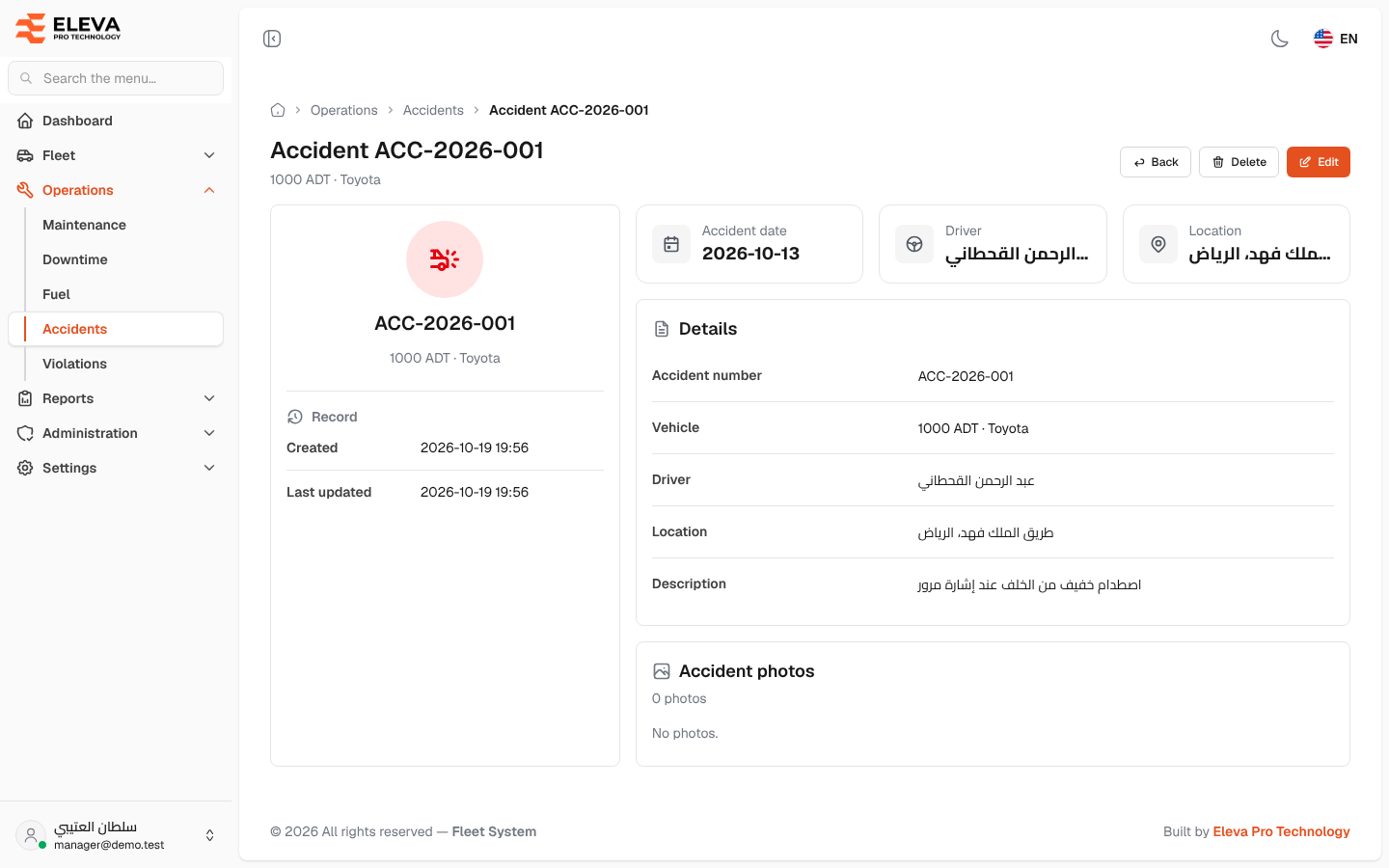
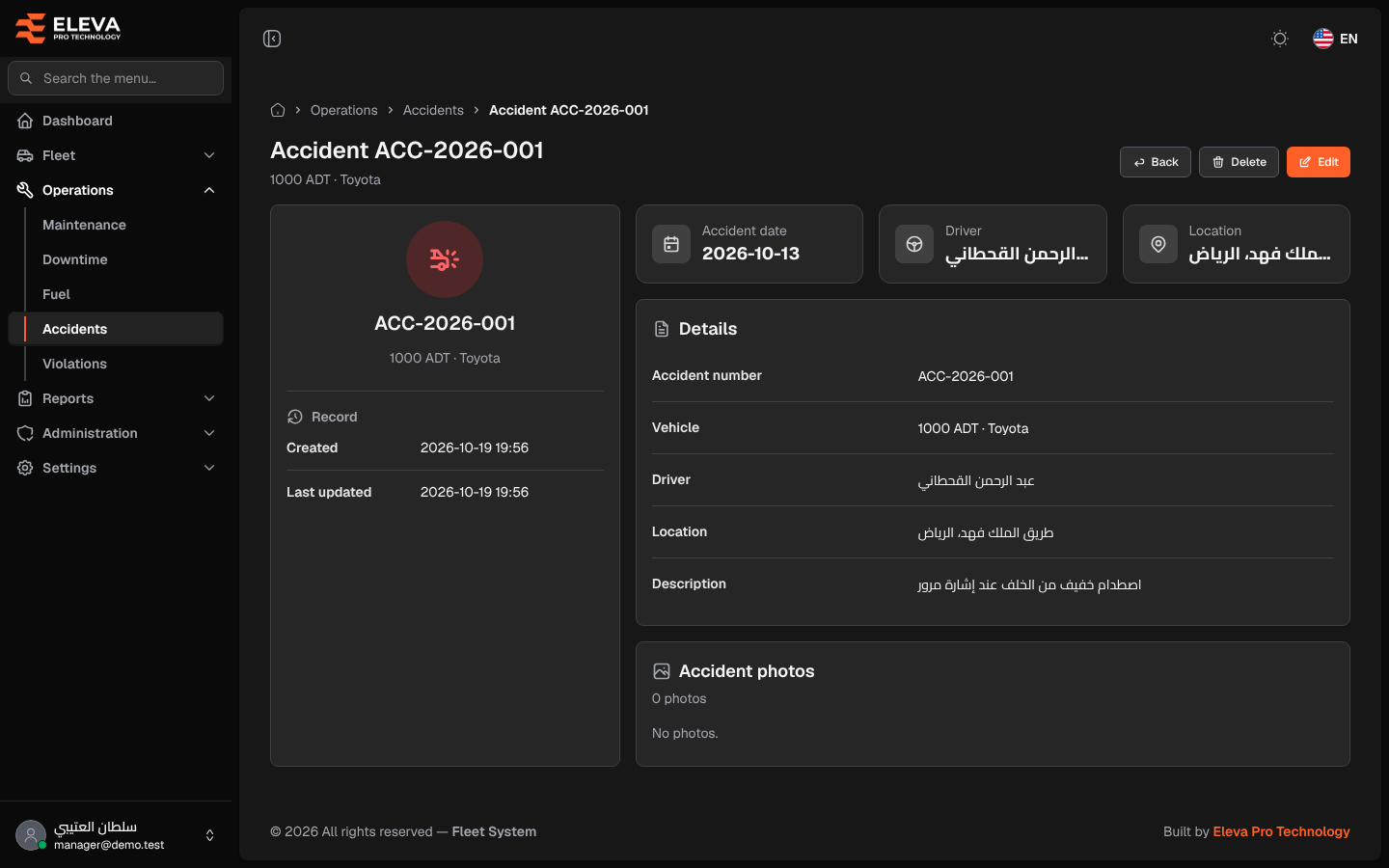
The accident details screen shows everything recorded about one accident: when and where it happened, the vehicle and driver, the description and the photos. Open it from the accidents list by clicking a row or its eye icon.
What’s on this screen
Section titled “What’s on this screen”- Title Accident followed by the accident number, with the vehicle (plate and brand) under it.
- Back, Delete and Edit buttons.
- Summary card with the accident number and vehicle, and a Record section with Created and Last updated date and time.
- Cards for Accident date, Driver and Location.
- Details section: Accident number, Vehicle, Driver, Location and Description.
- Accident photos section: the number of photos and the photos themselves, or No photos. when none are attached.
How to view a photo
Section titled “How to view a photo”- In Accident photos, click a photo.
- It opens at full size in a new browser tab.
How to edit or delete the accident
Section titled “How to edit or delete the accident”- Click Edit to change the details or add and remove photos.
- Click Delete, then confirm in the Delete accident dialog. The accident and all its photos are deleted, and you return to the list.
- Click Back to return to the accidents list.