

Vehicle registrations
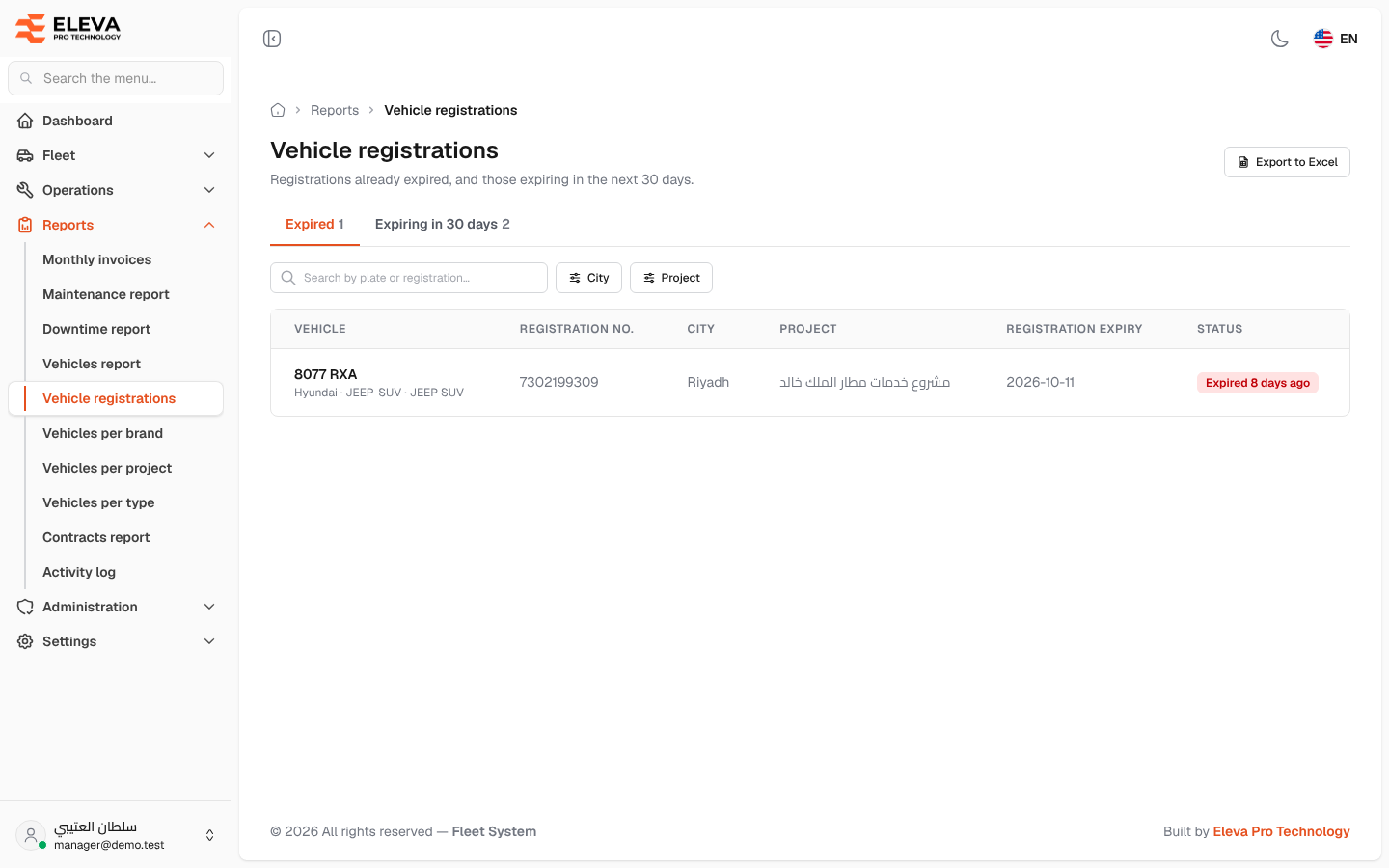
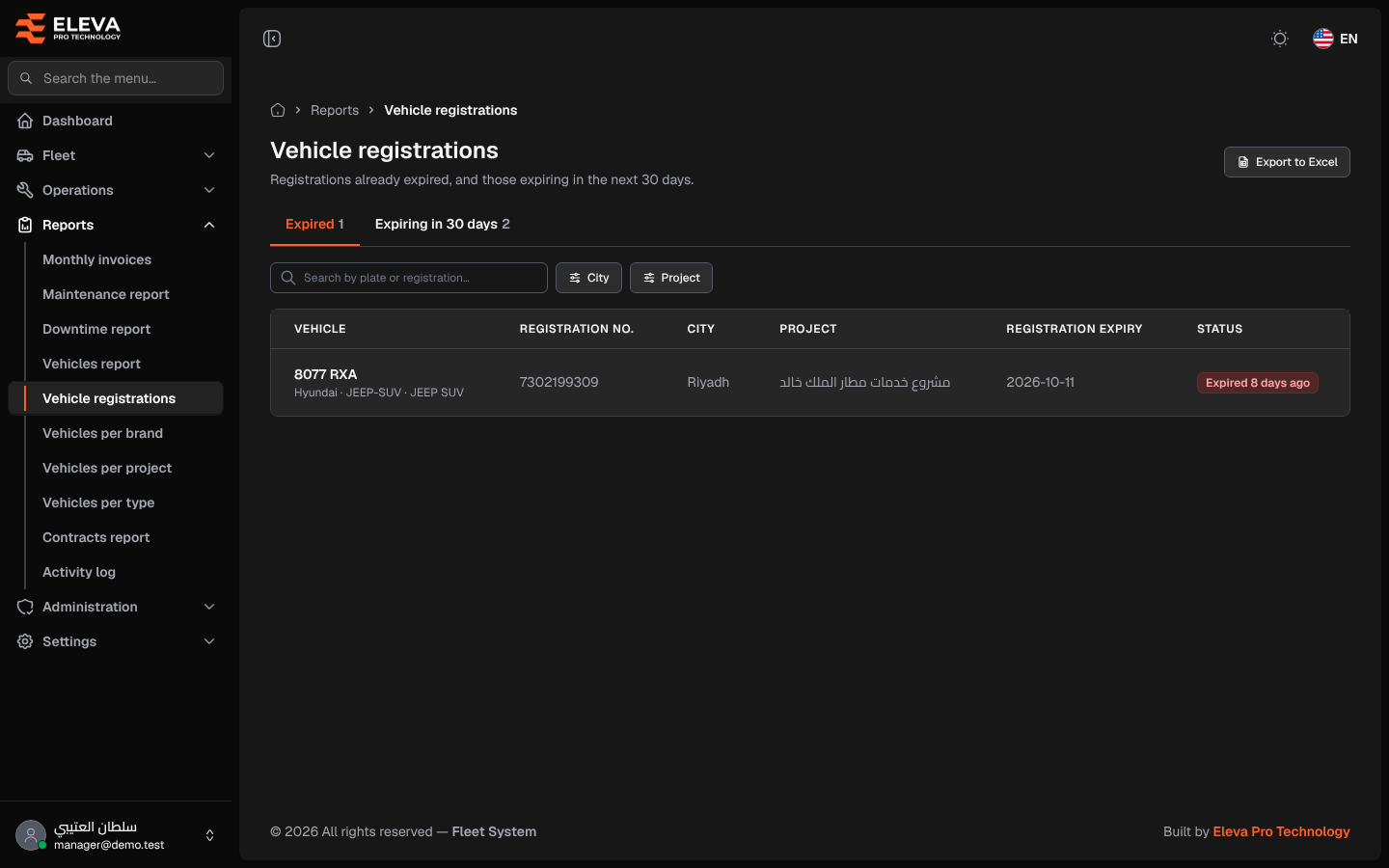
The Vehicle registrations report shows vehicles whose registration (istimara) has already expired, and those that expire in the next 30 days, so they can be renewed in time.
What’s on this screen
Section titled “What’s on this screen”- Export to Excel button — downloads the vehicles of the tab you are on.
- Tabs Expired and Expiring in 30 days, each with its count.
- Search box Search by plate or registration…, and City and Project filters.
- Table columns: Vehicle, Registration no., City, Project, Registration expiry and Status.
- Status shows how long ago the registration expired (for example Expired 8 days ago, in red) or how many days are left (for example 12 days left, or Expires today).
How to find registrations to renew
Section titled “How to find registrations to renew”- From the side menu, open Reports and click Vehicle registrations.
- Open the Expired tab for registrations already past their date, or Expiring in 30 days for those coming up. Rows are ordered by expiry date, the earliest first.
- Narrow the list with City or Project, or search by plate.
- Renew the registration, then update its expiry date on the vehicle’s edit screen. The vehicle leaves the report.