

System settings
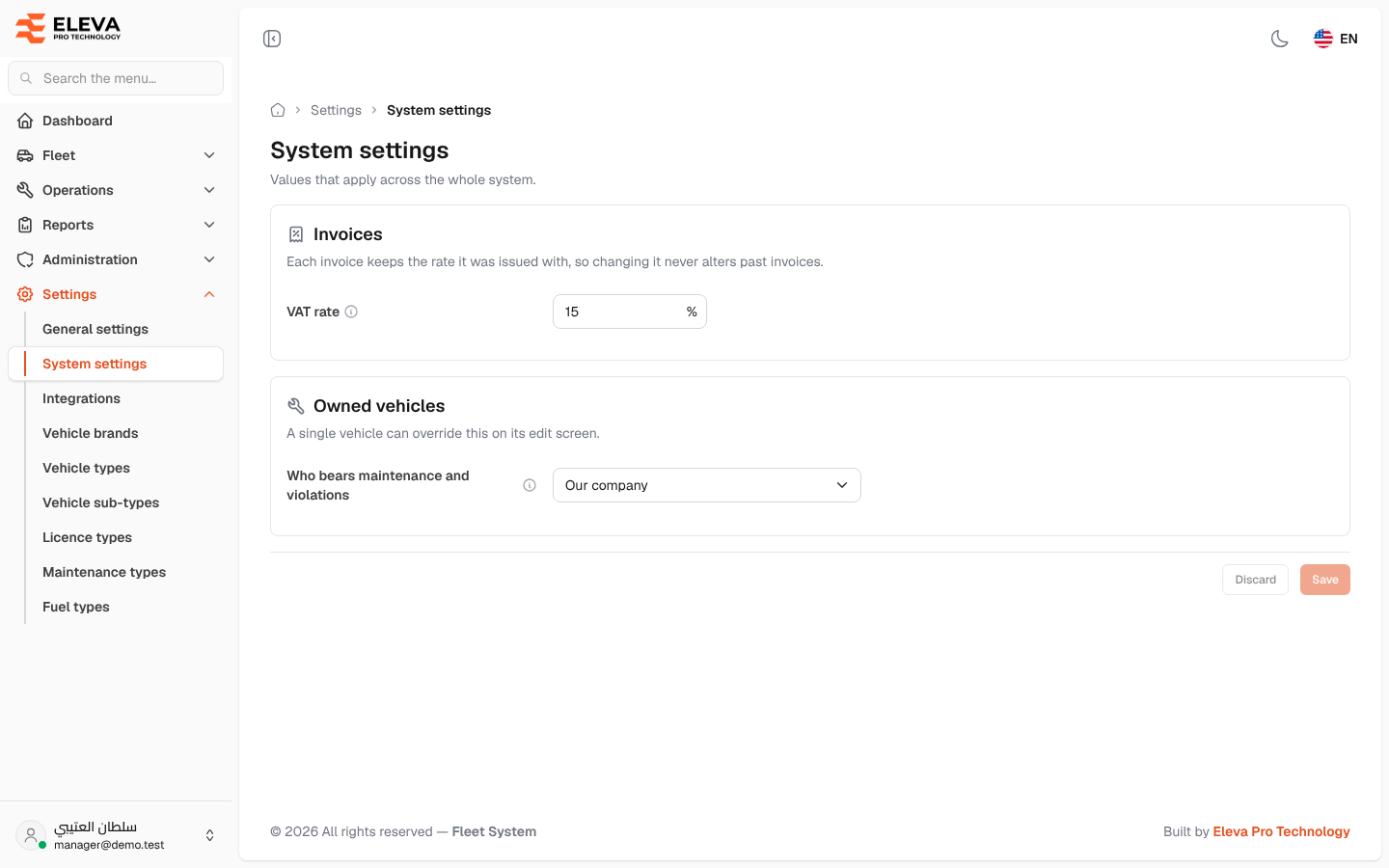
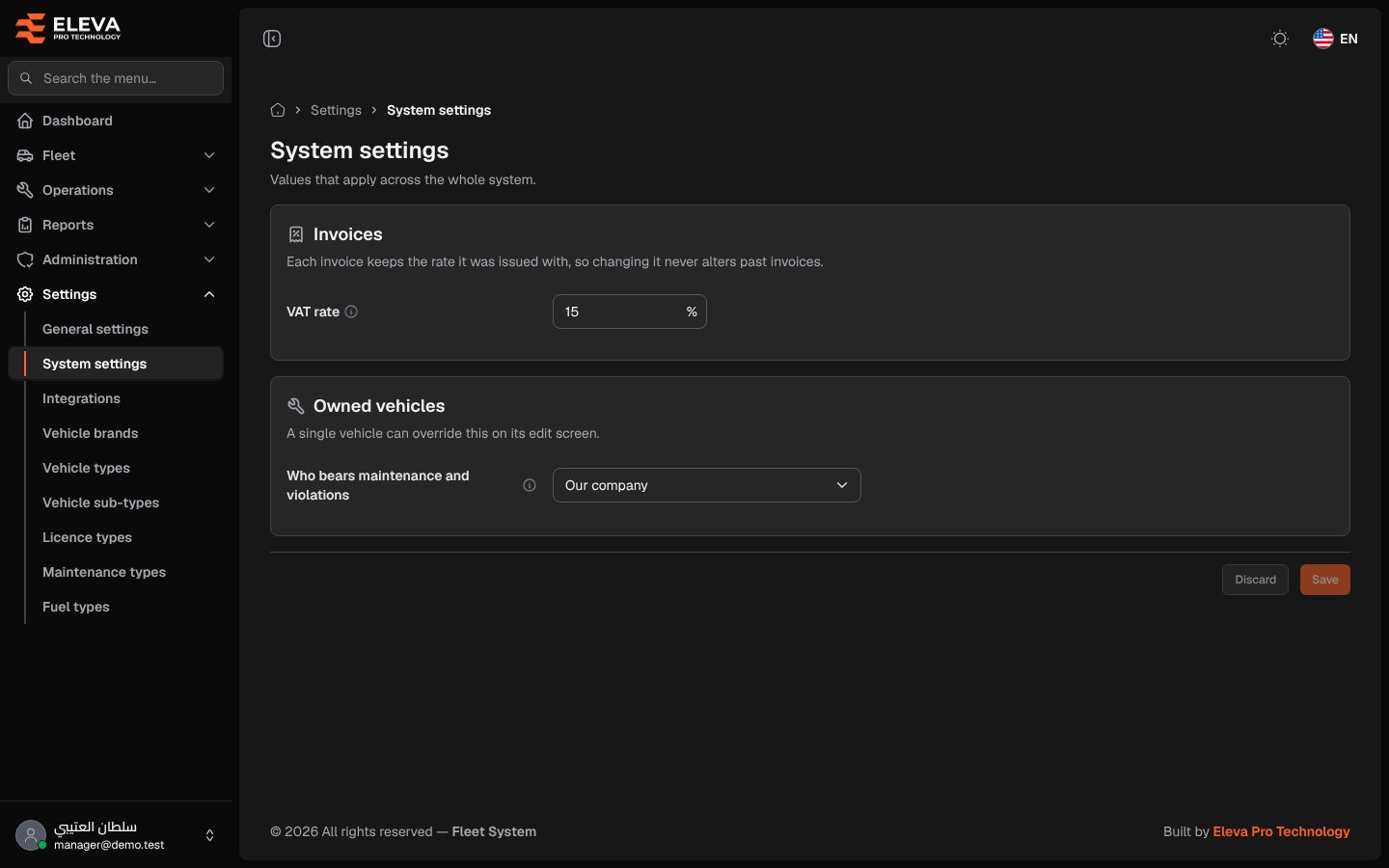
System settings holds values that apply across the whole system: the VAT rate added to lease invoices, and who bears the maintenance and violation costs of the vehicles the company owns. Change them only when the rule really changes, for example when the VAT rate changes by law.
The company’s look (logo, colours and page layout), the language and date formats, and the mail server are not here: they are on General settings, which only a super-admin can open.
How to open system settings
Section titled “How to open system settings”- From the side menu, open Settings.
- Click System settings.
What’s on this screen
Section titled “What’s on this screen”- Invoices: with the line “Each invoice keeps the rate it was issued with, so changing it never alters past invoices.”, the VAT rate field in percent.
- Owned vehicles: with the line “A single vehicle can override this on its edit screen.”, the Who bears maintenance and violations list.
- The info icon next to each field shows its explanation when you point at it.
- The save bar at the bottom (it stays visible while scrolling): one Save button for the whole page, active only after you change something, with “You have unsaved changes.” and a Discard button that puts back the saved values.
How to change the VAT rate
Section titled “How to change the VAT rate”- In VAT rate, type the new percentage, for example 15.
- Click Save. The message “Settings saved.” appears.
How to change who bears owned vehicles’ costs
Section titled “How to change who bears owned vehicles’ costs”- In Who bears maintenance and violations, choose Our company or The driver.
- Click Save.
Fields
Section titled “Fields”- VAT rate (required): a number from 0 to 100, with up to 2 decimals. It is added to the net of a leased contract’s monthly invoice when the invoice is issued.
- Who bears maintenance and violations (required): the default for who bears the maintenance and violation costs of owned vehicles (there is no rental company): Our company or The driver. A vehicle with an active Owned contract also counts as owned.
Per-vehicle override
Section titled “Per-vehicle override”A single vehicle can use a different value. On the vehicle’s edit screen, the Who bears maintenance and violations field offers System setting (…), which follows this screen, or a fixed choice for that vehicle only. Vehicles left on System setting follow any later change you make here.
On the maintenance and violation forms of an owned vehicle there is no field to choose who bears the cost. Instead a text names who actually bears it, for example “Owned vehicle: the cost is borne by Our company (from the vehicle’s or the system settings).”: the vehicle’s own choice if it has one, otherwise the value set on this screen.