

Contracts report
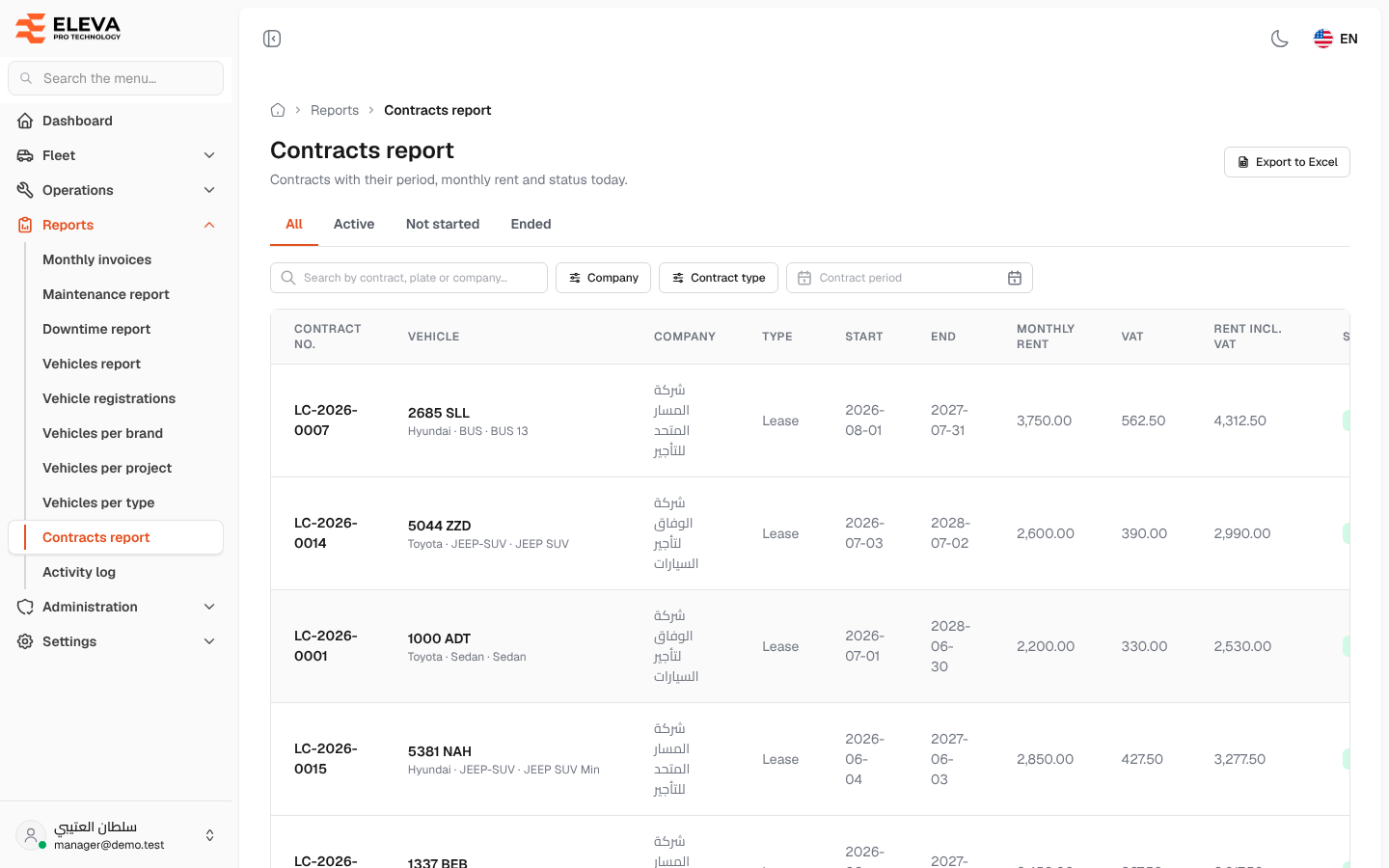
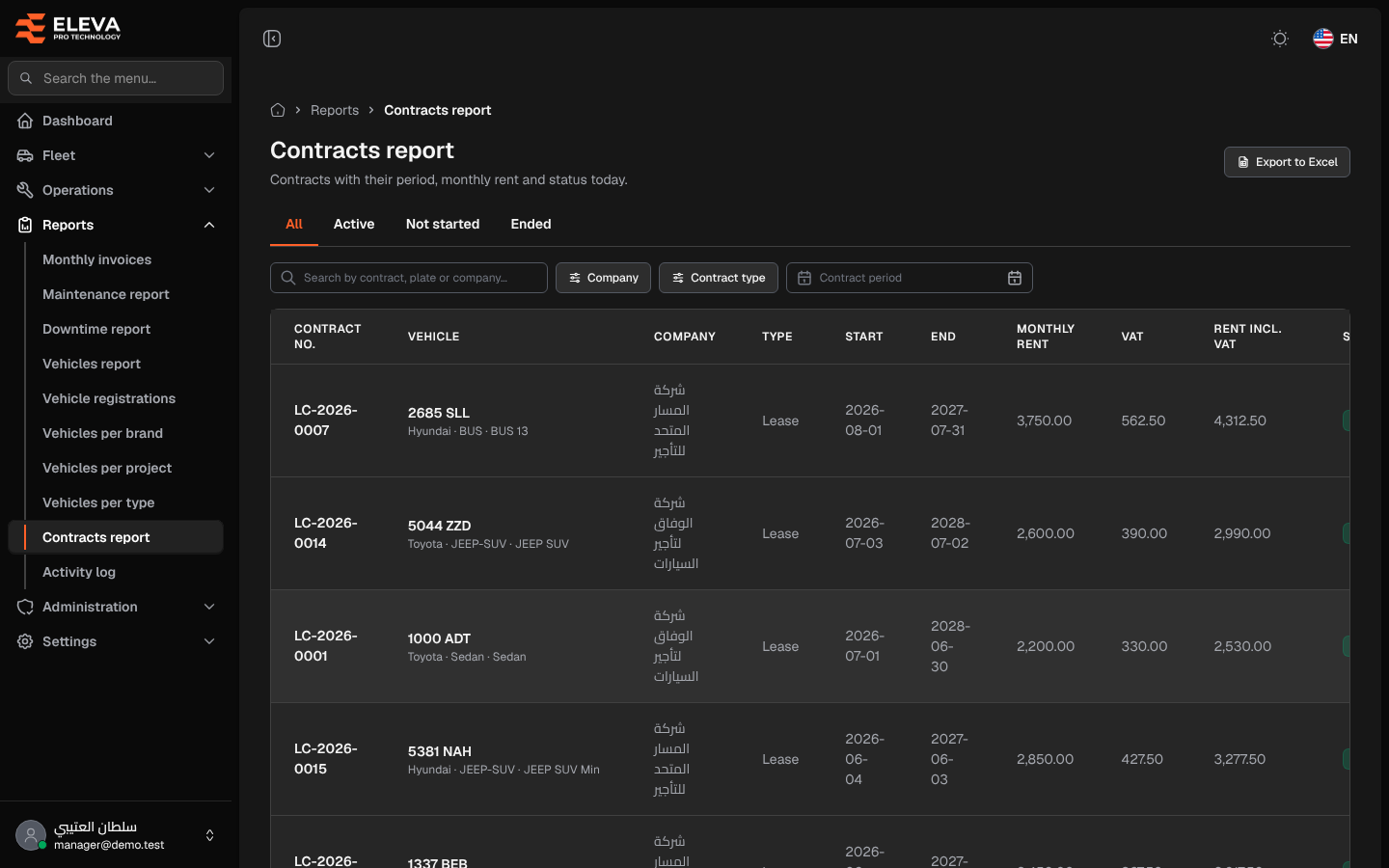
The Contracts report lists contracts with their period, monthly rent and status today. Use it to review active leases, contracts about to start, and contracts that have ended, and to total their rent.
What’s on this screen
Section titled “What’s on this screen”- Export to Excel button.
- Status tabs: All, Active, Not started and Ended (status as of today).
- Search box Search by contract, plate or company….
- Filters: Company, Contract type (Lease or Owned) and Contract period.
- Table columns: Contract no., Vehicle, Company, Type, Start, End, Monthly rent, VAT, Rent incl. VAT and Status.
- A Total row with the rent incl. VAT of all filtered contracts.
How to use the report
Section titled “How to use the report”- From the side menu, open Reports and click Contracts report.
- Pick a status tab, then narrow with Company, Contract type or Contract period (contracts starting on or after the first date and ending on or before the second).
- Click a column header such as Start, End or Rent incl. VAT to sort. The latest start date is shown first.
- Click Export to Excel to download every filtered contract as a CSV file.