

Issuing a month's invoices
Issuing a month’s invoices stores one invoice per leased contract with all its figures: monthly rent, days in the month, billable days, downtime and replacement days, amount before VAT, VAT rate, VAT and total. From then on the month’s figures no longer change. You issue invoices from the Monthly invoices report once the month is over.
What’s on this screen
Section titled “What’s on this screen”- Issue invoices (18) button in the report header — the number is how many of the month’s invoices are not issued yet.
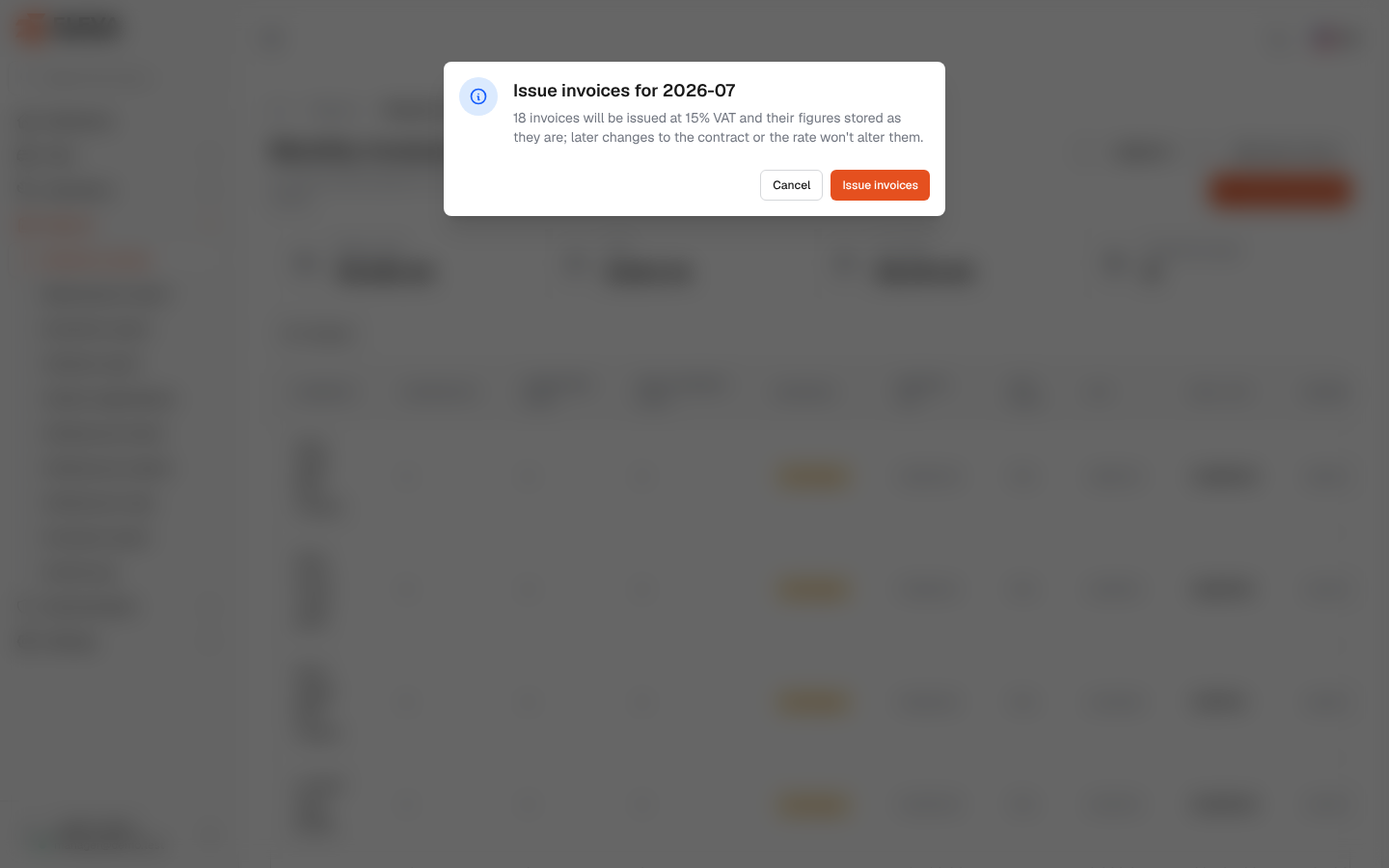
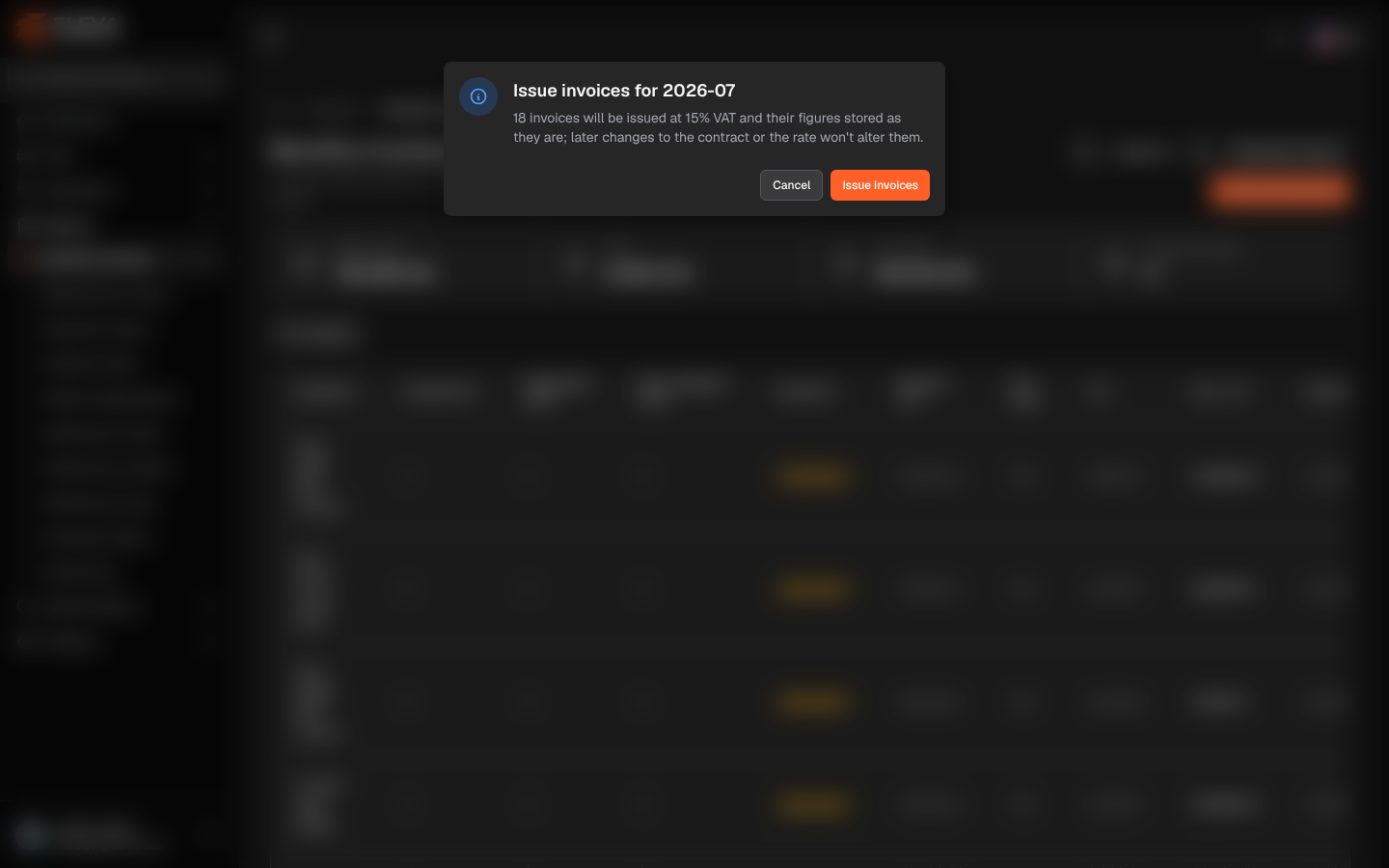
- Confirmation box Issue invoices for 2026-07 — states how many invoices will be issued and at which VAT rate, and that later changes to the contract or the rate won’t alter them.
- Issue invoices and Cancel buttons.
How to issue a month’s invoices
Section titled “How to issue a month’s invoices”- From the side menu, open Reports and click Monthly invoices.
- Use the arrows to go to the month you want to issue.
- Optionally choose a Company: only that company’s invoices are then issued.
- Click Issue invoices (…).
- Check the count and the VAT rate in the confirmation box, then click Issue invoices.
- A message confirms how many invoices were issued, and the Invoices column changes to Issued.
- A month can be issued only after it has ended. While it is running, the button does not appear and the figures are estimates.
- Each invoice keeps the VAT rate of the moment it was issued. Changing the VAT rate in System settings, or editing a contract or its downtime later, never changes an issued invoice.
- Issuing again does not create duplicates: only contracts without an invoice for that month are issued. If none are left, the message reads “No new invoices to issue.” and the button is hidden.
- A contract added or extended into an already issued month appears as Not issued (or “2 of 5”) and can be issued on its own.