

Contracts
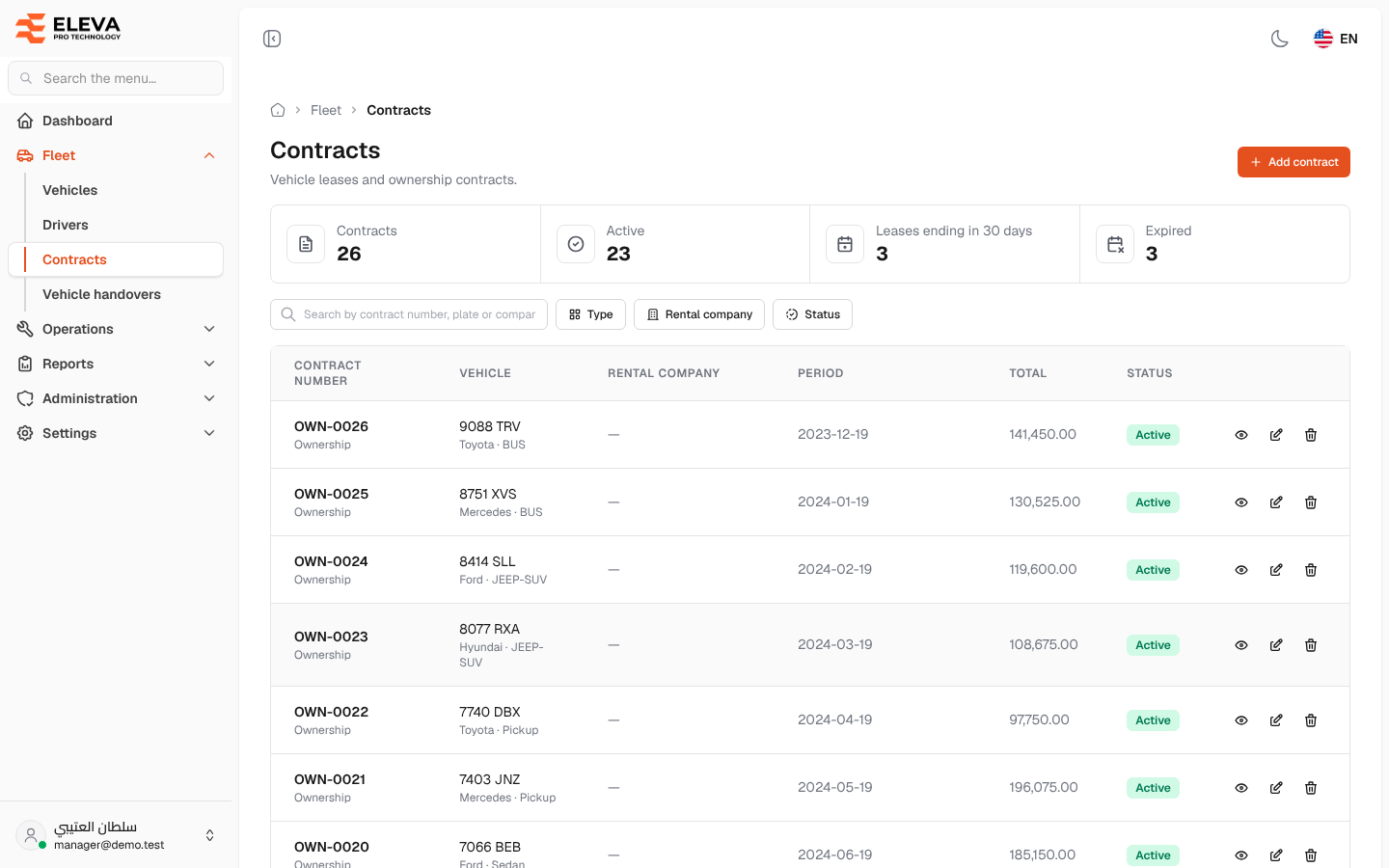
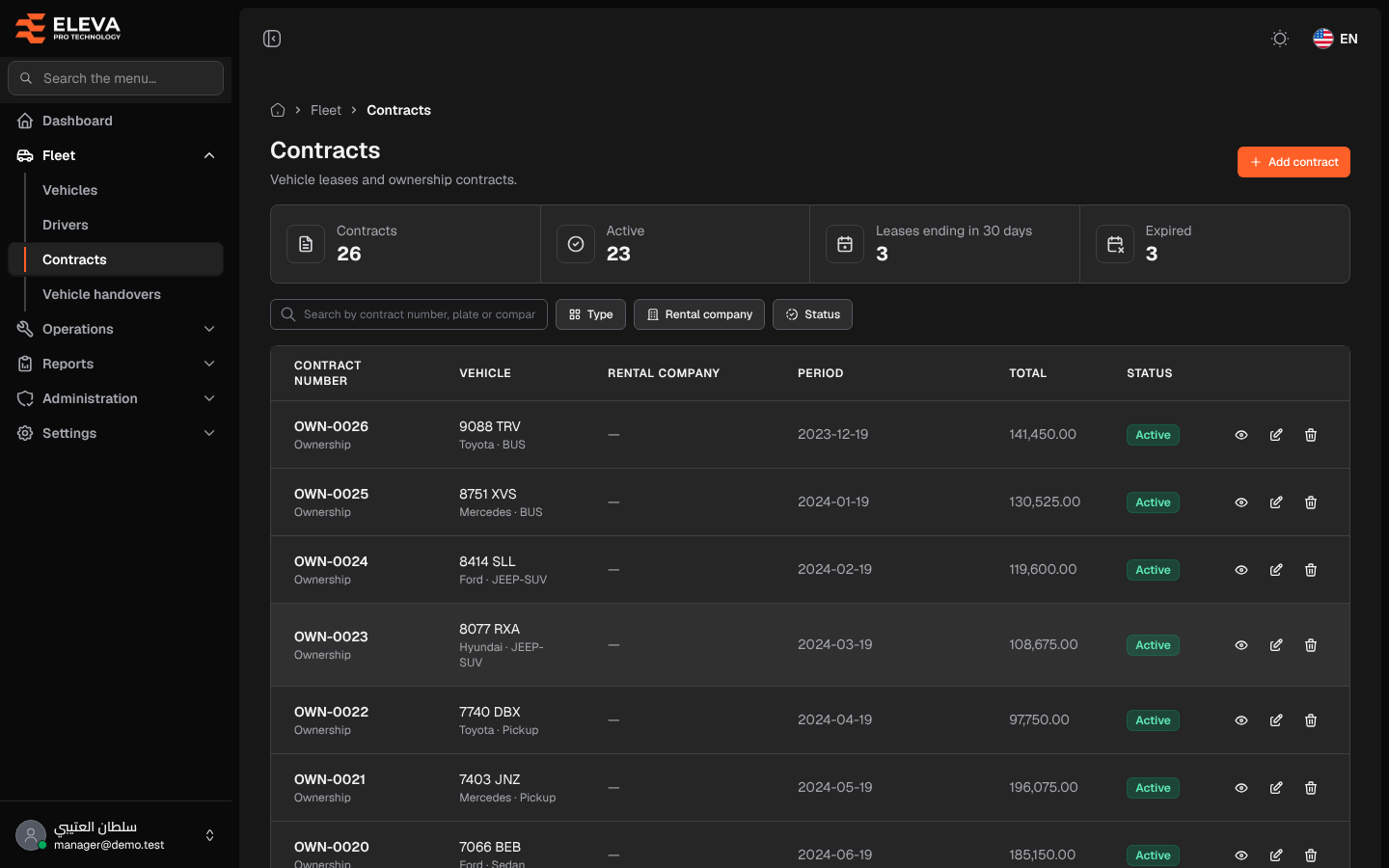
The Contracts screen lists vehicle leases and ownership contracts. A lease ties a vehicle to a rental company between two dates; an ownership contract starts on the purchase date and has no company and no end date.
Use this screen to follow active and expired contracts, and to spot leases that end soon so you can renew them in time.
What’s on this screen
Section titled “What’s on this screen”- Stat cards: Contracts, Active, Leases ending in 30 days and Expired.
- Search box — searches by contract number, plate or company.
- Filters: Type (Lease, Ownership), Rental company and Status (Active, Upcoming, Expired).
- Add contract button — opens the form for a new contract.
- Table columns: Contract number (with its type below), Vehicle (plate, brand and type), Rental company, Period, Total and Status.
- Action icons on each row: download file (when there is a file), view, edit and delete.
The Period column shows the start and end dates of a lease, and only the contract date of an ownership contract.
The Status comes from the contract’s dates: Upcoming before its start date, Expired after its end date, and Active in between. An ownership contract stays Active from its date, as it has no end.
How to open the contracts list
Section titled “How to open the contracts list”- In the side menu, open Fleet.
- Click Contracts.
How to work with a contract
Section titled “How to work with a contract”- Click the row or the eye icon to open the contract’s details.
- Click the download icon to download the contract file.
- Click the pencil icon to edit the contract.
- Click the bin icon to delete the contract and its file, then confirm.