

General settings: Language & formats
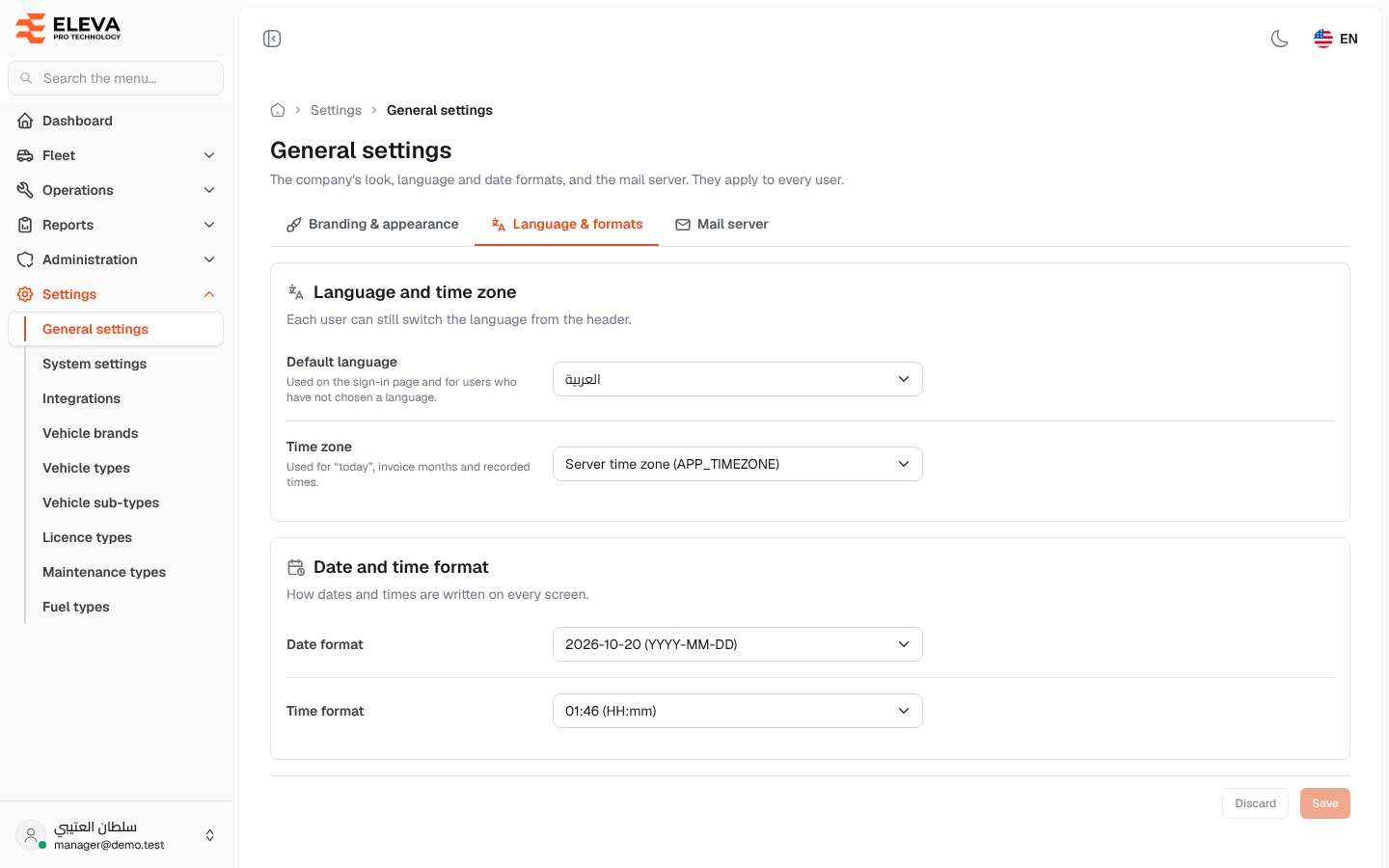
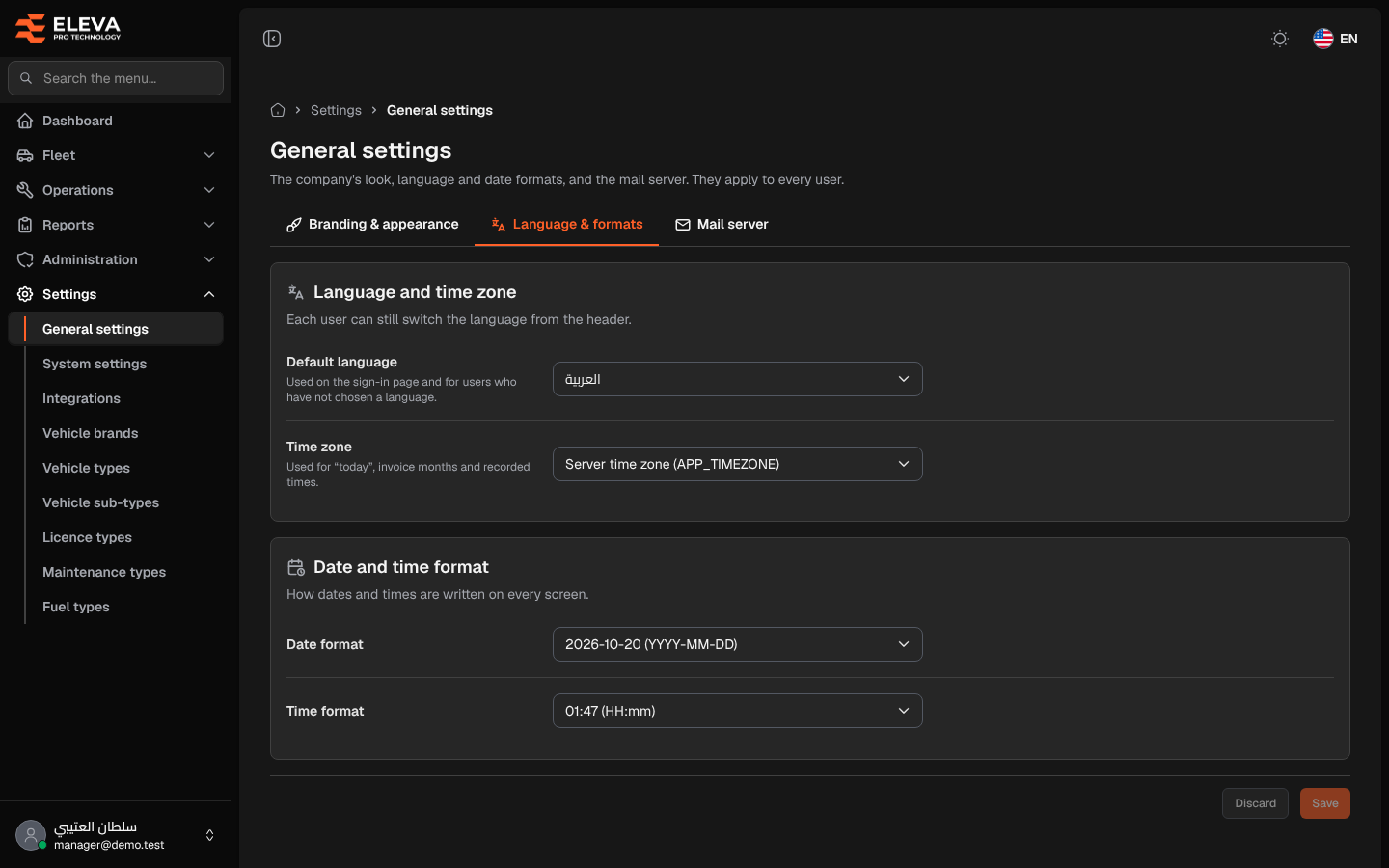
The Language & formats tab of General settings sets the system’s default language, its time zone, and how dates and times are written. The formats apply on every screen (lists, details and reports) for every user.
Only a super-admin can open this screen.
How to open this tab
Section titled “How to open this tab”- From the side menu, open Settings, then click General settings.
- Click the Language & formats tab.
What’s on this screen
Section titled “What’s on this screen”- Language and time zone: “Each user can still switch the language from the header.”, with the Default language and Time zone lists.
- Date and time format: “How dates and times are written on every screen.”, with the Date format and Time format lists.
- Each format in the lists shows today’s date or the current time written that way, followed by its pattern, for example 2026-10-19 (YYYY-MM-DD) or 20:58 (HH:mm).
- The save bar at the bottom (it stays visible while scrolling): one Save button for the whole tab, active only after you change something, with “You have unsaved changes.” and a Discard button that puts back the saved values.
How to change the date or time format
Section titled “How to change the date or time format”- In Date format or Time format, choose the format you want.
- Click Save. The message “Settings saved.” appears, and dates and times are written the new way on every screen.
How to change the default language or time zone
Section titled “How to change the default language or time zone”- In Default language, choose العربية or English.
- In Time zone, type part of the zone’s name to find it (for example Riyadh), then choose it.
- Click Save.
Fields
Section titled “Fields”- Default language (required): العربية or English. Used on the sign-in page and for users who have not chosen a language. Each user can still switch the language from the header.
- Time zone: used for “today”, invoice months and recorded times. Server time zone (APP_TIMEZONE) keeps the zone set on the server when the system was installed.
- Date format (required): YYYY-MM-DD, DD/MM/YYYY, MM/DD/YYYY or DD MMM YYYY.
- Time format (required): HH:mm (24-hour) or hh:mm A (12-hour with AM/PM).