

Add downtime
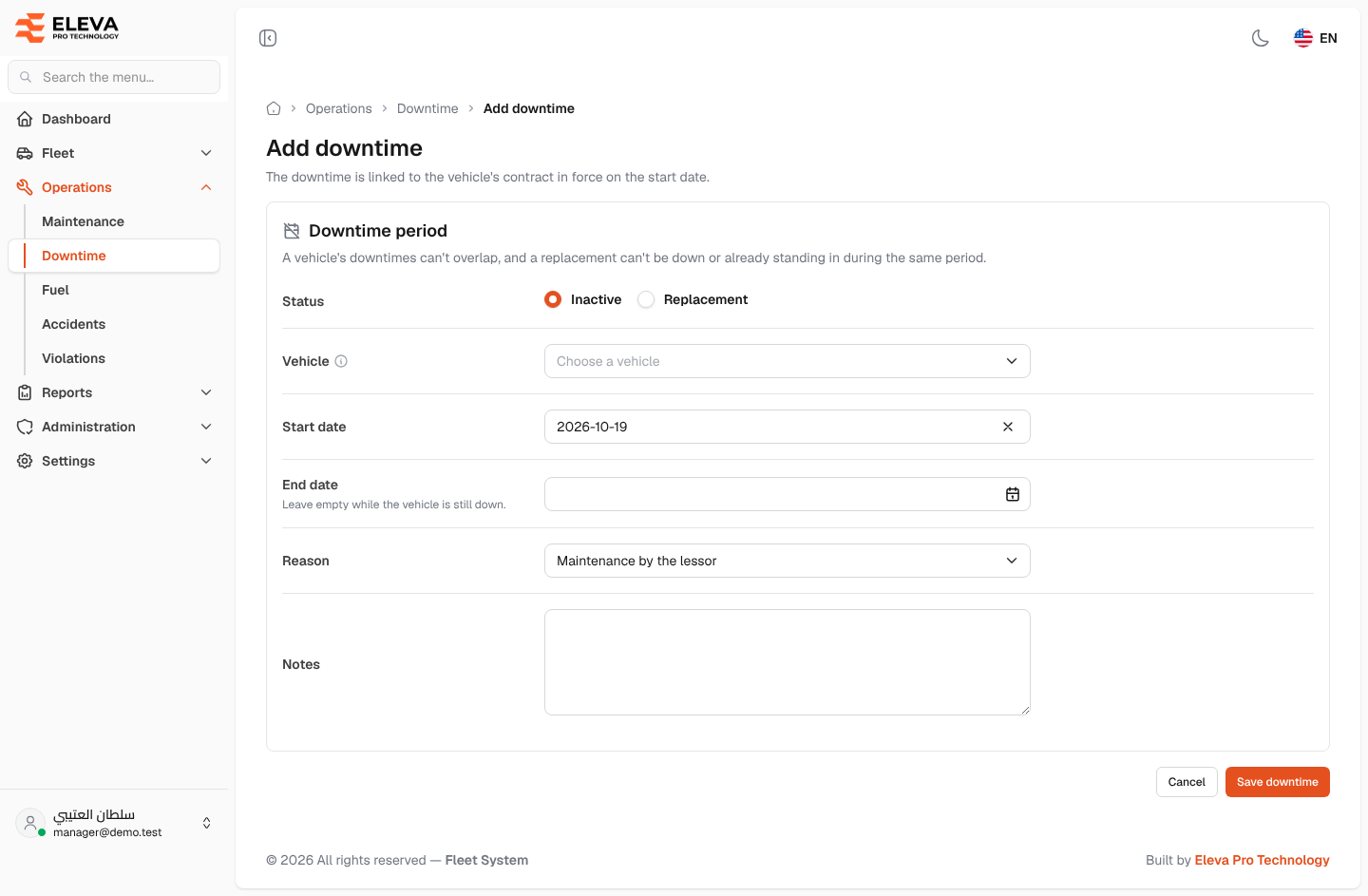
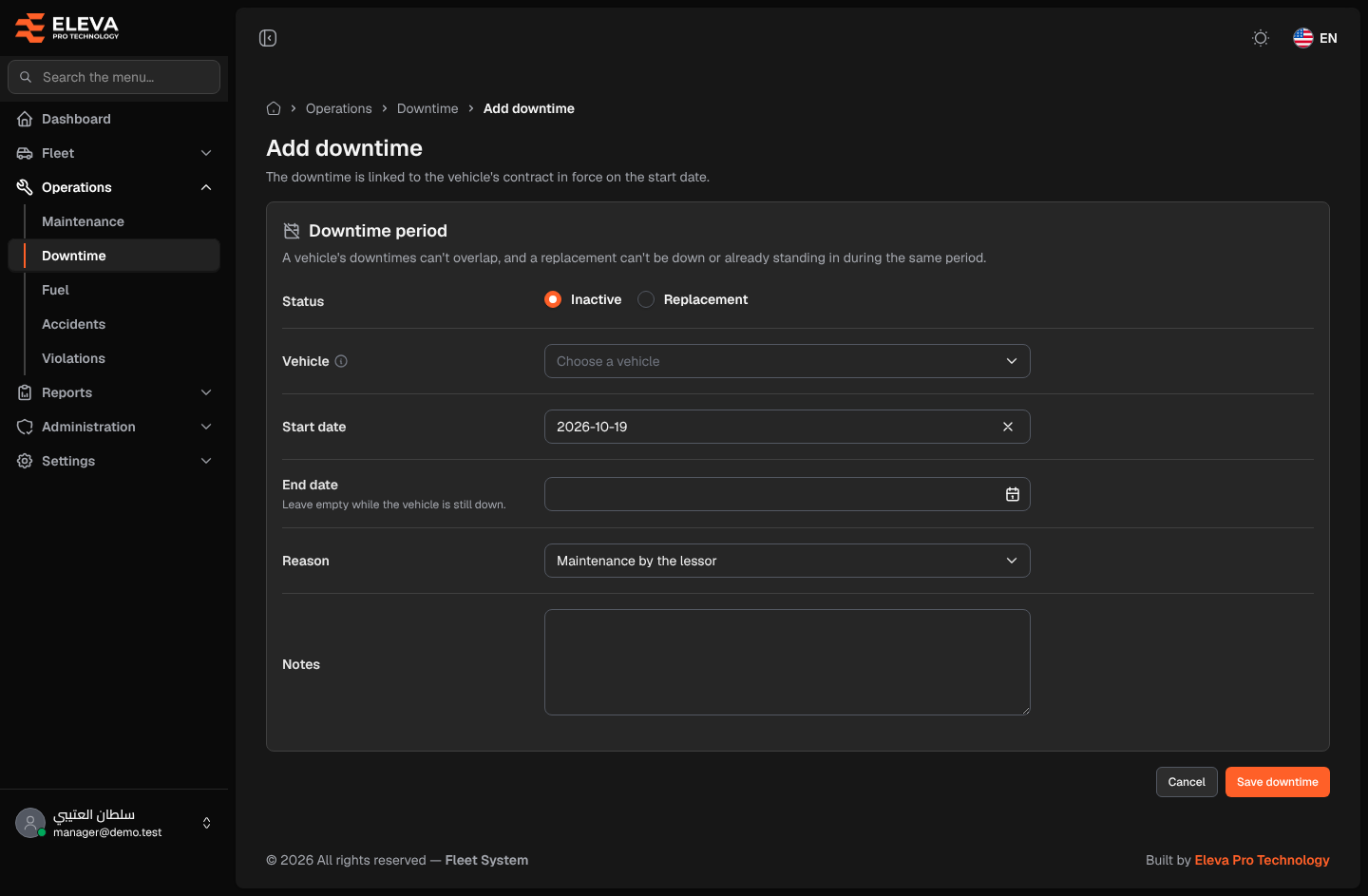
Record a downtime when a leased vehicle stops working, for example after an accident or while the lessor maintains it. The downtime is linked automatically to the vehicle’s contract in force on the start date, and it changes that contract’s monthly invoice.
How to add a downtime
Section titled “How to add a downtime”- From the side menu, open Operations and click Downtime.
- Click Add downtime.
- Fill in the fields described below.
- Click Save downtime, or Cancel to discard. After saving, the downtime details open.
Fields
Section titled “Fields”- Status (required) — Inactive when the vehicle is down with no vehicle in its place, or Replacement when another vehicle stands in.
- Vehicle (required) — only vehicles that have a contract are listed. The vehicle needs a contract in force on the start date.
- Replacement vehicle (required with Replacement) — appears only when the status is Replacement. Lists spare vehicles without a contract. It must belong to the same company as the vehicle, and can’t be the vehicle itself.
- Start date (required) — today by default.
- End date — on or after the start date. Leave empty while the vehicle is still down; the period then shows as Ongoing. Fill it in later by editing the period.
- Reason (required) — choose Maintenance by the lessor, Maintenance by the client, Accident or Other, or type your own reason.
- Notes — any details, up to 2000 characters.
Rules checked on save
Section titled “Rules checked on save”- The vehicle has no contract in force on the start date: the period is refused.
- The period overlaps another downtime of the same vehicle: refused. An ongoing period overlaps everything after its start.
- The replacement vehicle is itself down during the period, or already stands in for another vehicle: refused.
Effect on invoices
Section titled “Effect on invoices”- An Inactive day is not billed: it is deducted from the contract’s monthly invoice.
- A Replacement day is billed, because the company supplied another vehicle.
- An ongoing period counts up to the end of the month. If an inactive and a replacement period cover the same day, the day counts as inactive.