

Monthly invoices
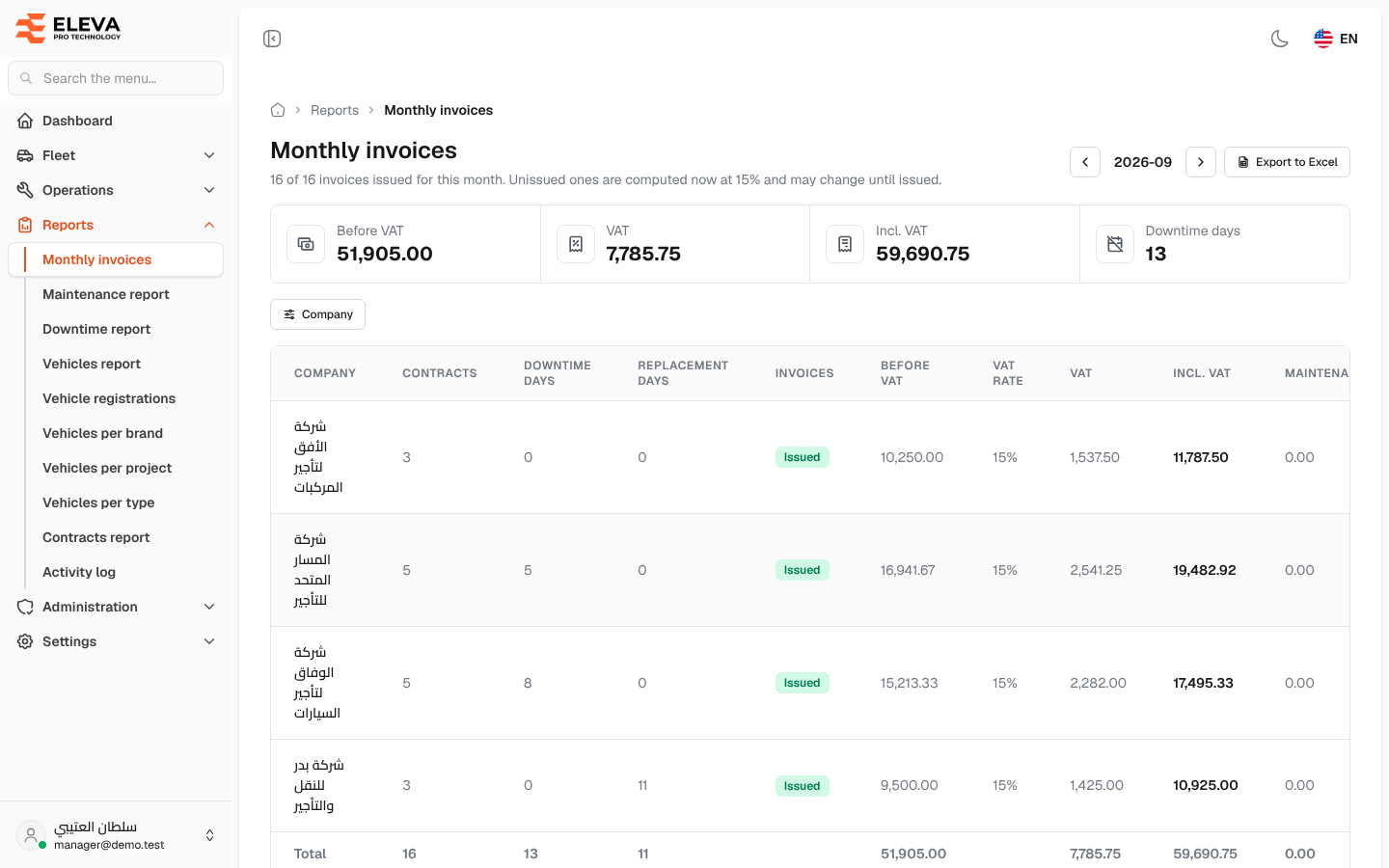
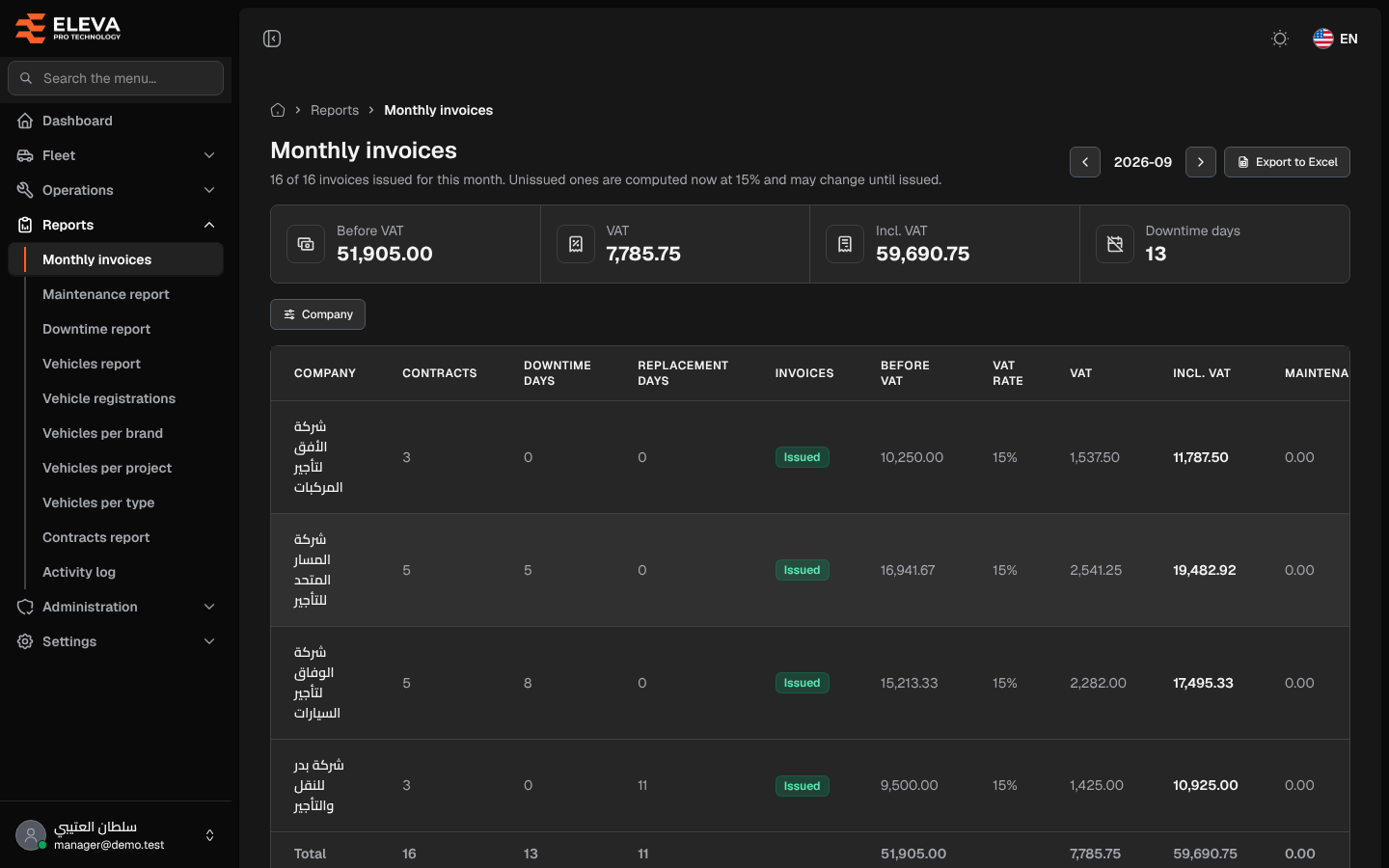
The Monthly invoices report shows, for one month, what each rental company is owed for its leased vehicles: one row per company, with the amount before VAT, the VAT and the total. Use it to check a month’s figures before issuing the invoices, and to review months already issued.
What’s on this screen
Section titled “What’s on this screen”- Month stepper (for example 2026-09) with previous and next arrows — changes the month.
- Export to Excel button — downloads the whole report for the month and the selected company as a CSV file that opens in Excel, not only what is on screen.
- The line under the title — how many of the month’s invoices are issued (for example “16 of 16 invoices issued for this month”), or, while the month is still running, that the figures are estimates.
- Summary cards: Before VAT, VAT, Incl. VAT and Downtime days.
- Company filter — shows one company only.
- Table columns: Company, Contracts, Downtime days, Replacement days, Invoices, Before VAT, VAT rate, VAT, Incl. VAT, Maintenance, Violations, and a Total row at the bottom.
- Invoices status: Issued (all the company’s contracts issued), “2 of 5” (some issued), or Not issued.
- Eye icon — opens the Downtime report for that company and month, to see the days behind the figures.
How to open the report
Section titled “How to open the report”- From the side menu, open Reports.
- Click Monthly invoices.
- Use the arrows to choose the month, and Company to narrow it to one company.
How the amount is calculated
Section titled “How the amount is calculated”Each leased contract that overlaps the month is billed by calendar day:
- Billable days are the contract’s days in the month (start and end dates both count; a contract without an end date runs to the month end), minus the days the vehicle is Down.
- Before VAT = monthly rent × billable days ÷ days in the month.
- A downtime with no end date counts until the end of the month. A downtime that continues past a contract renewal is also deducted on the new contract. A day covered by more than one downtime is counted once.
- Replacement days are billed, because the company supplied another vehicle.
- VAT is added on the amount before VAT, at the rate set in Settings → System settings. Incl. VAT = before VAT + VAT.
Maintenance and Violations show the month’s costs for the company’s vehicles. Each cost goes to the contract in force on its own date, so a vehicle that changed company during the month is not counted twice.