

Add violation
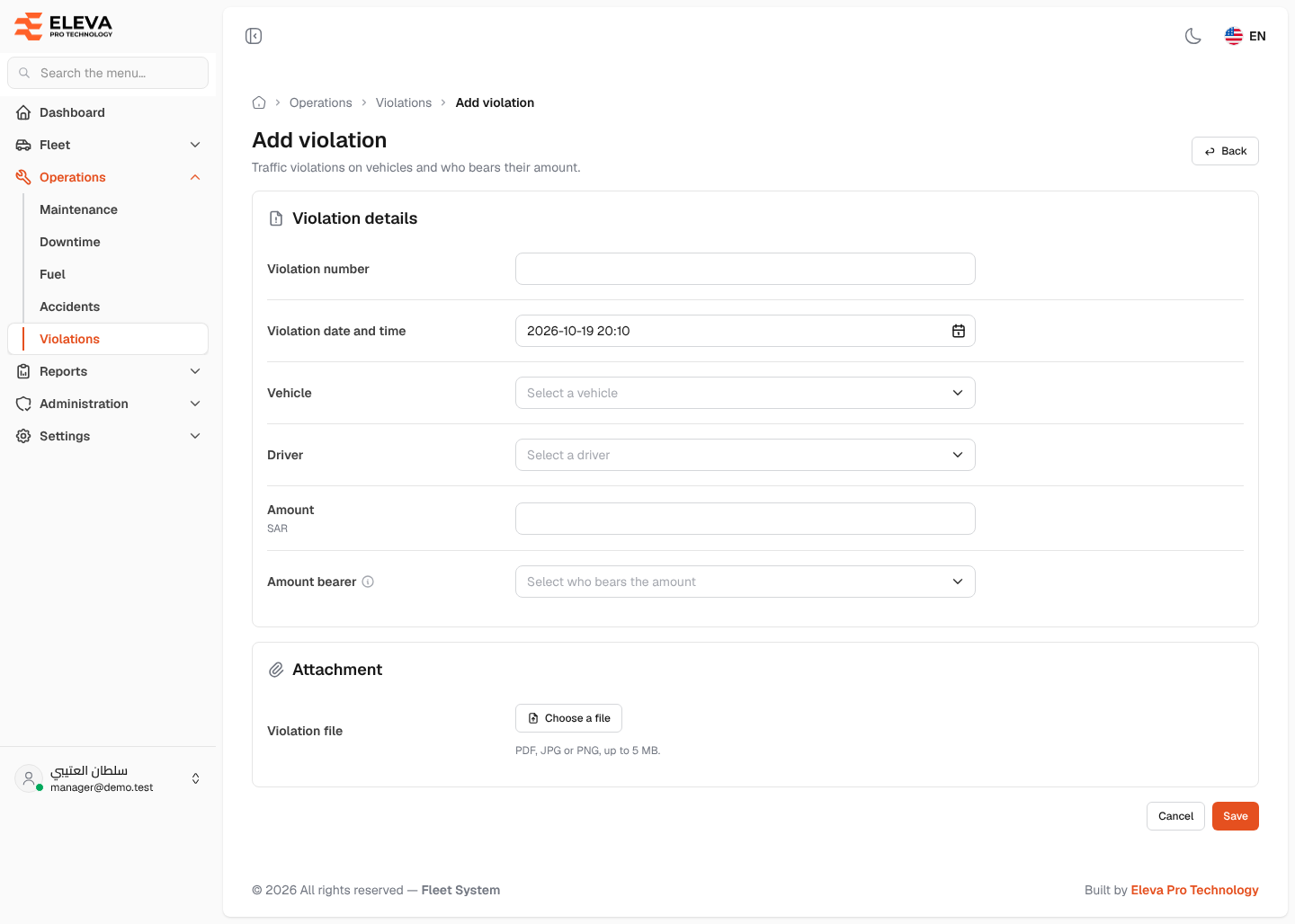
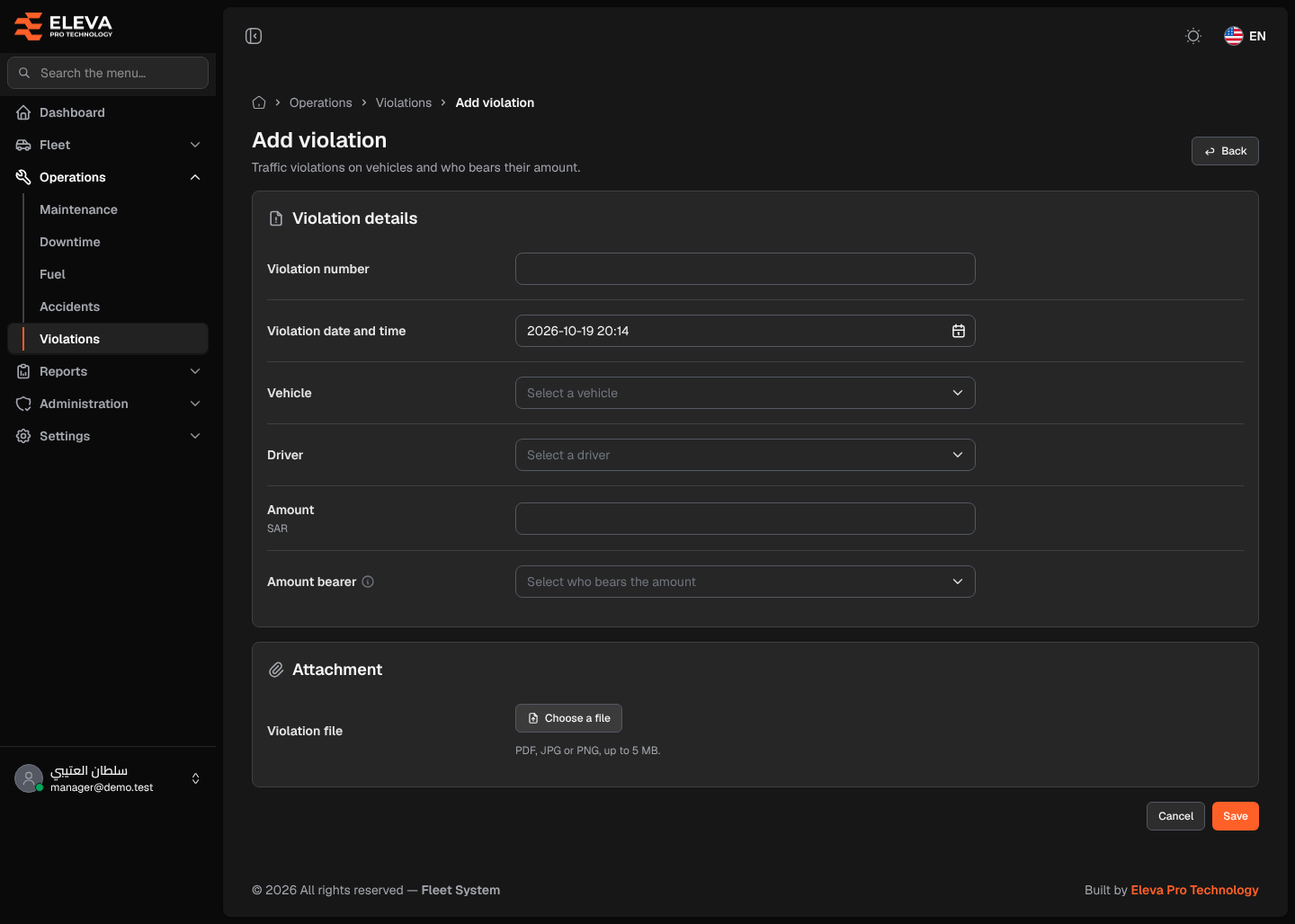
Record a traffic violation when it is issued against one of your vehicles: its number, when it happened, the vehicle and driver, the amount and who bears it. Attach the violation notice if you have it.
How to add a violation
Section titled “How to add a violation”- From the side menu, open Operations and click Violations.
- Click Add violation.
- Fill in the fields described below.
- Click Save, or Cancel (or Back) to discard. After saving, the violation details open.
Fields
Section titled “Fields”Violation details
- Violation number (required) — the number on the violation notice. It must be unique: two violations can’t share a number.
- Violation date and time (required) — the current date and time by default. Pick the date and the time (24-hour) of the violation.
- Vehicle (required) — the vehicle the violation was issued against.
- Driver (required) — the driver at the time of the violation.
- Amount (required) — in SAR, zero or more.
- Amount bearer — Rental company, Our company or Driver.
- For a leased vehicle: required, chosen from the list.
- For an owned vehicle: the list is replaced by a text naming who actually bears the amount, for example “Owned vehicle: the amount is borne by Our company (from the vehicle’s or the system settings).” The bearer is the one set on the vehicle itself or, when the vehicle has none, the default in System settings; the system saves it with the violation.
- A vehicle counts as owned when it is registered as owned or has an active Ownership contract.
Attachment
- Violation file — click Choose a file. PDF, JPG or PNG, up to 5 MB. When editing you can open, remove or replace the current file.